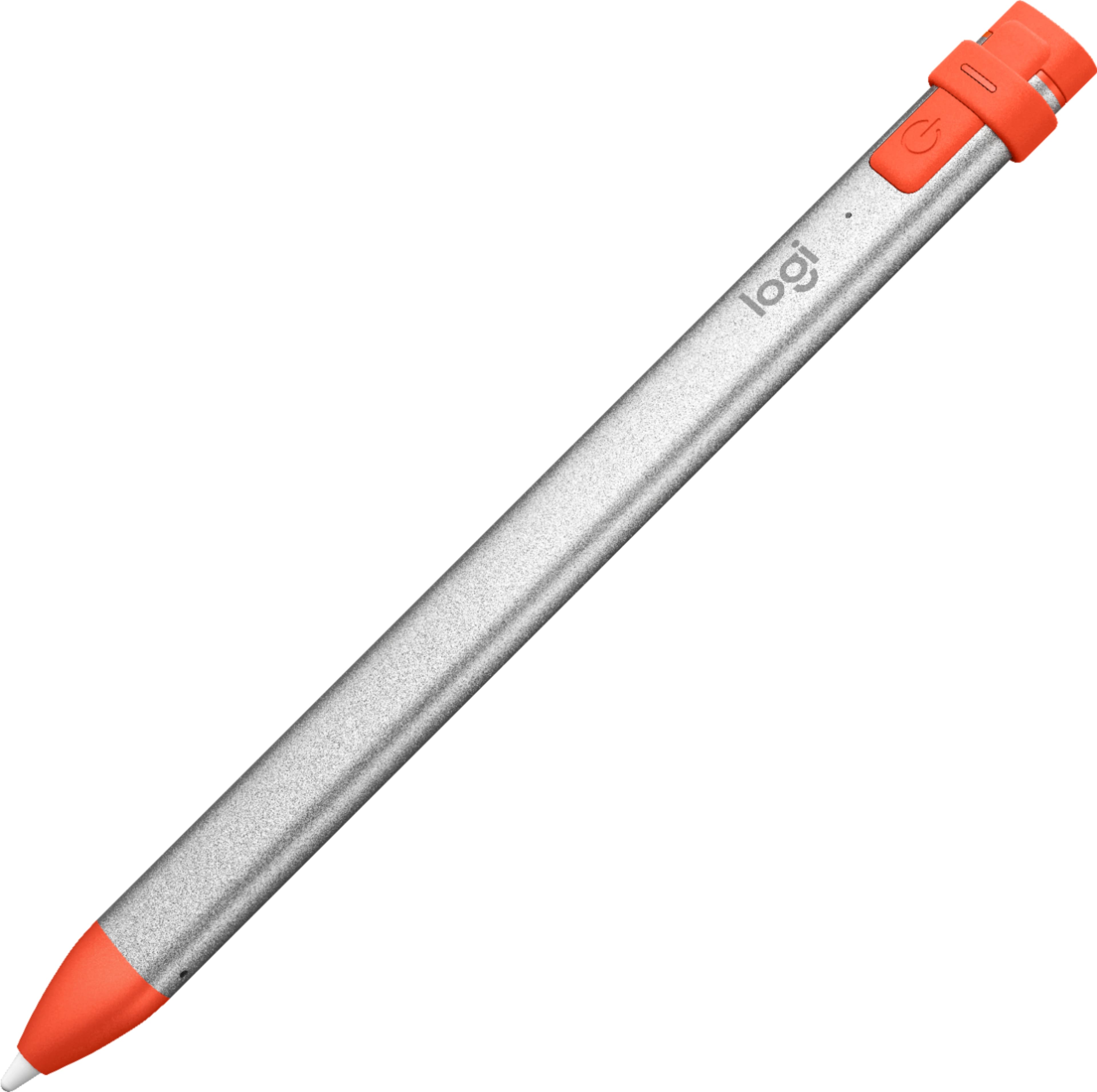
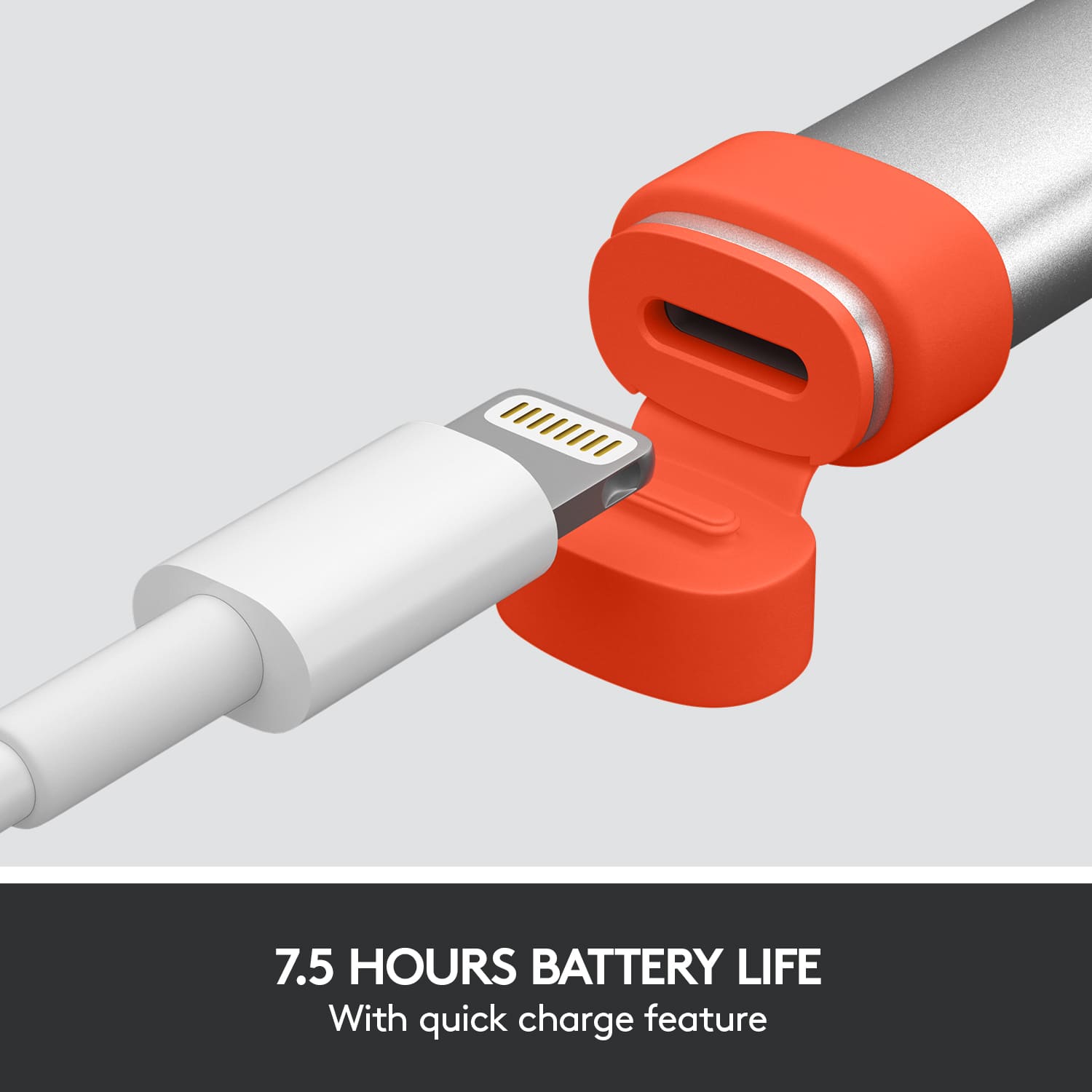
A:AnswerI think your better off buying a USB c to Lightning cable. Logitech just jumped the train a year or two before apple started the switch and I don’t think they are going to make the new version of their pencil in the near future.
A:AnswerIf your Crayon isn’t working, try the following:
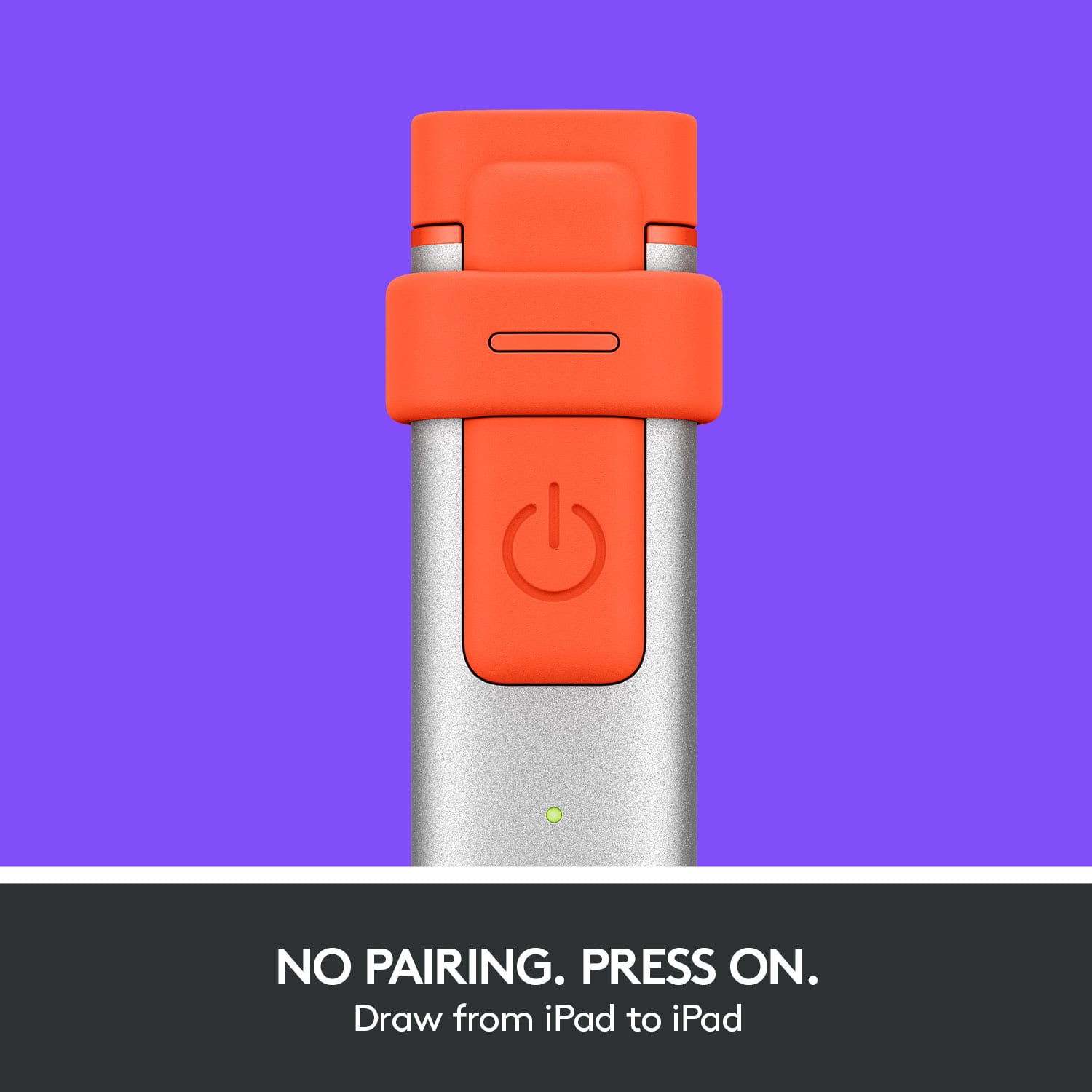
Check to see that Logitech Crayon is turned on and has sufficient battery power. Turn on Logitech Crayon by long-pressing the power button (for one second) until the LED light turns on. To check the battery level, short press the power button.
Green means the battery is sufficient and above 10%.
Red means the battery is less than 10%.
Blinking red without battery check means the battery life is critical, it needs charging immediately.
Logitech Crayon works with iPad Pro, iPad Air, iPad mini & iPad - 2018 models and later. Make sure your iPad is updated with the most recent iOS.
Check to see that the Crayon tip is screwed tightly on.
A:AnswerIf you mean the 5th generation iPad Air, it does. My understanding is that it works with any iPad that it works with any iPad that supports wither the Appel Pencil generation 1 or 2.
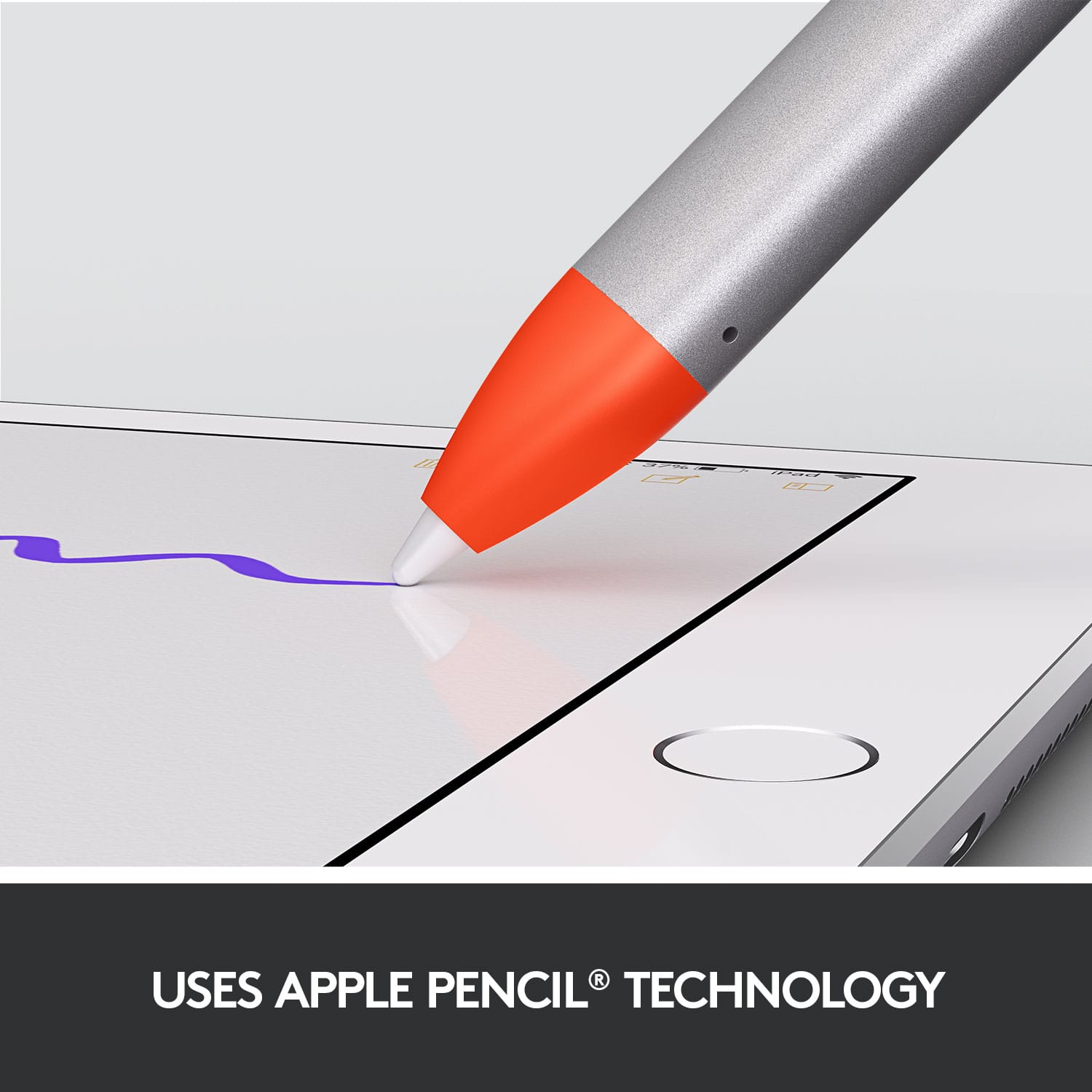
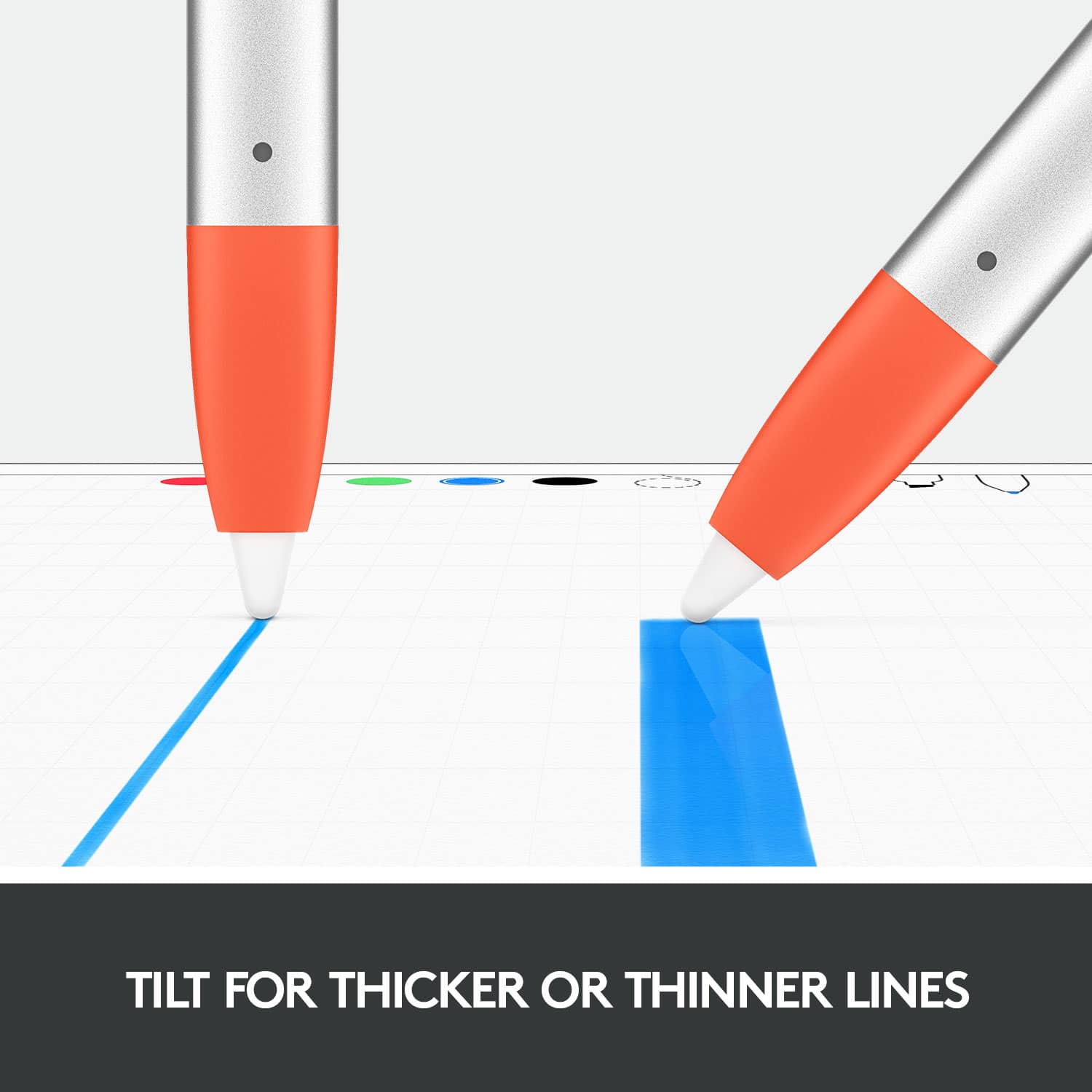
A:AnswerNot sure what that is. It works with any iPad that supports the Apple Pencil 1st of 2nd generation. It dos not support pressure control so it is not suitable for art work.
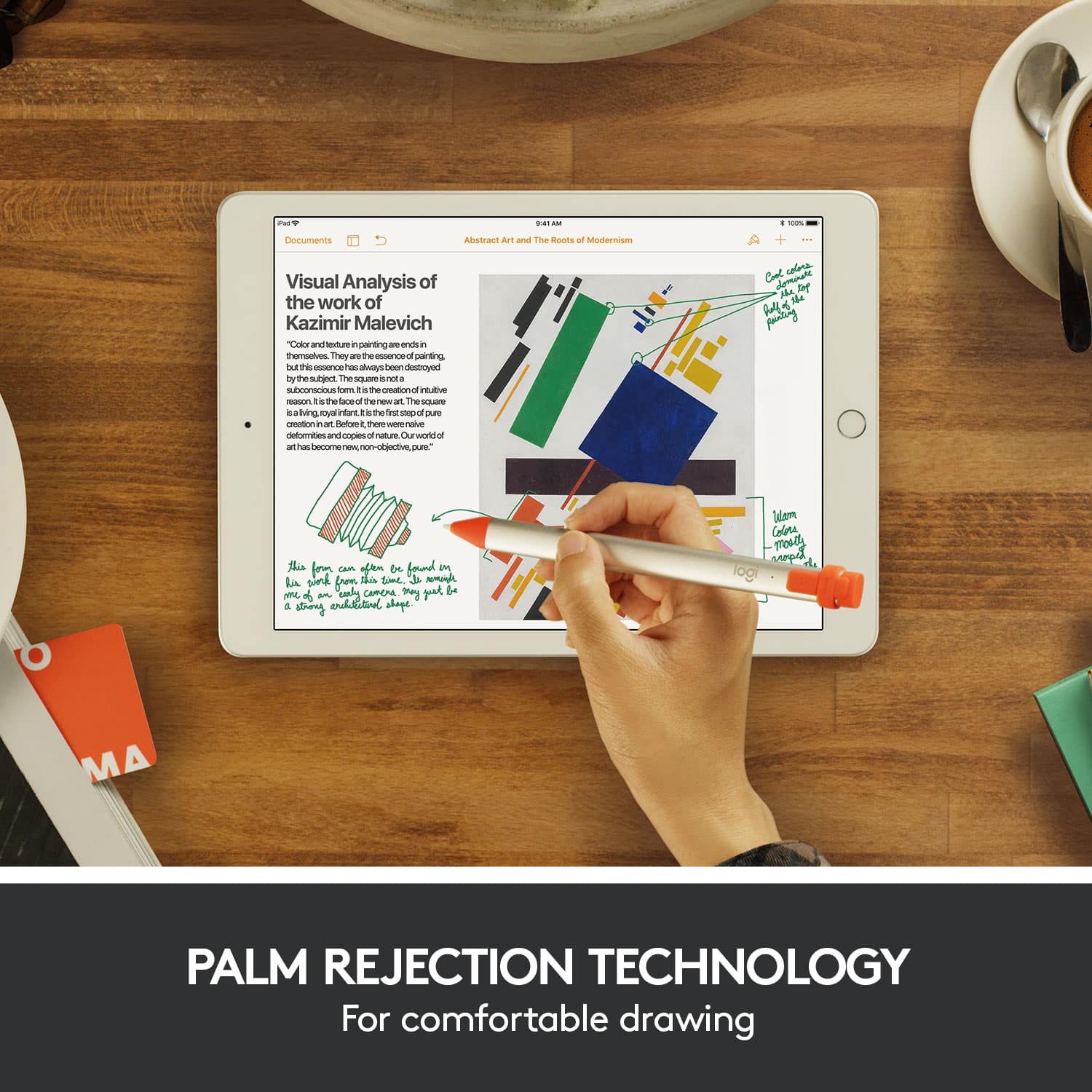
A:AnswerYes, this should work with any newer iPad that supports Apple's Pencil. I have the iPad 7th gen (2020) and it works great and even supports Apple's Handwriting feature.
A:AnswerHi PatM, the Logitech Crayon does not work with the iPhone but will work with the following devices: iPad Pro® 12.9-inch (3rd gen)
Model Numbers: A1876, A2014, A1895, A1983
iPad Pro 11-inch
Model Numbers: A1980, A2013, A1934, A1979
iPad® (7th gen)
iPad (6th gen)
Model Numbers: A1893, A1954
iPad Air® (3rd gen)
Model Numbers: A2152, A2123, A2153, A2154
iPad mini® (5th gen)
Model Numbers: A2133, A2124, A2126, A2125
*All iPad models must be updated to iOS 12.2 and above.
Hope that helps!