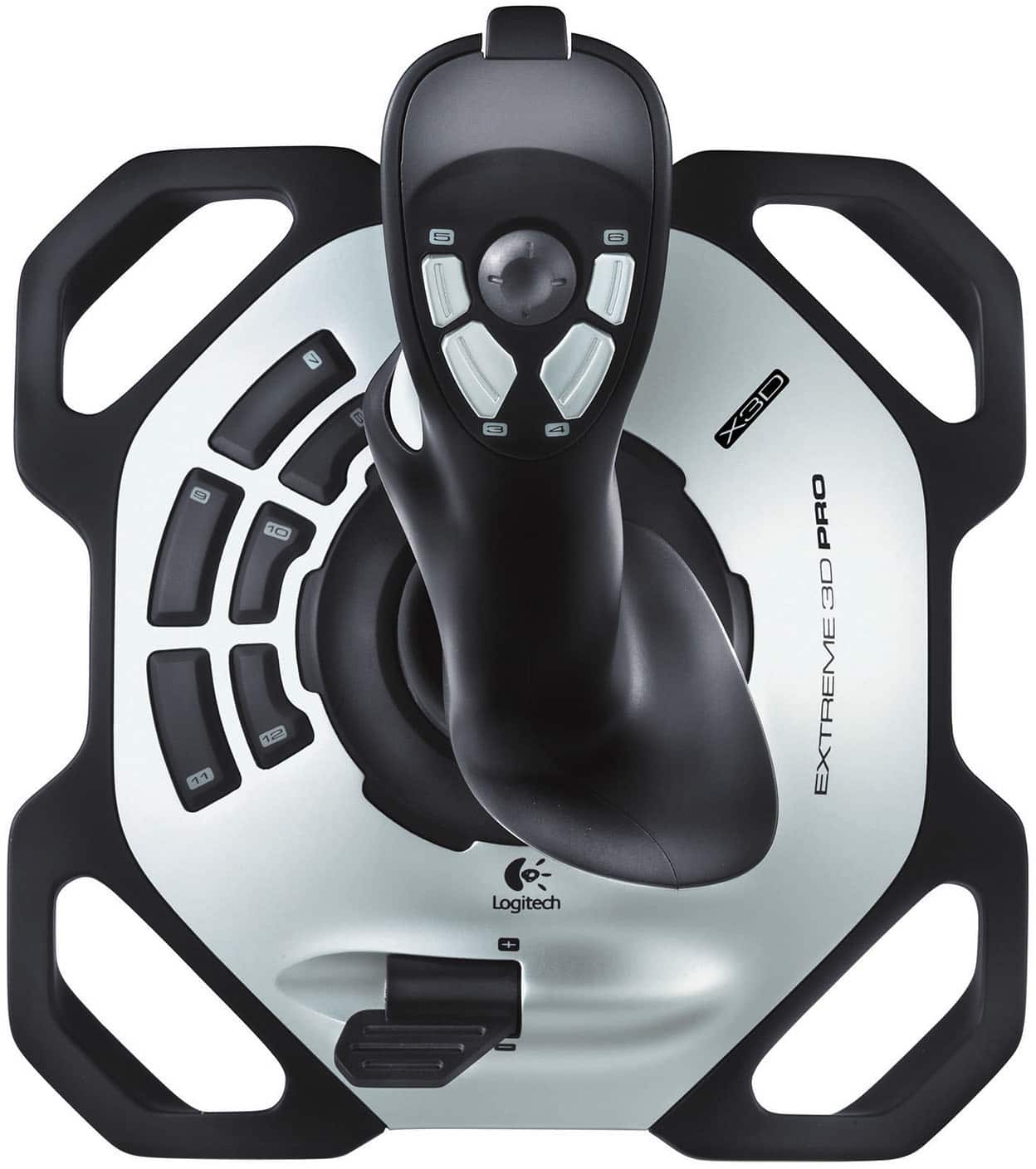
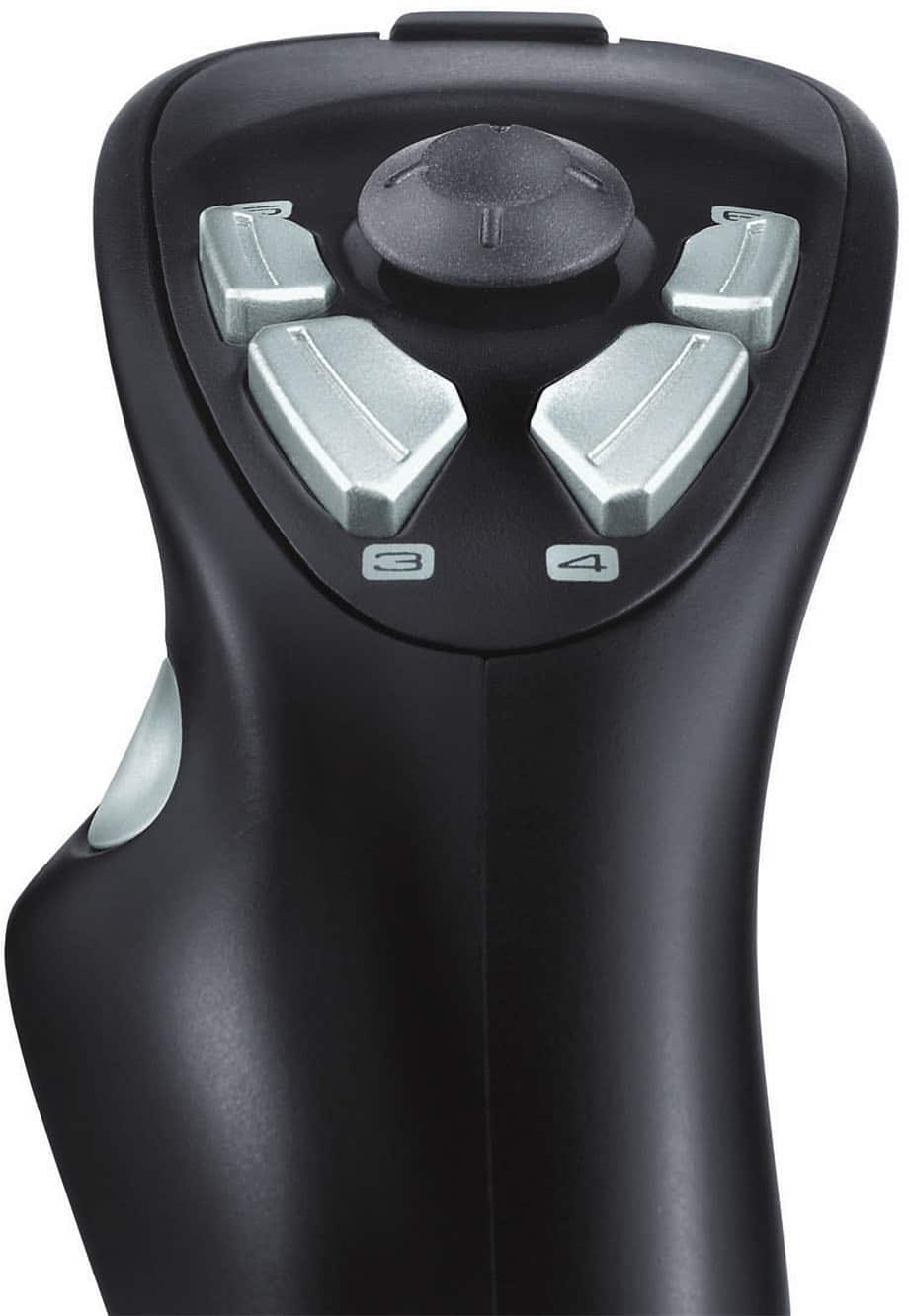
A:AnswerI use mine for the same game--Microsoft Flight Simulator X on my laptop. Unless 2000 and X are that different, there should be controller options in the settings for things like calibrating and assigning buttons for certain tasks (button 8 to "raise flaps," etc.). You should be able to "test" the joystick in calibration before you go into a flight.
A:AnswerThe Logitech Extreme 3D Pro Gaming Joystick requires: Windows® 8, Windows 7 or Windows Vista, 70 MB of available hard disk space, USB port. - Will, Logitech G.
A:AnswerNot sure but this joystick ia garbage. I got it with a gift card, used it a few times, then it went into my electronics box. D9nt waste your money.
A:AnswerIt will work with your laptop. It will work with any computer that has a USB port and is running Windows. Whether or not a game supports it depends on the game.
A:AnswerIt used to and was great. Doesn't work with Steam anymore on Windows 11. Search steam forums, common issue. Steam dropped support so controller not detected now.
A:AnswerIt is compatable with OS X Yosemite version 10.10.2, so I would think it would also work wih 10.10.1, but you can update to 10.10.2 with confidence if you need to.