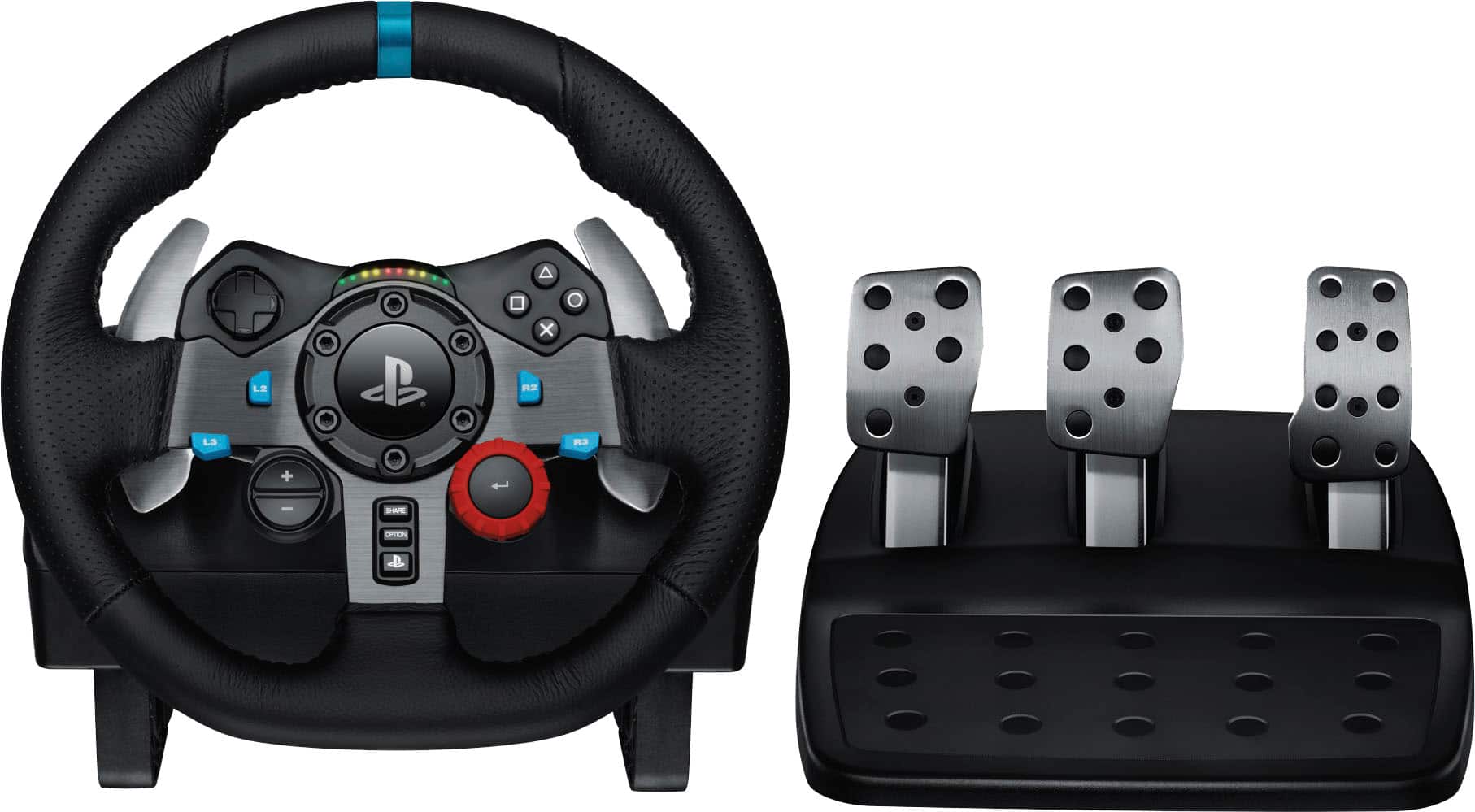
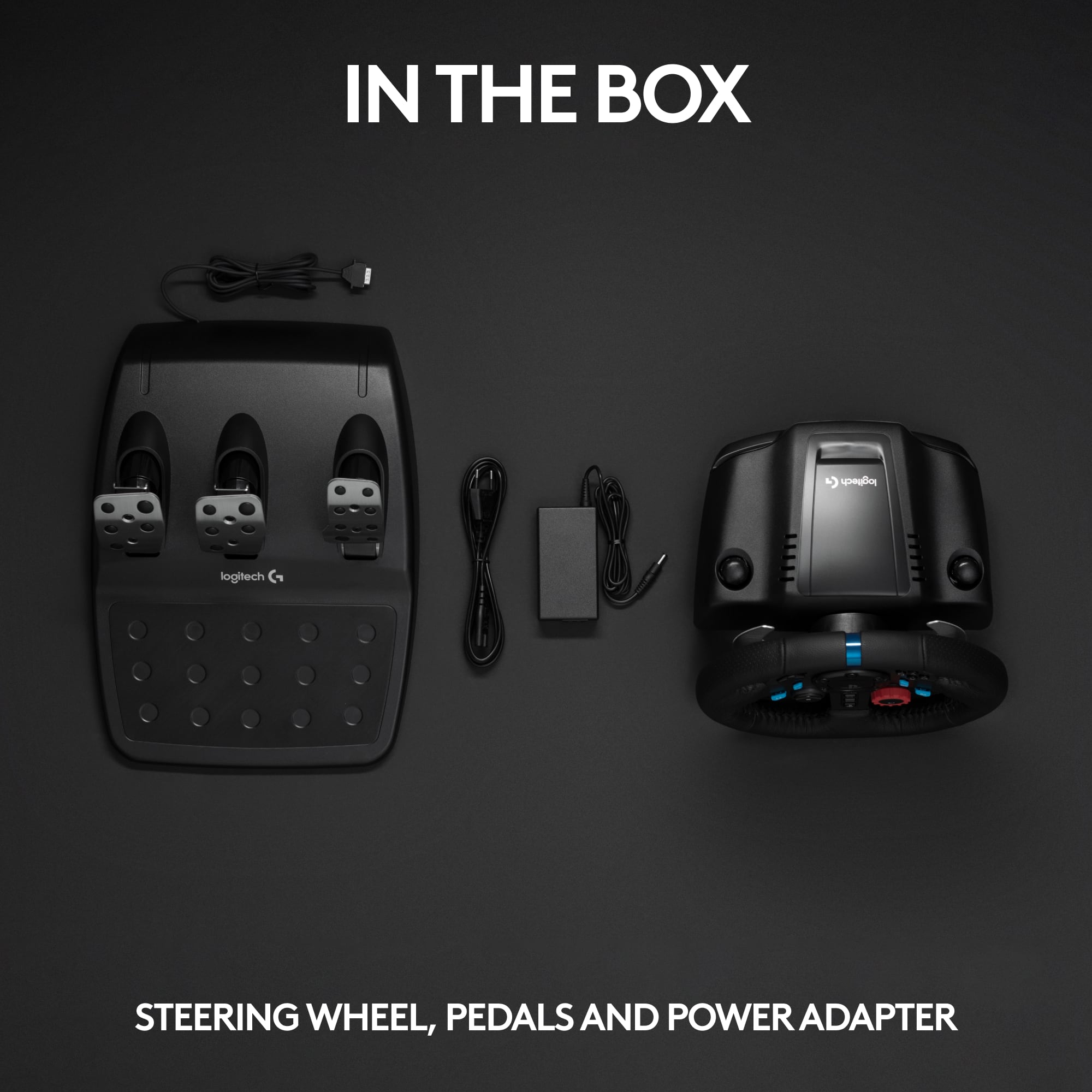
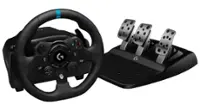
A:AnswerThe wheel comes with a power supply that powers the motor for force feedback. It also has the USB connection, but it's not really for power.
What do you mean by multivoltage?
A:AnswerHello Dru! I'm sorry to inform you that inherently no the G29 is not compatible with the Meta Quest 2. You will have to use a link cable with a PC. Again, our apologies. - Gregory from Logitech
A:AnswerHi STEVE, The only NFS games that the G29 Racing Wheel works with is Need For Speed Heat and Need For Speed Payback. For both of those games it does not support Dual Clutch function.
A:Answer2 G29 wheels work on World of Outlaws 2022 if you assign both wheels to different users on your console before you boot up the game. That trick may work on other games. I only have a few games that support split screen driving. The other one is Baja and I couldnt get it to work
A:AnswerI asked my son about the Need for Speed Pay Back and he said it should work with it because it is updated with the newer system just like it works with the new NASCAR but NOT the older NASCAR. My son for another older PS4 racing game loaded on it also and he loved it. He recommends it He said it feels like you are actually driving in the video.
A:AnswerHello, we apologize for the confusion on the G29 racing wheel. At the end of this message I have attached a link to help solve any issues with your wheel. Thanks for being part of the Logitech Family, have a great day. https://support.logi.com/hc/en-us/articles/360025339013--FAQ-G29-Driving-Force-Racing-Wheel