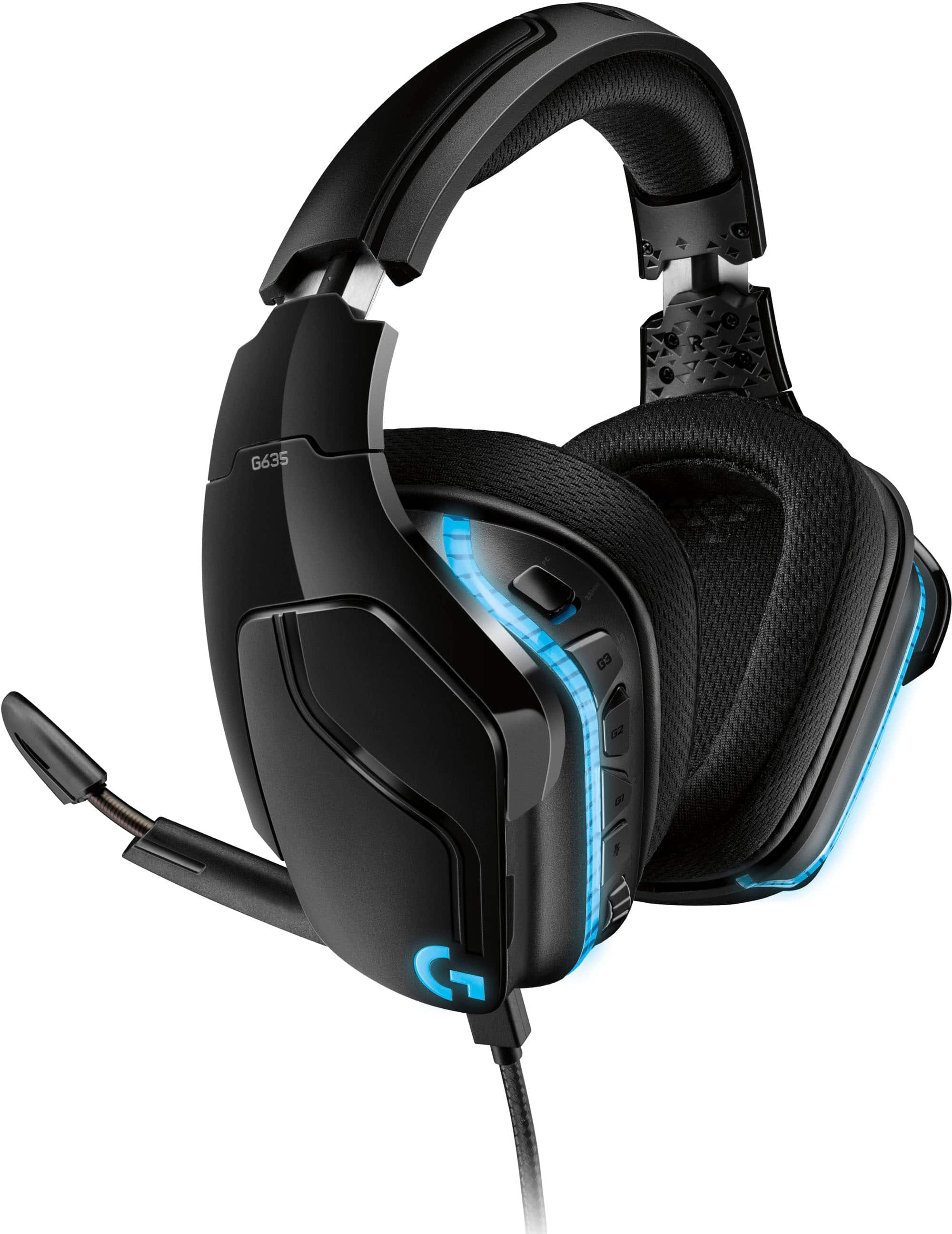
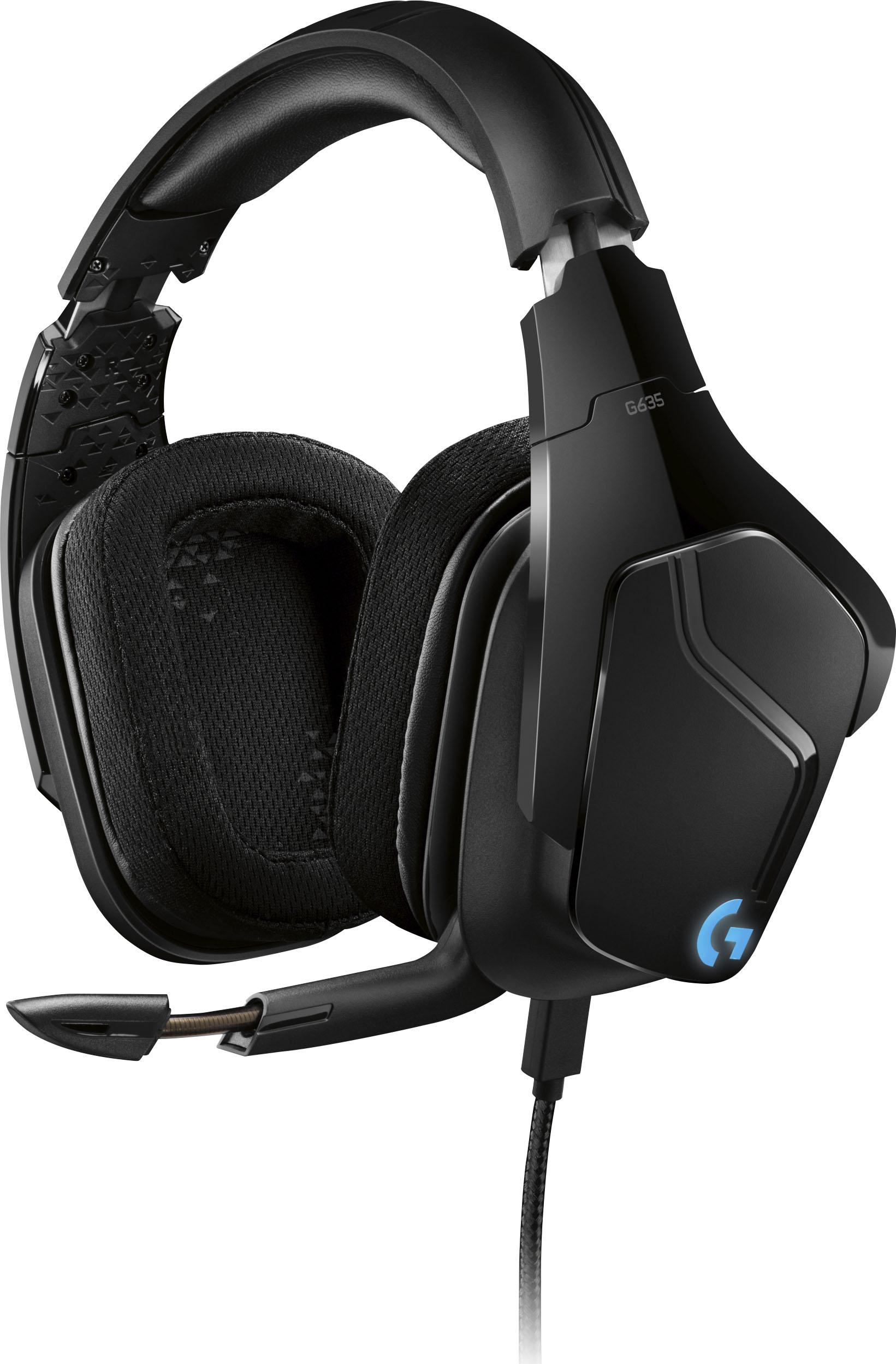
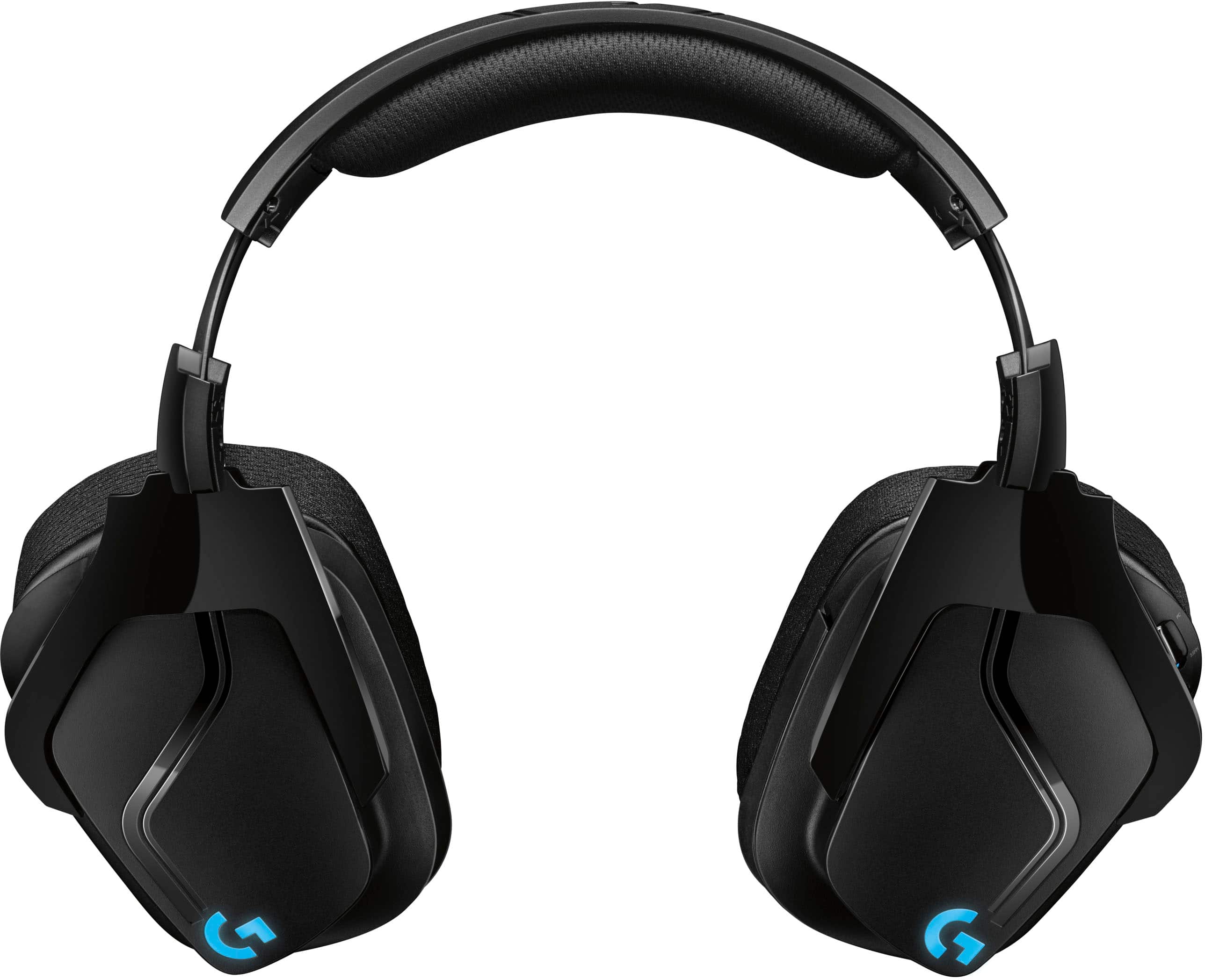
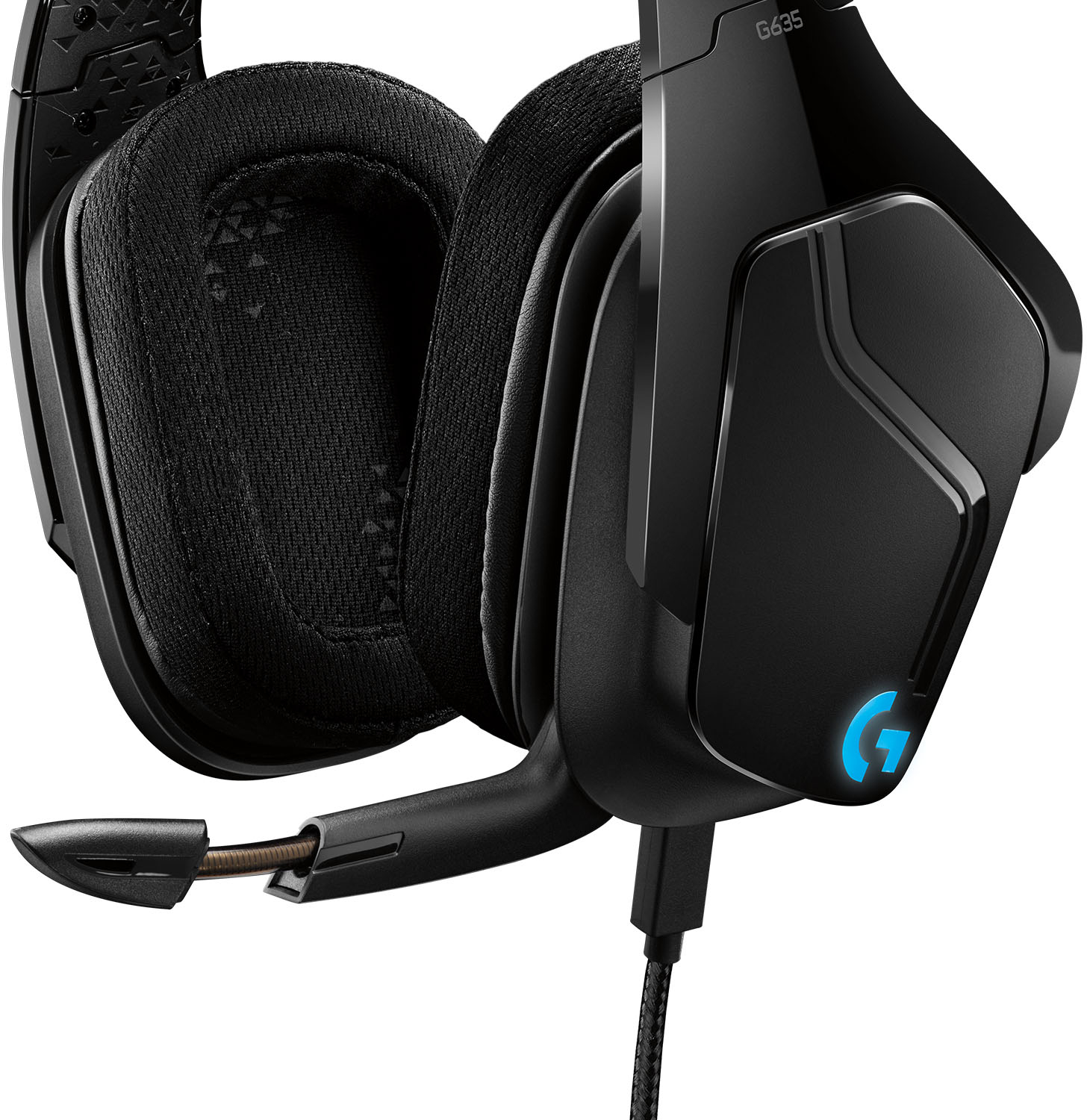
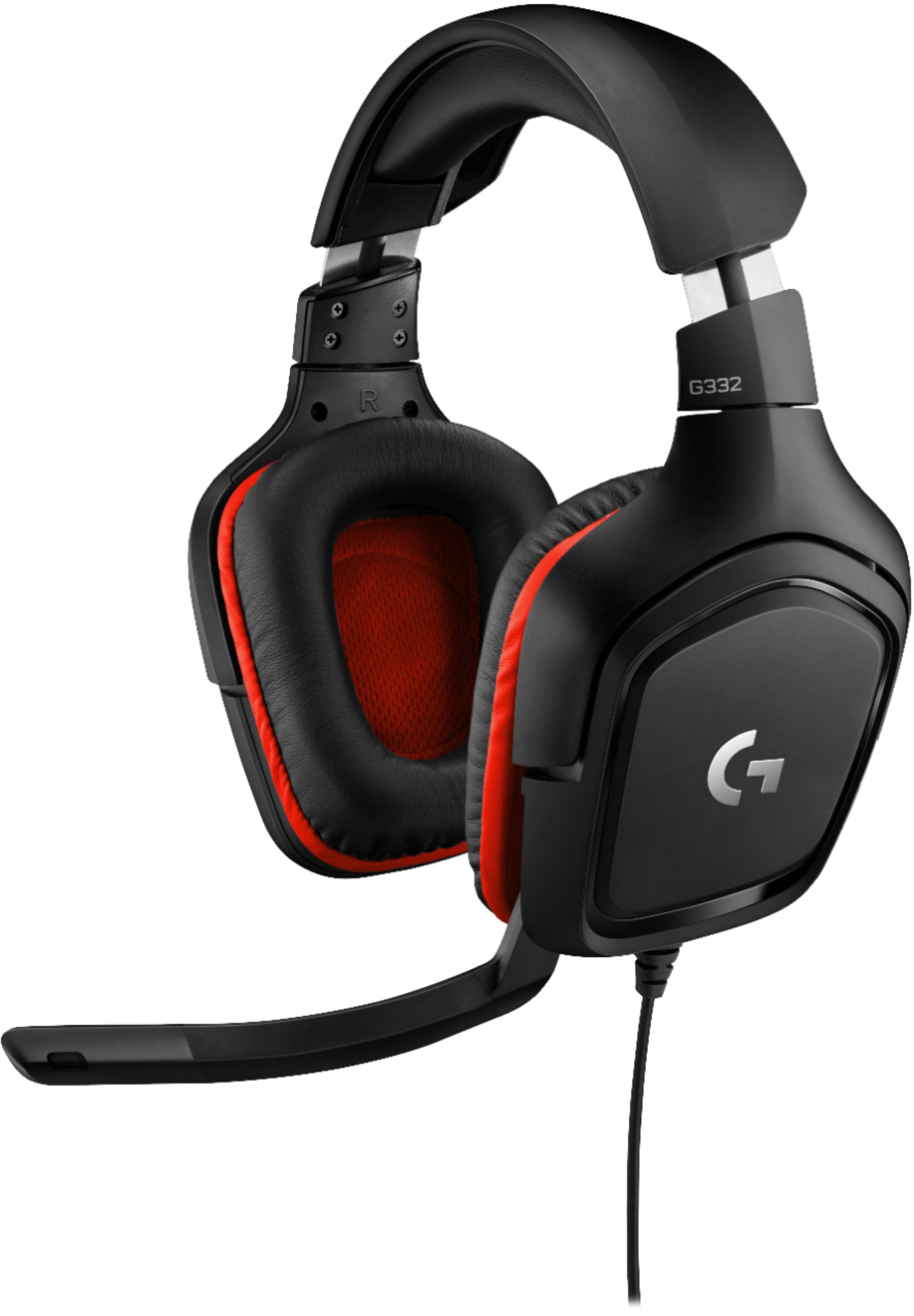
A:AnswerHello, Everything about these headphones is about comfort: The deluxe lightweight leatherette ear cups and headband are made to keep pressure off your ears. Ear cups rotate up to 90 degrees for convenience.
A:AnswerThese should work if you have a standard 1/8" audio/mic jack.. works no problem on all the laptops, Ipad, xbox controller, etc I've tried it on since owning it.
It even comes with a splitter in case your device has both an audio input and mic input.. I'd expect these will work like any other headphones with mic.
A:AnswerNo! this model not offer that feature like the G430. I add the link for the manual of this product.
https://www.logitech.com/assets/65644/3/g432.pdf
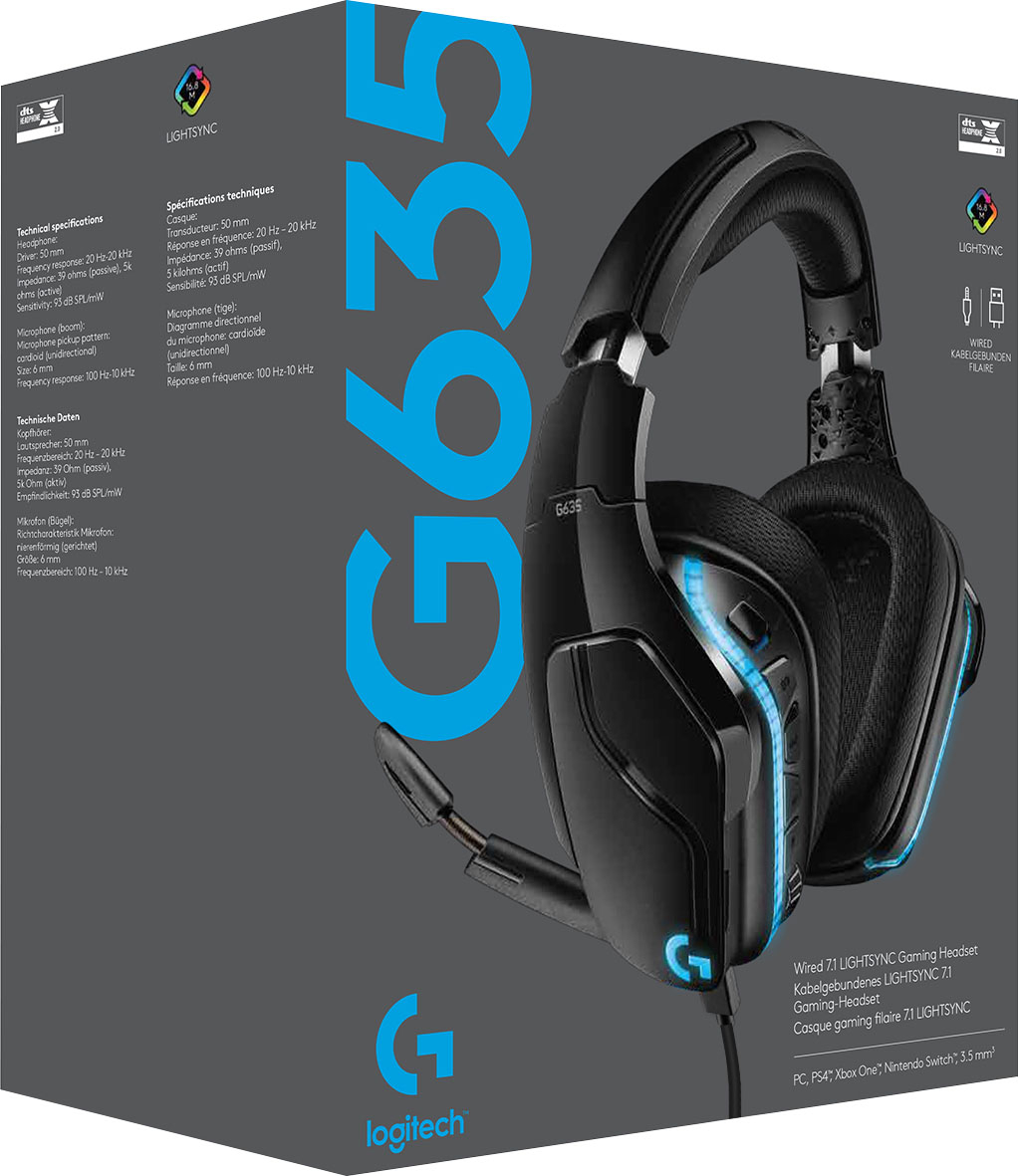
A:AnswerAccording to the box, this headset works on PCs, PS4, Xbox One, Ninetendo Switch, and 3.5 mm. Box also says that some Xbox One controllers may require an Xbox adapter which is sold separately. Mac, PS4, Xbox One, Switch, and Mobile: stereo mode only.
A:AnswerI can't answer specifically to Apple laptops, but this headset works wonderfully with the computers I use to communicate over the internet. On my gaming computer, I use it along with the Logitech software to chat with my friends online while playing and on my work computer, just plugging it in and using the Microsoft default drivers (I do not have permission to install other software) it works great with Jabber for phone calls (both voice and video) as well as WebEx (I've heard stories of people using Zoom with it as well, but it has recently been banned from use at work due to security concerns).
SO, I'll assume as long as your laptop has USB ports, this should work fine with your setup.
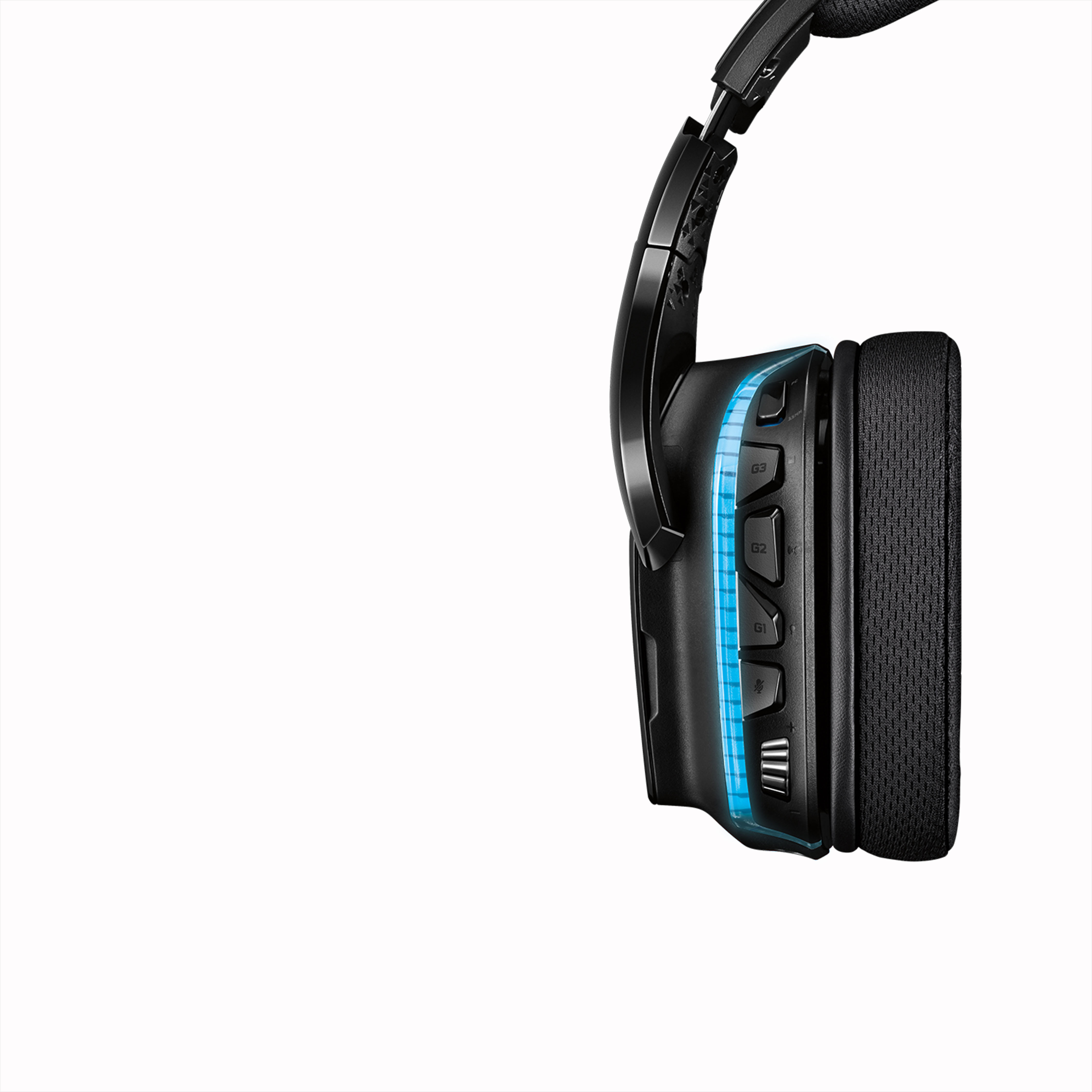
A:AnswerIt has a volume control on the left ear cup. You mute the microphone by swinging it all the way up. Unmute by pulling the mic down. It has a single 4 connection (TRRS) 3.5 mm plug, but also includes a Y-splitter to connect to devices that need separate 3.5 mm mic and speaker connections.
A:AnswerNo. That function would have to be provided by the device you plug it into. If your phone feeds audio back to the headset then you would hear yourself.
A:AnswerIt has a single 4 connection (TRRS) 3.5 mm plug, but also includes a Y-splitter to connect to devices that need separate 3.5 mm mic and speaker connections.
A:AnswerIt seems to have decent noise cancellation. You must the mic by swinging it all the way up and unmute by swinging the mic down. Note that swinging the mic does create a sound that is audible to those you are talking to. The sound is not horrible, but it is not silent.
A:AnswerYou should be able to control all sound functions through the settings / display and sound option in the Xbox menu.. you can change the balance of game sound and chat sound and mic sound there.. if your having issues with getting sound in the headphones it's advised to make sure to update your xbox controller which typically fixes chat and audio through the controller. This headset worked on all my controllers and both Xbox ones without any setup except plugging in and maybe adjusting the chat level to hear your friends better over the game audio. Sometimes you can adjust audio in game as well and it will help to hear your friends better if their mic is quiet.