A:AnswerI have not had any problems with the mic when I plug these into my iPad. They work great and I have not needed to change any settings, even when using these on Garageband
A:AnswerI have had 3 of these, and all of them started doing that within a month. I just dont think the wires/connections are very durable. You can contact logitech and they will replace it if it's still under warranty but thats not what you were wanting to do obviously. I won't buy these ever again
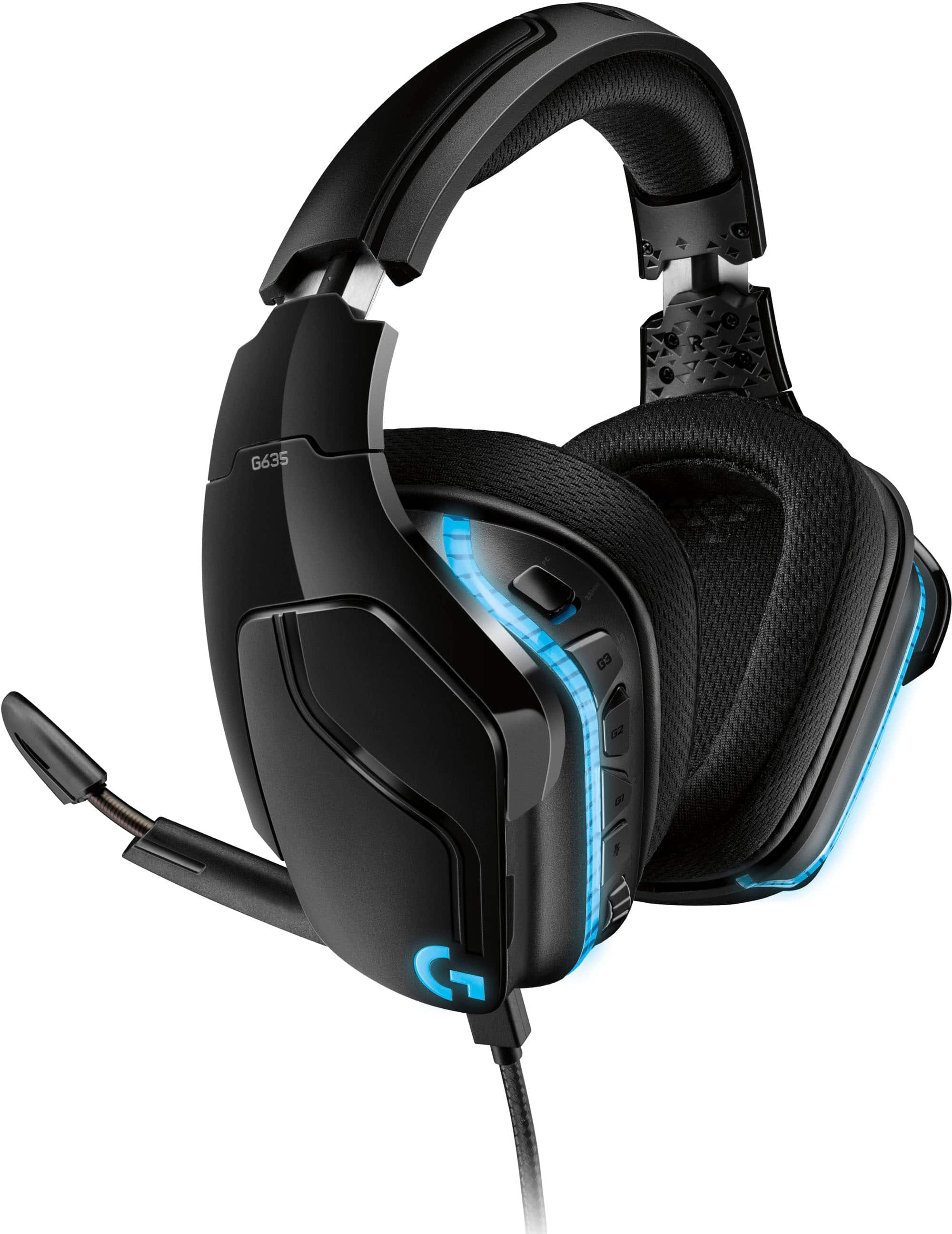
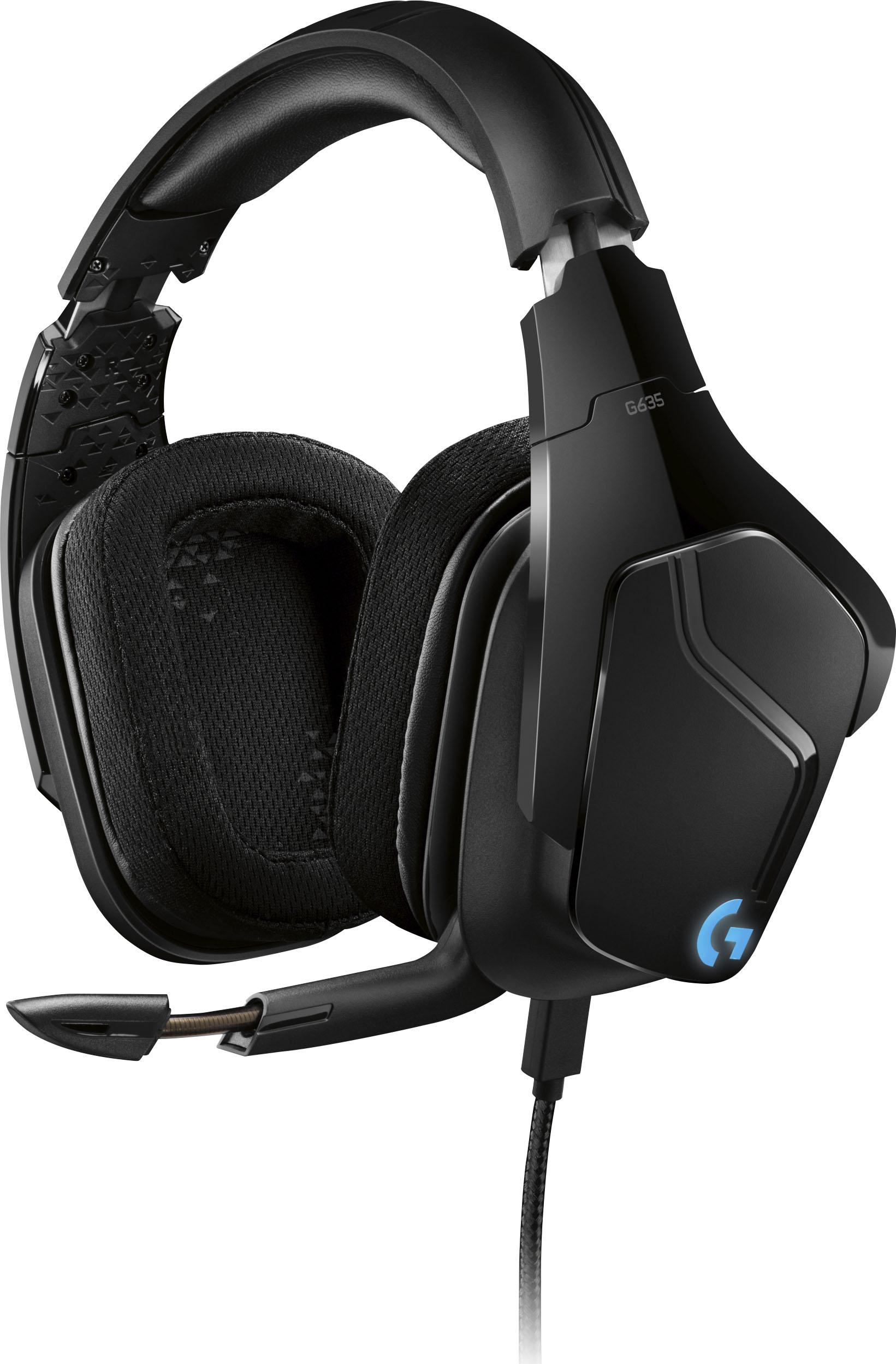
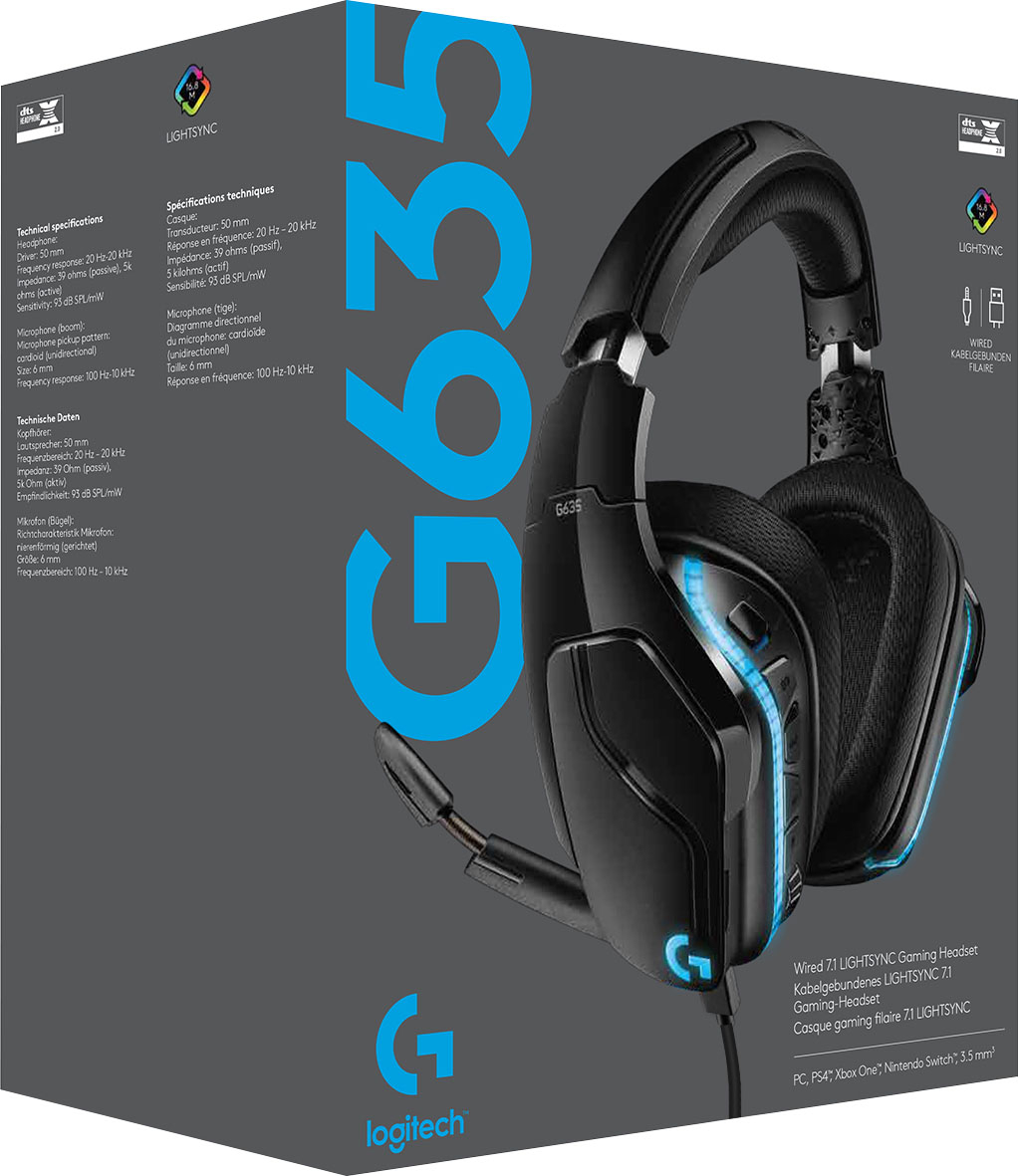
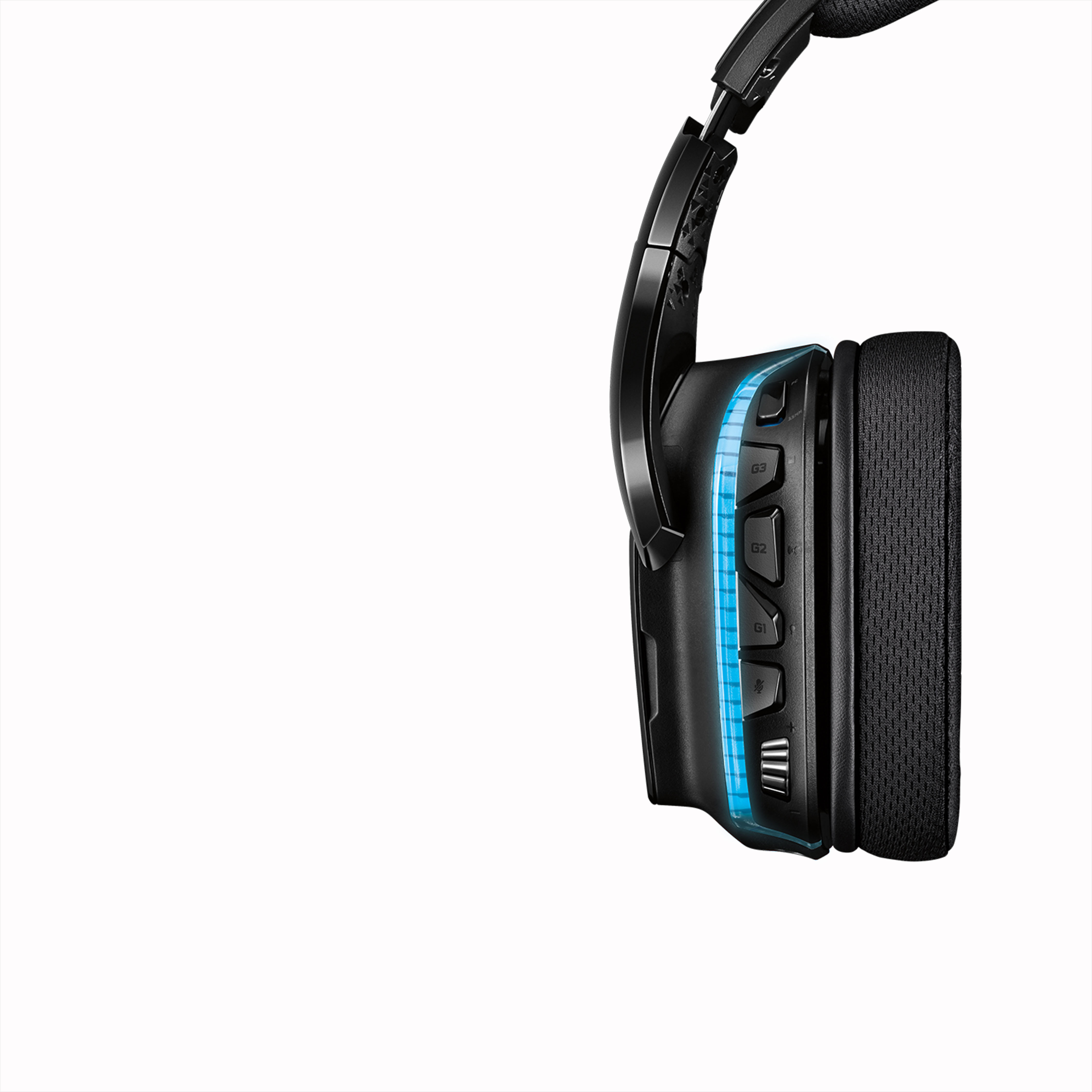
A:AnswerHello Johnmn23! To use the G635 Wired 7.1 Surround Sound Gaming Headset on your Xbox One console, first set the switch at the top of your left earcup to 3.5mm mode. Then, connect your headset to your Xbox One controller via the 3.5mm input (or using the Xbox One Headset Adapter if you have an older controller without the input). Make sure the cable is fully pushed in. At that point, your headset should be working. Please note that the buttons or volume roller on the headset won't work in the 3.5mm mode (this is a passive mode only), so adjustments to volume levels and all would need to be made in your Xbox One Audio settings, in the Xbox Parties & chats menu.
A:AnswerHello Ae, Sorry to say that you cannot use 2 audio sources at the same time with the G635. There are two ways you can connect, but it is just to one device at a time. Very sorry about the confusion.
A:AnswerNo, not simultaneously. There is a switch on the G635 to switch from 3.5mm to PC connection. For more on G635, please refer to: https://www.logitech.com/assets/65631/g635-web-qsg-amr-18---403.pdf - Thanks!
A:AnswerHi, the G432 will work using the USB 2.0 port or higher for PCs, Mac, Nintendo Switch, PlayStation 4; 3.5 mm audio port for console or mobile devices. You can access additional features using Logitech's G HUB software that requires Internet access for software installation and runs on 64-bit Windows 7, Windows 8, Windows 10 or later, or the most recent version of macOS X.
A:AnswerHi Willie, The G432 would be serviceable, but if you're wanting something closer to a DC headset, the Logitech Pro X, either the wired or wireless, would be optimal. Hope that this helped and that all is going well. Best Regards, Richard from Logitech
A:AnswerHello Rich! The G332 Wired Stereo Gaming Headset for PC will produce a complete, expansive sound for a more immersive gaming experience. Keep in mind that this model offers Stereo sound, not Surround sound. Some people who play shooters have a preference for Stereo sound, while others prefer Surround sound. If you prefer the later, I would suggest looking up the G432 model, which is the same look and feel ad the G332, but with the added Surround Sound effect, for a decent pricing. Here's the link: https://www.bestbuy.com/site/logitech-g432-wired-7-1-surround-sound-gaming-headset-for-pc-black-blue/6320789.p?skuId=6320789
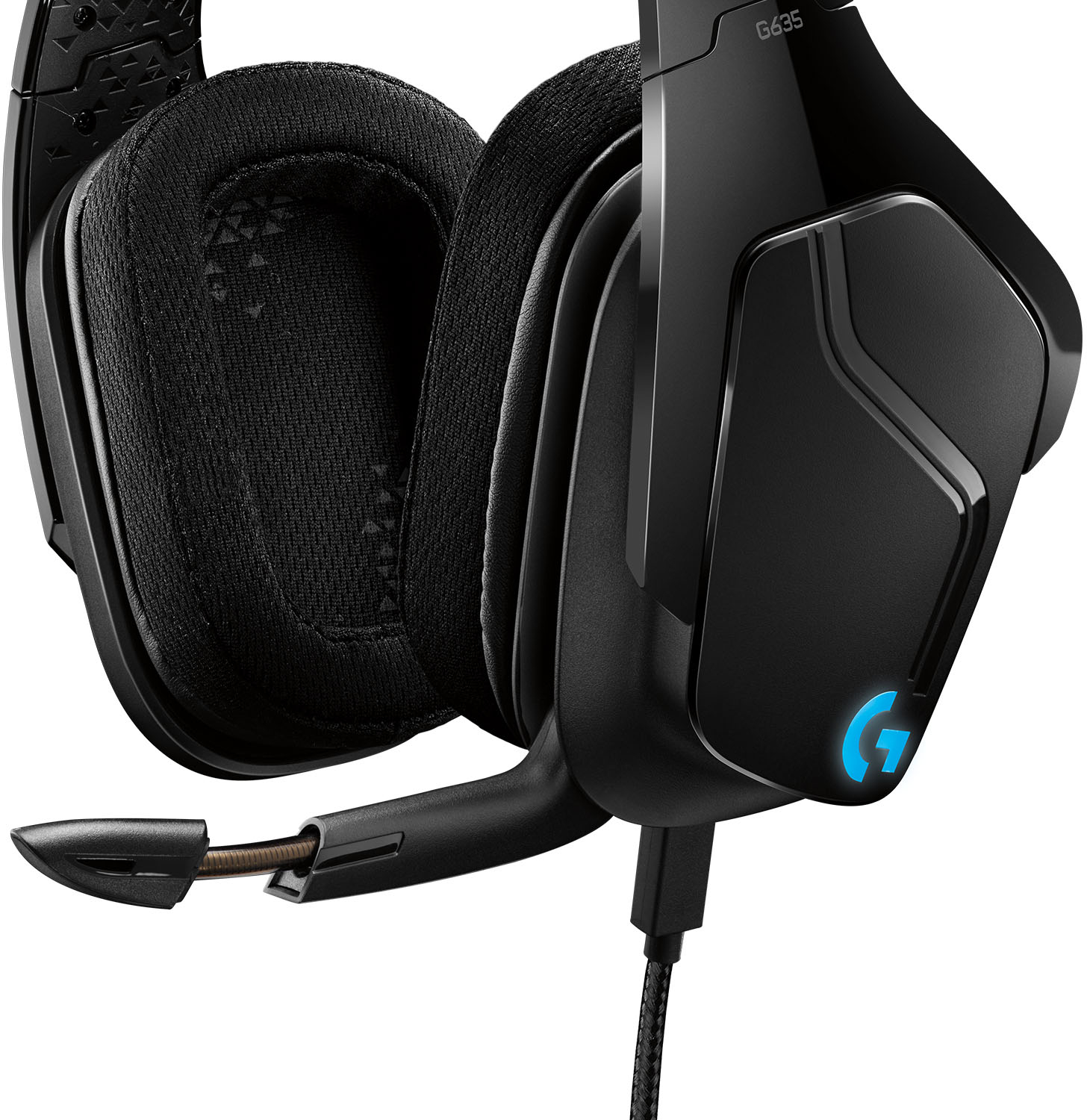
A:AnswerThe Logitech G332 headset will connect to any device through a 3.5mm AUX cable. Be sure to lower the mic, as it will mute when flipped up and away. Also go into your device settings and check the connections and outputs. For support, please refer to: https://support.logi.com/hc/en-us/articles/360024319233 - Will, Logitech G.