A:AnswerSo sorry if my answer is not super clear but it is bluetooth device therefore it can connect to any device. It does come with a bluetooth driver but that is for computers. So in short i believe it can
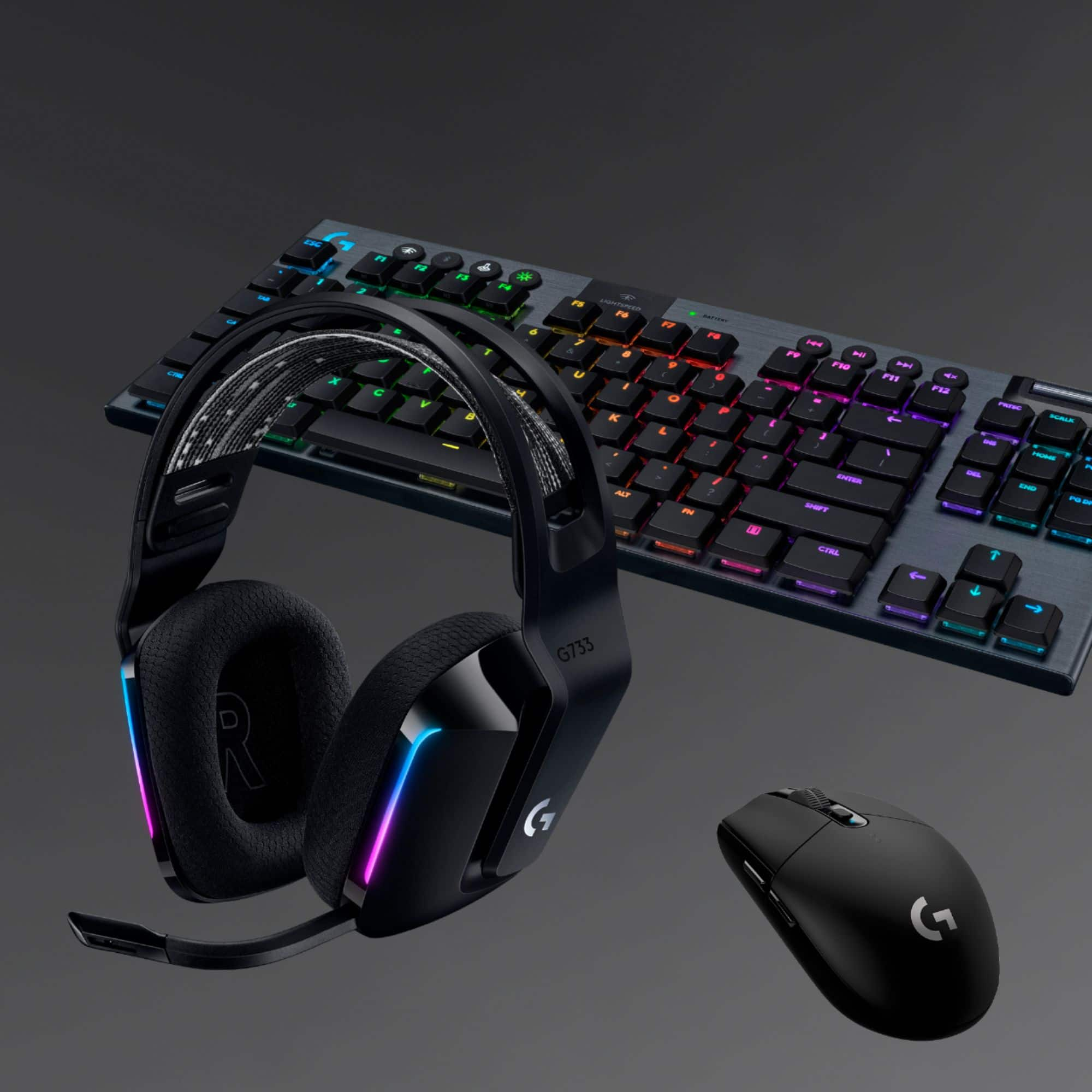
A:AnswerHey there ShaunHurley. You should be able to use two devices with their own dongles at once on a computer with minimal issues. There shouldn't be interference as each device uses it's own dedicated frequency. -Weston from Logitech
A:AnswerThere shouldn't be echo problems with this headset, check your audio drivers and enabled audio devices with your current set as well, it could be a simple fix
A:AnswerThe G733 features Blue VO!CE microphone technology delivers real-time voice filters that reduce noise and makes your voice sound richer, cleaner, and more professional. Get studio-quality vocal communications with Blue VO!CE via Logitech G HUB Gaming Software. - Logitech G.
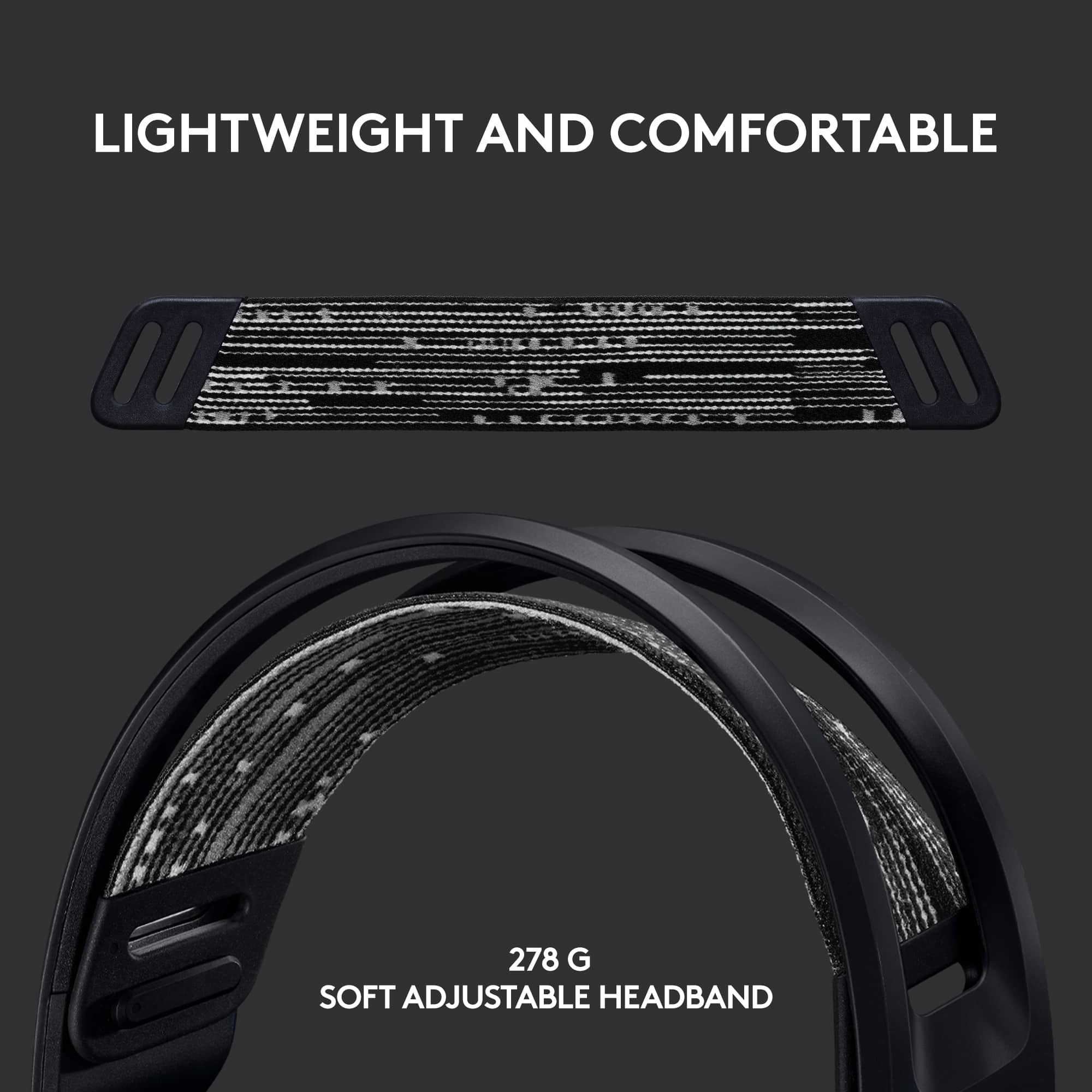
A:AnswerThey used to carry parts for it like replacement straps and dongles. Not sure if they still do. Use this link to check https://support.logi.com/hc/en-us/articles/360025903194
A:AnswerHi Wolfie, Unfortunately, you cannot use another USB receiver to connect with your G733 headset. You need to contact logitechg.com/support in order to get a replacement. Have a great day! - Richard from Logitech
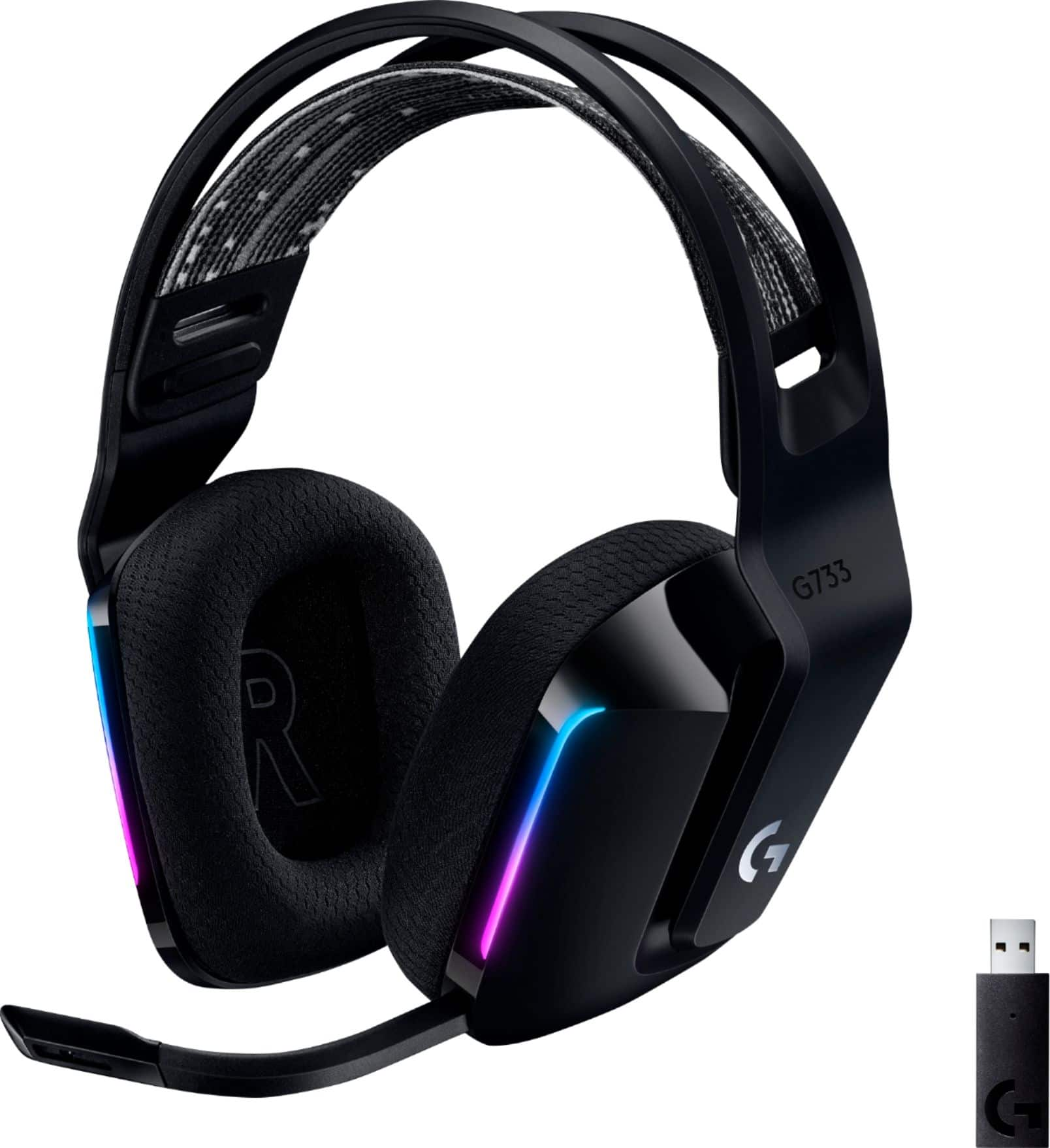
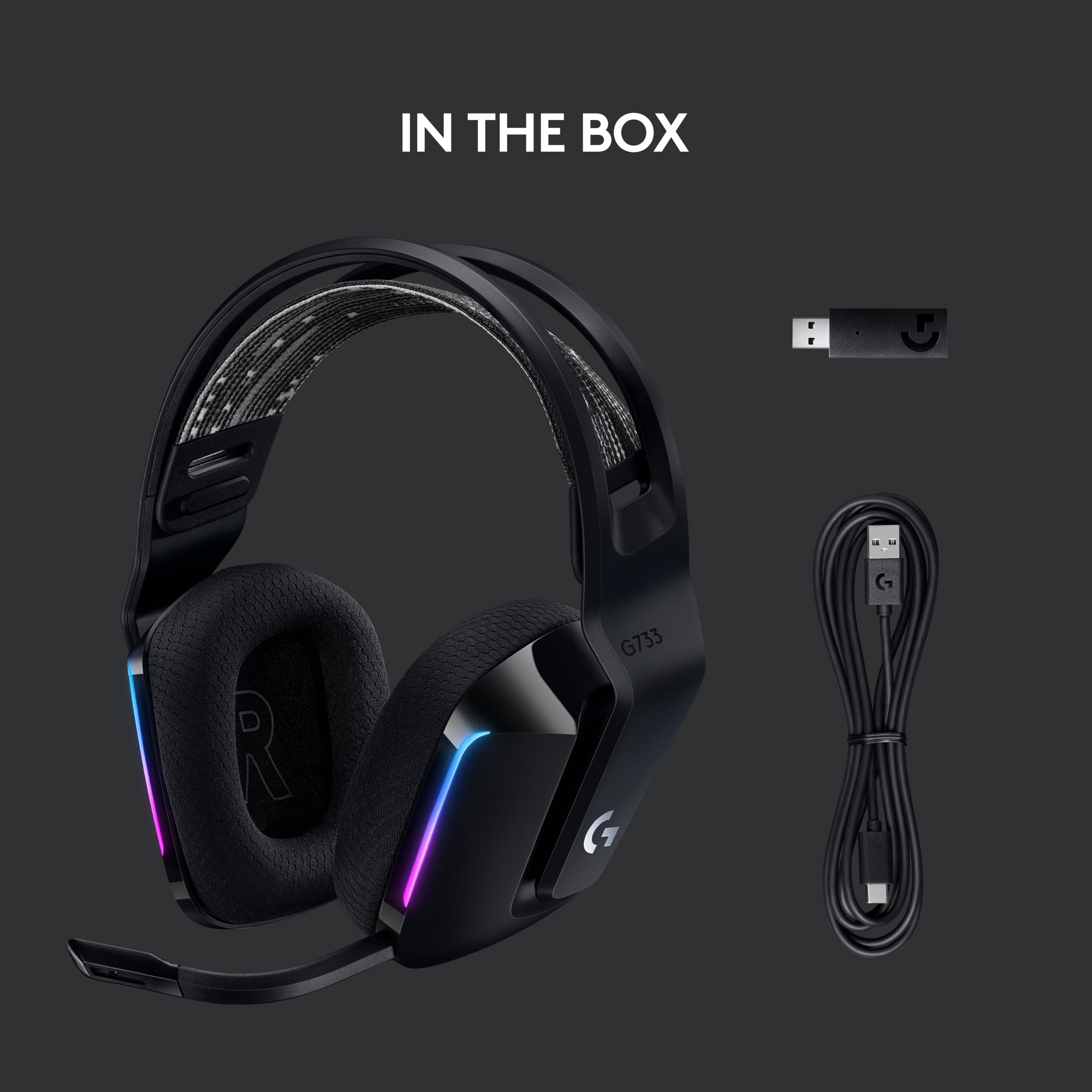
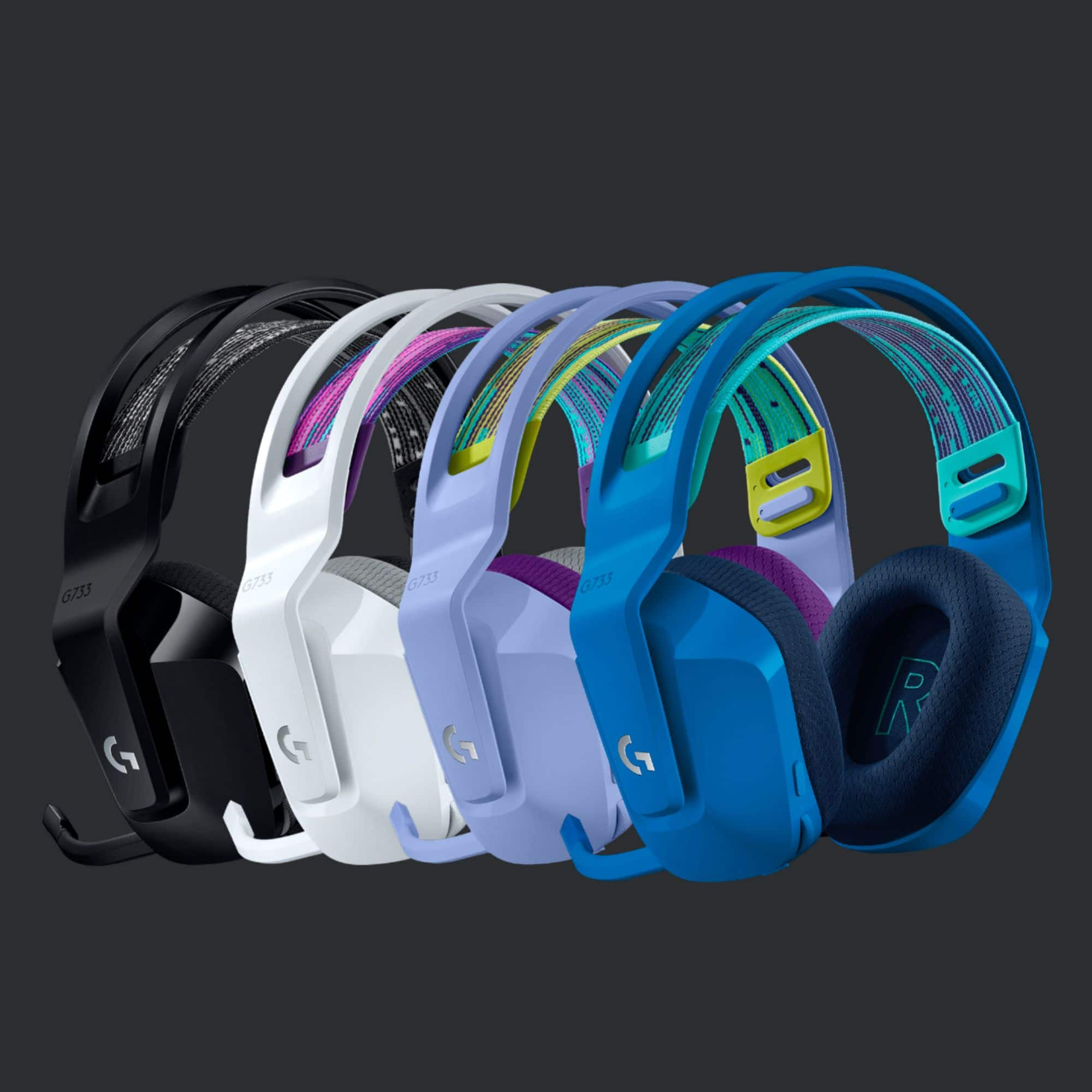
A:AnswerThe one you're referring to that shows a usb stick in the thumbnail is the K/DA line up, a K-pop band (I believe) that's partnering with Logitech. Although, the original version (non-K/DA) doesn't have a usb stick in the picture, it does in fact have a usb stick. It connects via 2.4GHz wireless connection and not bluetooth.
TLDR; They're the same, just one has K/DA on it, one does not. No bluetooth connectivity. Still a great wireless headset and pretty affordable.
A:AnswerContact Logitech.com/support and they can help you access a replacement. They have access to a wide variety of available parts, more than what's available to buy on the website.
A:AnswerHi Mio, The G733 uses the LIGHTSPEED receiver only. If you've lost the LIGHTSPEED receiver that came with your G733, you need to contact Logitech support in order to get a replacment. Here is a link you can use: https://support.logi.com/hc/en-us/requests/new?ticket_form_id=360000621393&pID=b73d5a45-e7a6-11ea-a3ae-399727cfb703.
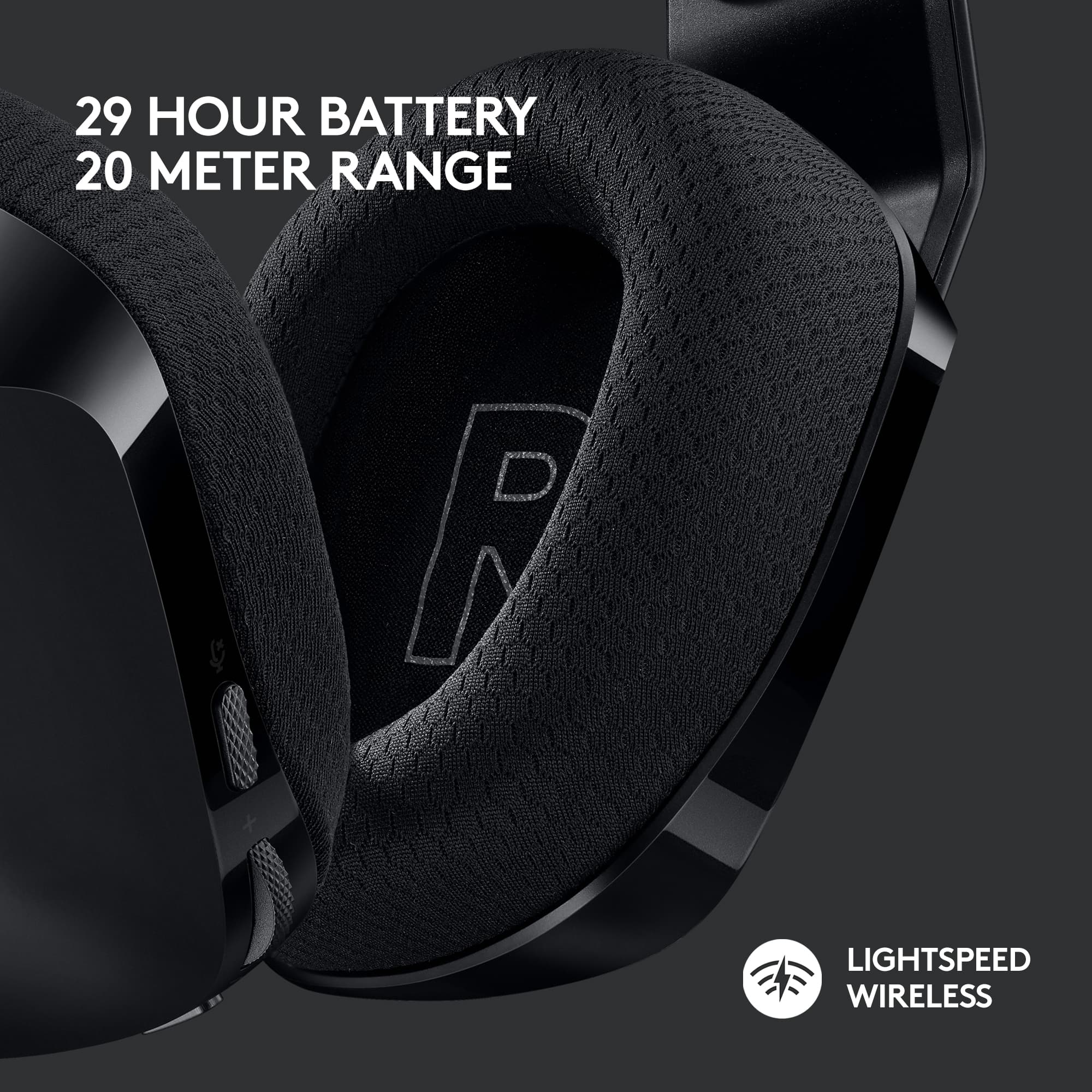
A:AnswerHello. The G733 wireless uses our lag-free Lightspeed technology. It sounds like you're getting a delay because the headset is going to sleep, and when you answer the call, it takes a few seconds to wake up and connect. The G733 does not experience this and has crystal clear audio.
A:AnswerHello, the G733 will not be in your bluetooth settings as it does not use bluetooth for connectivity. Once the USB dongle is plugged in, it should auto detect your headset if it is on and charged. Please download our Logitech G Hub software to verify your connection is working,
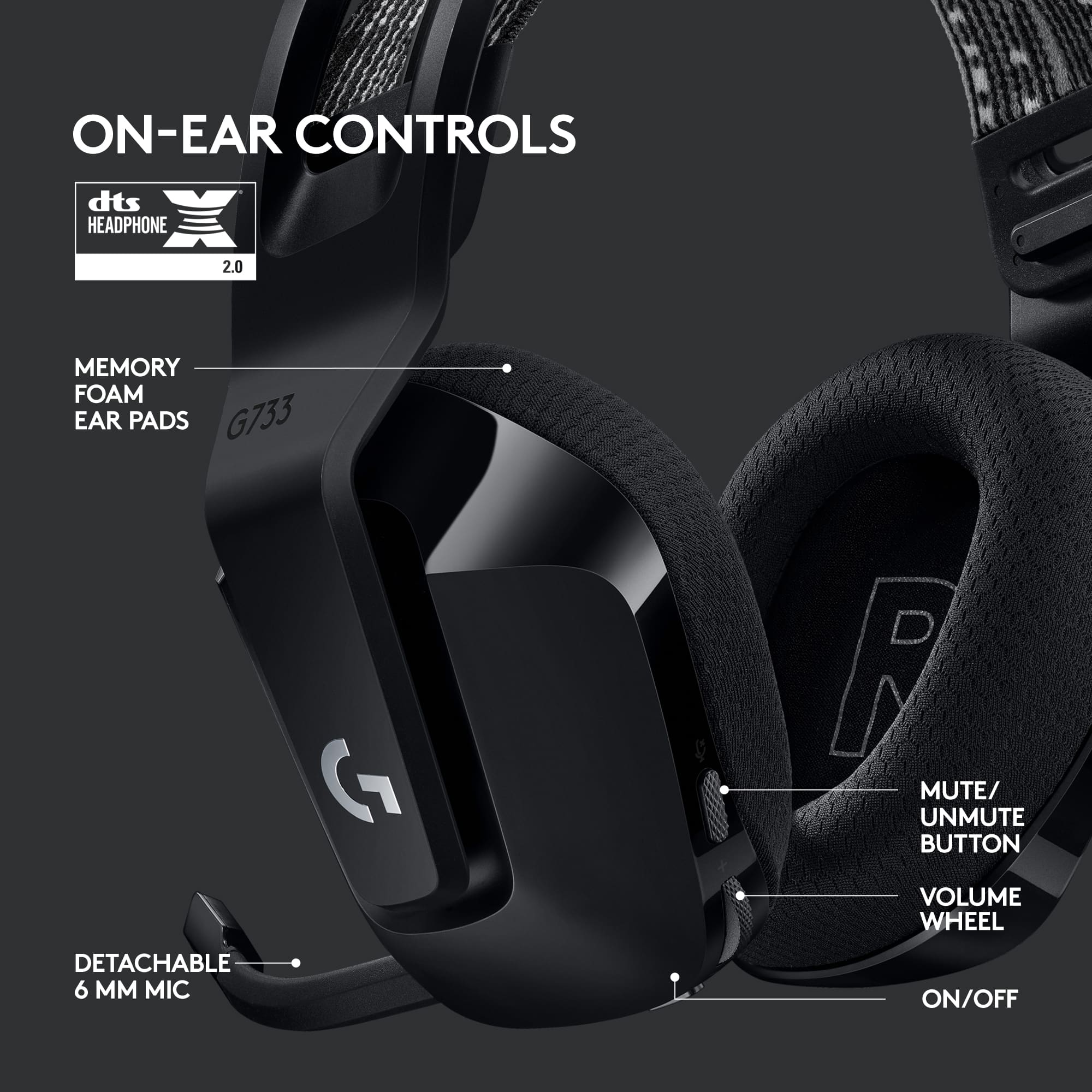
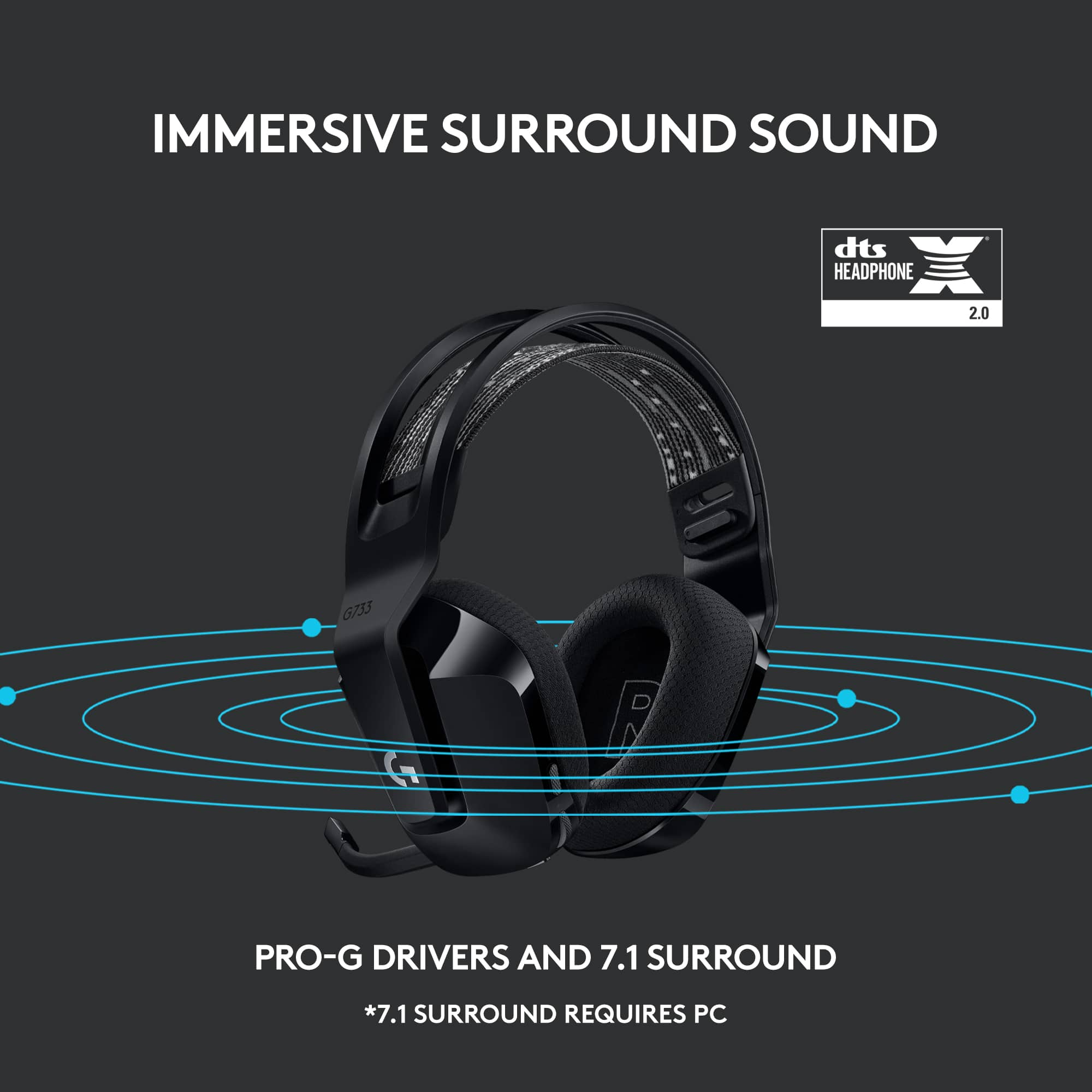
A:AnswerYes, you have to enable it through the Logitech G Hub app under the headset's settings.
It only seems to be present on windows though, as I've tried on Mac OS, but the surround sound option is not there despite downloading the latest mac g hub version.
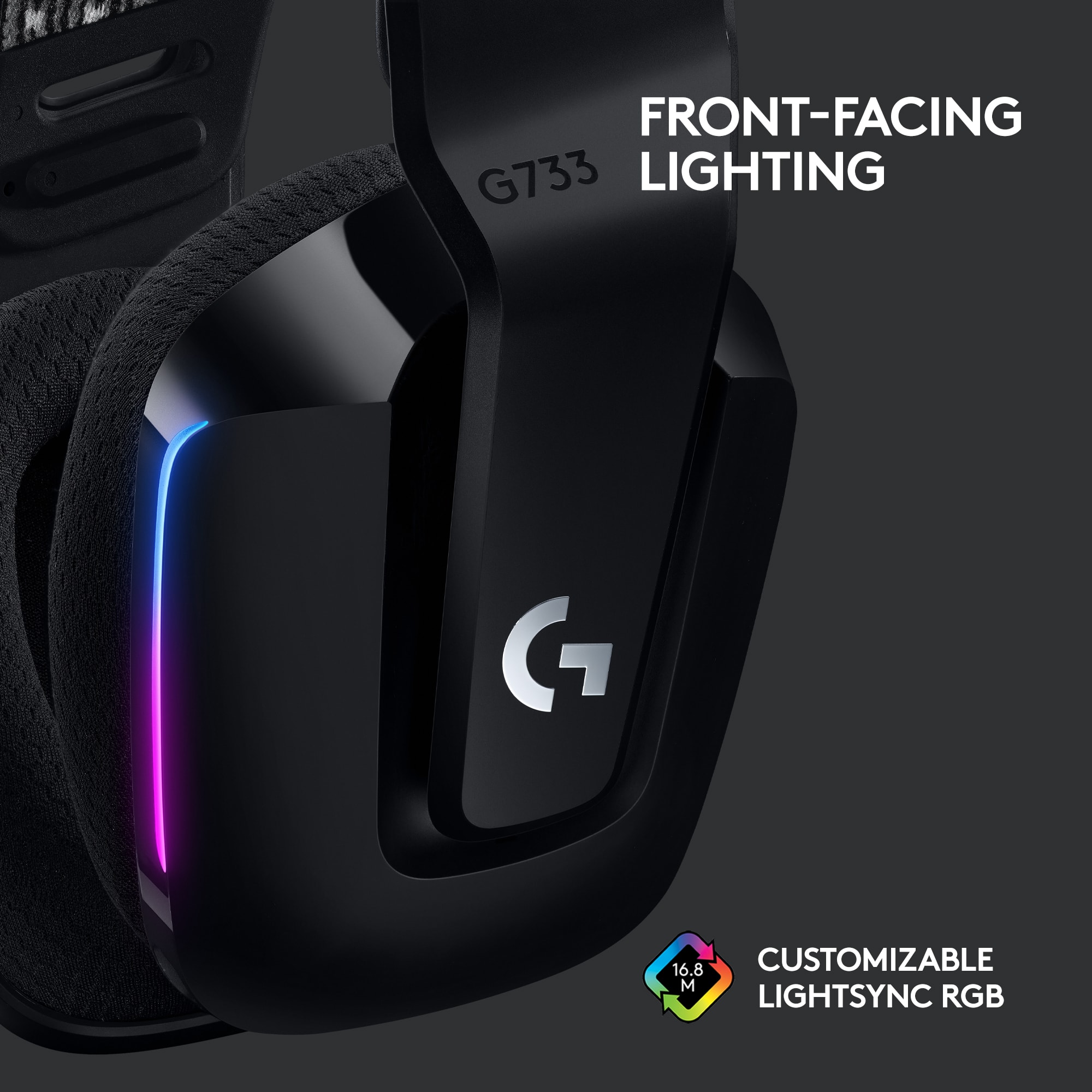
A:AnswerHello Shyden, The advanced features of the G733 require Logitech G HUB software, which you can download for free using this link: https://support.logi.com/hc/en-us/articles/360053540233-Download-Stub-G733.