A:AnswerAccording to their website, it is compatible with Windows 10:
"Windows 10 software: Uses LGS 8.70.315 and later. LGS must be installed for the G920 Driving Force Racing Wheel."
Source: http://support.logitech.com/en_us/article/32425#Wheels
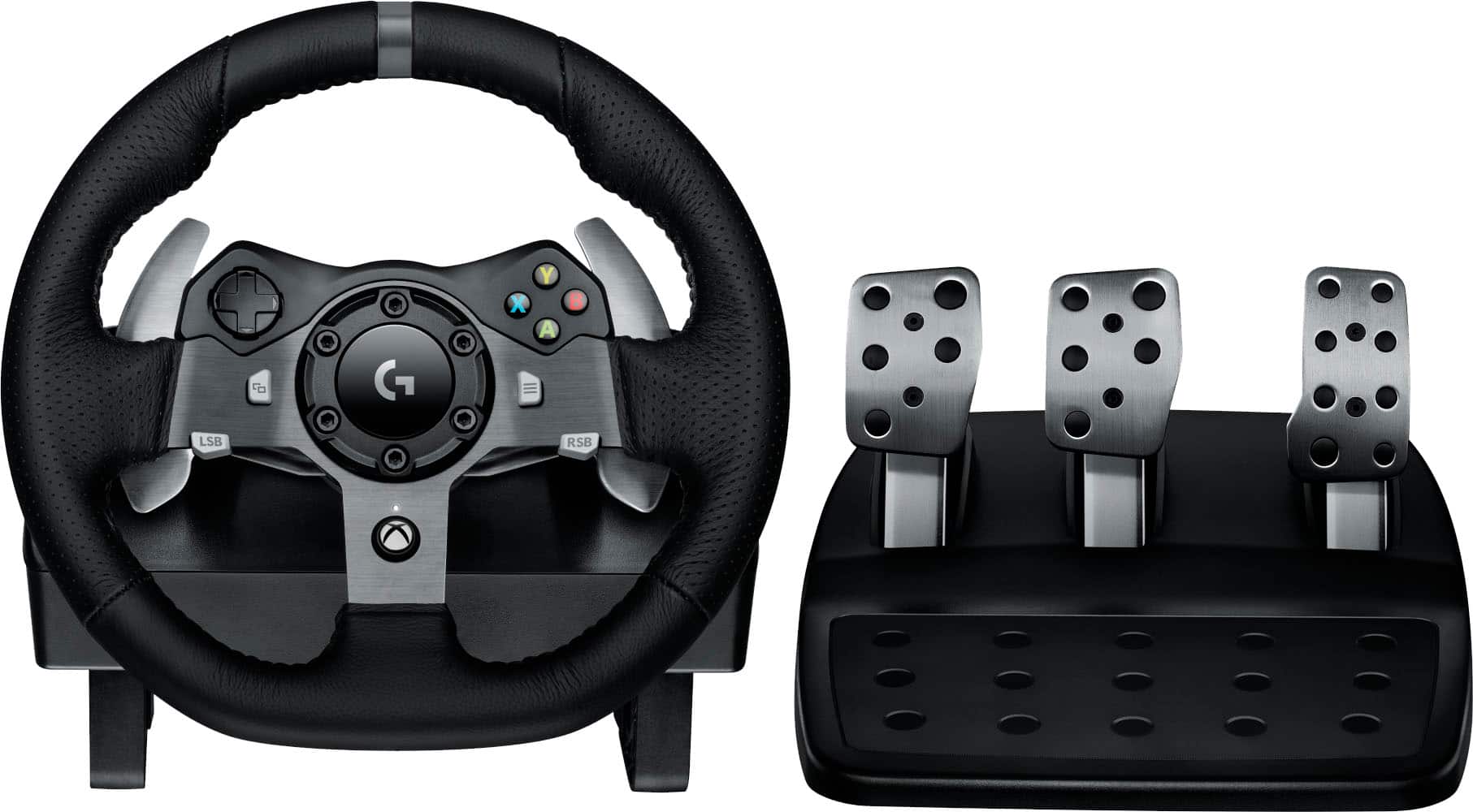
A:AnswerYes, the Logitech G920 wheel and pedals are compatible with the Driving Force gear shifter (sold separately), and the full setup works on PC with Windows.
A:AnswerForza Horizon 6 isn’t officially listed as compatible with the G920 yet, but the wheel works with the Forza series in general. If the game supports racing wheels on Xbox or PC, the G920 should function the same way it does with earlier Forza titles, giving you force feedback and pedal control.
A:AnswerIt is compatible with a wide variety of racing games on Xbox Series X|S, Xbox One, and PC/Mac. A comprehensive list of compatible games is available on the Logitech G Support website.
A:AnswerThe G920 is listed as compatible with Windows PCs and Mac operating systems, but specific compatibility with the Apple Mac mini M1 may depend on the specific racing game and if the necessary drivers/software are M1-compatible.
A:AnswerIt comes without the shifter but you can purchase it online for about $40 bucks. I thought I needed the shifter and bought one and its hard enough trying to drive with both hands than to drive with one and trying to shift lol.
Long story short, I used it only once and ended up just setting it aside.
A:AnswerIn order to help you effectively, please provide your information to our support team via email at socialcare@logitech.com with your
- Name:
- Email Address:
- Country:
- Product Name:
- Brief description of issue:
A:Answerhey! Yes, you can connect both the Logitech G920 Driving Force Racing Wheel and Pedals to your Acer Predator laptop without needing extra wires.
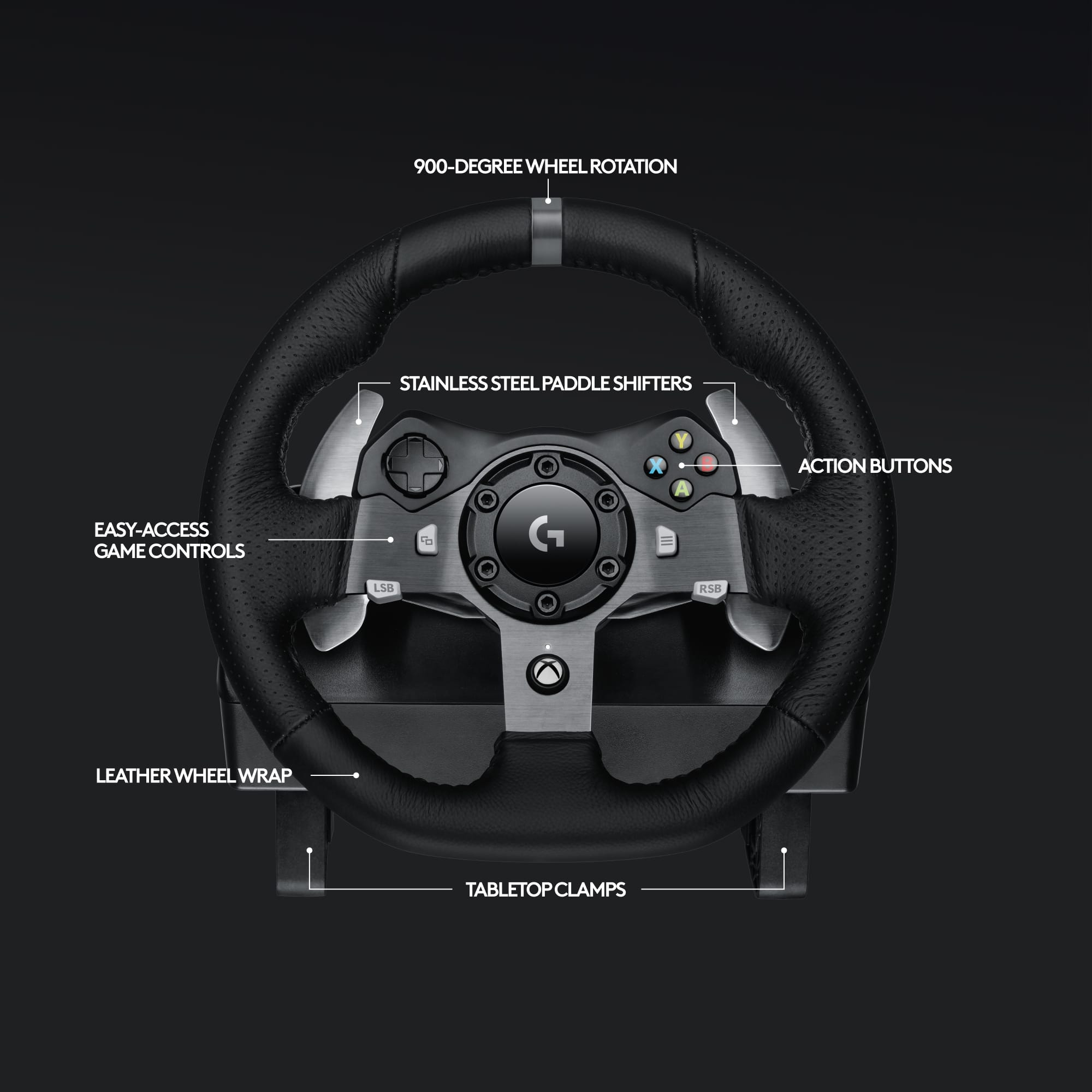
A:AnswerThe Logitech G920 Driving Force Racing Wheel and Pedals is designed for Xbox consoles.
However, whether it will work specifically with Farming Simulator 25 on Xbox depends on the game's developers. Game developers need to include support for specific peripherals like racing wheels within their game's code.
We recommend checking the official Farming Simulator 25 website, forums, or developer support closer to the game's release date to confirm its peripheral compatibility.
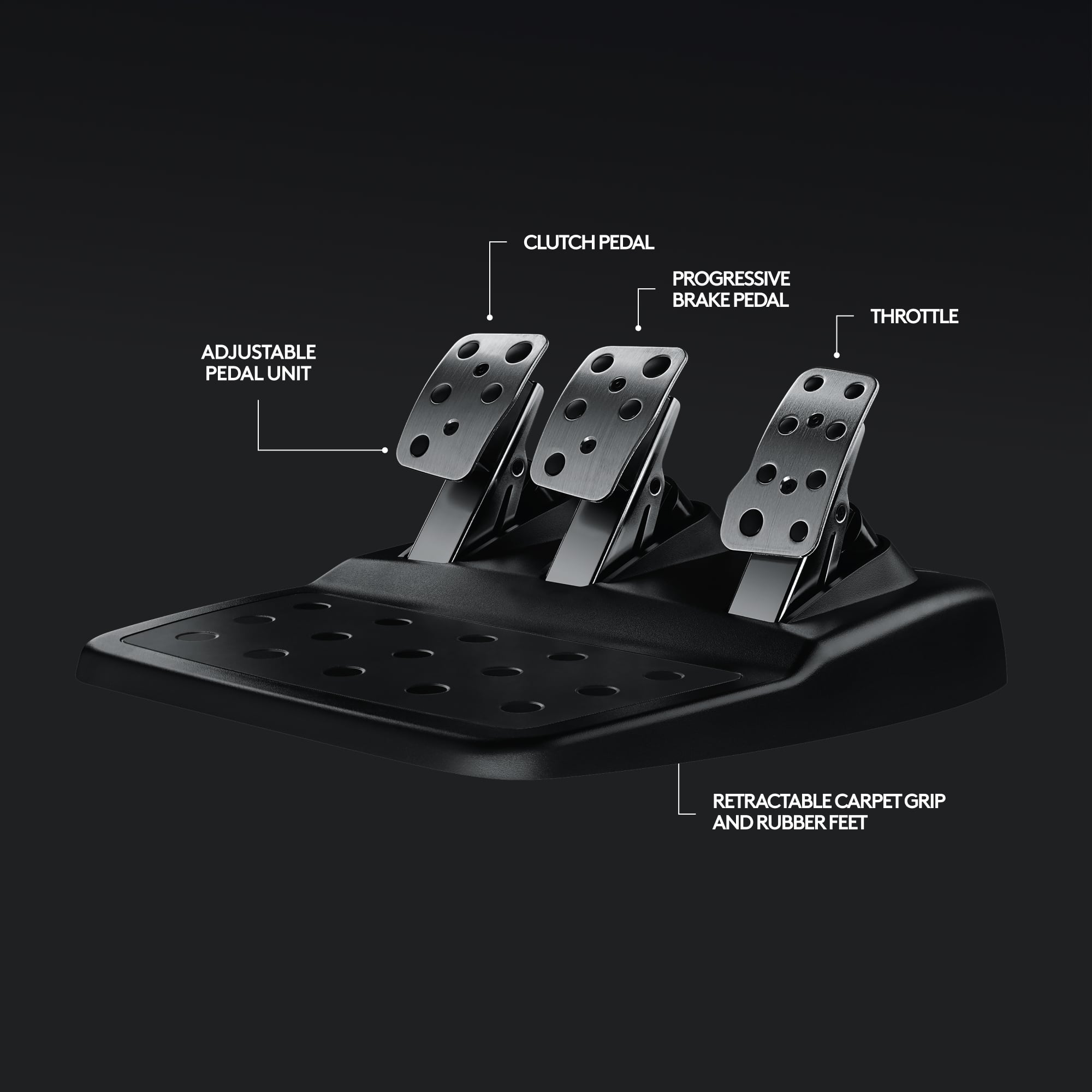
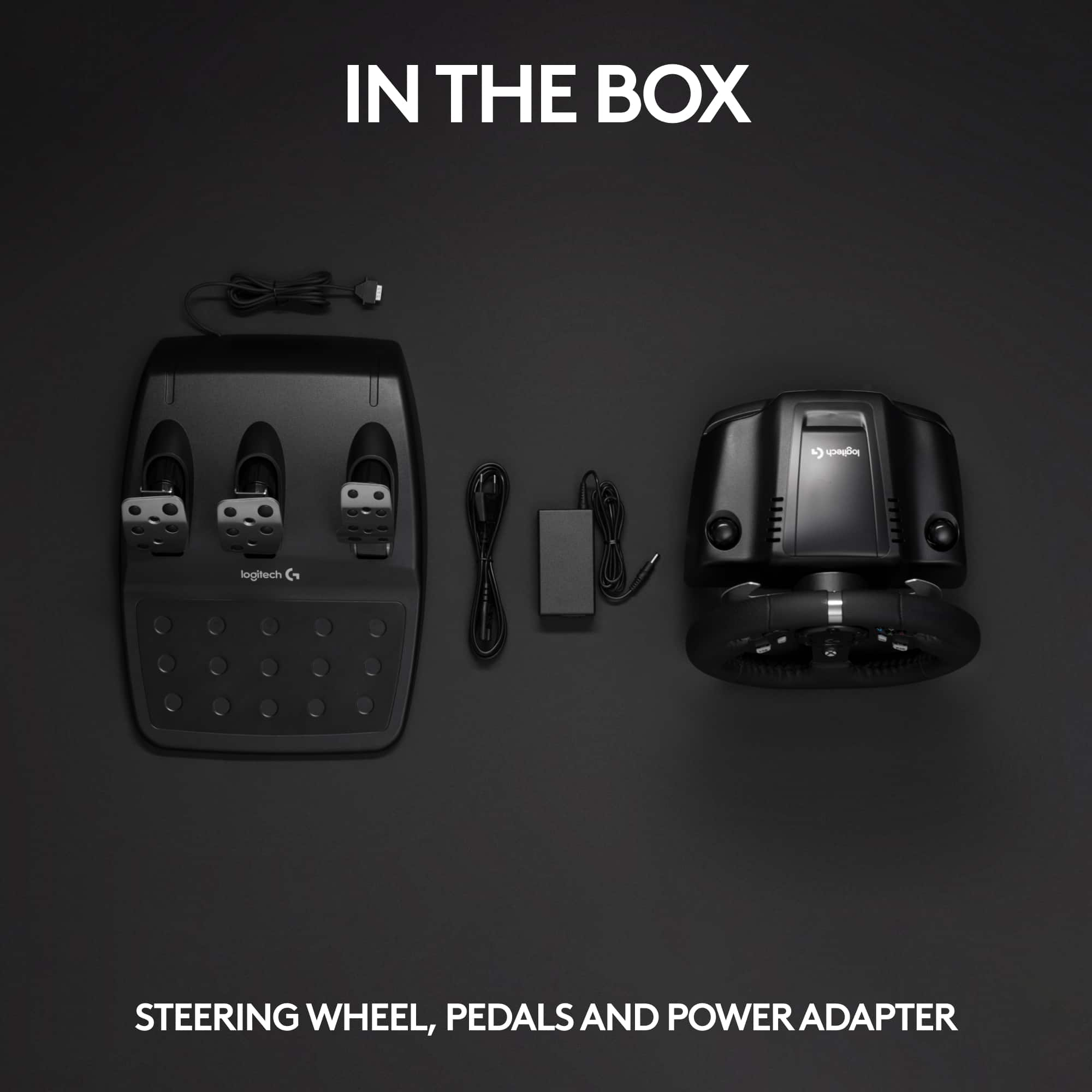
A:AnswerThe pedals on the Logitech G920 Driving Force Racing Wheel must be connected directly to the steering wheel base, not to the Xbox or the controller.
Please refer the below link as reference:
https://support.logi.com/hc/articles/360024322833-Getting-started-G920-Driving-Force-Racing-Wheel
A:AnswerUnfortunately, no. The pedals of the Logitech G920 are designed to work as a set and connect directly to the wheel base, not independently to your PC or console. This means you can't use them separately like a joystick for flight sims.
A:AnswerUnfortunately, using the Logitech G920 directly with Xbox Cloud Gaming on your PC is not officially supported. In order to help you effectively, please provide your information to our support team via email at socialcare@logitech.com with your
- Name:
- Email Address:
- Country:
- Product Name:
- Brief description of issue: