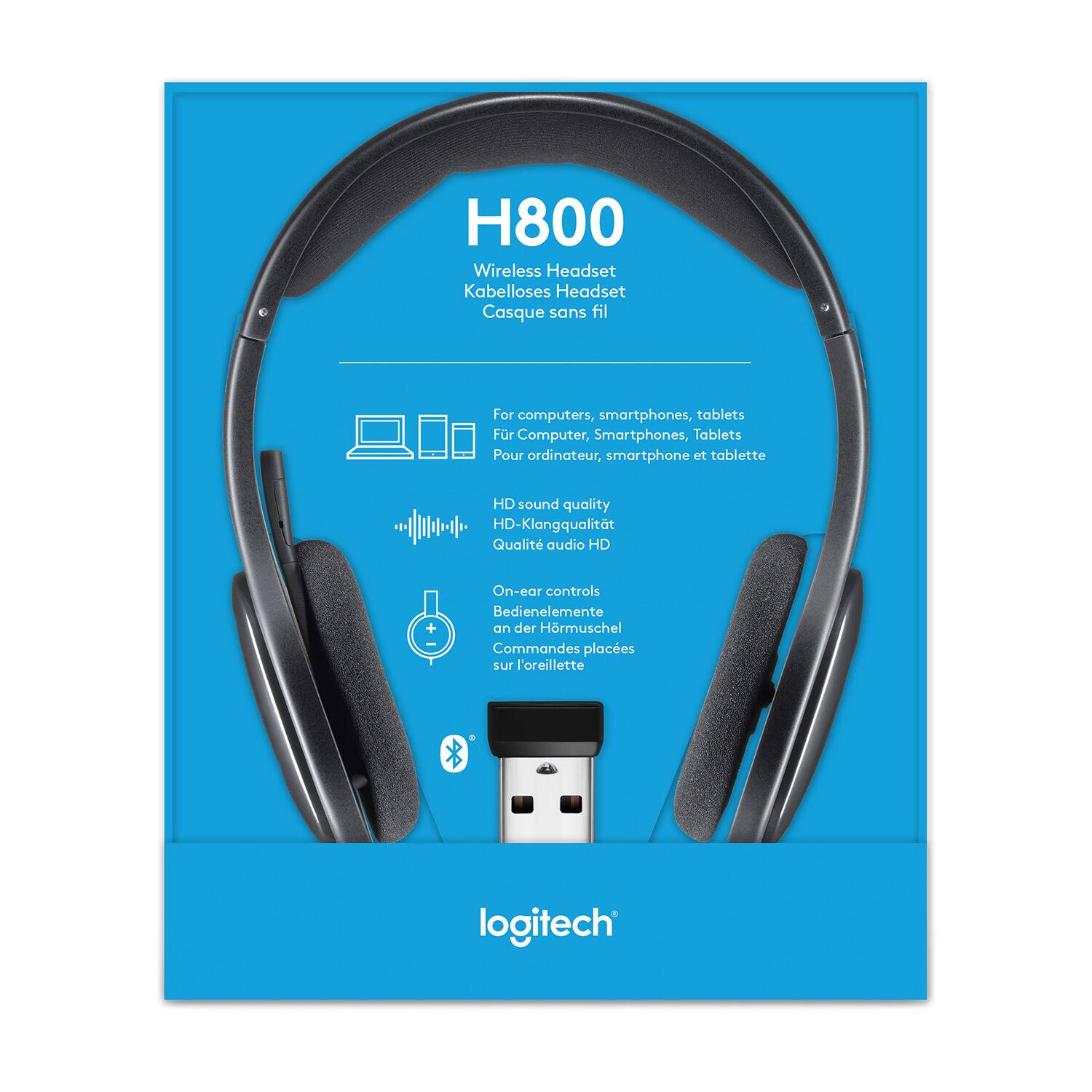
A:AnswerI’ve paired them with my iPhone 6S and latest-gen iPad; they work great. Used them for 6 hours straight and battery held up fine. Haven’t had to plug them in using a USB cable so I can’t answer that, but the manual states you can use the cable and continue using the headset.
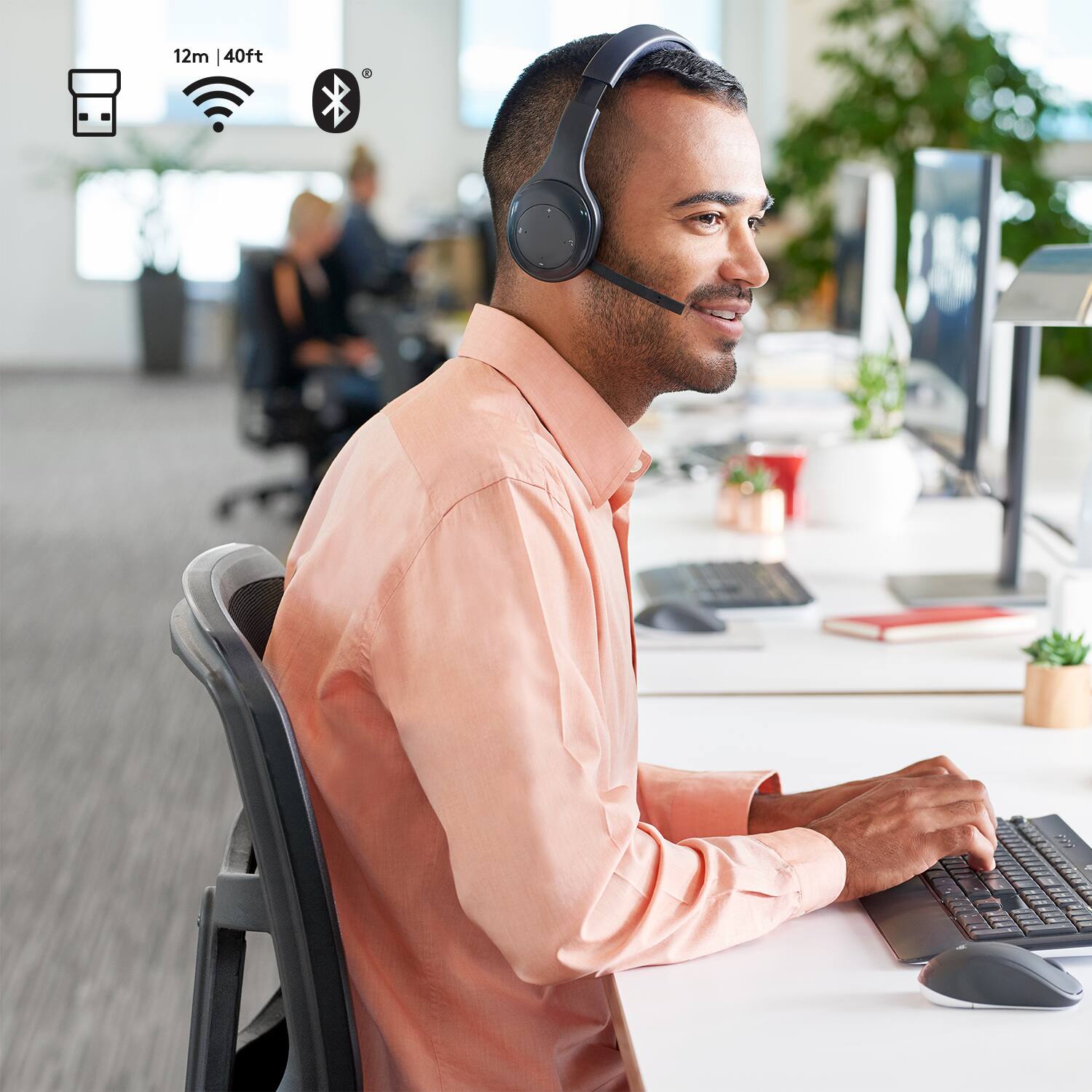
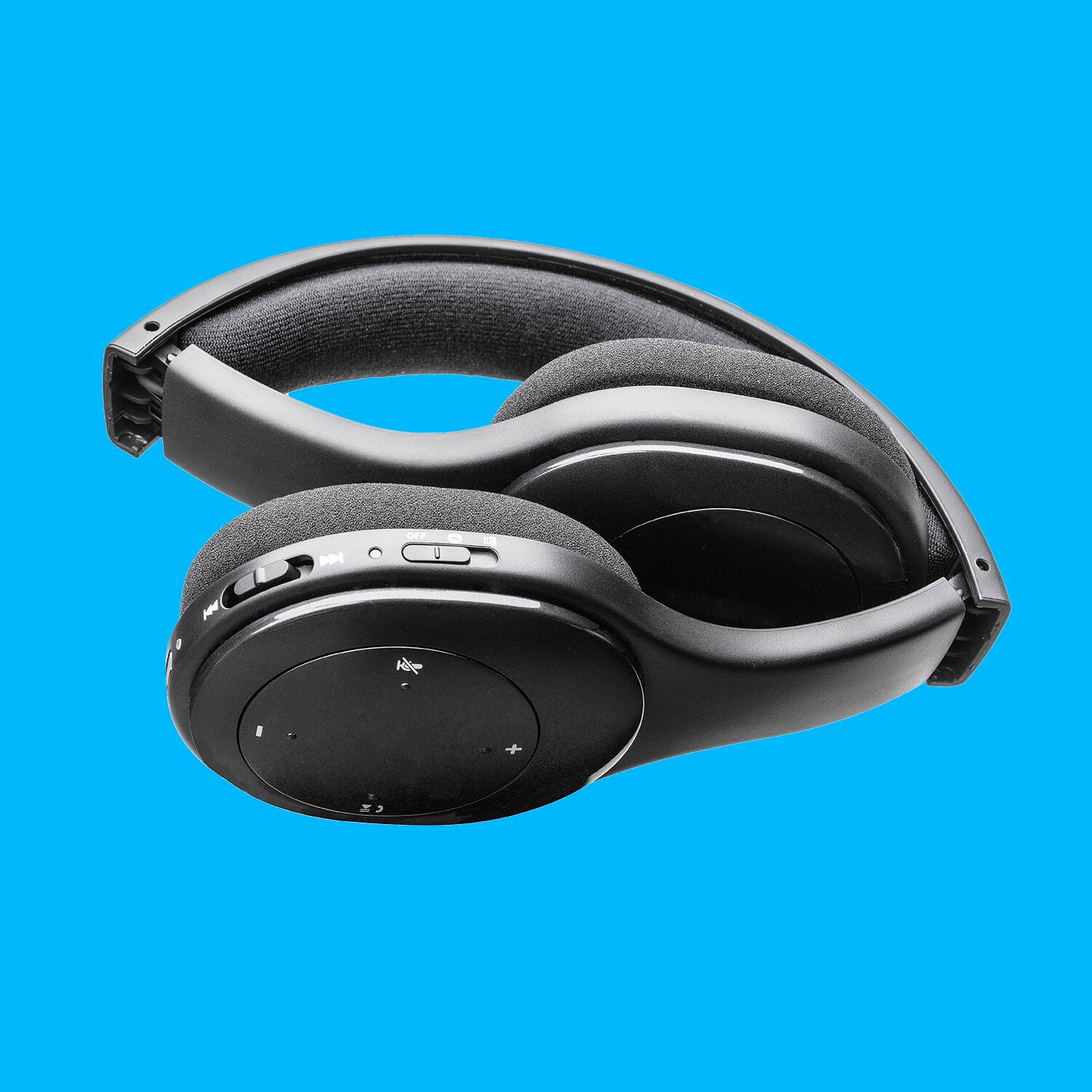
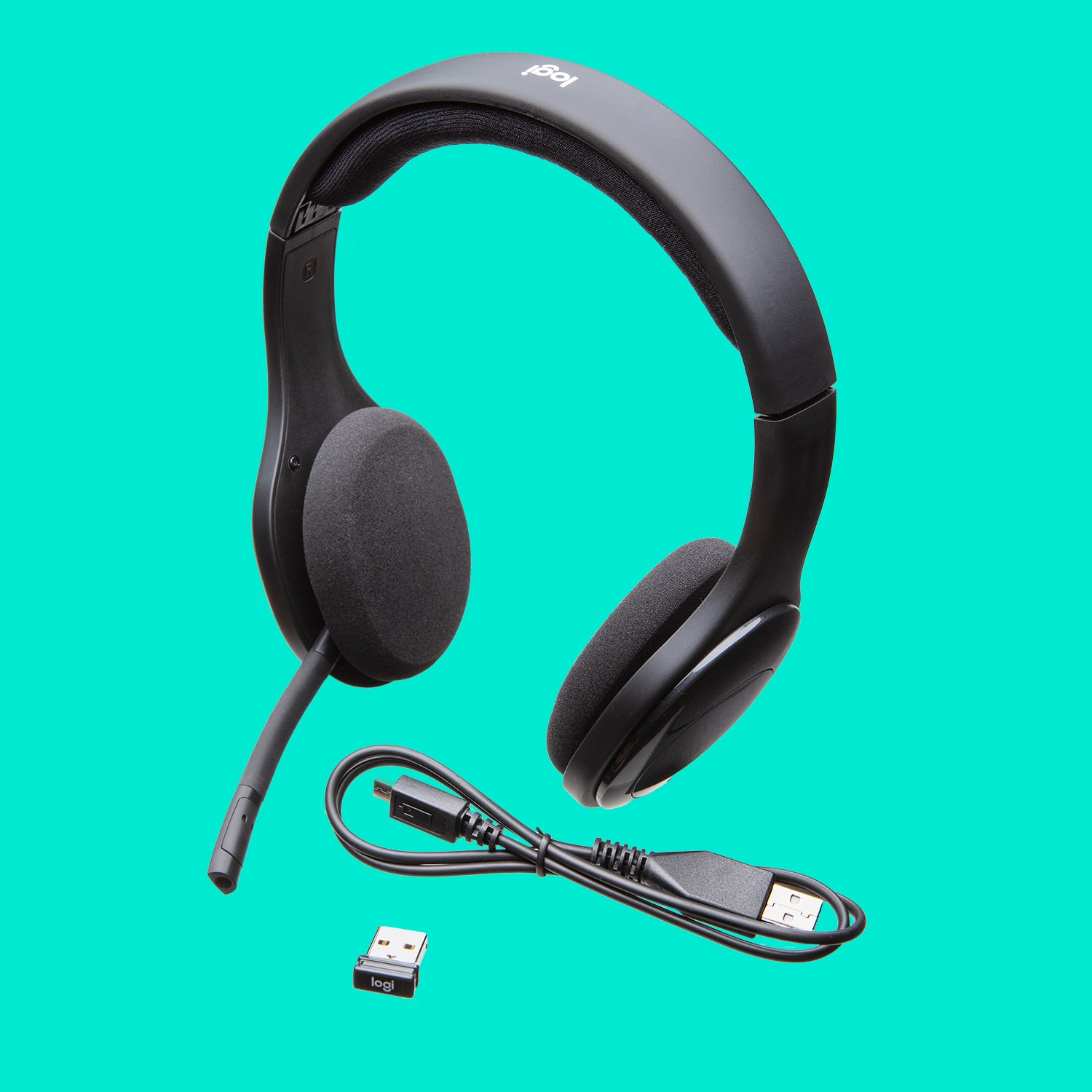
A:AnswerYes, it does have Bluetooth. The power switch has 3 positions, Off, Bluetooth and Wifi. Comes with USB cable and mini receiver. Mic is built in. Not sure what other accessories you are referring to, but there is nothing else included. Works fine.
A:AnswerI can get about 12 feet away and the audio starts to break up on the USB connectivity. So I can walk around in my home office fine, just not out the door and around the house. Bluetooth connectivity might be different/better but have not tried yet.
A:AnswerI play MP3 & WAV files thru my PC and they work fine, as does YouTube videos, streaming, etc. As long as any audio will play on your PC and would play over any regular speakers, if you have your settings (Control Panel - Hardware & Sound - Sound - PLAYBACK) correctly, you should hear everything fine. It's a PC/MAC setting, not a headset setting.
A:AnswerI haven't tried it, but If you have a third party adapter to provide a Bluetooth connection to your TV, then since these are Bluetooth compatible, I'd think it would work. I'm not sure how you would pair them, though... I guess that would depend on the adapter.
A:AnswerYes, I have Win 8.1, no trouble adding it as a device. Showed right up in SOUND as a Playback & Recording option (COntrol Panel - Hardware & Sound - Sound).
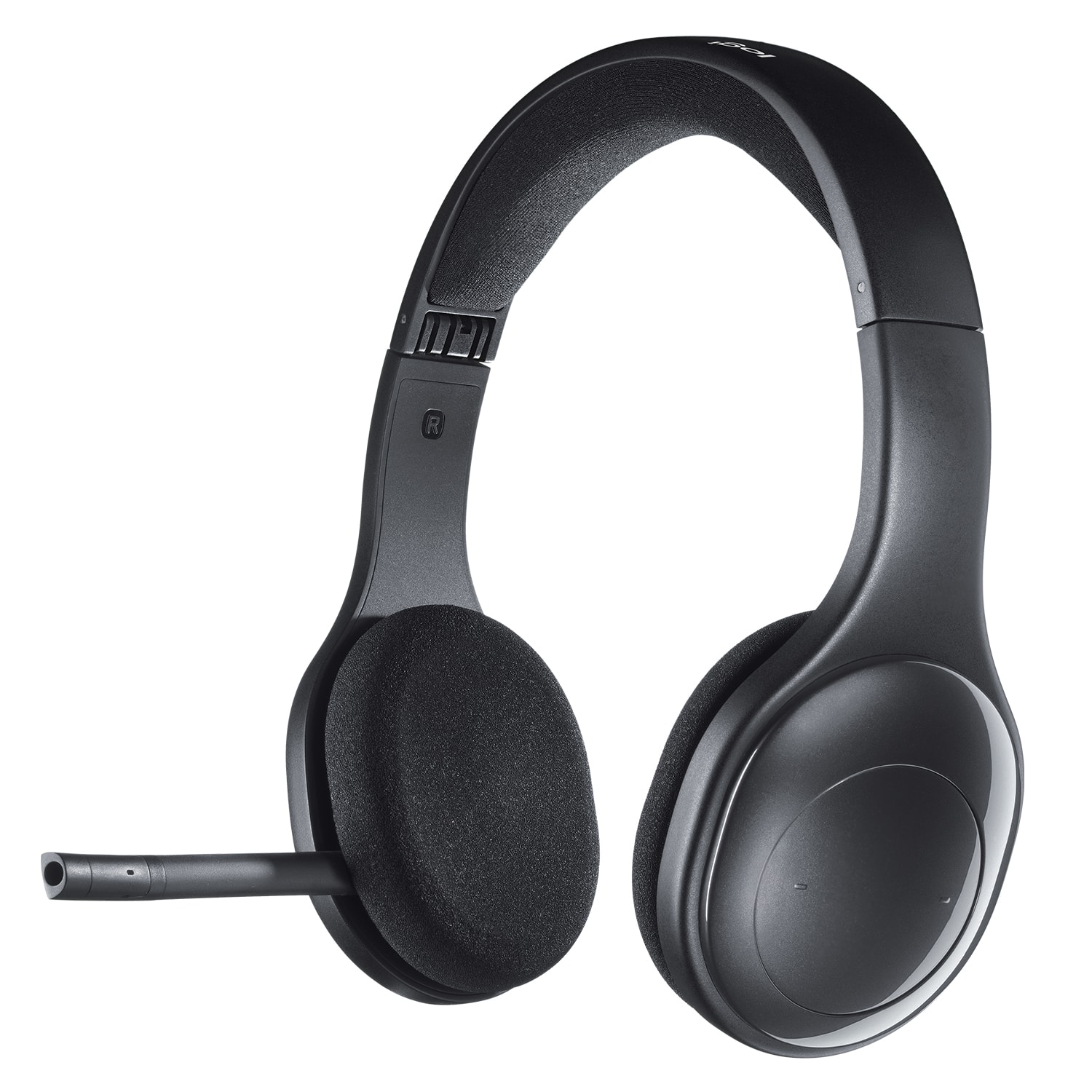
A:AnswerI didn't see the sponges available at Best Buy but I was able to locate a replacement pair about a year ago (2017) by doing a web-search. Since this model has been around for 6+ years, replacement parts should be easy to obtain.