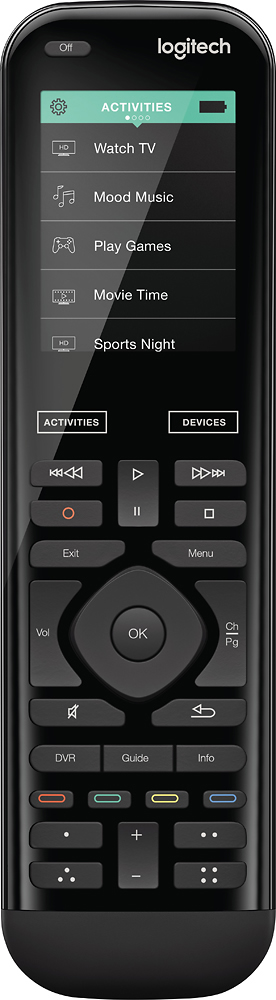
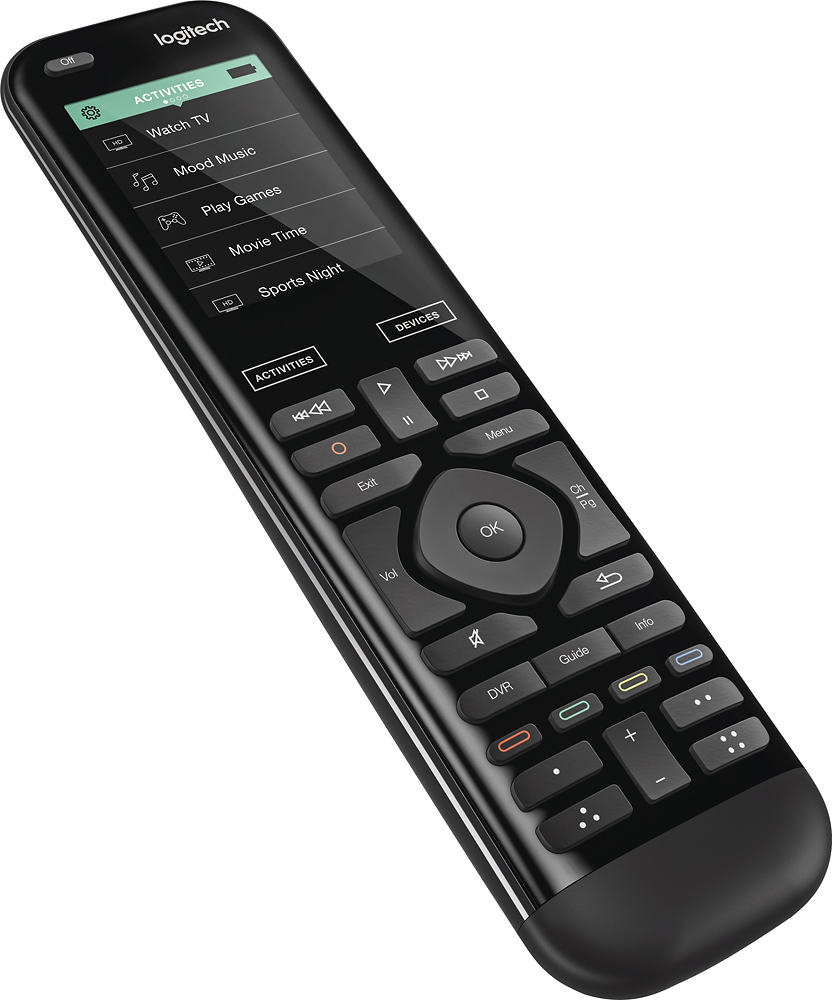
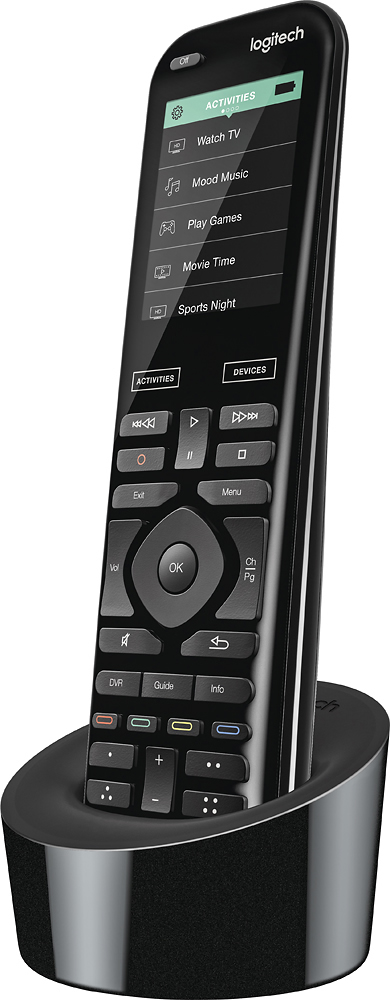
A:AnswerHello Sandy! You'll be able to use your old Harmony Hub with the Harmony 950 Remote no problem, it can pair with one touch screen remote, and one screen-less remote, just follow the instructions here for pairing: https://support.myharmony.com/en-ca/hub?utm_source=logitech.com&utm_medium=global%20support%20link&utm_campaign=getting%20started%20-%20home%20hub.
A:AnswerYes. When you enter your model number it should recognize it as a smart tv. Then when you turn you tv on, you will have an option to go to the smart hub
A:AnswerDepending on your system setup, sure. If you can go to ON Demand via menus, then you can play recorded content. My system setup is Xfinity, and I do search and play my recorded content in seconds.
A:AnswerHarmony 950 will work just fine with your NuVo P500 soundbar. It does not appear it will work the NuVo P400 tabletop speaker though. Here's a link to our website to check compatibility for any device with Harmony Remotes https://support.myharmony.com/en-us/compatibility
A:AnswerYes, it will work with the Insignia remote extender kit. For trouble with connecting your Harmony Hub, please refer to your Harmony app, "Menu", "About", "Customer Support" for assistance.
A:AnswerWhen you add your TV to the Desktop APP to setup your remote, a prompt will appear notifying you of any device limitations. The 950 works best with the Harmony Hub.
A:Answerhello Chris, this remote needs direct line of sight to the ir receiver on your devices. The only way to have this work through through the door is to setup external IR blasters outside of the door. The Harmony Elite which includes the Hub and this remote comes with two blasters in the box.
A:Answeryes. I added this device model # to my list of devices in the Logitech app on my computer (iMac) and it accepted it. Of course I could not sync with the Harmony 950
because I don't have this Sony device.
A:AnswerTheoretically, yes. However, when you put the model number of your receiver into the Setup procedure, you can never be quite sure what commands will be available to you on the touchscreen. If you use the desktop setup software, you have a few more options about button selection and how to map them onto the remote. You may also want to call Harmony Support during the setup process. If there's no way for you to get a replacement original remote for the receiver, this is likely your best option. Good luck!
A:AnswerNot by itself, but if have a hub you can have each one of the tv assign to a specific it port and put each of the ir cables in front of the ir reciever on the tv.