A:AnswerThis works for our LG smart tv. We have our direct tv, dvd player, sound bar, and smart tv all programmed to the control. All the functions work. Hope this is helpful.
A:AnswerI would say yes. First you must add the TV brand and model # to the list of devices the 950 will control (up to 15 total), and then sync the 950 to that device.
This is all done through the Logitech APP with the 950 connected to your computer via USB port. Connecting USB wire comes with the 950.
A:AnswerI think MAC OS High Sierra (10.13.6 is the Mac OS I am using), is the latest MAC OS the 950 will work with. I have seen this question before and the answer given was
that Catalina is not yet compatible.
.
A:Answerthe 950 is IR based. since the set top box will be behind the tv. there is no line of sight from remote to cablebox
youll need an IR extender to make this wrk
A:AnswerConnect the Harmony 950 remote to your computer, download and use the "Harmony" software to get it set-up in a few easy steps: https://support.myharmony.com/en-us/950?utm_source=logitech.com&utm_medium=global%20support%20link&utm_campaign=getting%20started%20-%20950
A:AnswerHarmony Express and IR remotes can control Sonos Beam, PLAYBAR, and PLAYBASE.
https://support.myharmony.com/en-us/harmony-experience-with-sonos
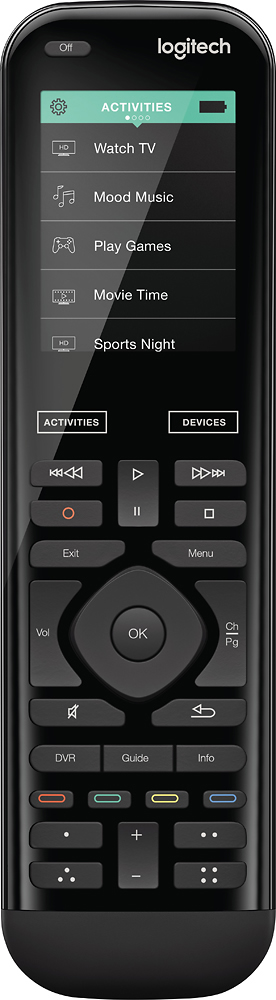
A:AnswerYou probabley tapped the activities on the home SCREEN at the top. Just tap the activities BOX below the screen. Should revert back to home screen. I have a smart TV and my remote home page has Activities on top, then Watch TV, then watch Smart TV. Yours may be slightly different. I had the Geek Squad set up my remote. so if your remote worked before, it should work now.