A:AnswerAccording to information I found in the Logitech community forum, it uses Bluetooth version 3.0. Here is an article for the differences between BT versions. http://majorhifi.com/the-difference-between-bluetooth-3-0-4-0-4-1-4-2-explained/
A:AnswerThe instructions say it will work with Android, Windows, ChromeOS, iOS, and MacOS operating systems.
I have had no trouble connecting to Windows, iOS and Android. Sorry I can't be of more help.
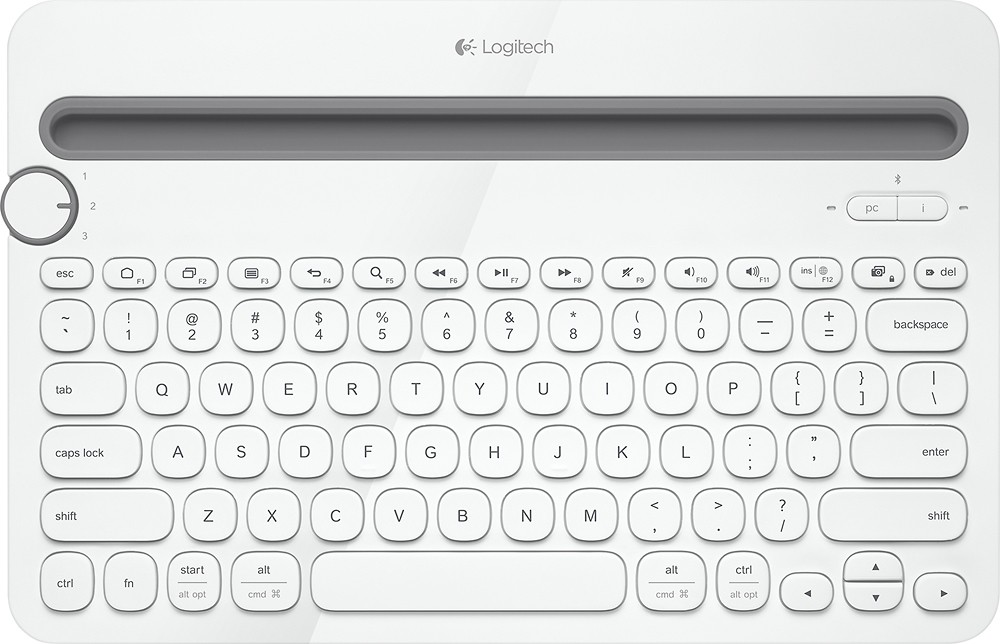
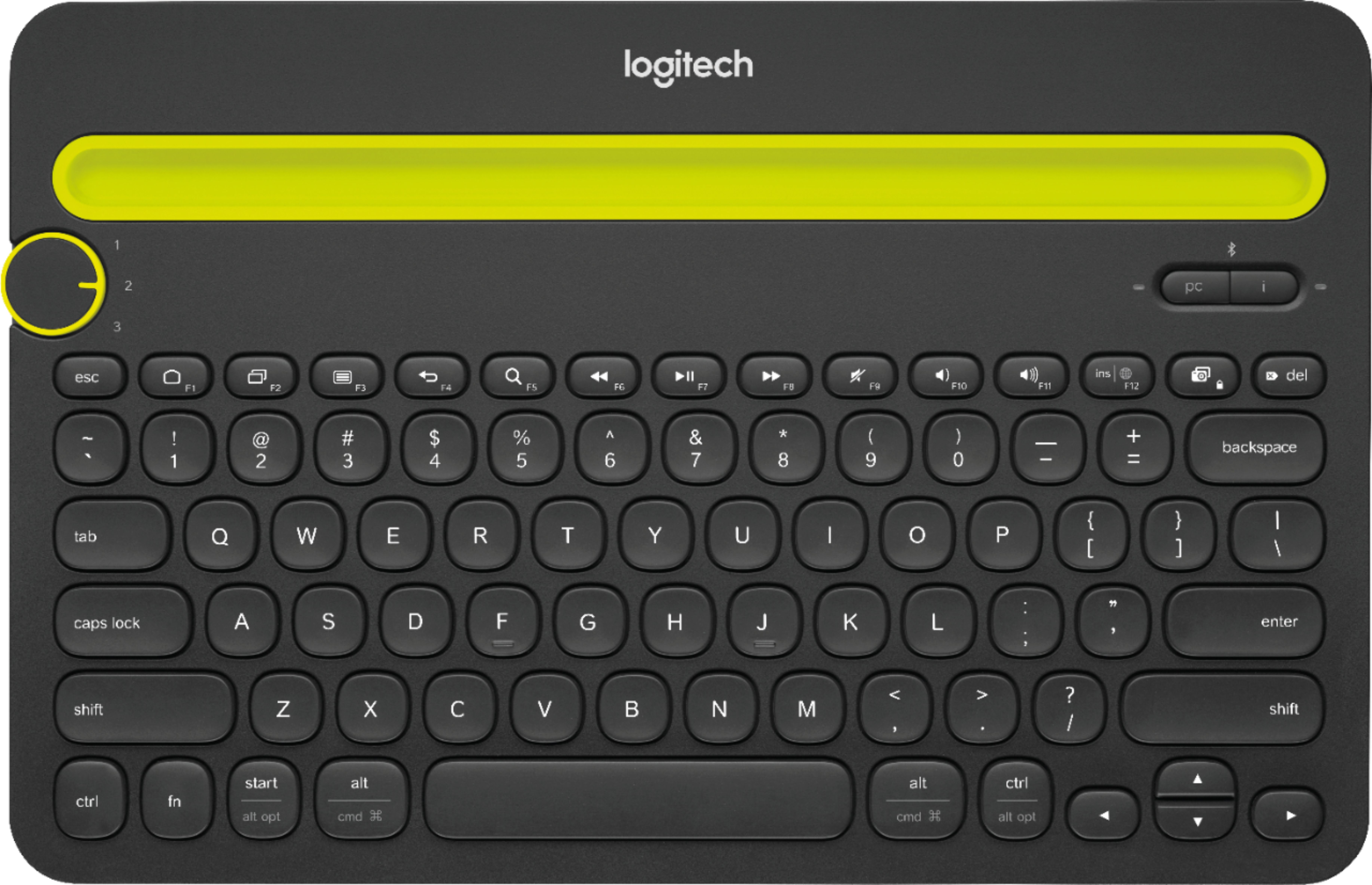
A:AnswerYes, it works with the latest Apple TV. Use the iOS pairing button (the button with the letter "i" on it) when you want to pair the K480 with your Apple TV. Hold the pairing button down for three seconds, after which there will be a flashing blue light next to the button, and your Apple TV will detect the keyboard.
Hope this helps!
A:AnswerCan't be done via the keyboard. You need to change the language setting on the tablet first and than connect the keyboard with your device. If you want to change the language while the key board is connected, you need to turn of the keyboard first, change the language on your device and than reconnect the keyboard.
A:AnswerHello, Scott! Yes, there is a way to delete old devices on the K480 keyboard. Please download our Logitech Options software here https://support.logi.com/hc/en-us/articles/360024848553--Downloads-Bluetooth-Multi-Device-Keyboard-K480 to do so. - Maggie from Logitech