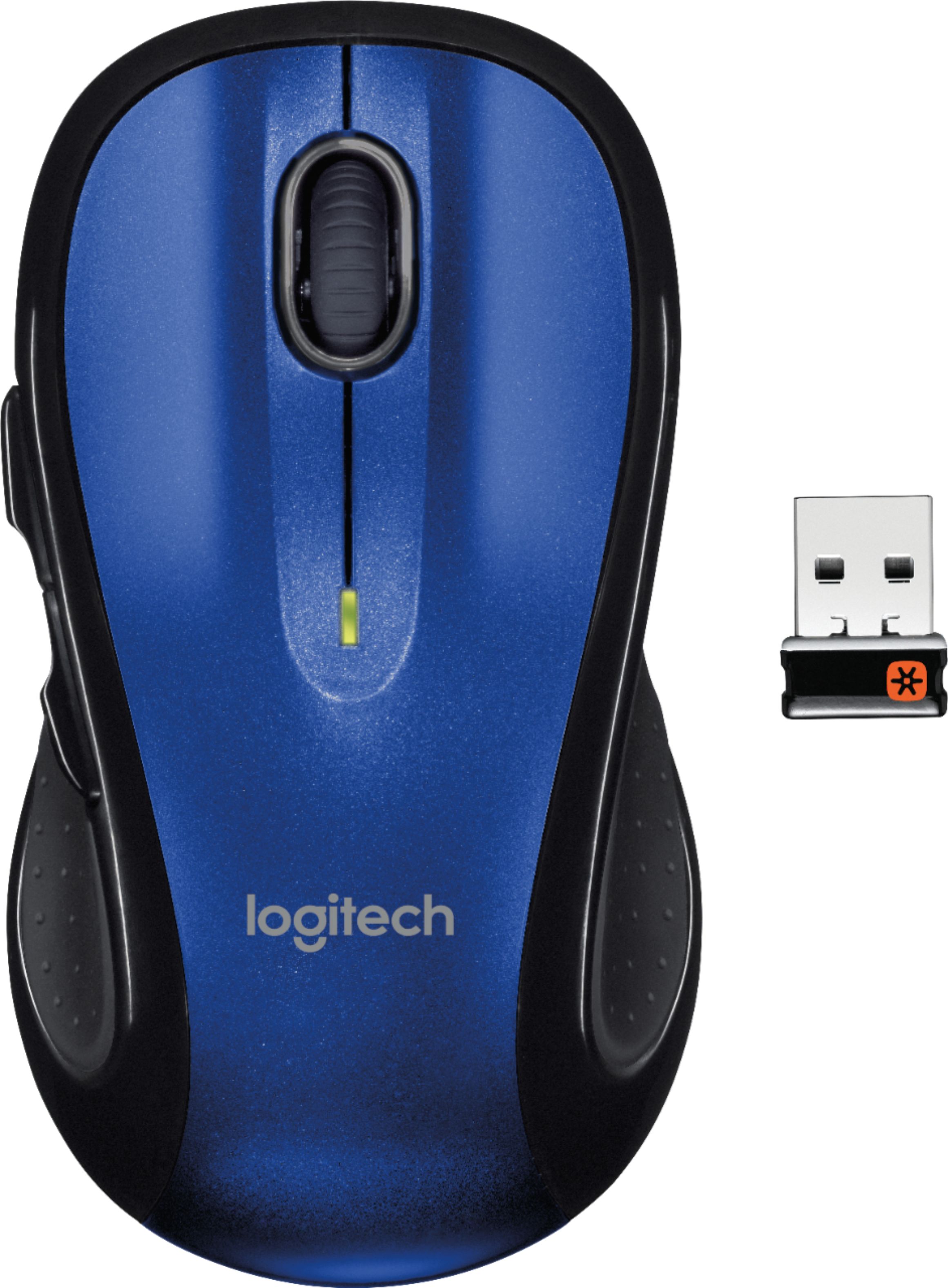
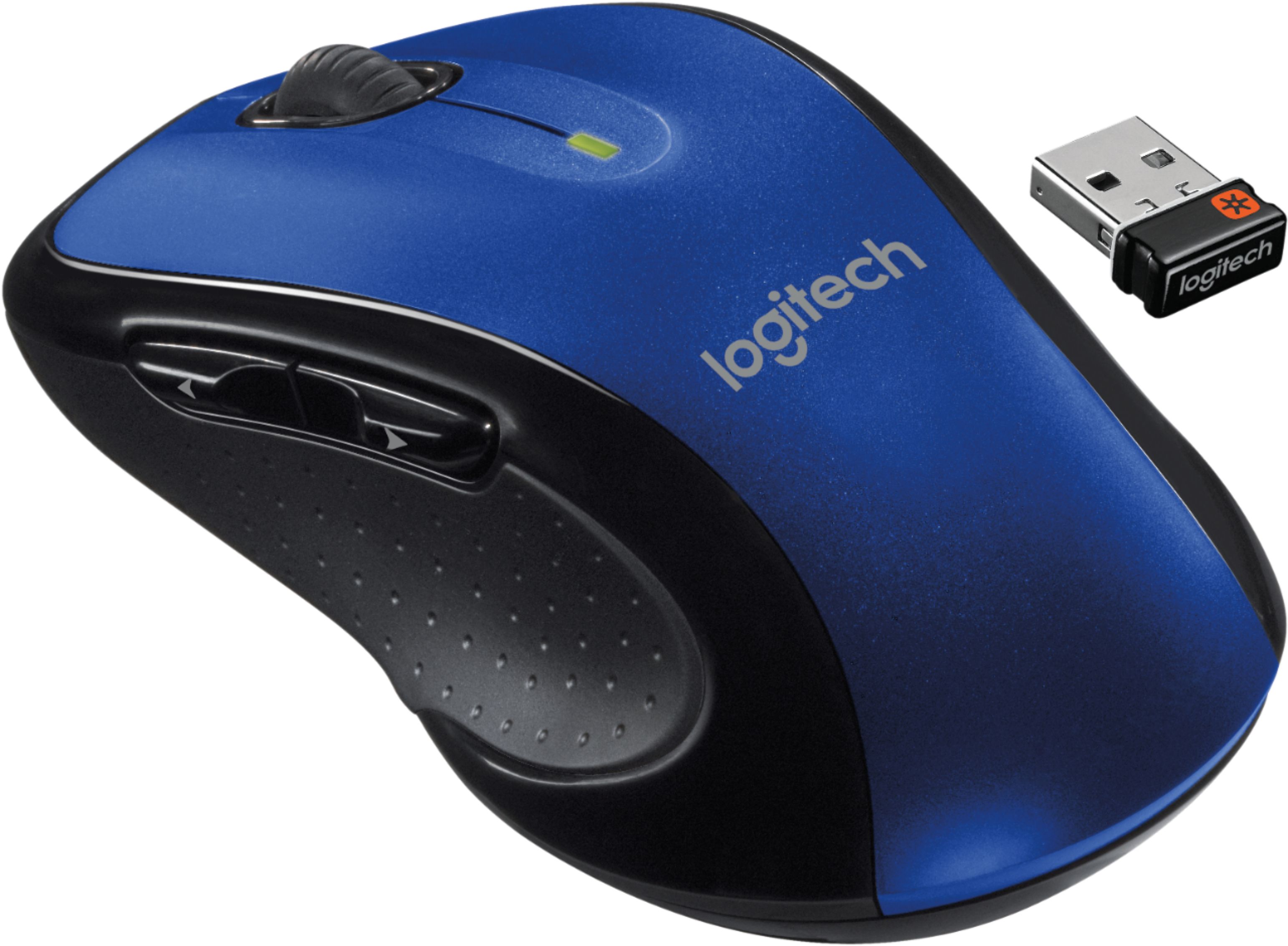
A:AnswerIt will work as a basic plug and play mouse, perhaps not with the use of the additional side buttons. The Logitech software won't be installable on Chrome OS but it functions without additional software, simply without the ability to reprogram buttons.
A:AnswerI have had a couple M510s over the years. It depends on where the USB device is plugged in. I have a steel desk with a tower computer on the floor. If I plug the USB device in the back of my computer, the mouse operation is intermittent. I used a USB extender cable to put the device at the edge of my desk and it worked flawlessly. A couple of years ago, I got a monitor arm for my display and it had USB connectors in it. I plugged the USB device into it and just walked as far as I could from the monitor (22ft) and the mouse still worked fine. So, it depends on how clear of a path the USB device has with the mouse.
A:AnswerThe wireless mouse has a USB chip. It is located where the battery is . Open battery cover and pull it out and install in your computer in the regular USB port.
A:AnswerAlthough I'm right handed, I would say yes. It has an indentation on both sides for your thumb. The left/right buttons can be programmed 'backwards' if that's the way you're used to doing it. The 2 extra buttons are on the left side for a right hander's thumb. I would think you could click them all right with your ring finger.
A:AnswerNever knew there were two editions. However, common sense would dictate they sell the newer Version 2. Both of mine (2015,2020) have black Lasers.