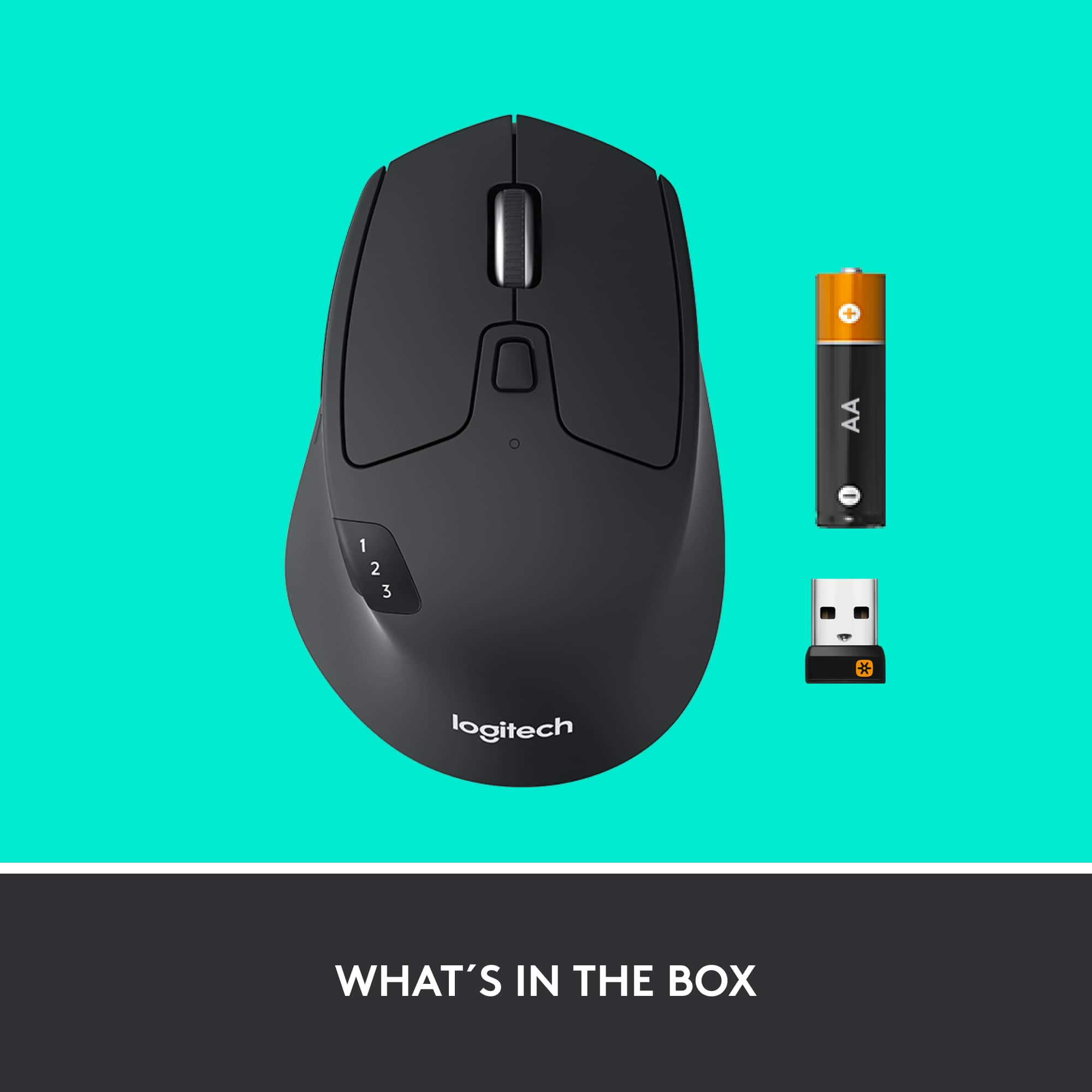
A:AnswerYes, it should work fine. Wireless Logitech mice are generally stable even near USB hubs, as long as there isn’t heavy interference. Using the receiver close to the mouse usually gives the best performance
A:AnswerIt is compatible with my MacBook. When I use it by itself it works great!! When I am working between my work HP laptop and my MacBook, I often have to (re)pair my device to the MacBook after the mac has going into sleep mode. Annoying sometimes but because the mouse is super comfortable, responsive, and allows me the ability to switch between operating systems with ease, I can deal with this small nuisance from time to time.
A:AnswerIf you want a website search that is the shortcut Command F or Control F. You can program either the 1st or the 2nd button to use the shortcut key to do a Command F. You have to install the Logi Options in order to program the mouse.
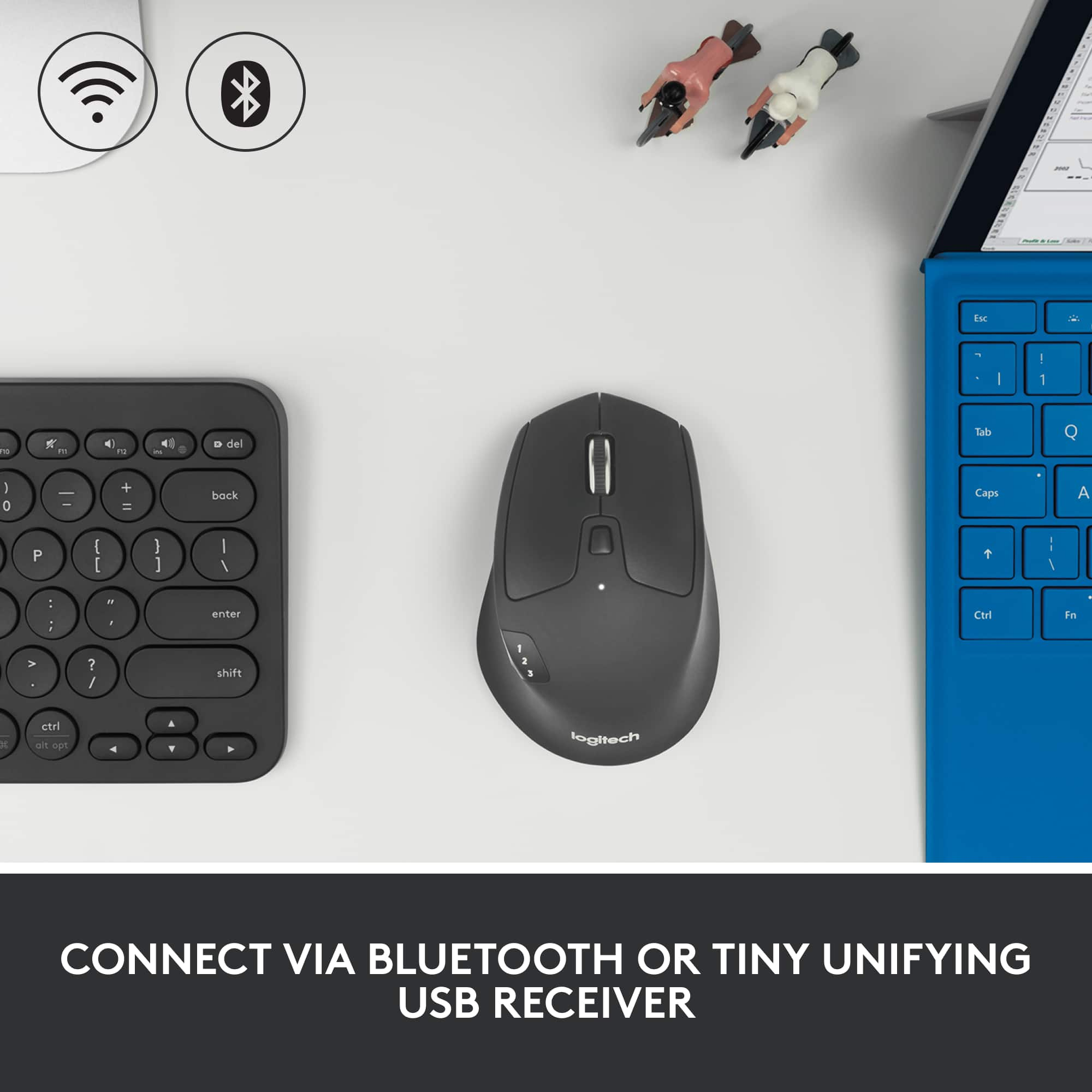
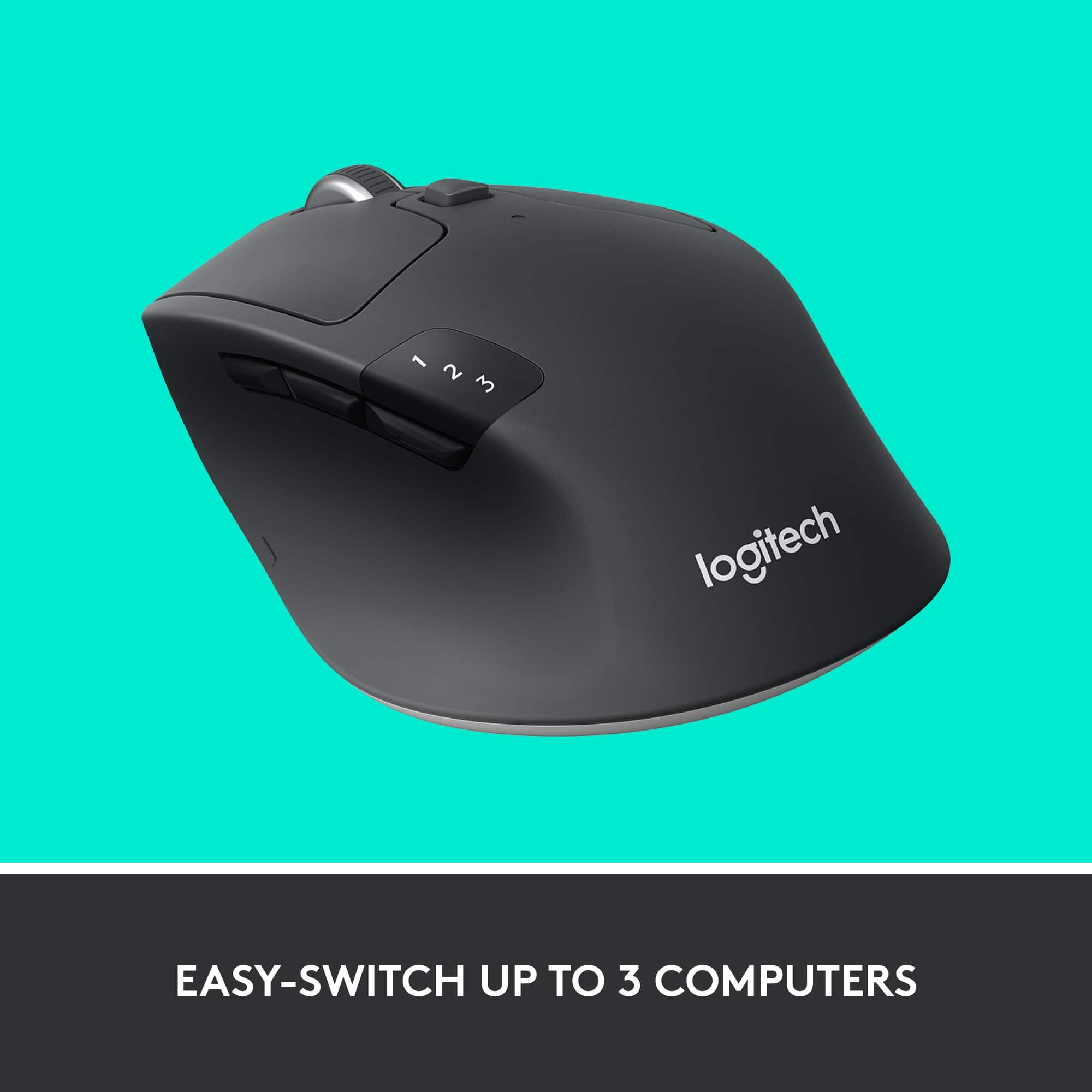
A:AnswerThis keyboard uses a generic Bluetooth profile, so it works with ANY Bluetooth enabled device from the last 3 years or so. I have it connected to an Android phone, iPad, and Windows desktop app with Bluetooth.
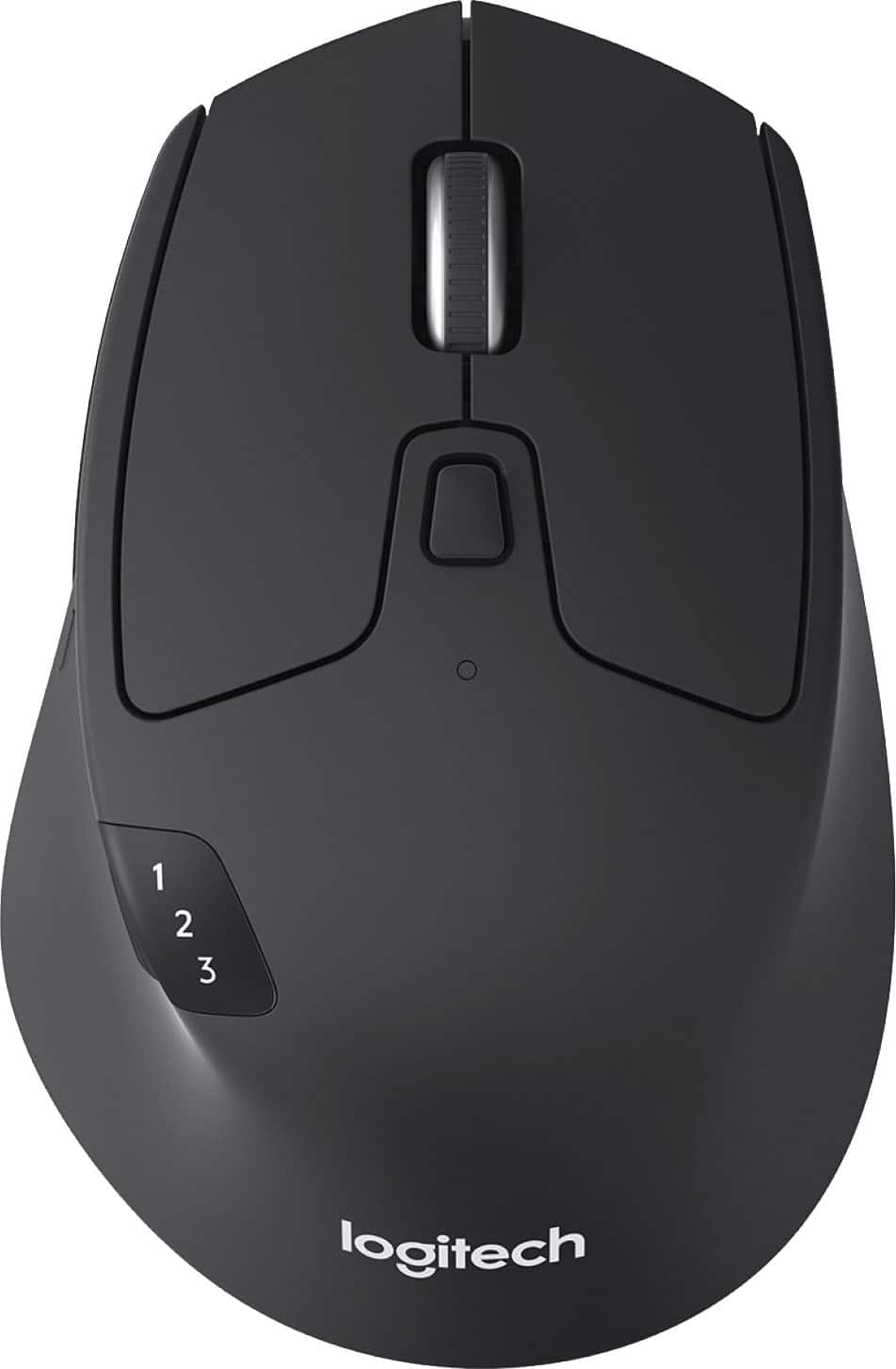
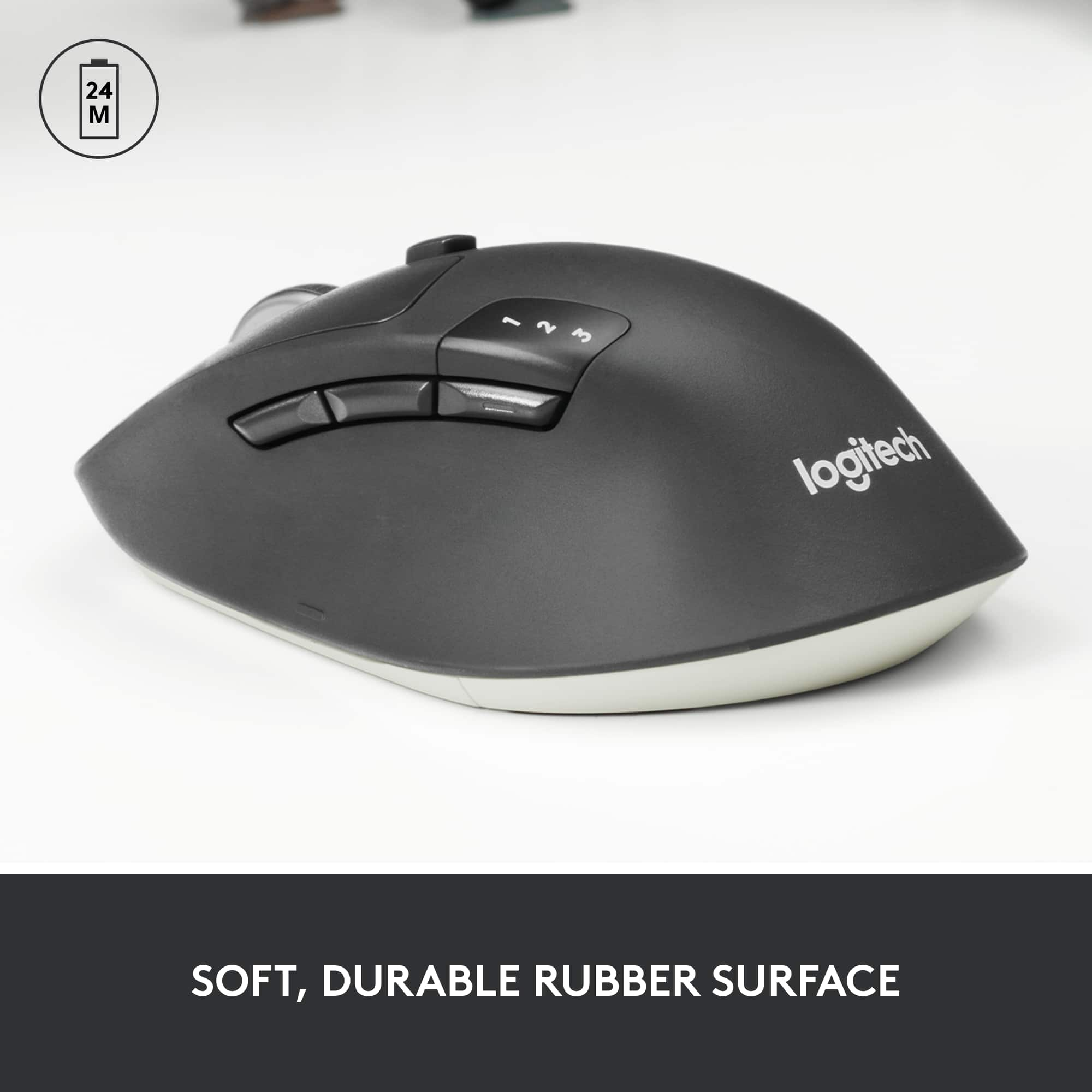
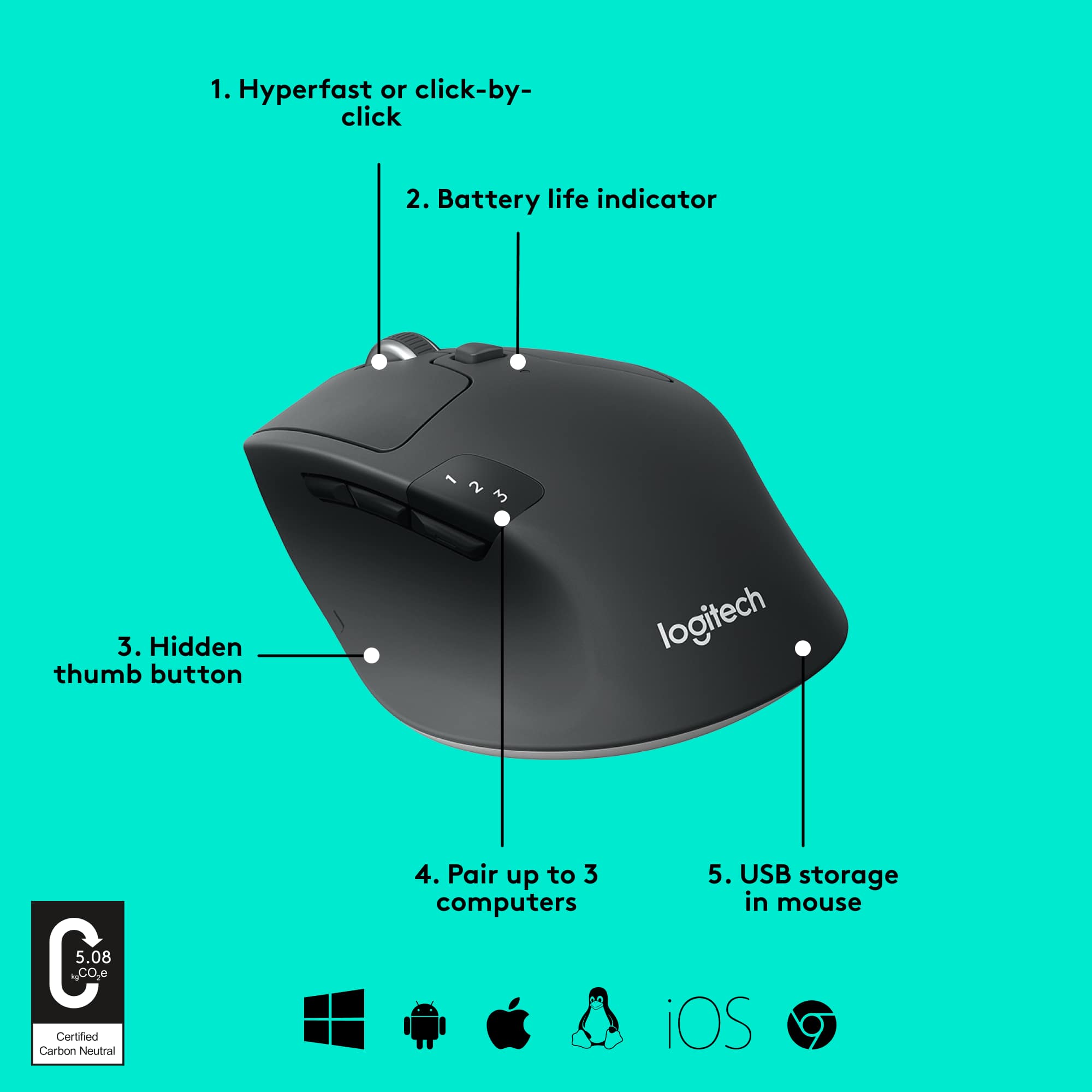
A:Answerclick the bluetooth button (the closest button to the numbers) to which number you want to choose 1,2, or 3. Then click and hold the same button until the LED light blink rapidly and it means ready to be paired to your device.
Simply find it in your device's bluetooth option and click connect.
A:AnswerI own both and can confidently say, they are the same except for color of the bottom. Both come with Unifying USB dongle, both also support bluetooth, both support switching to 3 systems and work with all software (including Logitech Options, etc.)