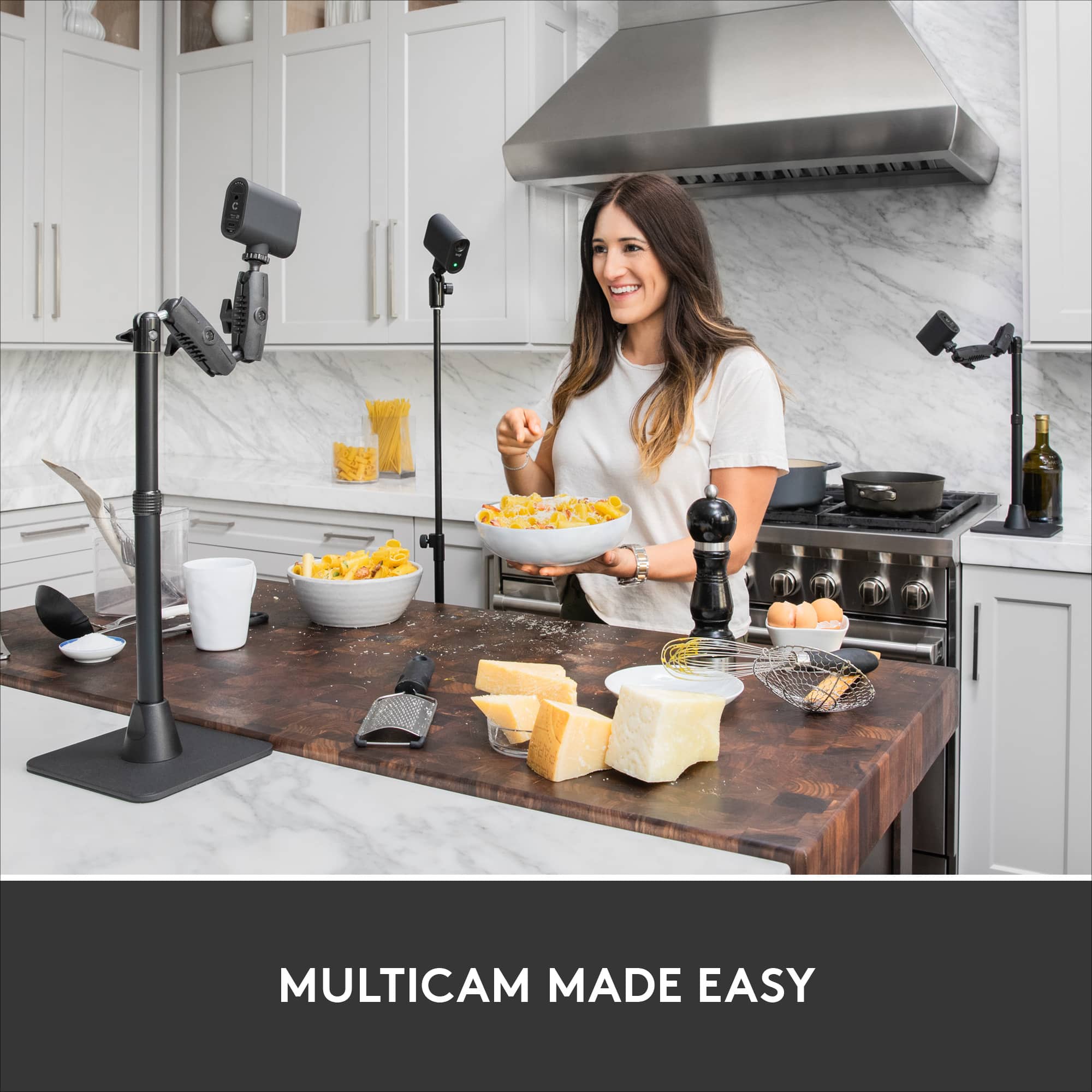
A:AnswerThe current app works only with a single camera. They are beta testing a version that can handle teo or three cameras, but it will be a while before that might become available. The Mevo Start can work as a NDI video source so you can use multiple Mevo Start cameras with software like OBS. I use the Mevo Start with OBS and find it to be effective and affordable.
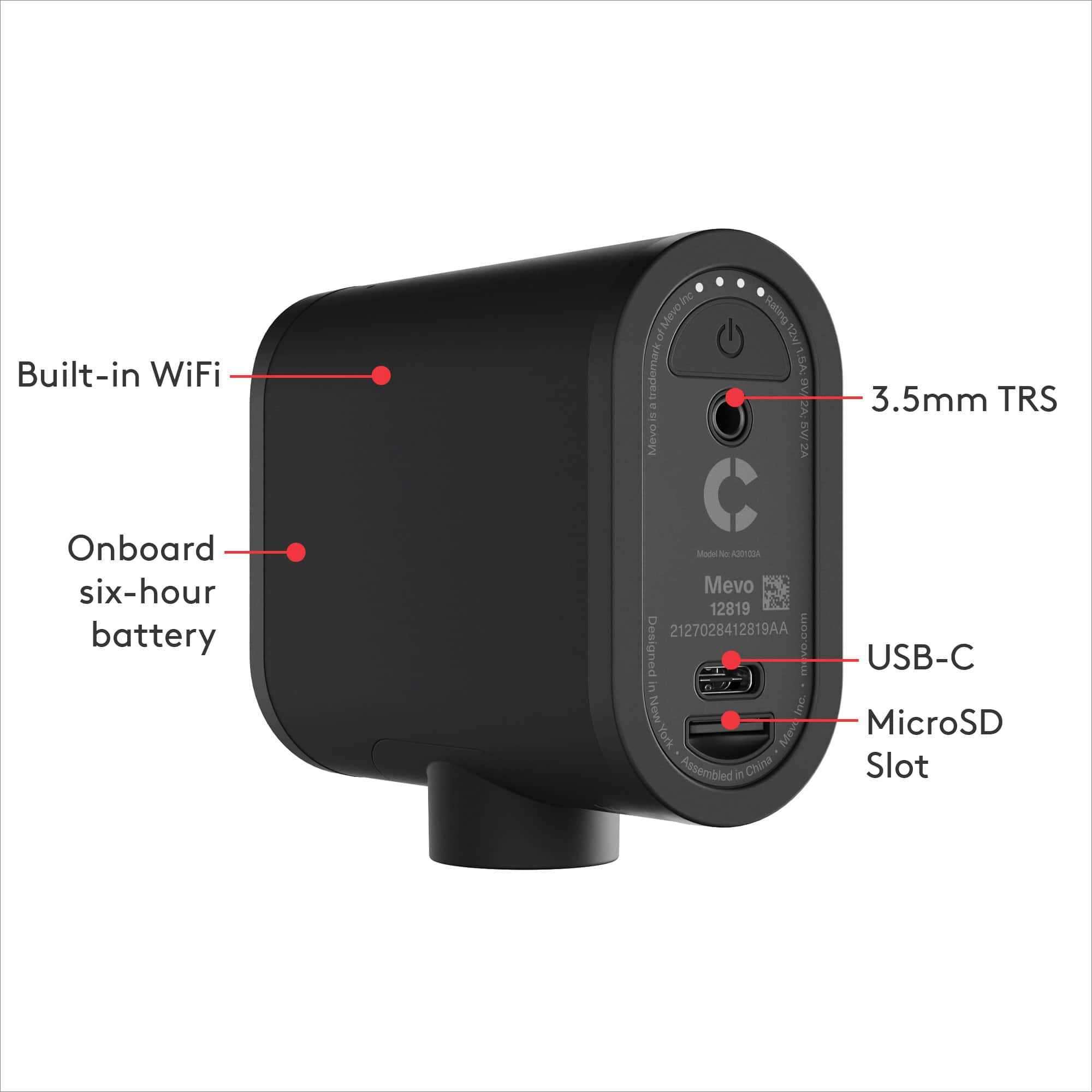
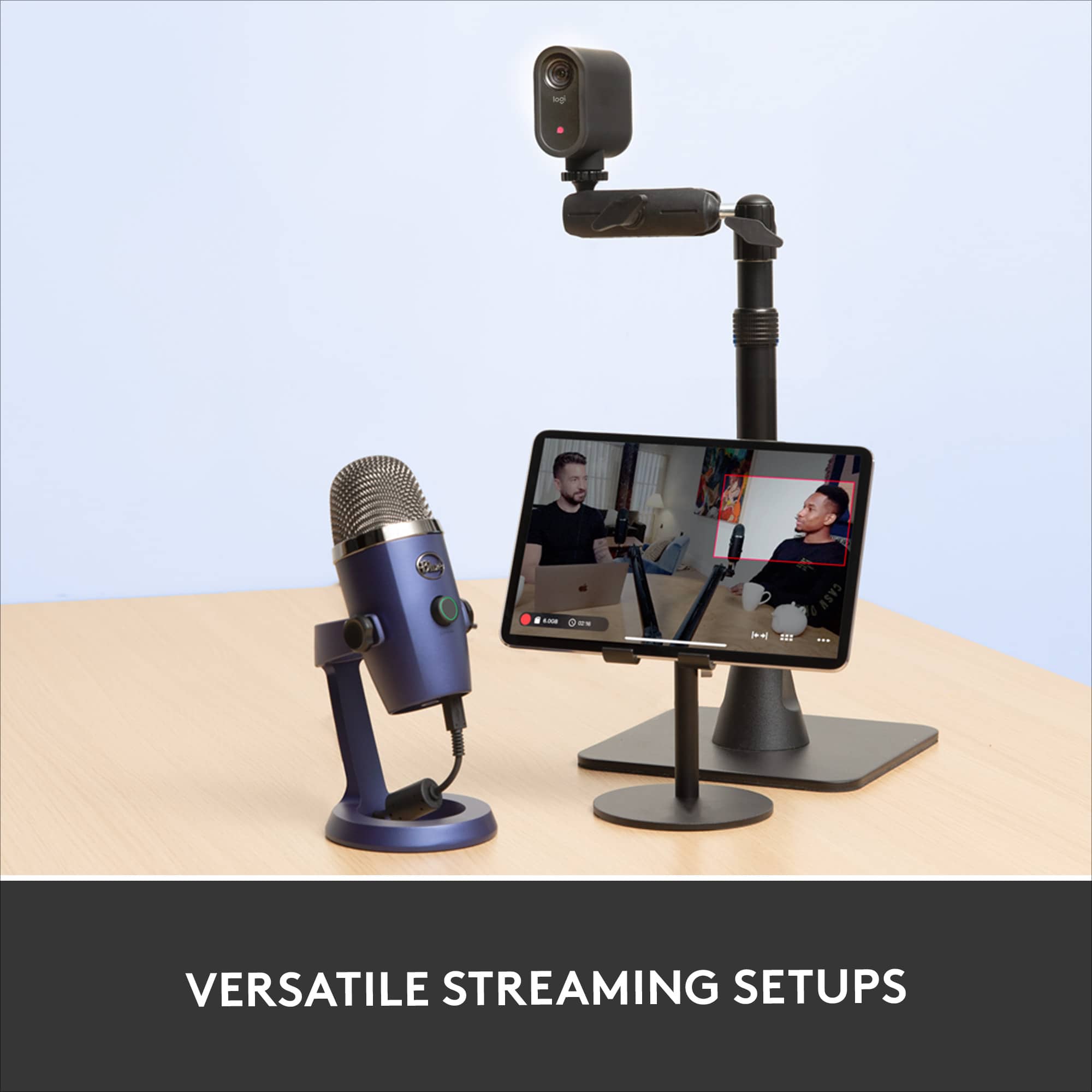
A:AnswerThere is no specific external mic for it. You just buy one of your own choice and hook it up. I don’t know a “distance” but I’ve used it in the back of a church and it picked up everything nicely. With that said, the minister was talking over the PA system (it wasn’t like it was just picking up her straight voice from 100’ away - although when the service was over it was picking up people’s conversations from probably 50 foot away, but I wouldn’t be bank on it being the sound quality you want from that distance). Overall I’m fairly impressed with the ability of the internal mic.
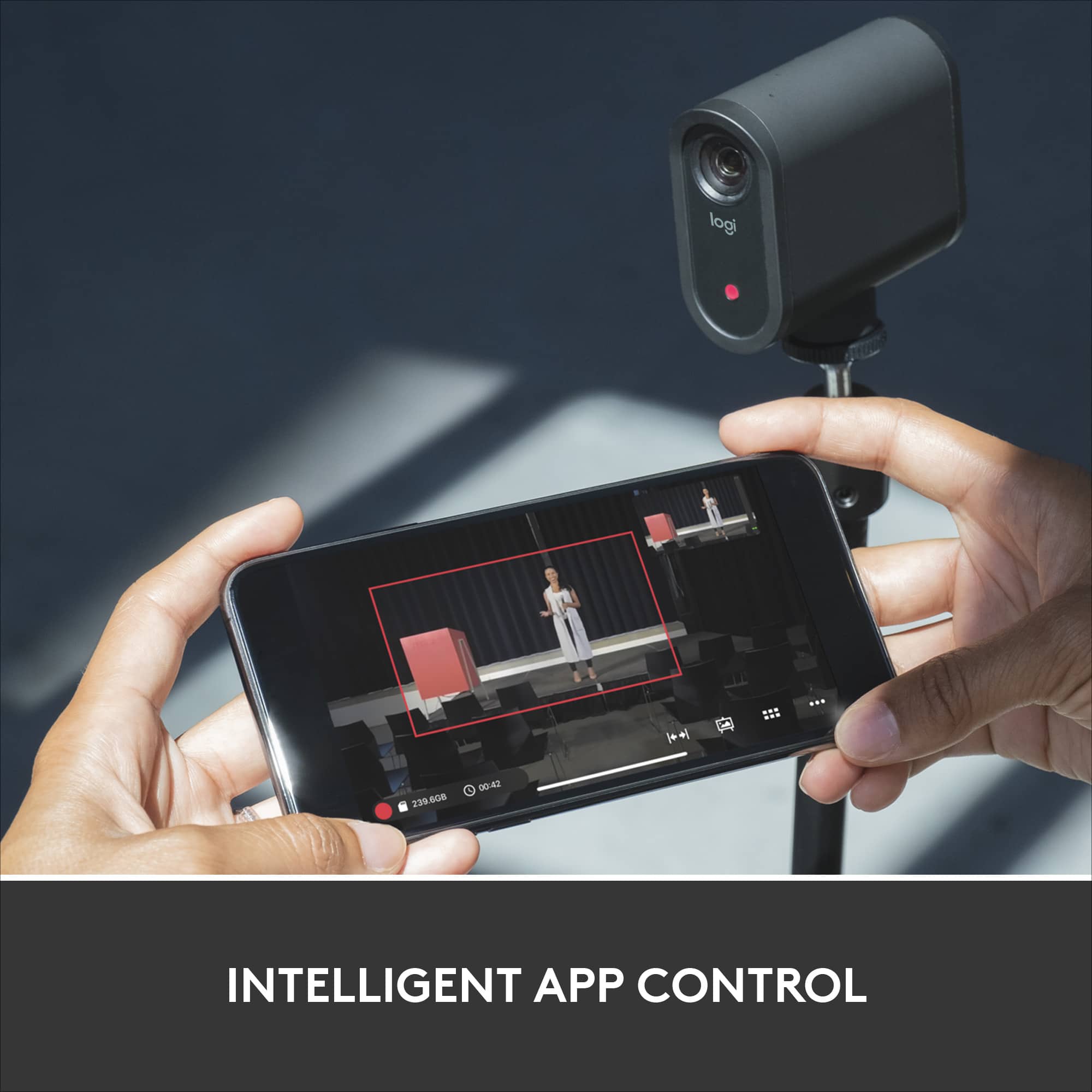
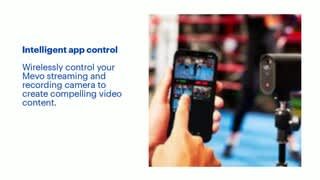
A:AnswerYes. I use Mevo Start with OBS and it works well. It does work wirelessly but I prefer to use the ethernet/power adapter. Set the camera up to be an NDI source. You still need the app to setup the Mevo and to adjust sound levels (if you use audio from the Mevo). I use the app to control the digital zoom on the Mevo. When used as an NDI video source the video feed to the app will not change when you zoom. It only changes in you video handling software.
A:AnswerHello Zoom! You'll be able to use the Mevo Start LIVE Streaming HD Action Camera as a webcam with Zoom (or other conferencing software like GoTo Meeting, Teams, etc., when connected to your PC, and livestream to services like Facebook LIVE, YouTube LIVE, Twitch, etc. - Mathieu from Logitech
A:AnswerIt is small enough that it could be set up under and umbrella and do the job for you. I believe it can handle humidity, just not rain directly on top of it. If you have a 10x10 tent set up it can be set up there.
The only part of the camera that cant be wrapped in plastic would be the lens so you get a full view of the action.
A:AnswerYou can use the Mevo camera as a webcam for your computer/laptop. But you still want to download the Mevo app on your smartphone and pair it so that you can make adjustments like zoom in and filter selections.