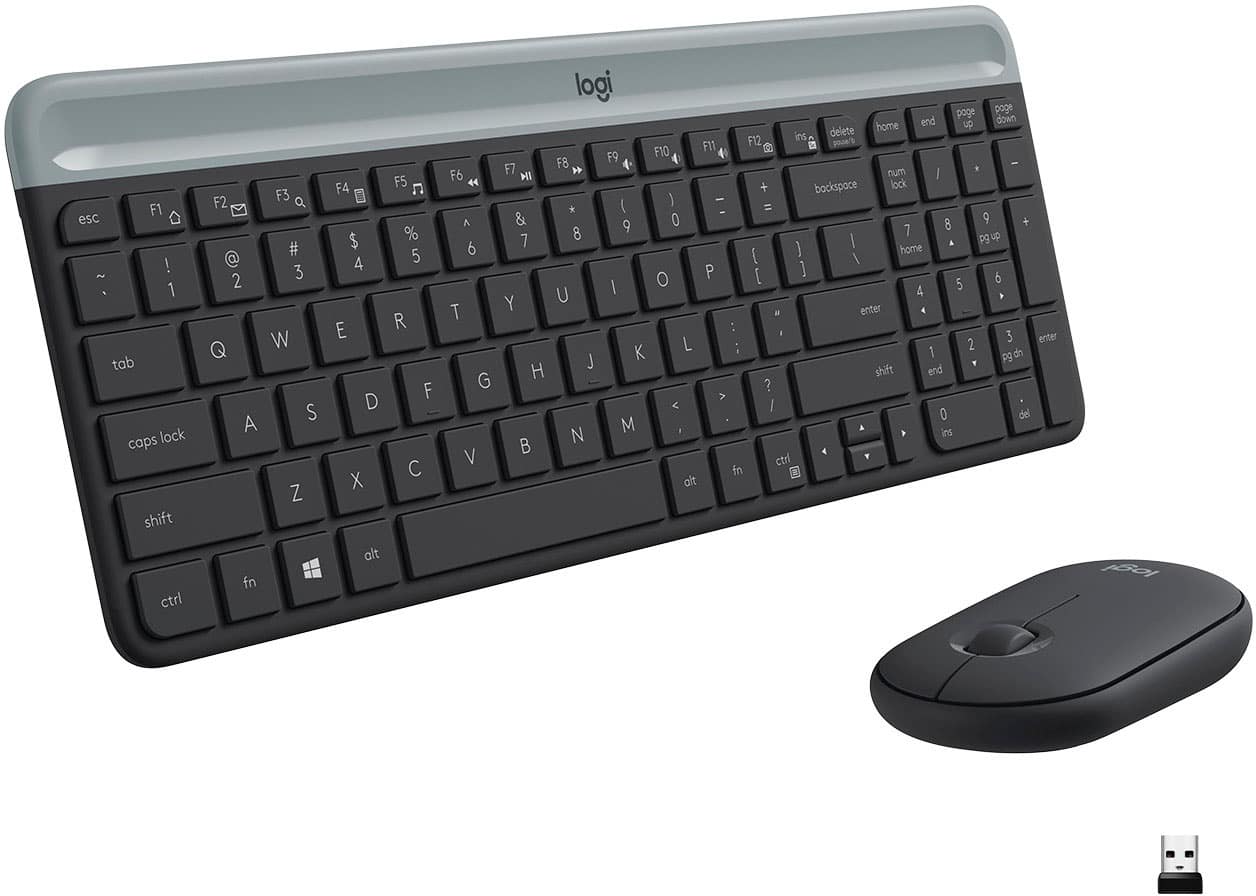
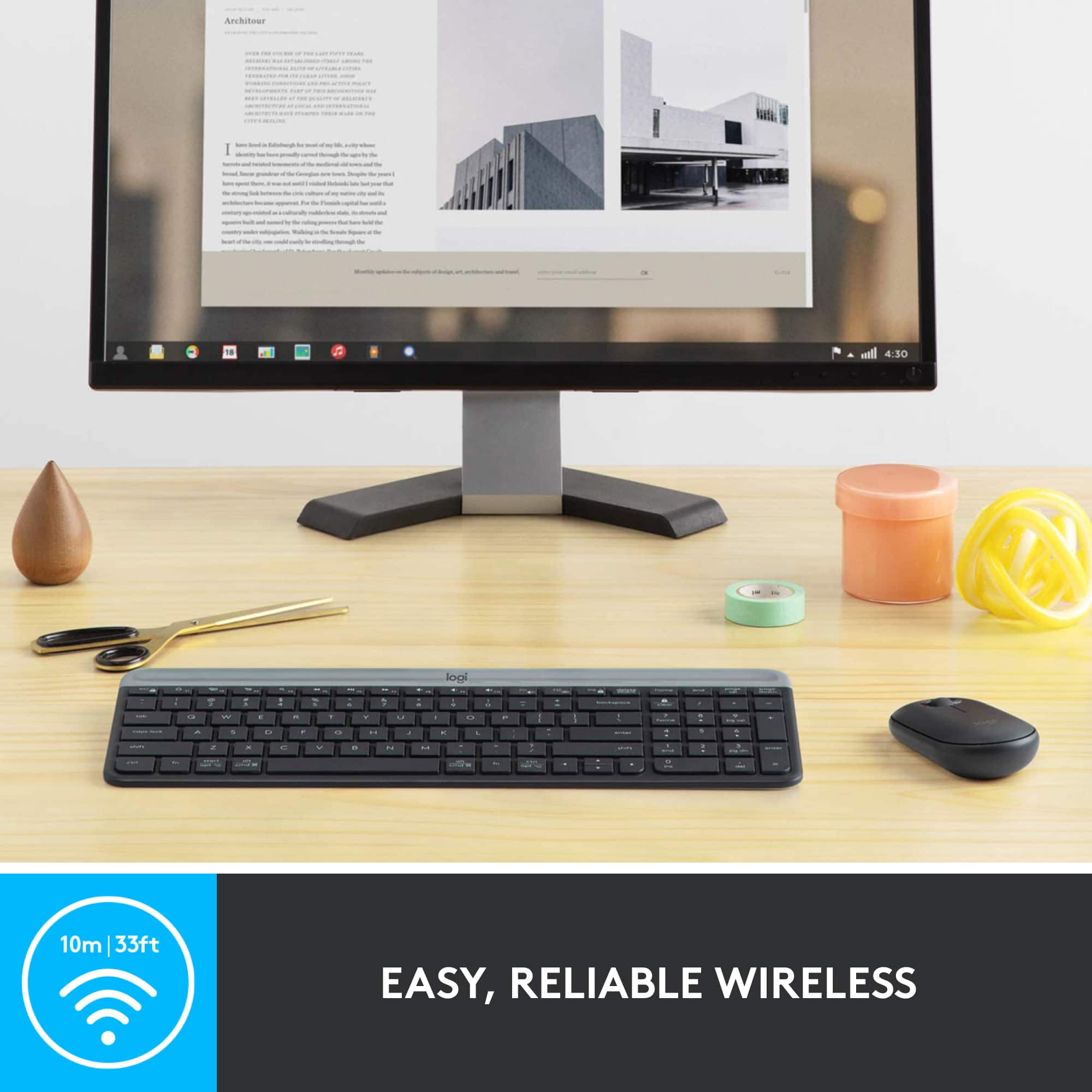
A:AnswerIt is true that this particular set is not bluetooth. If the galaxy tab s7+ has a dedicated usb port, then i don't see why it wouldn't work.
However not all cell phones and/or tablets have dedicated usb ports.
On phones/tablets that don't have a dedicated usb, the port where you charge the device in many cases is actualy multifuncion. All you need is a micro or usb-c adapter (or specially designed usb hubs) to full usb and that should solve the problem.
A:AnswerHello Raaja! Unfortunately, the MK470 Full-size Wireless Scissor Keyboard and Mouse Bundle with Plug and Play won't work with a Samsung Galaxy Tab A7 as you need to connect the USB Receiver to the device for it to operate. There is a similar model (keyboard only) that will work with your device though, it is the K580 Multi-Device Wireless Keyboard, which can connect via the Receiver or Bluetooth: https://www.bestbuy.com/site/logitech-k580-multi-device-chrome-os-edition-full-size-wireless-membrane-keyboard-graphite/6373452.p?skuId=6373452 - Mathieu form Logitech
A:AnswerI'm not sure as I haven't tried yet myself. This mouse is 'OK' but not to my taste either. You can always try another logitech mouse for pairing purposes.
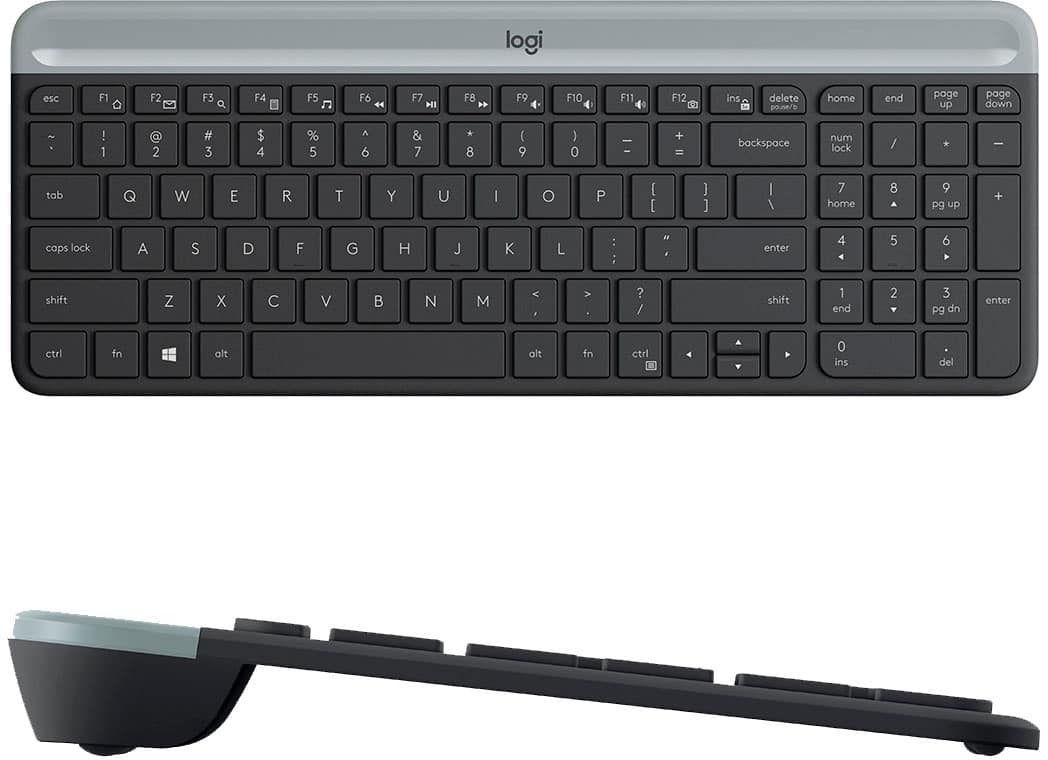
A:AnswerHello, COZY2! The MK470 combo is described as a scissor keyboard because they use scissor style key switches for the keyboard. This provides a feel between membrane keys (normal keyboards) and mechanical keys (gaming keyboards). It also helps the keyboard be more low profile. - Maggie from Logitech
A:AnswerHello Steven, The MK470 isn't compatible with Mac OS. It is only compatible with Windows and Chrome OS. Here are the keyboard and mouse combinations that are compatible with Mac OS and could be used with your iPad and iPhone: https://www.logitech.com/en-us/products/combos.html?filters=mac. - Richard from Logitech
A:AnswerHello Sel! Unfortunately, the MK470 Full-size Wireless Scissor Keyboard and Mouse Bundle with Plug and Play Combo is using a USB Nano Receiver to connect to the computer, and is only compatible with Windows PCs and Chromebooks. Something I could recommend, if you're looking for a full-size keyboard and mouse combo, would be the MK850: https://www.bestbuy.com/site/logitech-mk850-performance-full-size-wireless-optical-keyboard-and-mouse-black/5761911.p?skuId=5761911 This would work perfectly with your iPad (up to 3 devices) via Bluetooth no problem. If you're looking for something smaller, the K380 keyboard along with an i345 mouse or MX Keys Mini and MX Anywhere 3 mouse would be great options too!
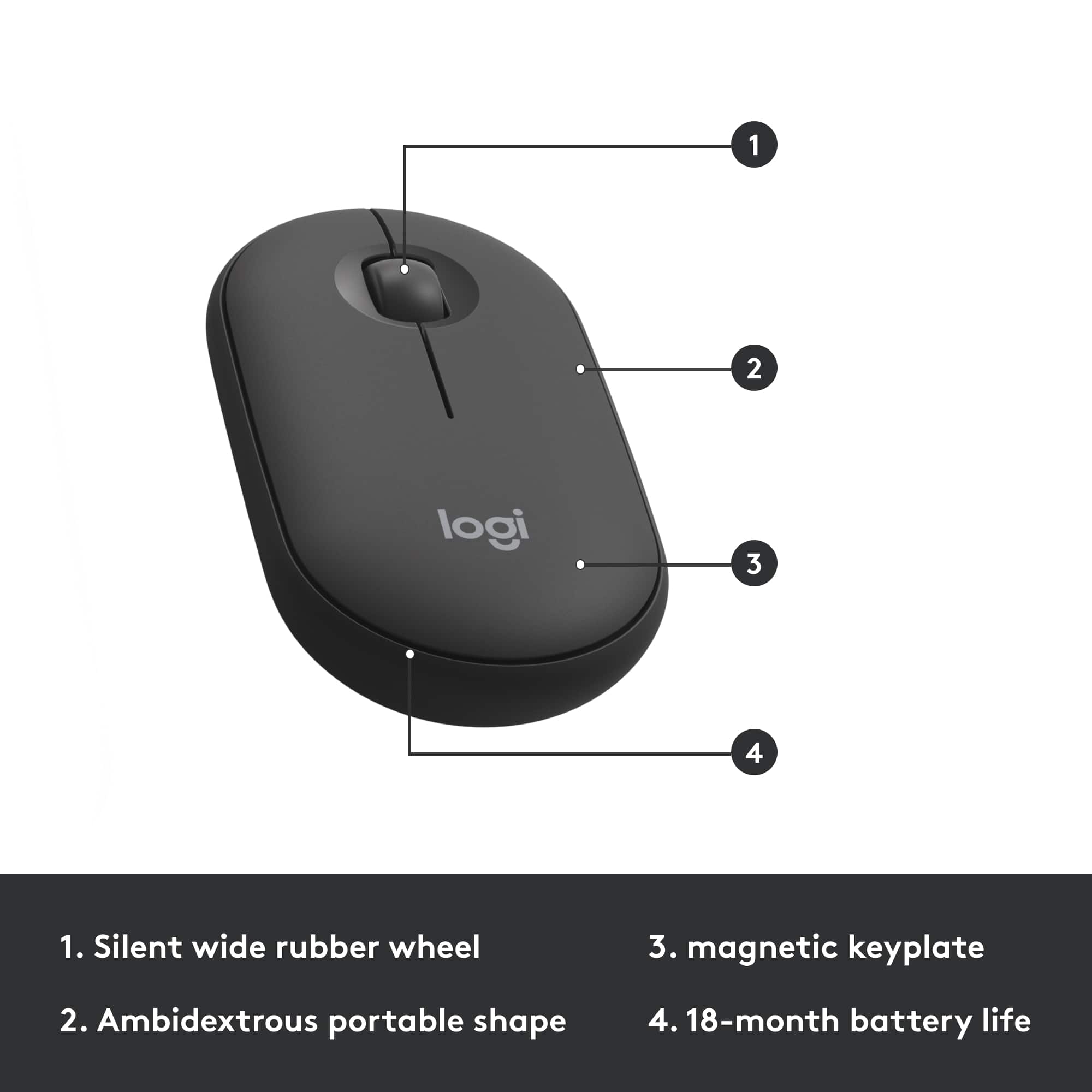
A:AnswerHello! By default in most applications, the middle scroll wheel will be used to scroll up & down a page. In other software, like in Photos on Windows in example, you'll be able to zoom in and out on a picture with the scroll wheel. For more options, you can also customize what the wheel does inside the free Logitech Options software, which you can download right here: https://support.logi.com/hc/en-ca/articles/360026087934-Downloads-MK470-Slim-Wireless-Keyboard-and-Mouse-Combo
A:AnswerHi Kelly, Unfortunately the MK470 isn't compatible to work with Mac OS. Here's a list of some other Logitech mouse and keyboard combos that are: https://www.logitech.com/en-us/products/combos.html?filters=mac.