A:AnswerHey! In order to help you effectively, please provide your information to our support team by emailing [email protected]. Name – Email address – Country – Product name – Brief description of the issue –
A:AnswerI dont use the mouse but yes on the keyboard. There is a little light that will flash red when the battery starts to go low but you still have plenty of work time left before ou have to replace the batteries. I worked 5 more hours on it before I had a chance to replace them.
A:AnswerHello Lucy! I am not sure what's causing this specific issue in you cause, but it could just be a missing/corrupted file with one of the Logi software installed on the computer. What I would suggest you to do, is uninstalling any Logi software such as Logi Options or Logi Options+, as well as the Logitech Gaming Software if you have any of those installed at the moment. Once uninstalled, reboot the computer, and see if you get that same error message (should be gone at that point). Once you've rebooted, just reinstall the software you need (the MK540 Full-size Advanced Wireless Scissor Keyboard and Mouse Bundle works with Logi Options+, so I would re-install that software only). - Mathieu from Logitech
A:AnswerHello wyldpadre,
All Logitech mice and keyboards are compatible with Xbox; however, the MK540 is a mouse and keyboard designed for work and not gaming. Therefore it will not perform as well as one of the Logitech G devices specifically designed for gaming. Also, Logitech G gaming peripherals will be more resilient to wear and tear, so in the long run, they will be more economical than Logitech computer peripherals regardless of the retail price. Feel free to reach out to our support team with more questions https://support.logitech.com/hc/en-us/requests/new?ticket_form_id=360000621393&mID=13004. - Leo from Logitech
A:AnswerHello, It refers to the lighting only being one color. It will just be the standard white light. Some of our keyboards have colorful lighting so it is just specifying the lighting type for you. I hope this helps!
-Danielle from Logitech
A:AnswerI have no experience with Apple products
It has a print screen button
For printing, I have always used ctrl + p
Fast, easy, and two hands often save me from an error
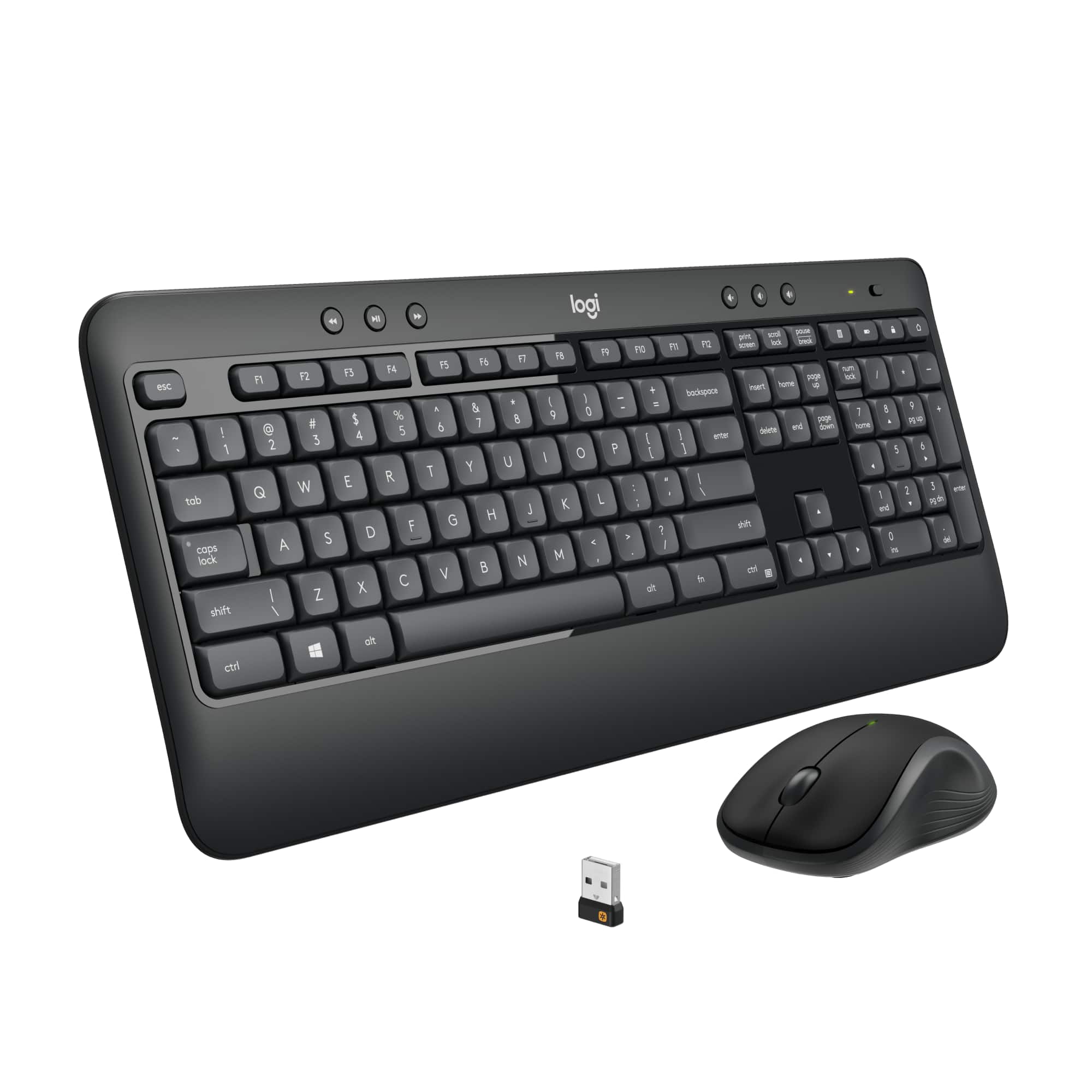
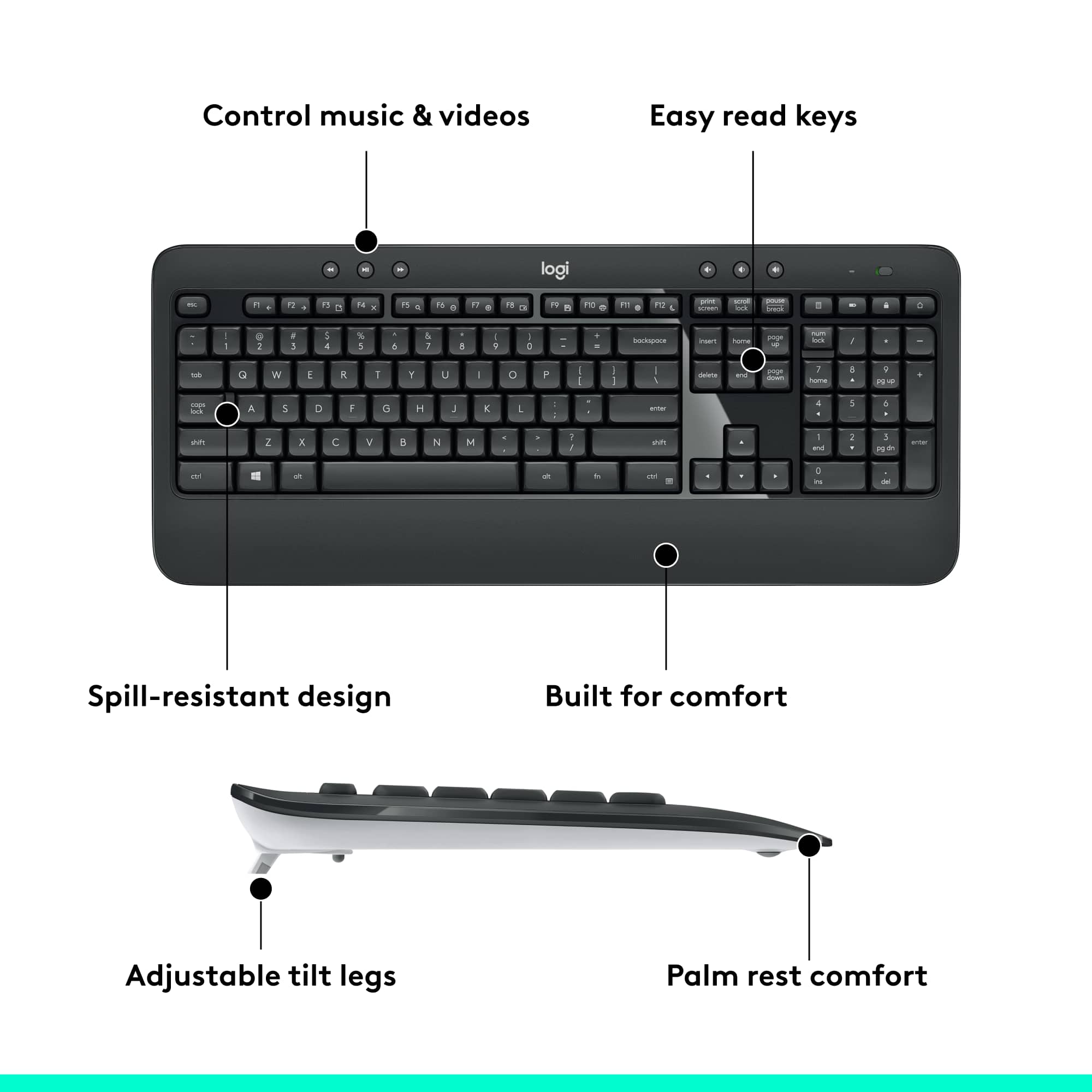
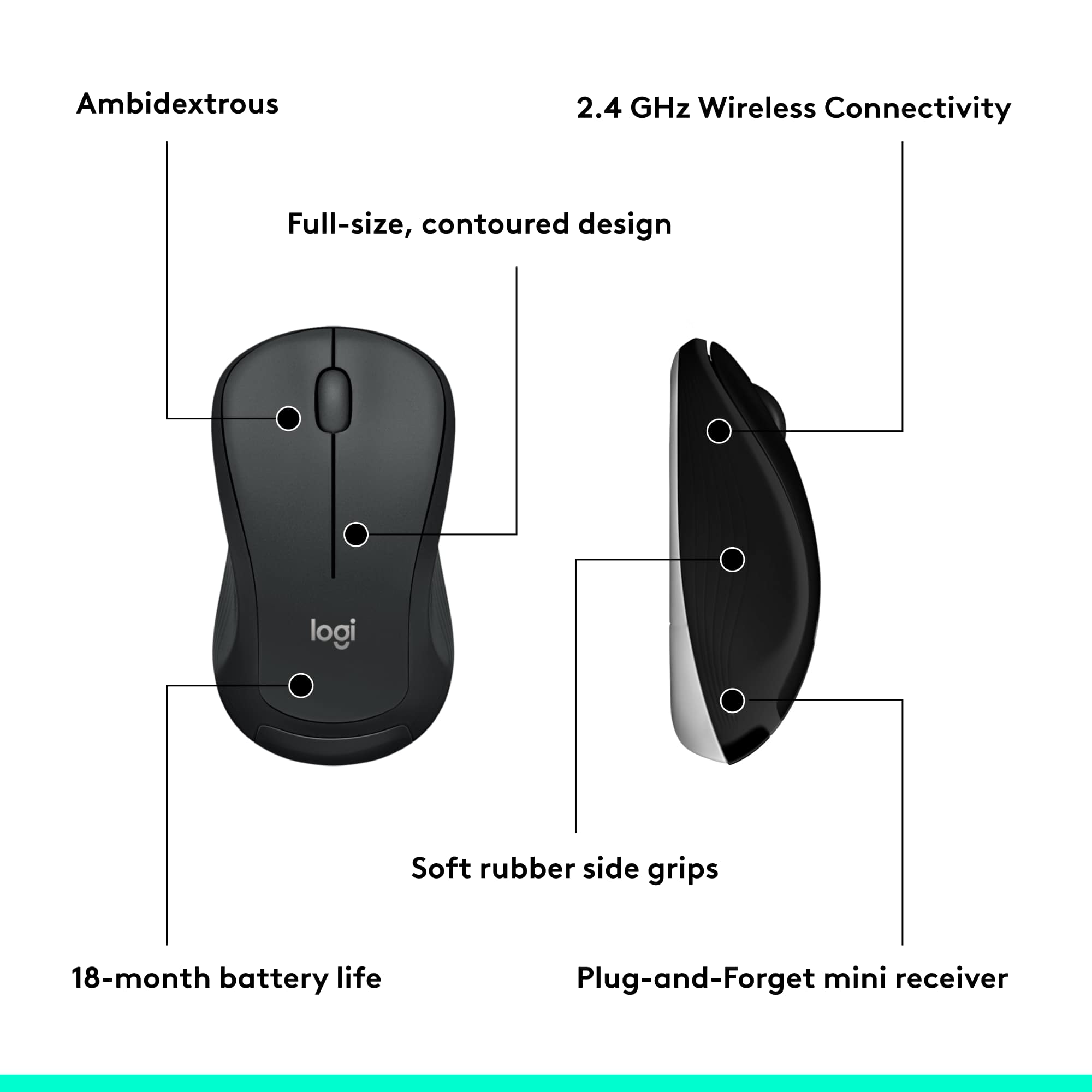
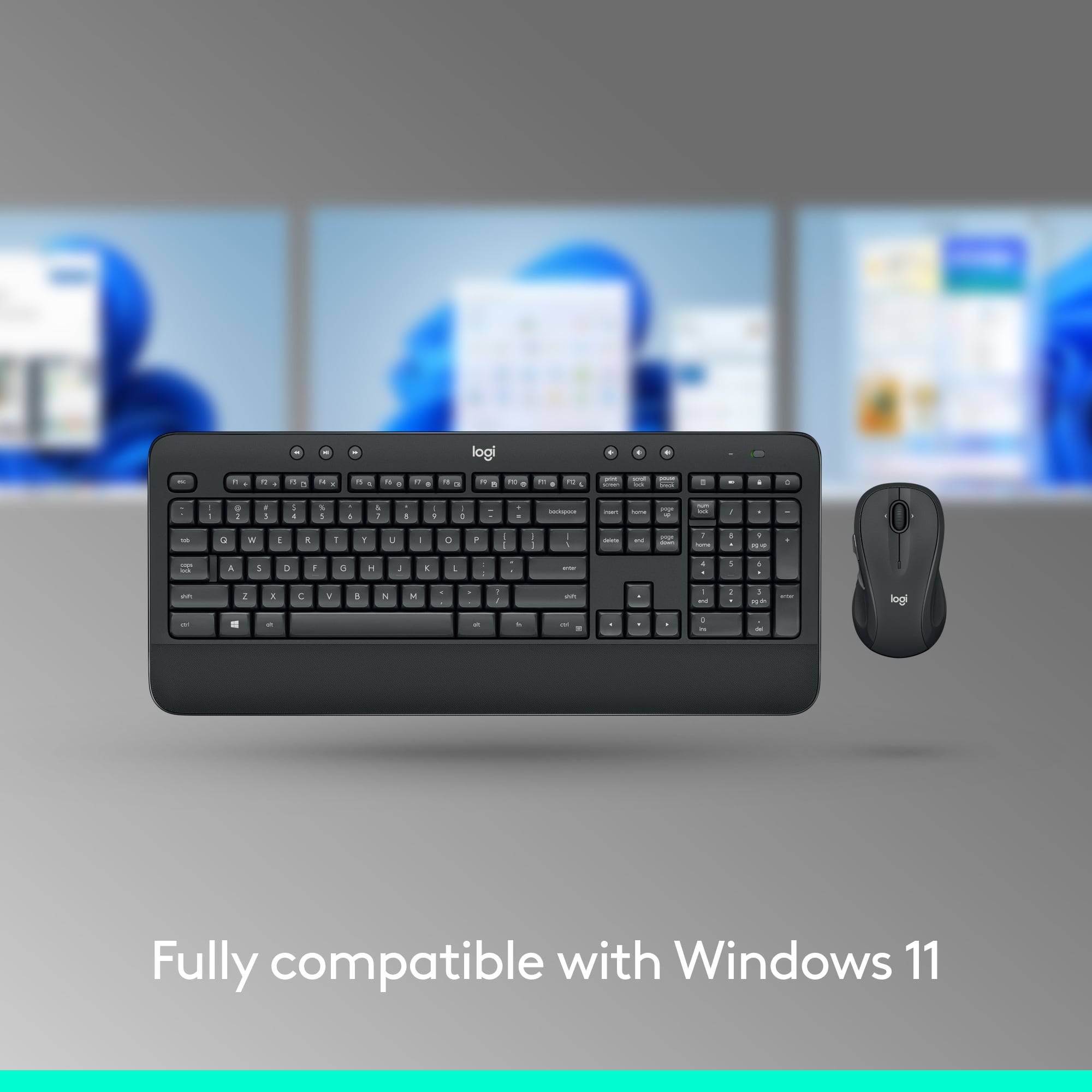
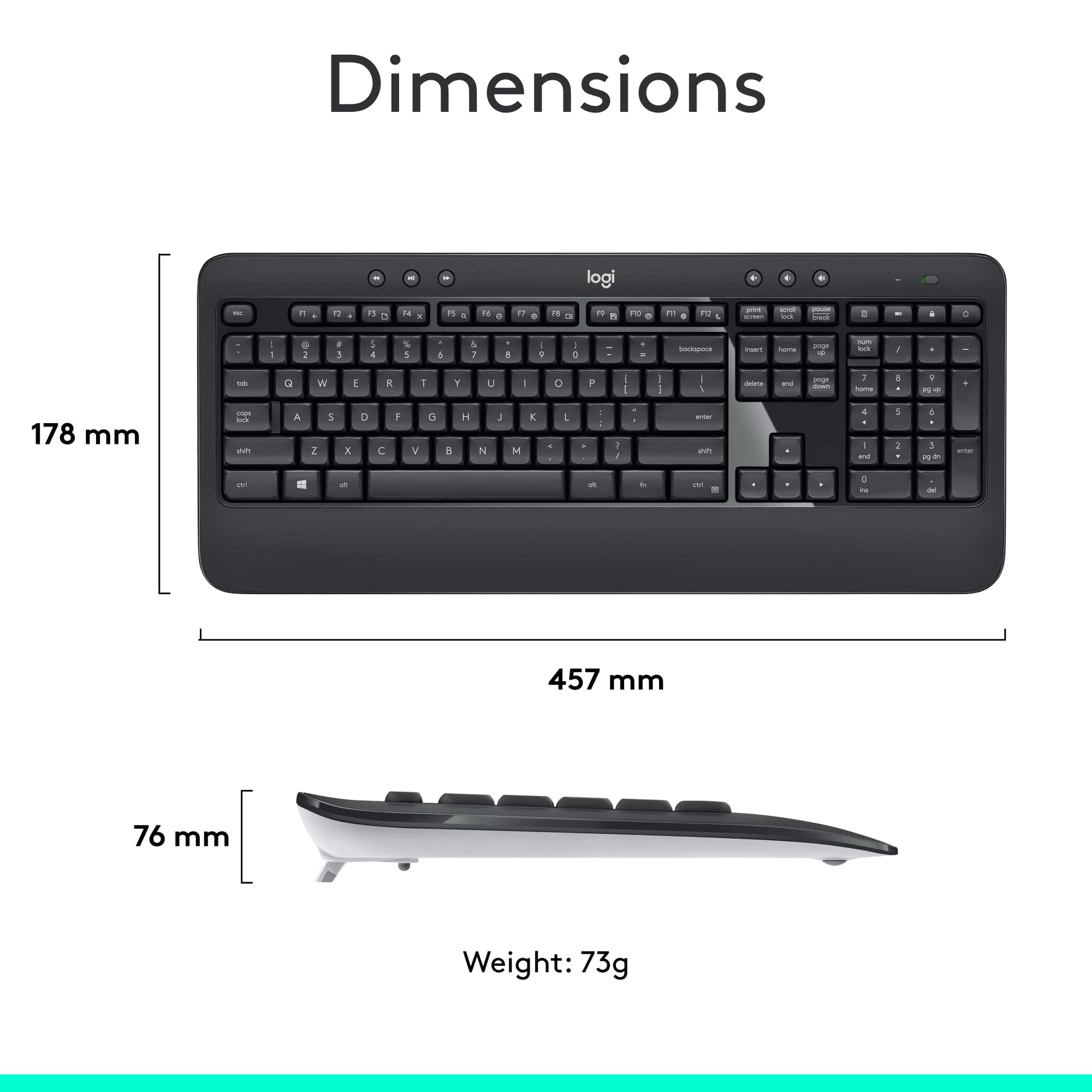
A:AnswerHello woody. The MK540 keyboard has a battery check function. There is a key above the number pad with a picture of a battery on it. Pressing this will light up the LED above it: Green means the batteries are good. Red means it is time to change your batteries. The mouse has an LED that will also turn red when it is time to change your battery.
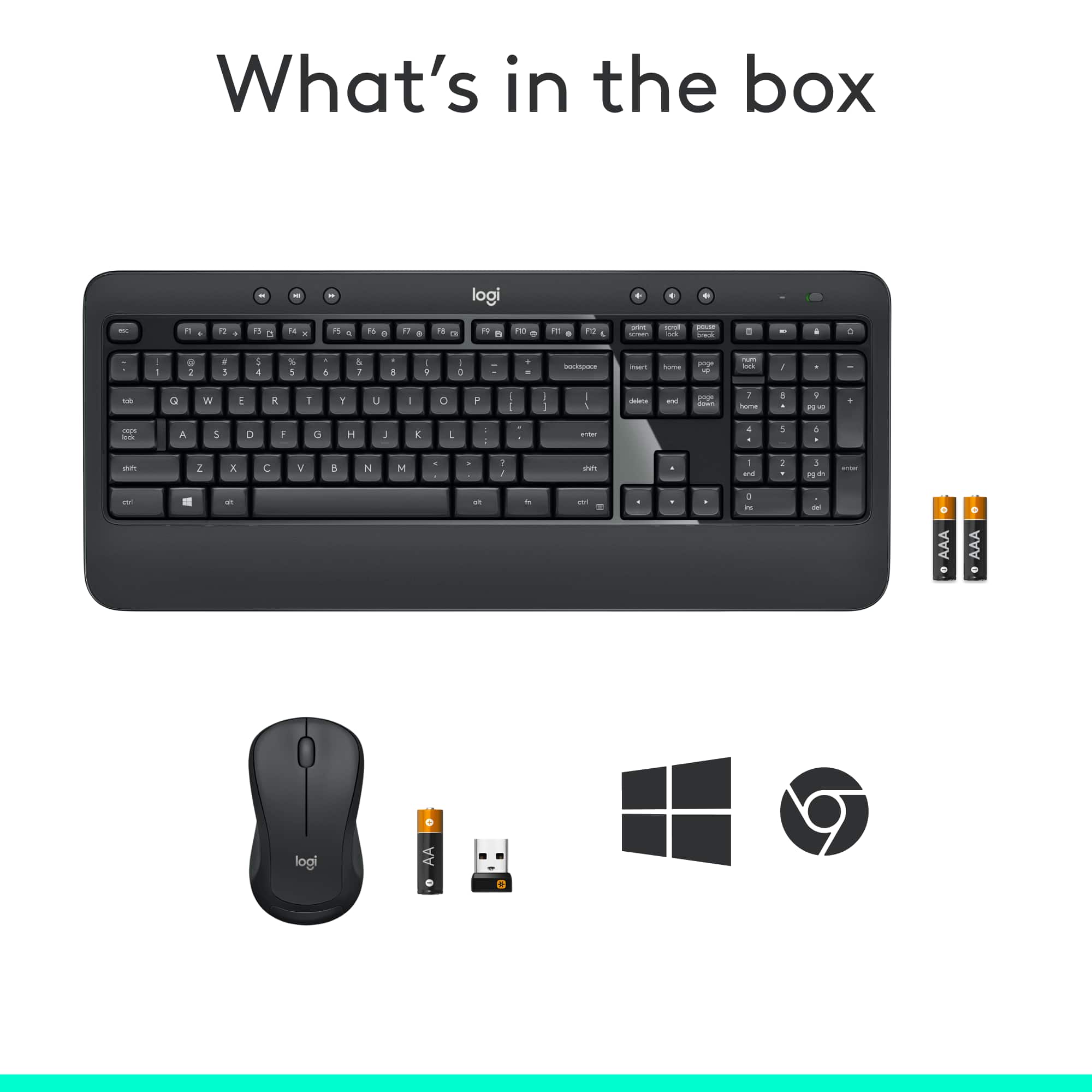
A:AnswerTheres a little USB plug that comes in the package. Plug that into a USB port in your computer, and then turn on the keyboard (top right switch) and mouse (switch on the bottom).
A:AnswerAfter pressing the num lock key the numeric keypad should remain on numeric operation upon subsequent keyboard on/off cycles unless you again push the num lock key or you select a one time function use per key by combining with the alt key.