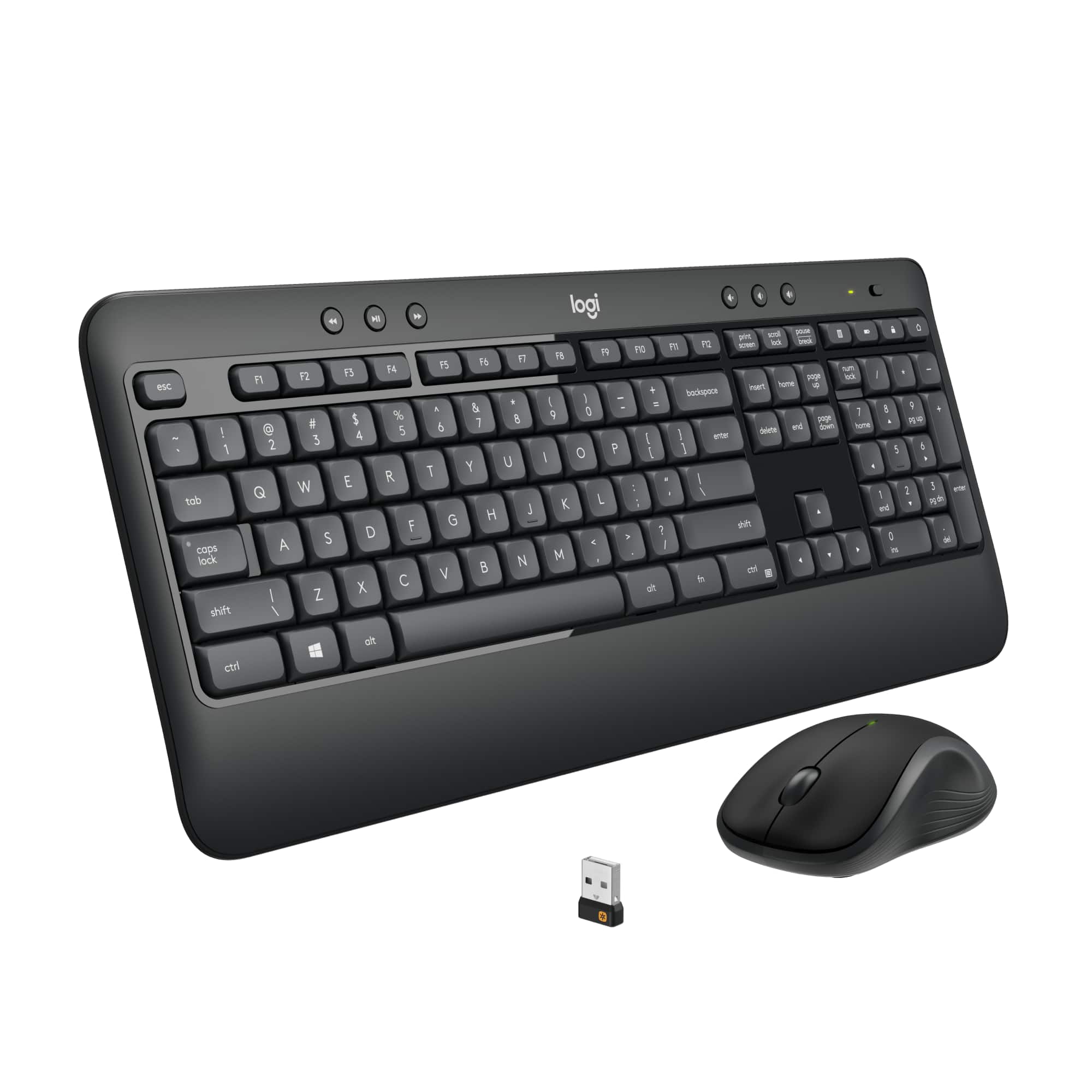
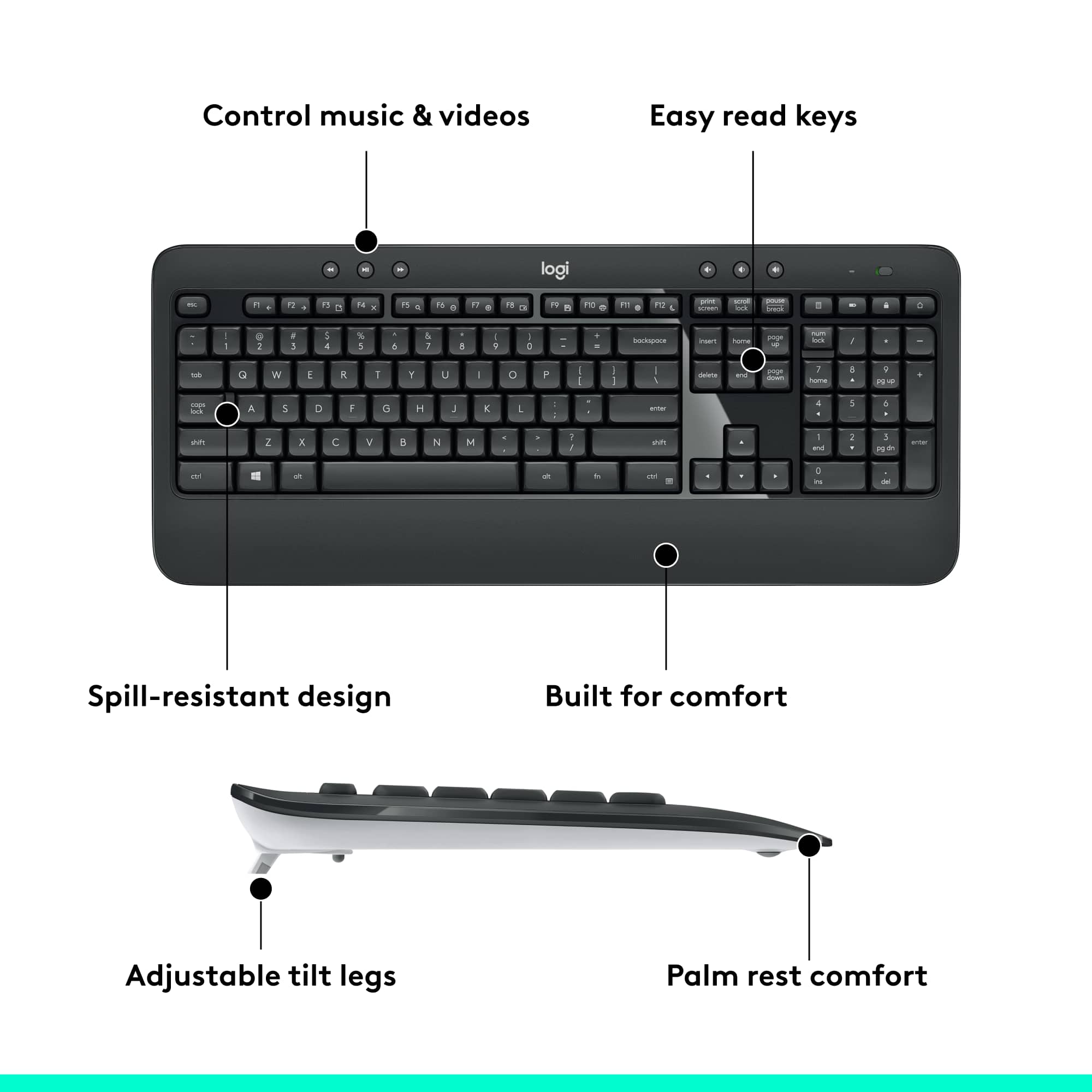
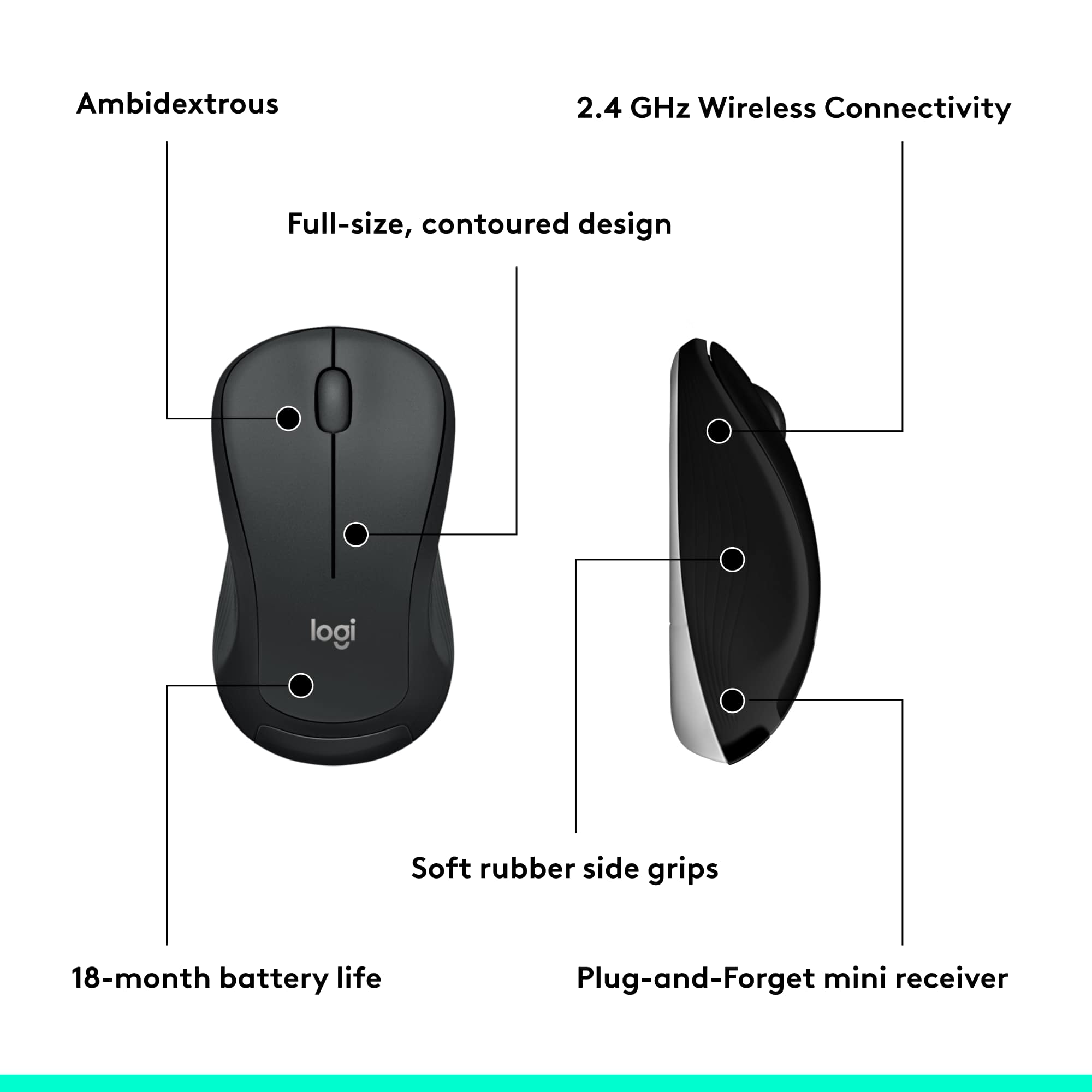
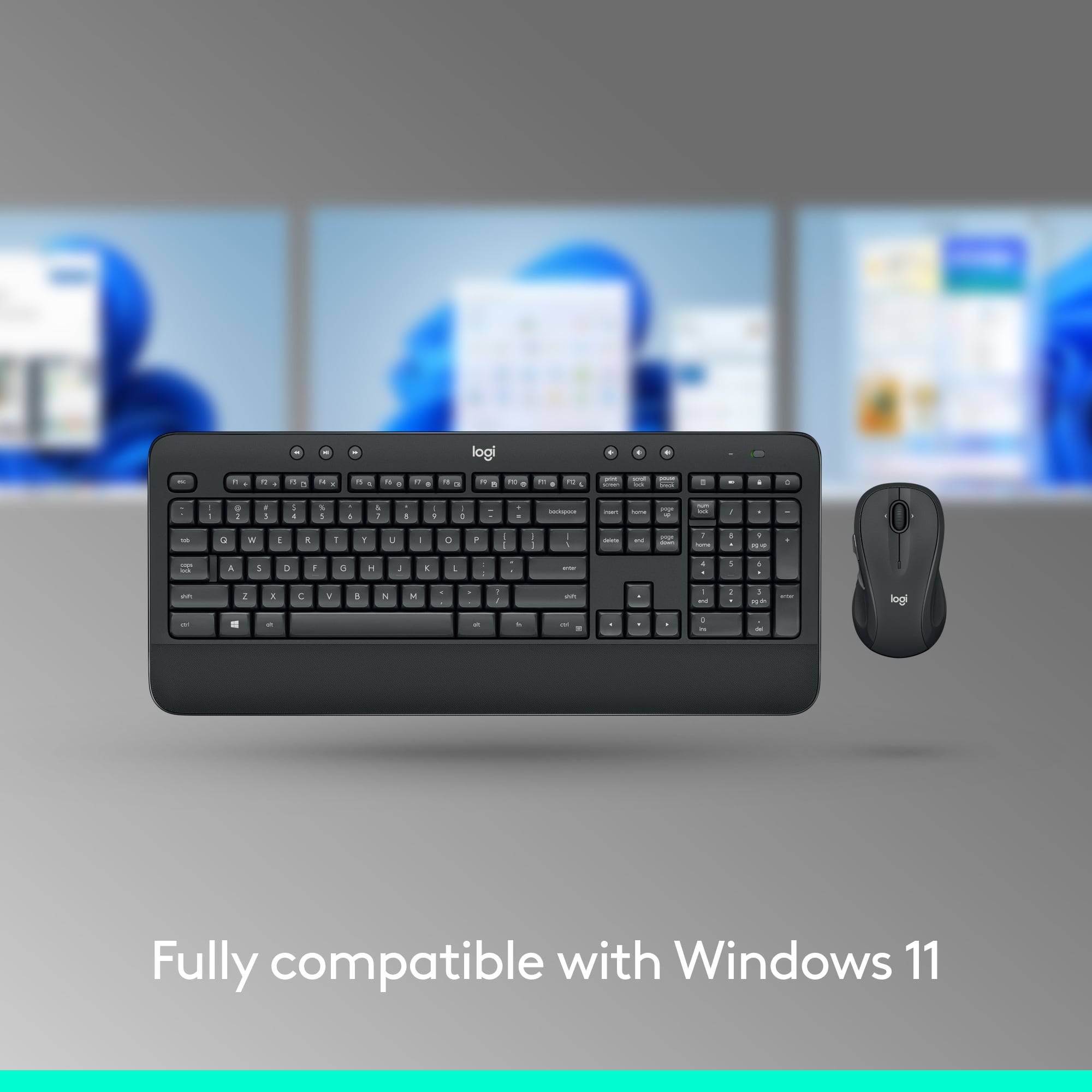
A:AnswerHi J! The MK540 is compatible with the MacBook Pro but there's no way to correctly map the keyboard's hotkeys to MacOS functions. So just keep that in mind. But if you have any more questions, check out the Logitech support page at https://support.logi.com/hc/en-us/articles/360023459773 Hope that helps!
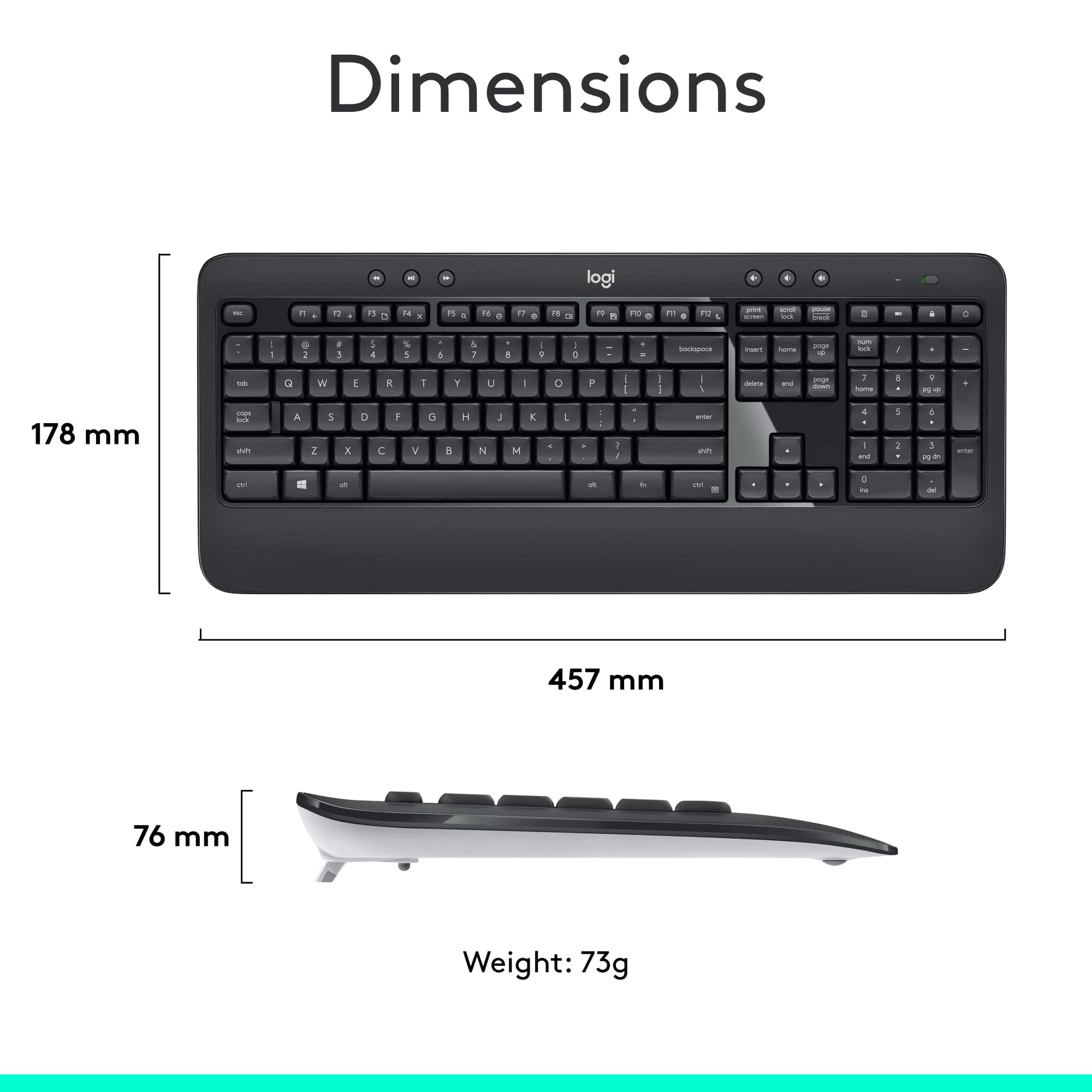
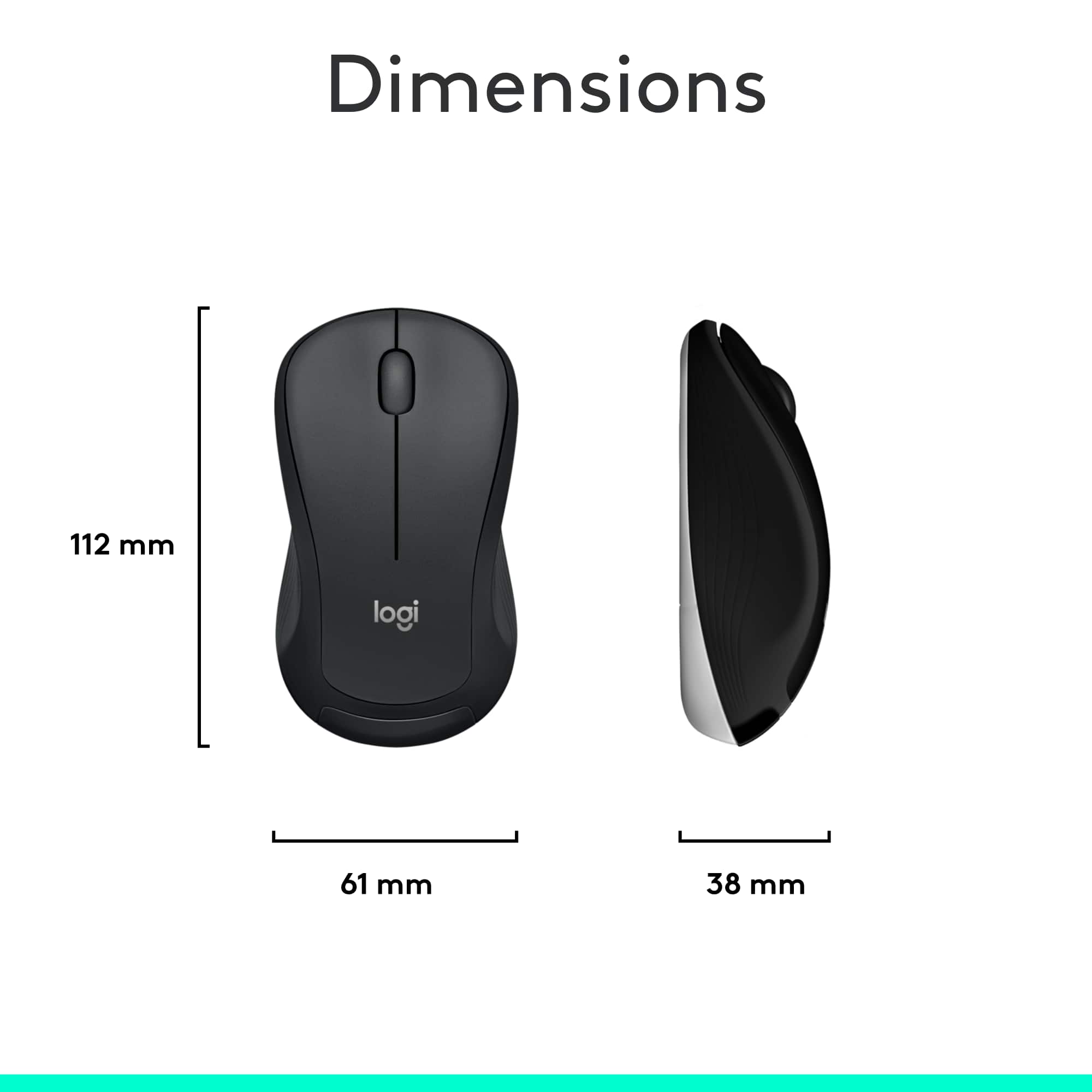
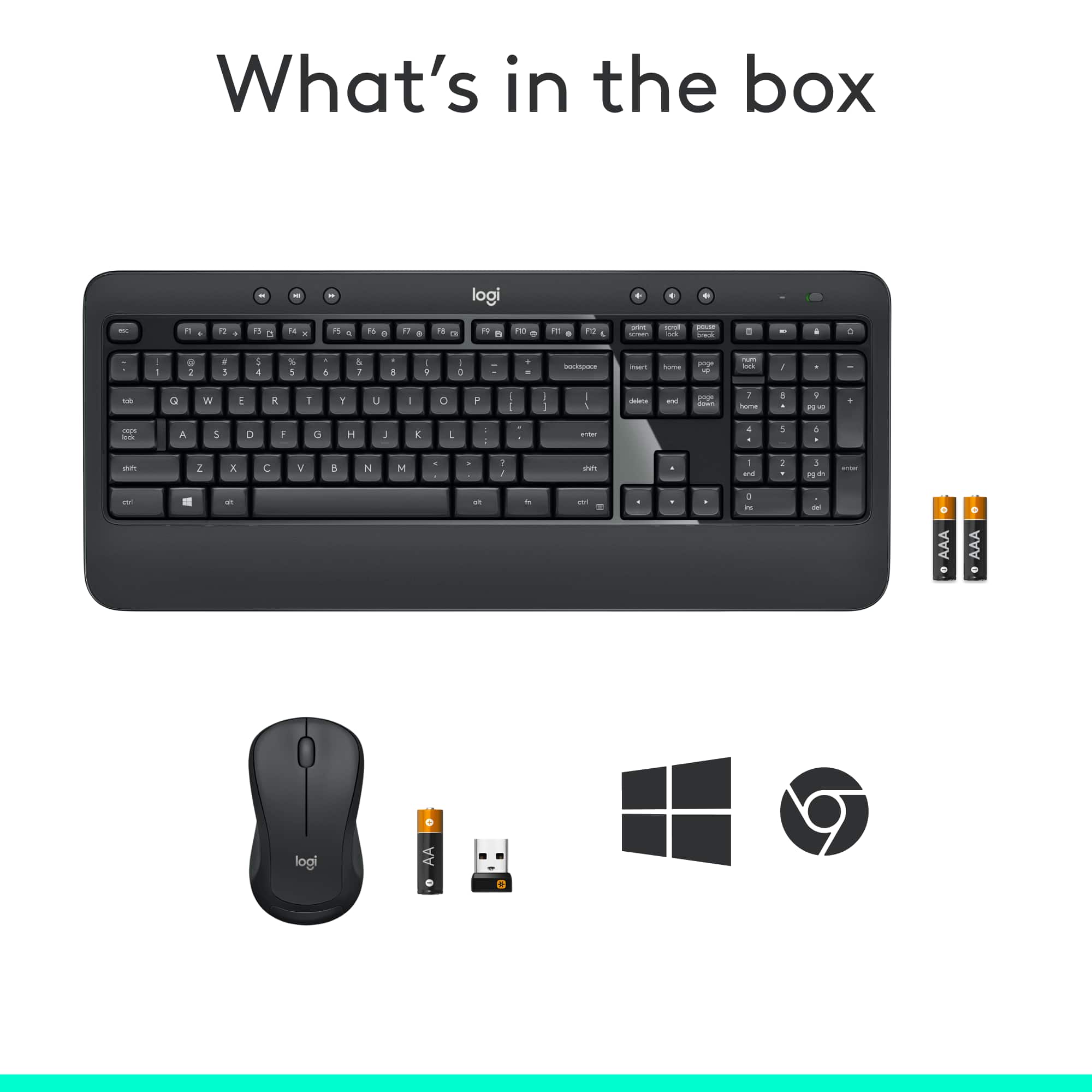
A:AnswerHello Kris, the dimensions for the keyboard are: Height x Width x Depth: 0.94 in (24 mm) x 18.0 in (457.3 mm) x 7.62 in (193.5 mm). Weight: 1.77 lb (805 g) w/o batteries.
A:AnswerUnfortunately, no. The MK540 connects via a USB port, which the Samsung tablets do not have. If you just need a keyboard, look at the Logitech K480 and K380 Bluetooth keyboards.
A:AnswerNo. The MK540 uses a wireless USB receiver. You will need Logitech Devices with Bluetooth, or designed for Apple. Check out the MK850 Performance.
A:AnswerProbably. I don't see any reason why not. It's just a USB device. So as long as you have USB type A slots on your docking station, it should be plug-and-play for you.
A:AnswerI would say it is responsive to a light touch but I think you still have to press down further than I expected. It’s definitely an improvement over what came stock with my computer but if you’re looking for one with thin keys this isn’t quite it.
A:AnswerHello, the included 2.4ghz adapter can function at a range of up to 33'. If you are encountering connectivity issues, there may be other devices in the vicinity causing interference such as wifi routers or other signal sources.