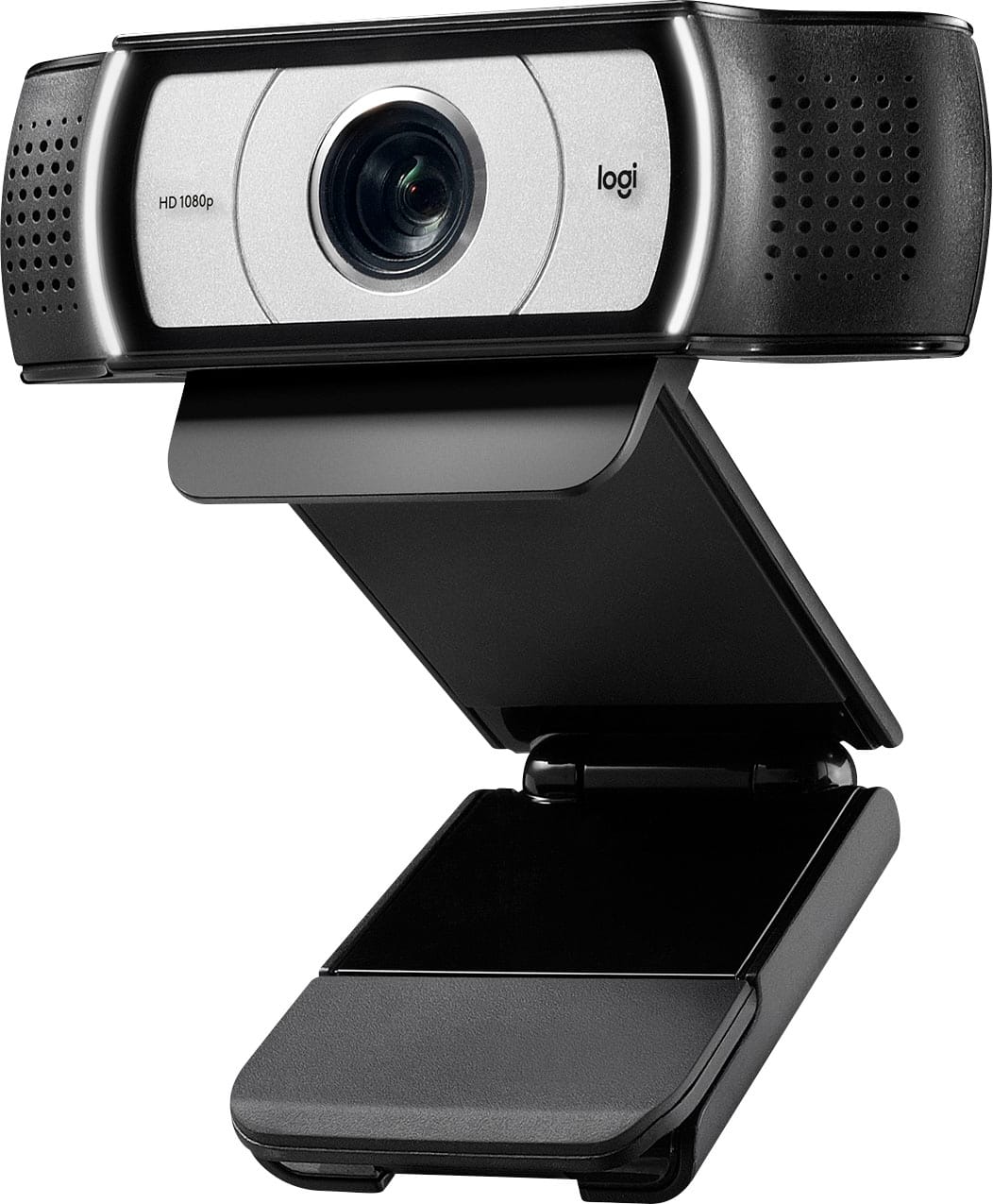
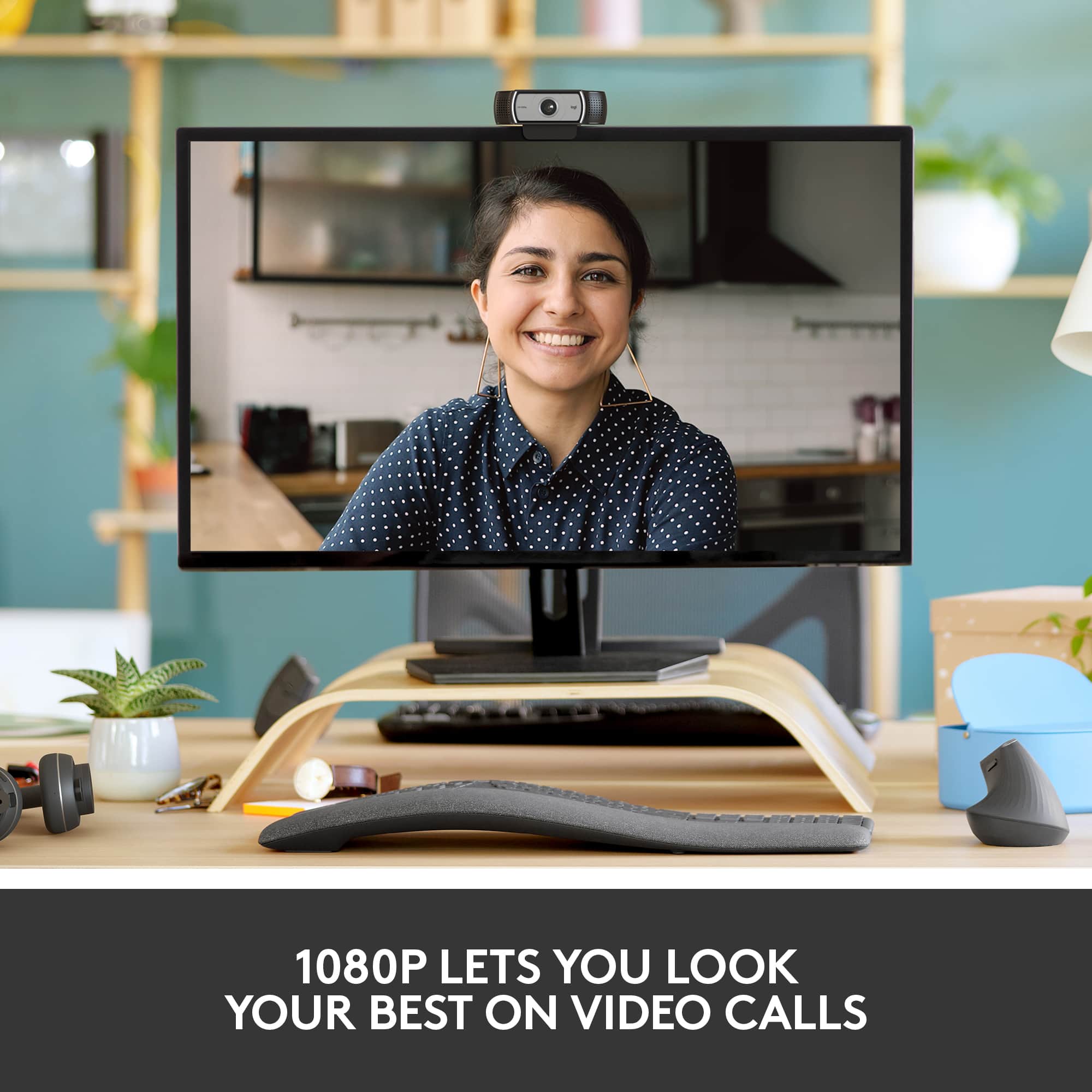
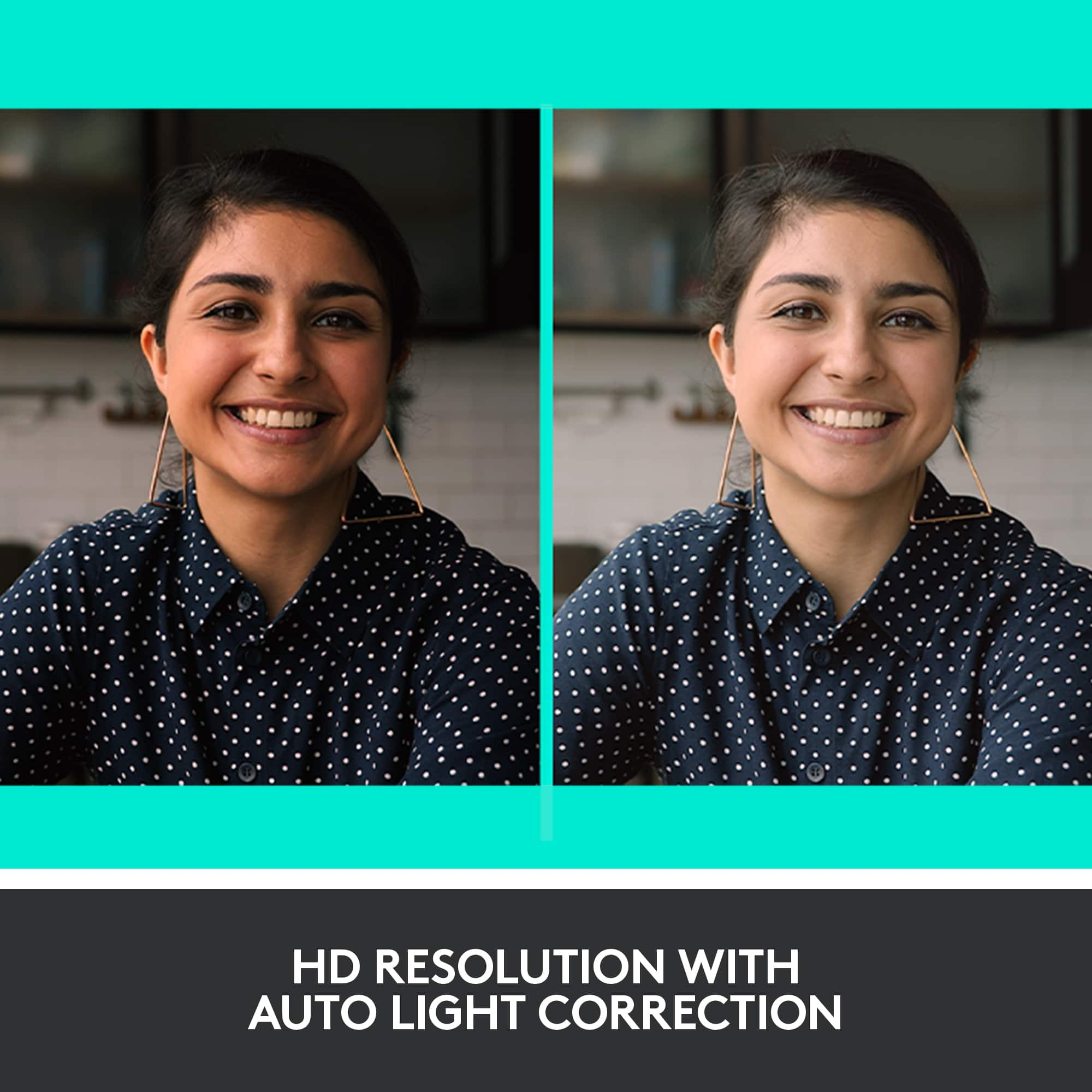
A:AnswerMy doctors use Google Duo on my cell phone for telemedicine, but if you're using Zoom or Skype, this would work very well. I've been able to show close-ups to people I'm Zooming with. Logitech cameras seem to be in very high demand--it took me almost 3 months after ordering to receive the delivery.
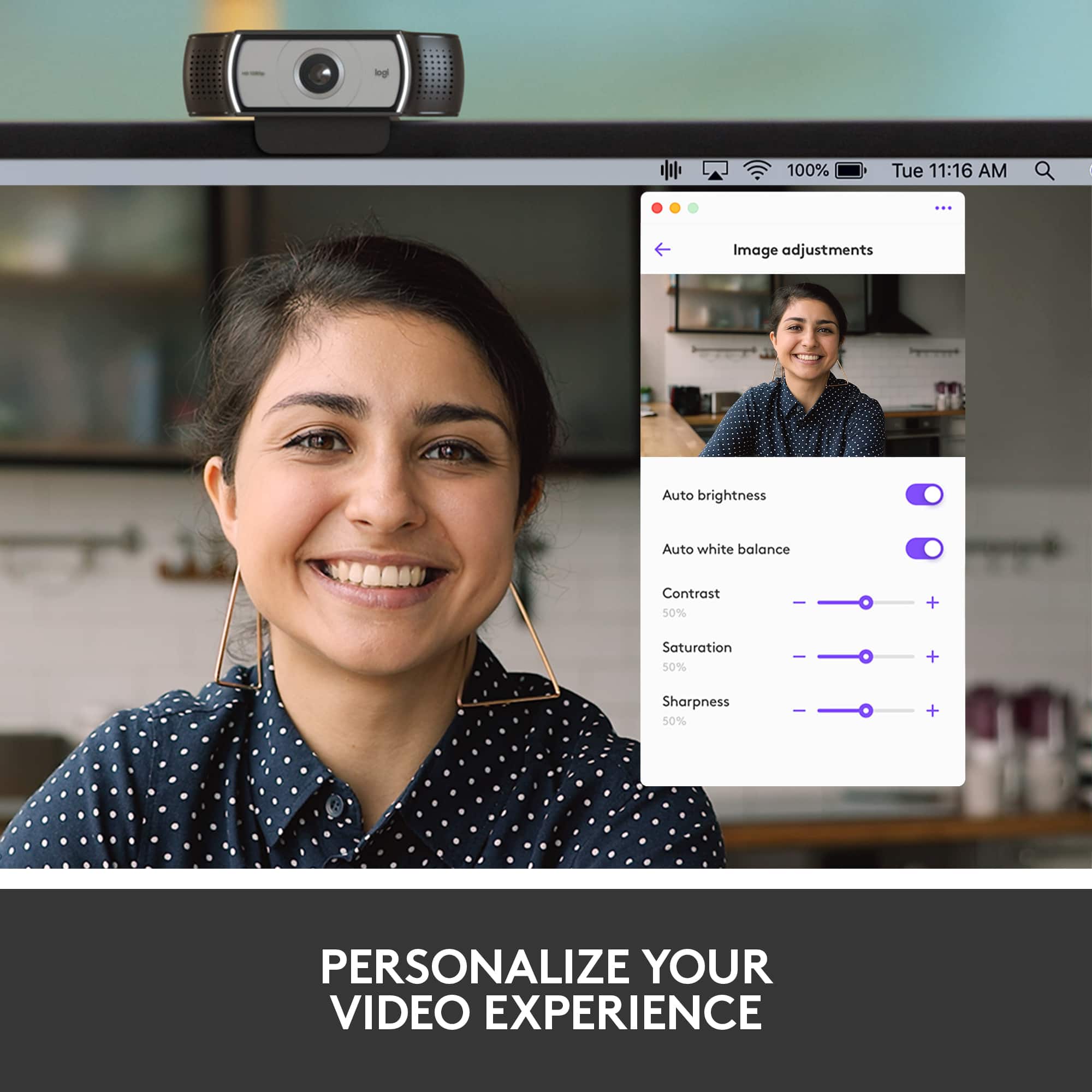
A:AnswerThere is software to support a couple of Logitech Webcams, but not the 4K Pro Webcam. The cameras that do support the Logitech Capture software are: Streamcam, C922 Pro Stream, C920s HD PRO, and BRIO 4K PRO.
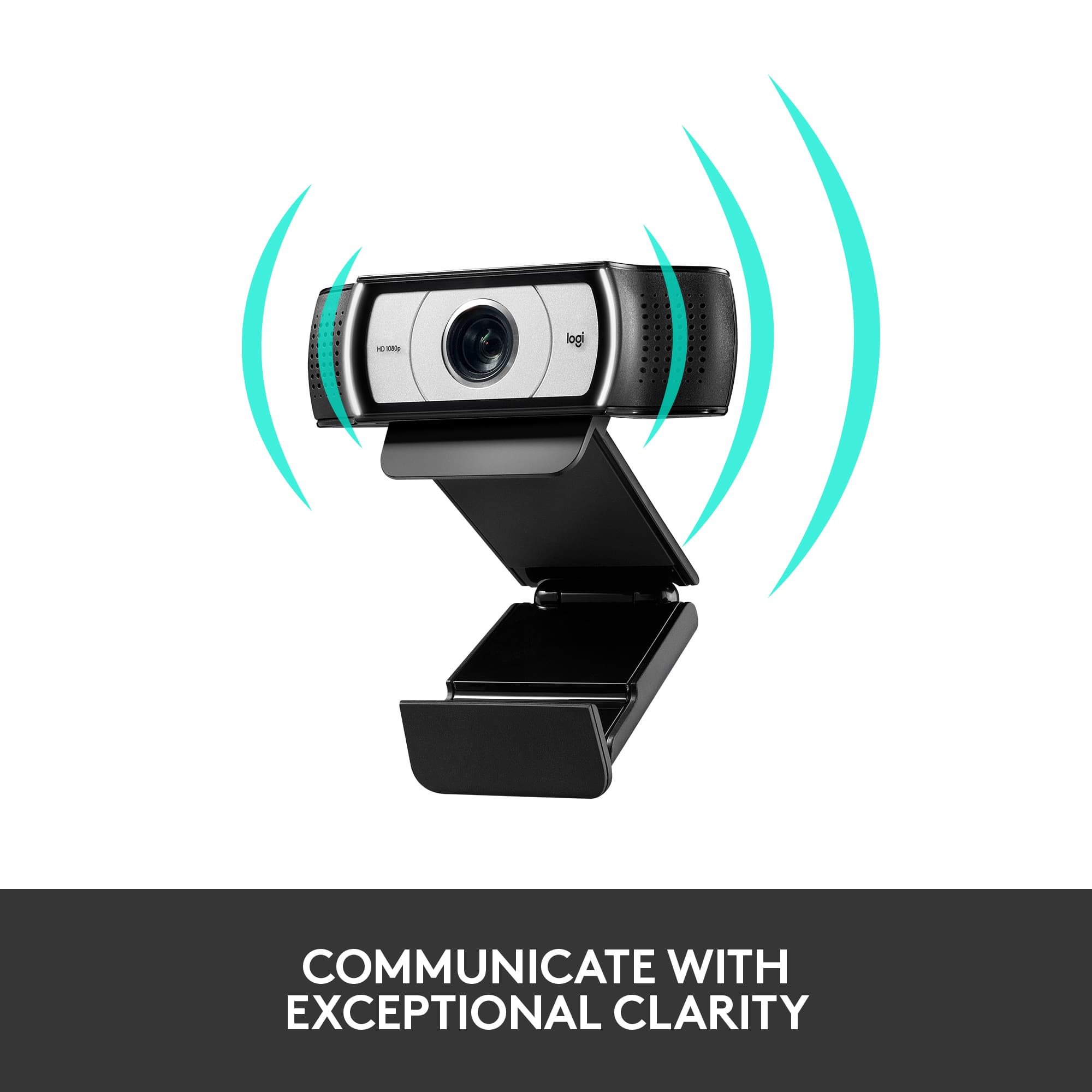
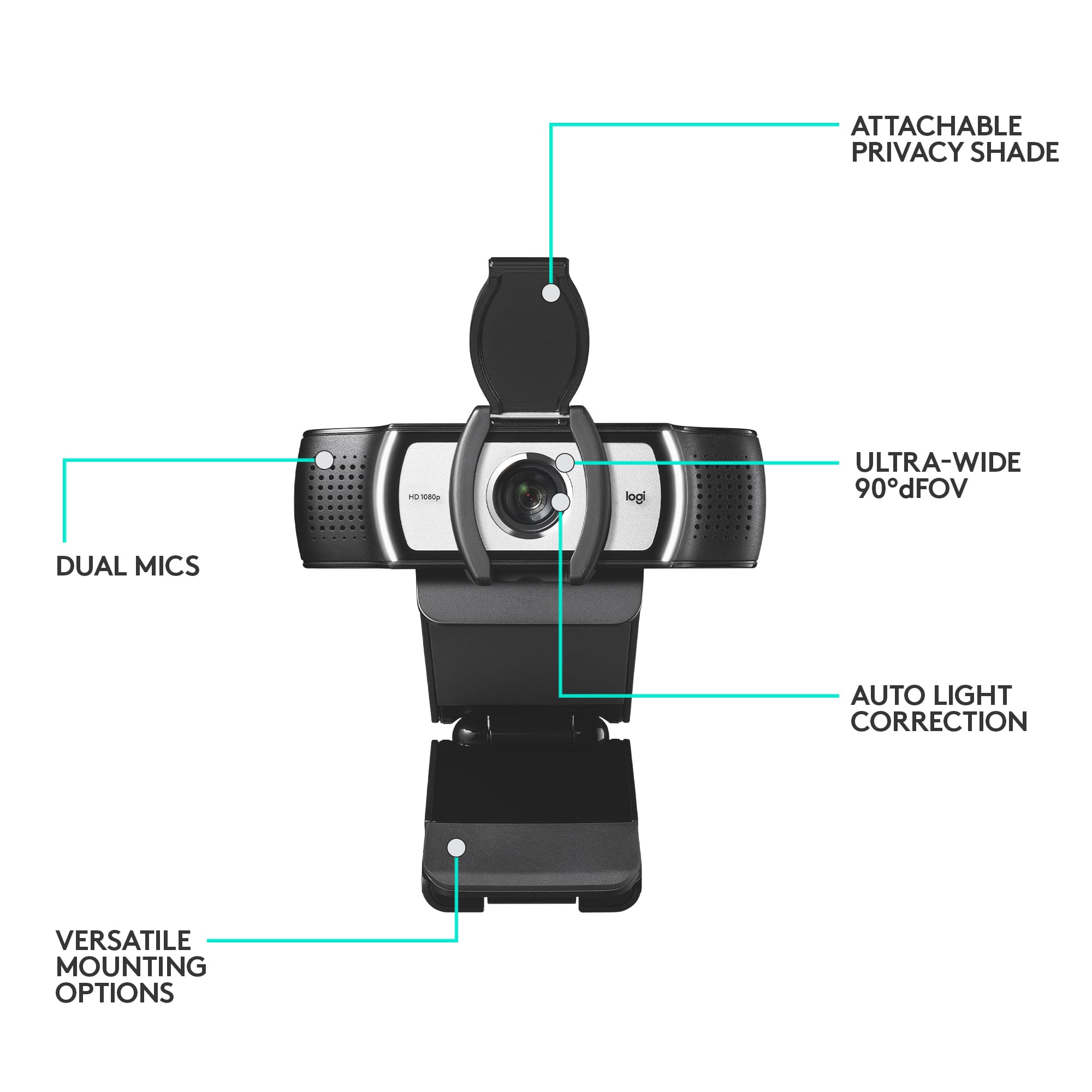
A:AnswerHey! Yes, the Logitech - Pro webcam does have a built-in microphone. The microphone can be disabled while still recording or streaming. You can typically control the microphone through the software you are using to record or stream.
A:AnswerHello ScottChicago! Your Pro Webcam will "override" the built-in camera on your HP laptop yes, meaning that if you select it in the video-conferencing software you want to use it with (i.e. Zoom, Teams, Skype, etc.), it will be the the only camera you see. You won't be able to have both the Pro Webcam camera running, as well as the HP laptop camera running at the same time. But, you can always revert back to your HP laptop camera if you prefer by selecting it in your software Settings, or simply unplug the Pro Webcam if you want, and it will revert back to your built-in camera.
A:AnswerHello whatever! When you connect a webcam like the Pro Webcam to your PC, it will automatically default to the webcam for the microphone input (note that the webcam doesn't have speakers, only stereo mics, so the sound from the person talking to you should come from your PC speakers or headset). If you right-click the speaker icon at the bottom right of your desktop screen, and select "Open Sound settings" , you can select which Output (speakers) you want the sound to come out of, and which Input (microphone) you want to be using.
A:AnswerHello. The webcam is plug-and-play. When you plug in the USB cable, the computer should automatically detect it. You may have to select it from the computer settings, but there is no other software necessary to use the Pro Webcam.
A:AnswerThe Pro Webcam uses a standard USB-A cable, so if have a USB-A hub for your MacBook Pro this will work just fine. There is no required software to make it function, but you can download our free Logitech Capture software to get extra features and enhancements for your Pro Webcam.
A:AnswerI’m on the road at the moment, but if I understand what you are inquiring about it is just a standard tripod thread — 1/4”-20 UNC thread pitch.
A:AnswerThe Logitech Pro Webcam Full HD 1080 is compatible with your setup. It works as a standard plug-and-play USB device, so you won't need to install any manual drivers. It will work perfectly on a Lenovo ThinkBook running Windows 11 Pro.