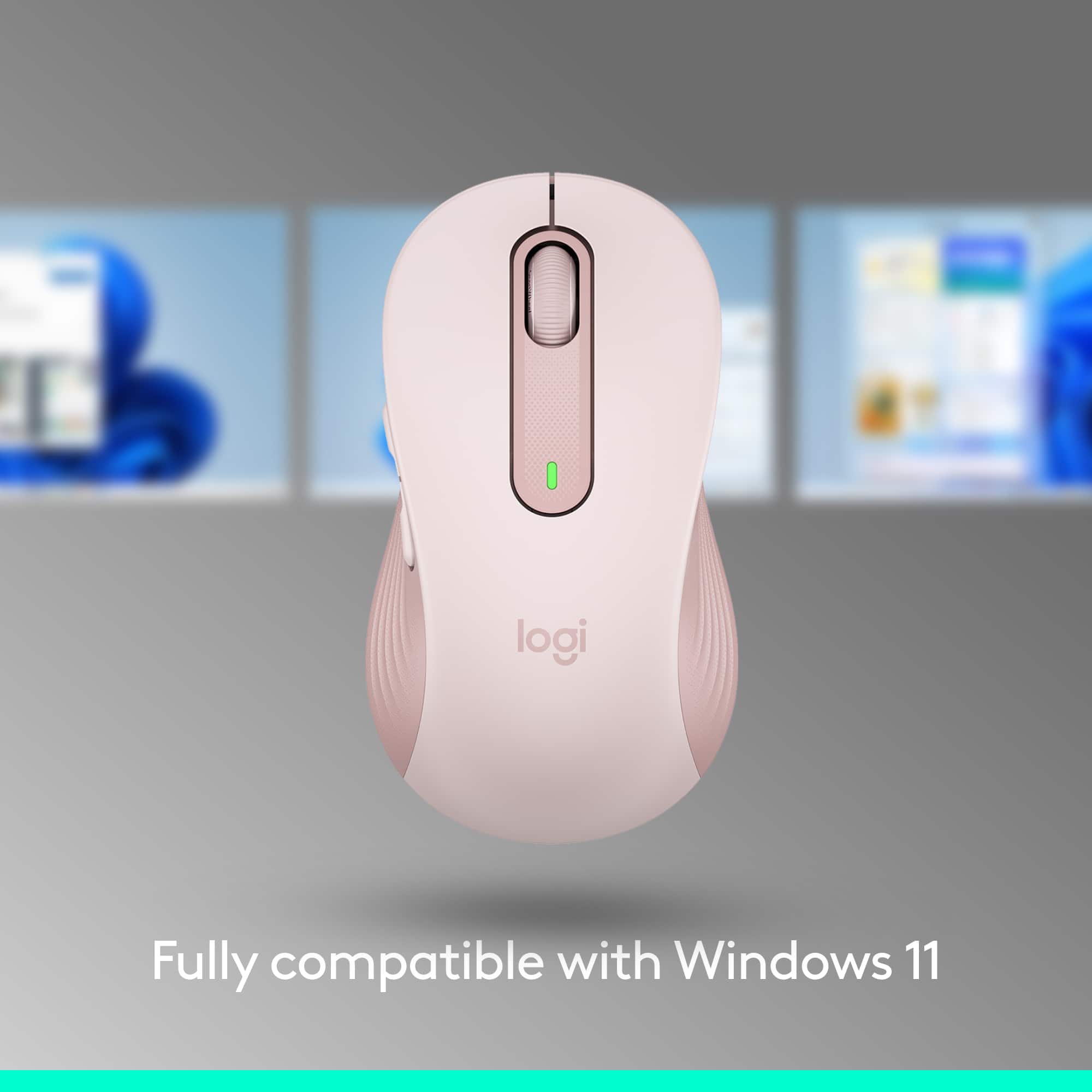
A:AnswerThe Logitech Signature M650 is compatible with Windows 10, 11 or later. While the Surface Pro 11 Edition is expected to run a compatible version of Windows, it's recommended to check the specific operating system version on your device to ensure full compatibility.
A:AnswerYes, the Logitech Signature M650 is compatible with a Dell Latitude 5400 laptop. It requires:
- Windows 10, 11 or later
- macOS 10.10 or later
- Linux
- ChromeOS
Since the Dell Latitude 5400 has USB ports and runs on Windows, it meets the compatibility requirements.
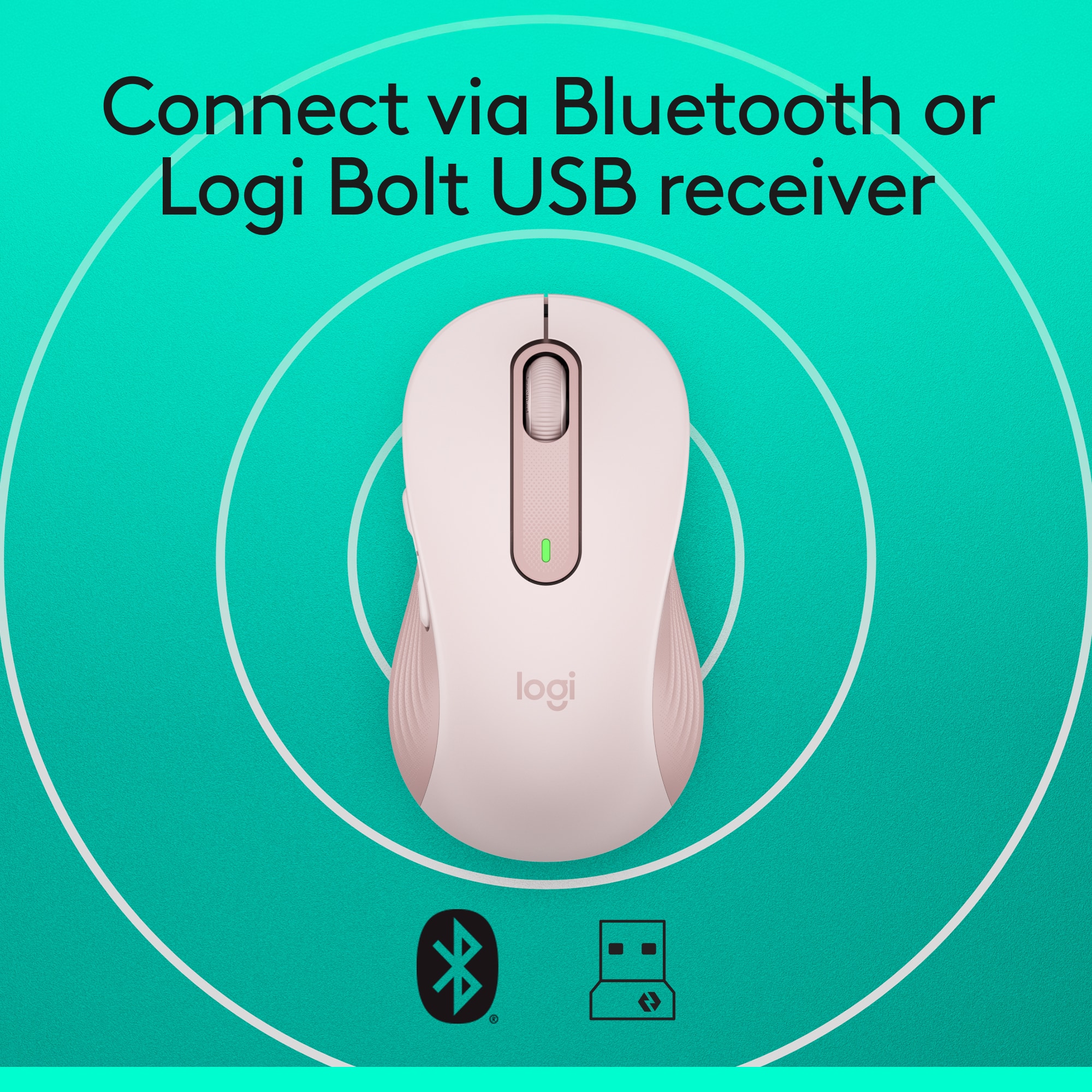
A:AnswerThe Logitech Signature M650 Mouse is primarily designed for use with Windows, macOS, ChromeOS, iPadOS, and Android devices. While it's not specifically designed for the Galaxy Tab S10+, it may work if the tablet supports Bluetooth Low Energy technology.
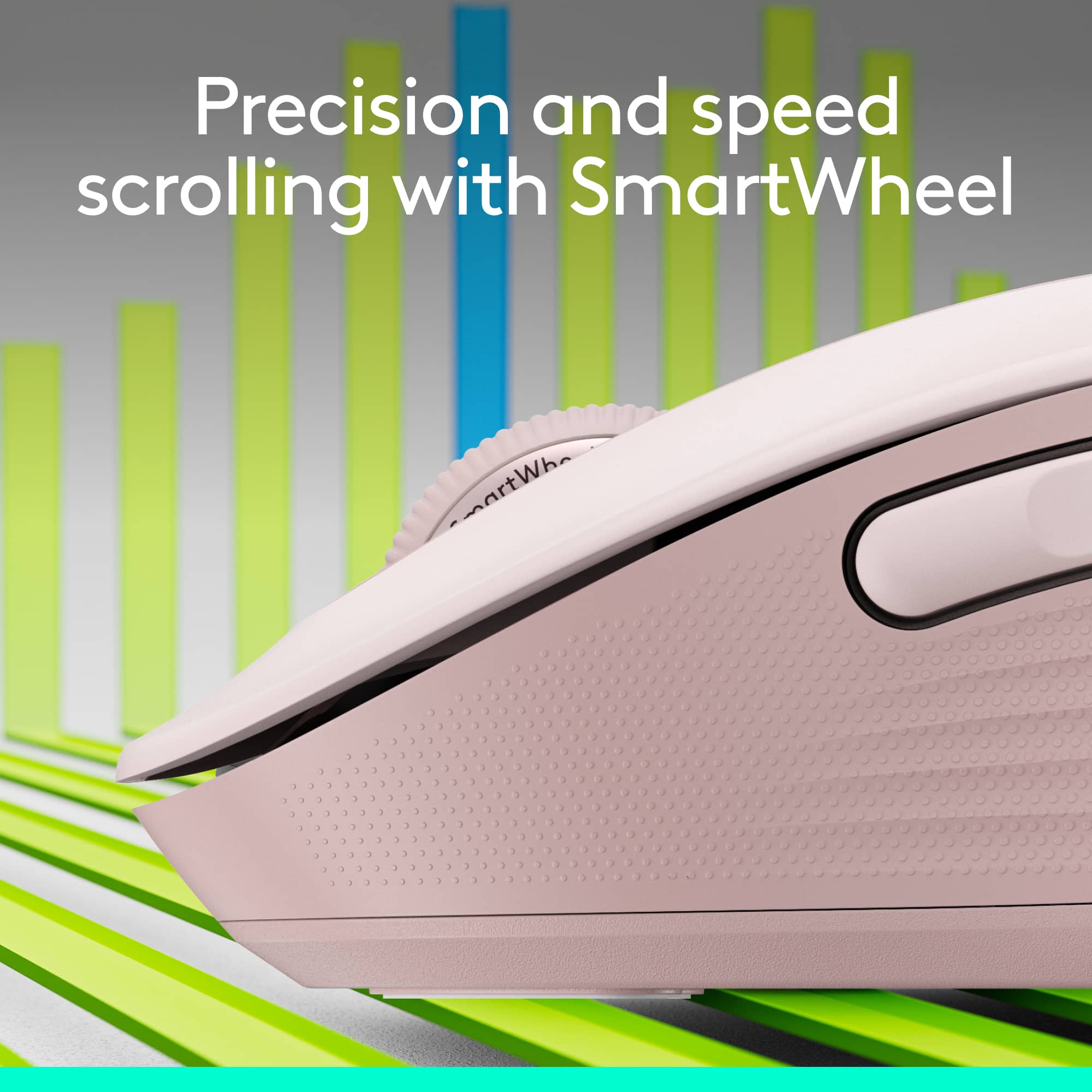
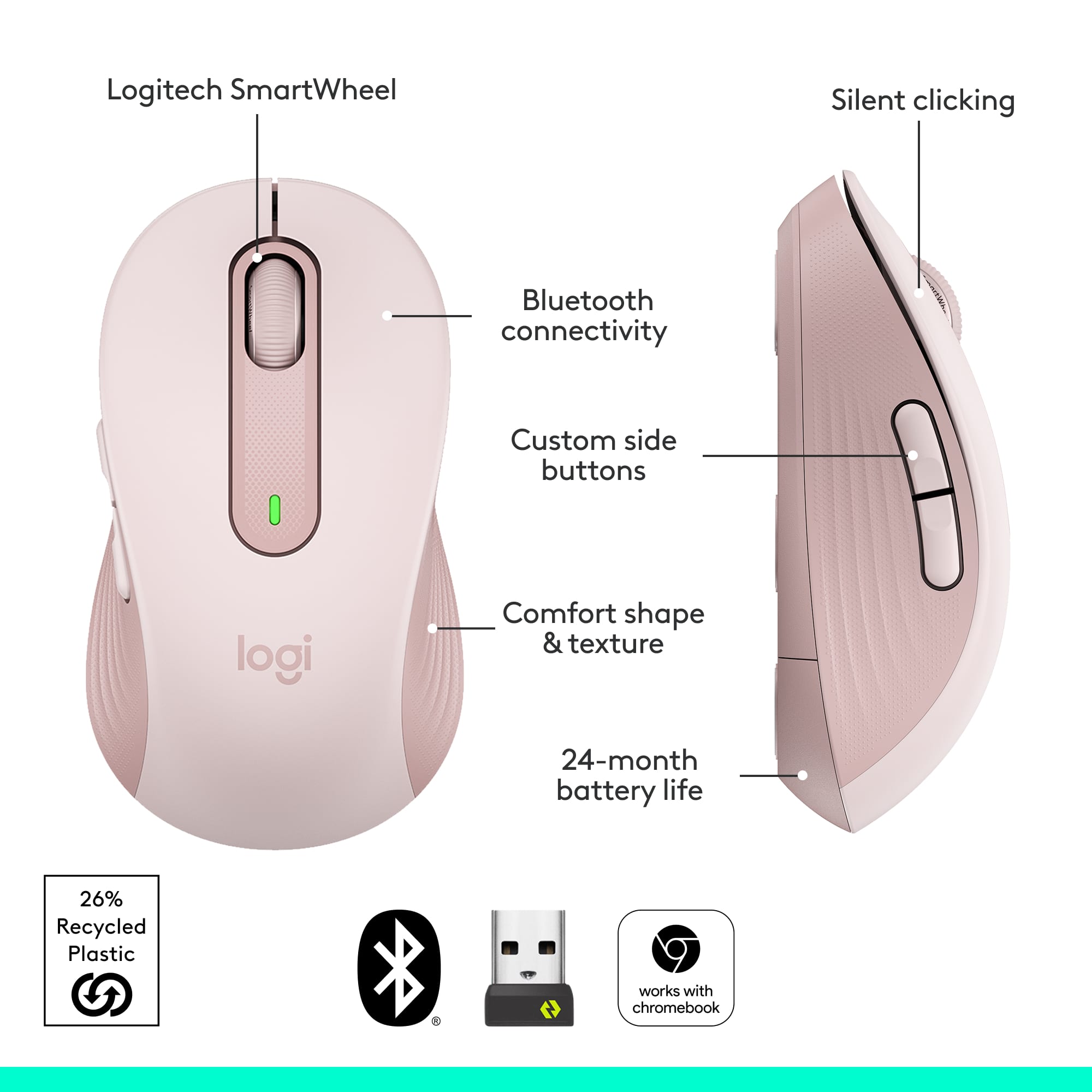
A:AnswerThe Logitech Signature M650 doesn't have a dedicated side-scroll wheel. However, you can achieve horizontal scrolling by combining the side buttons with the scroll wheel.
A:AnswerThat's unexpected! In order to help you effectively, please provide your information to our support team via email at [email protected] with your
- Name:
- Email Address:
- Country:
- Product Name:
- Brief description of issue:
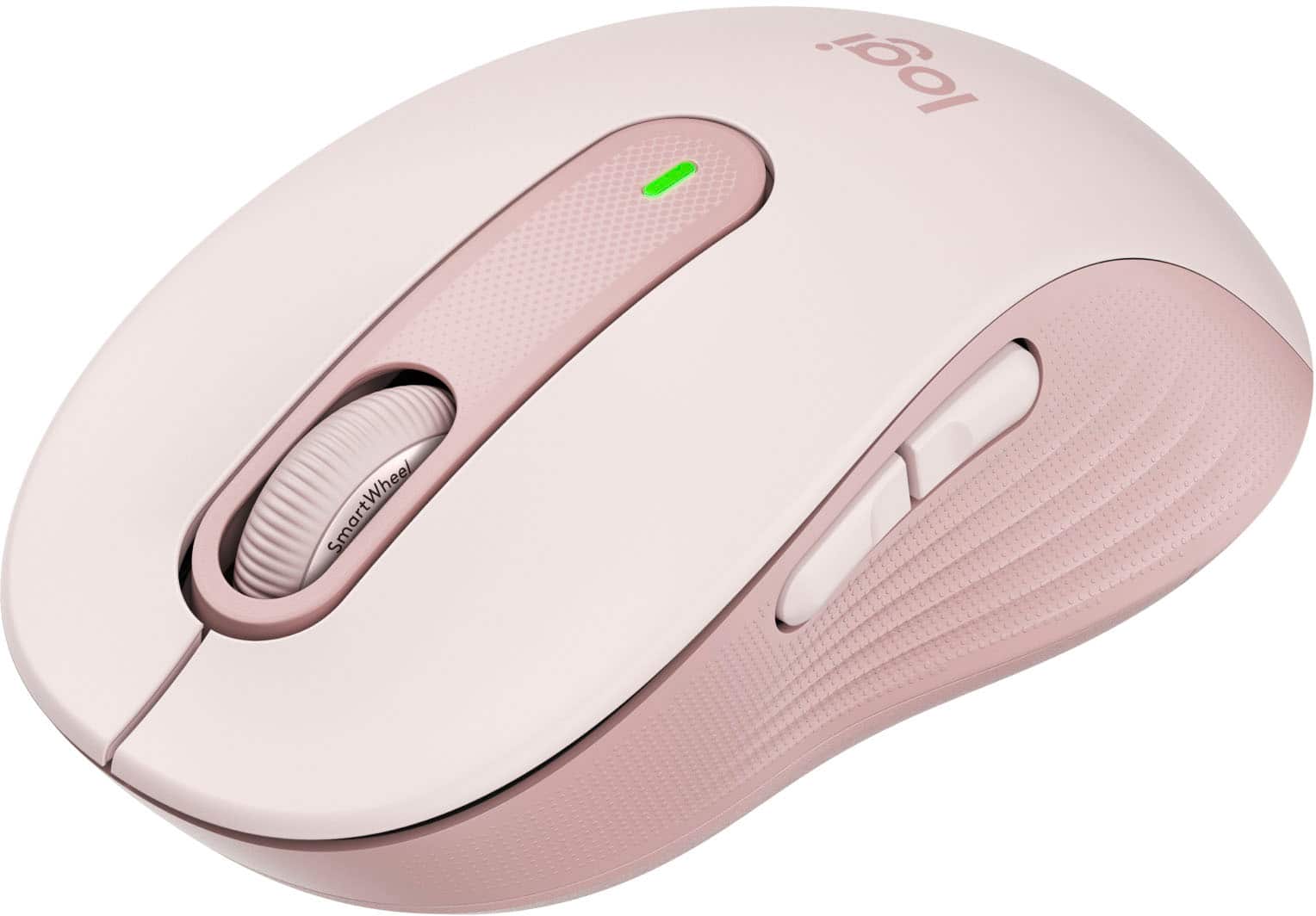
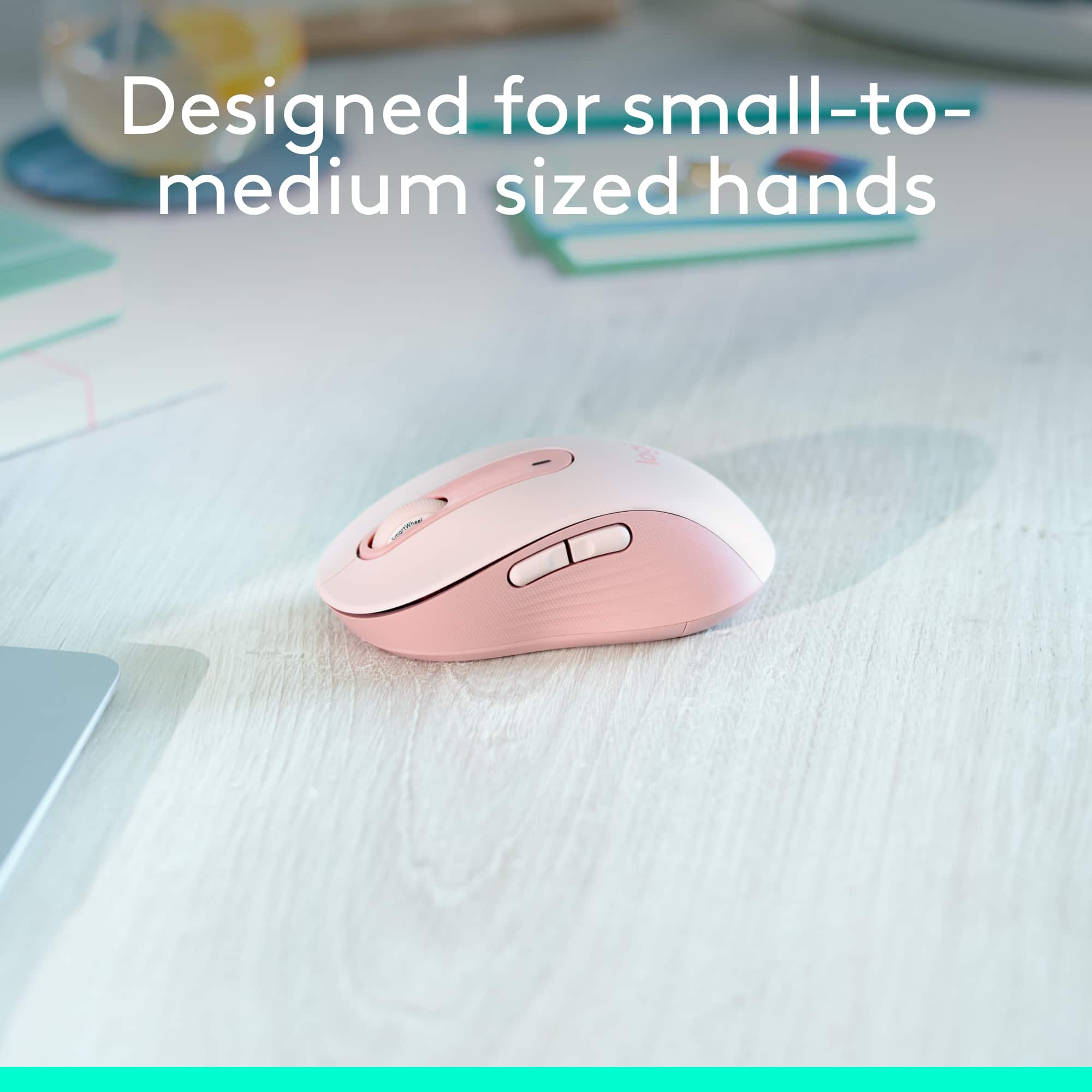
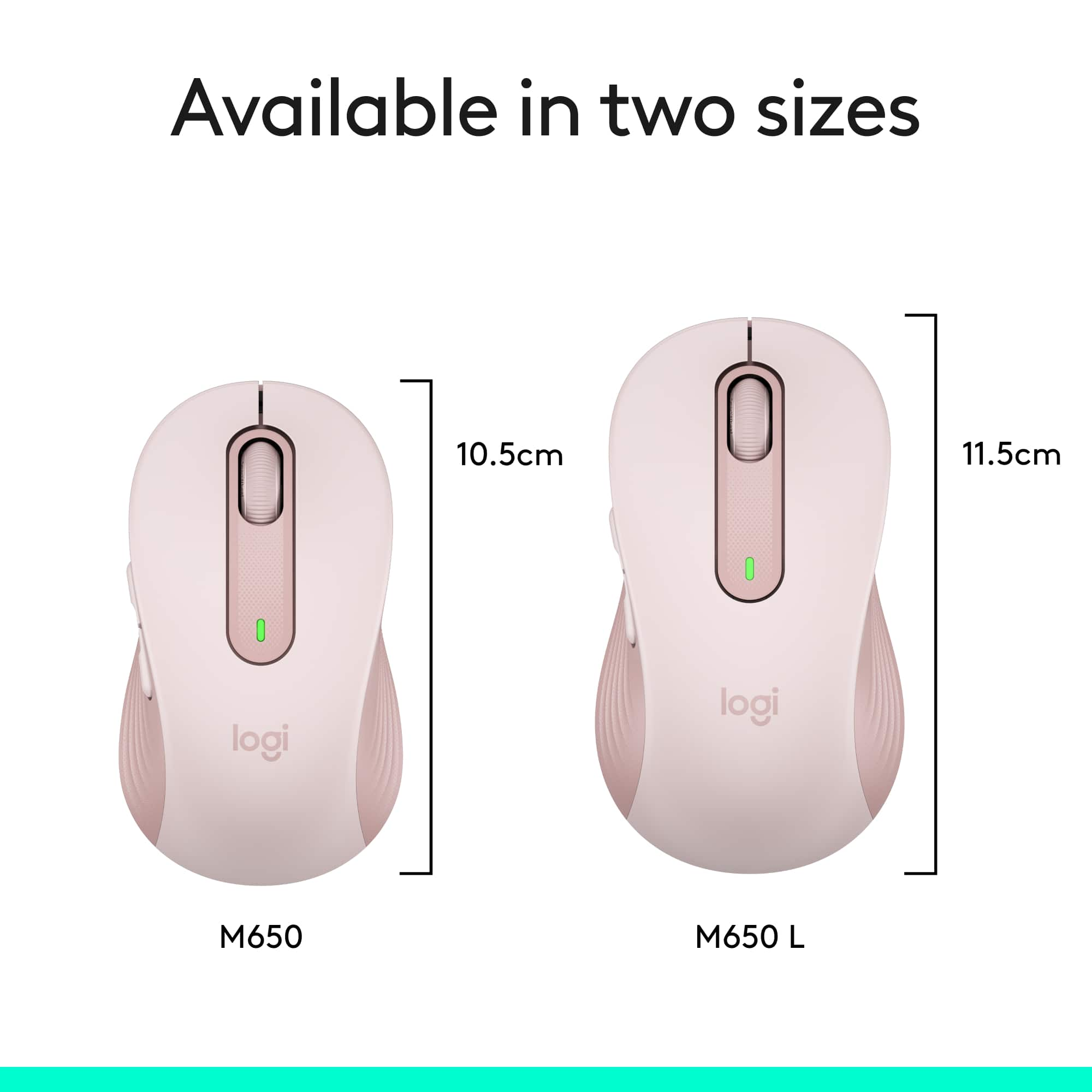
A:AnswerThe correct dimensions for the Logitech M650 are
Height: 4.26 in (108.2 mm)
Width: 2.4 in (61 mm)
Depth: 1.52 in (38.8 mm)
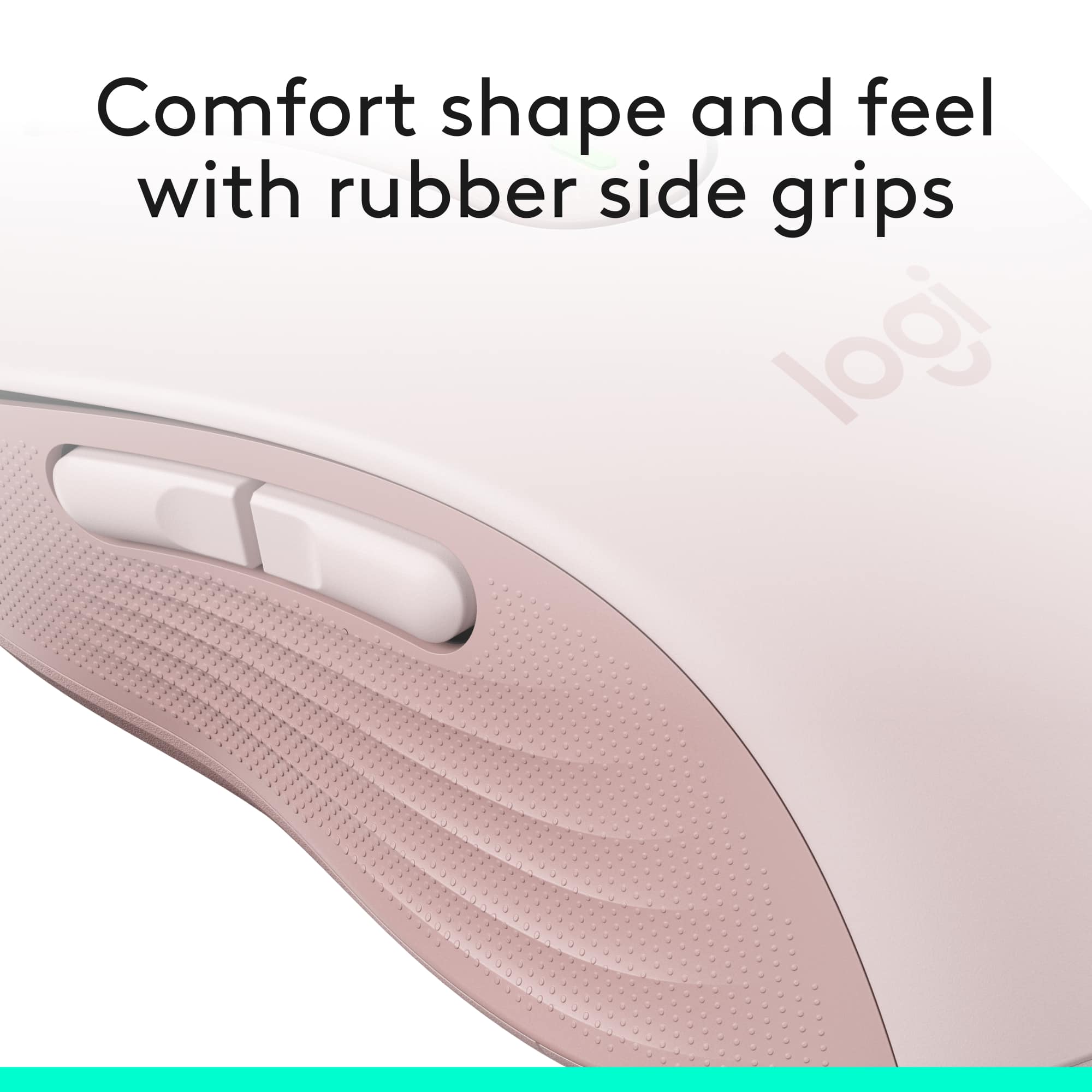
This mouse is no so big for the medium hand, if you have small hands this might feel a bigger for you.
A:AnswerMost input-based peripherals shouldn't clash with each other. Whether or not this mouse works with that keyboard is not an issue you'll come across often.
As for connectivity, if your computer has a USB port, you should be able to plug your mouse in, and forget about it.