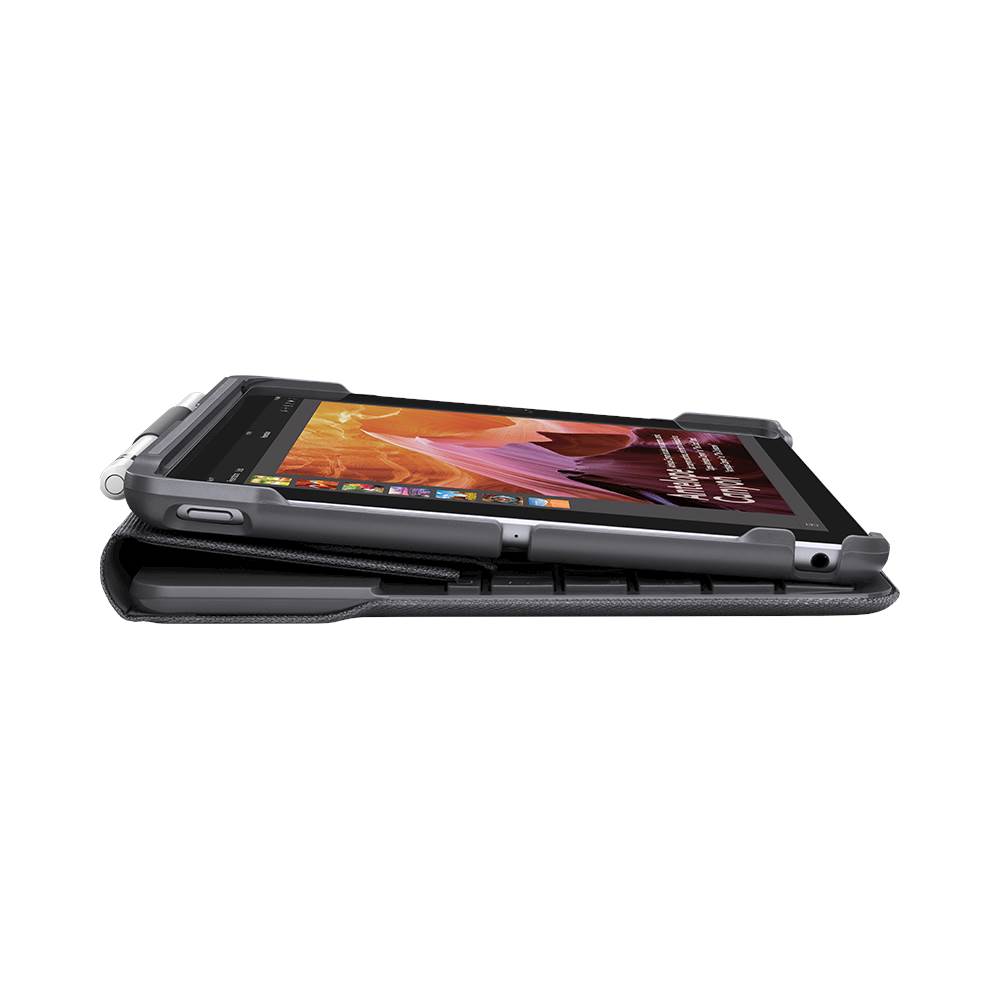
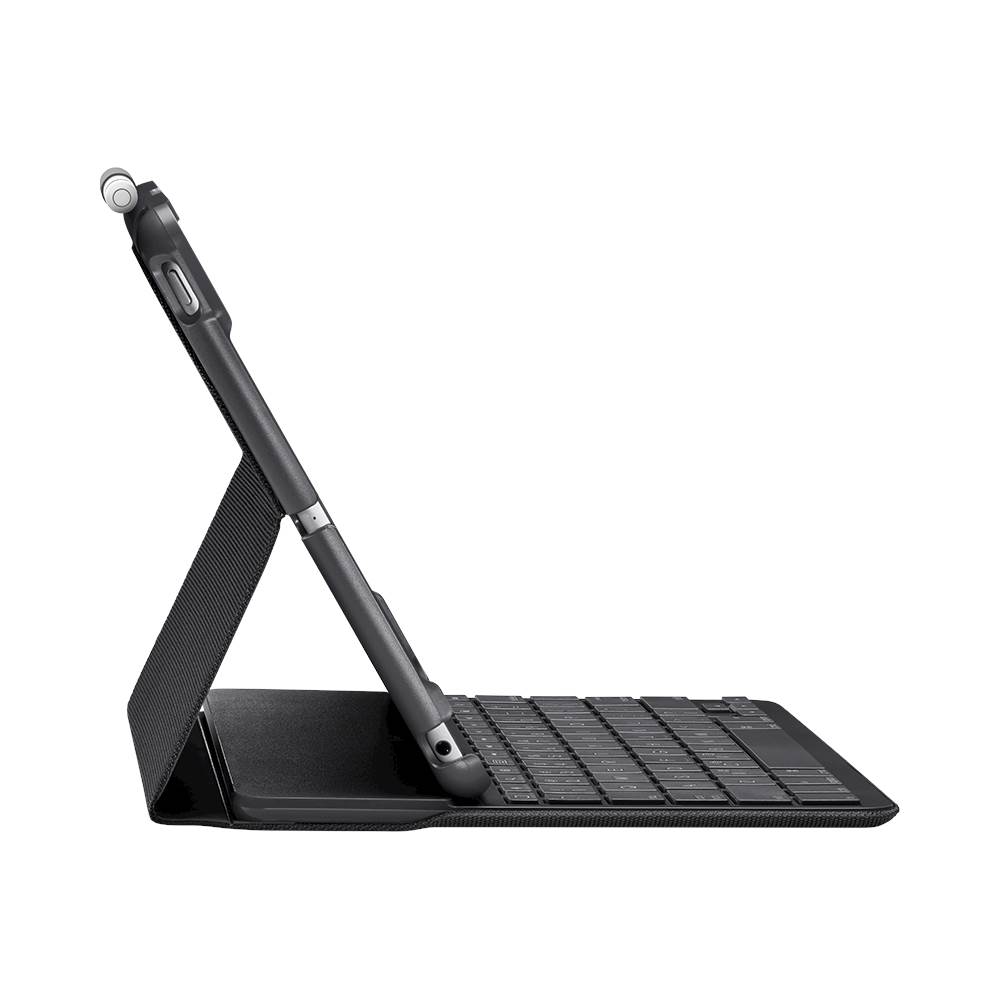
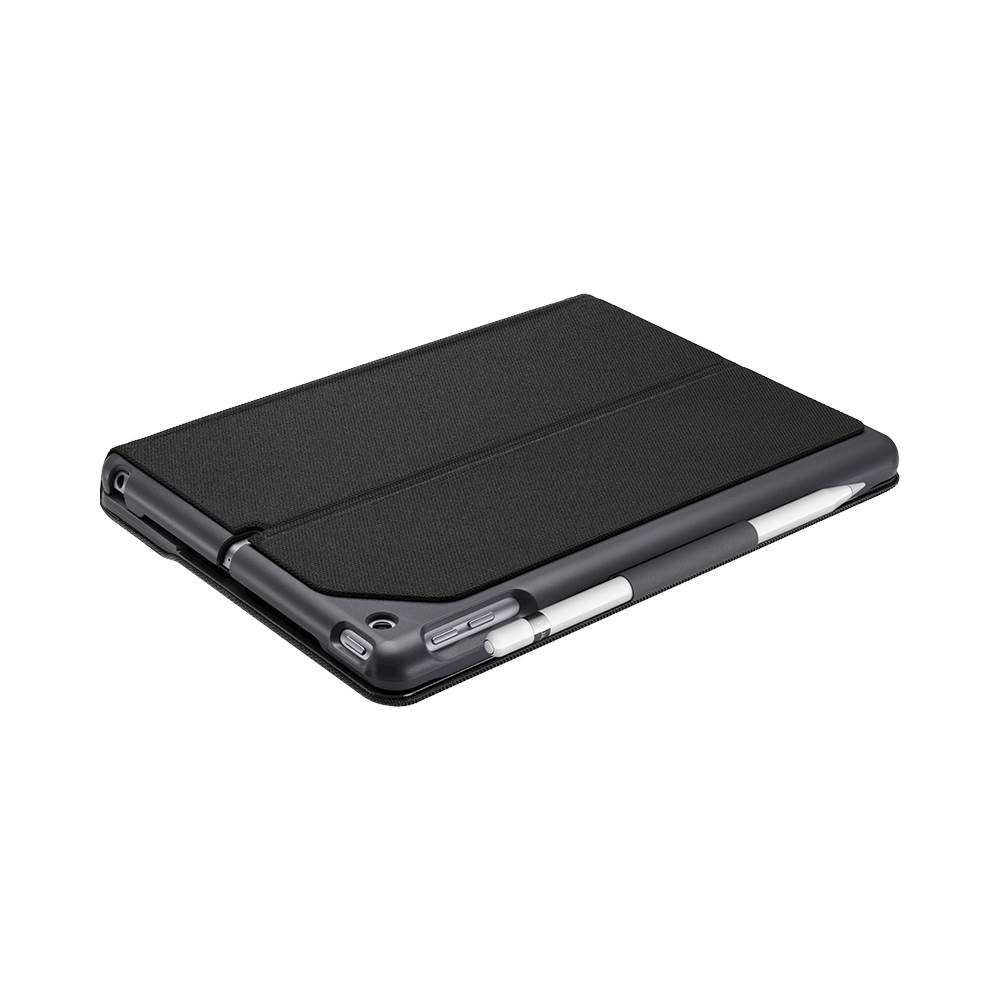
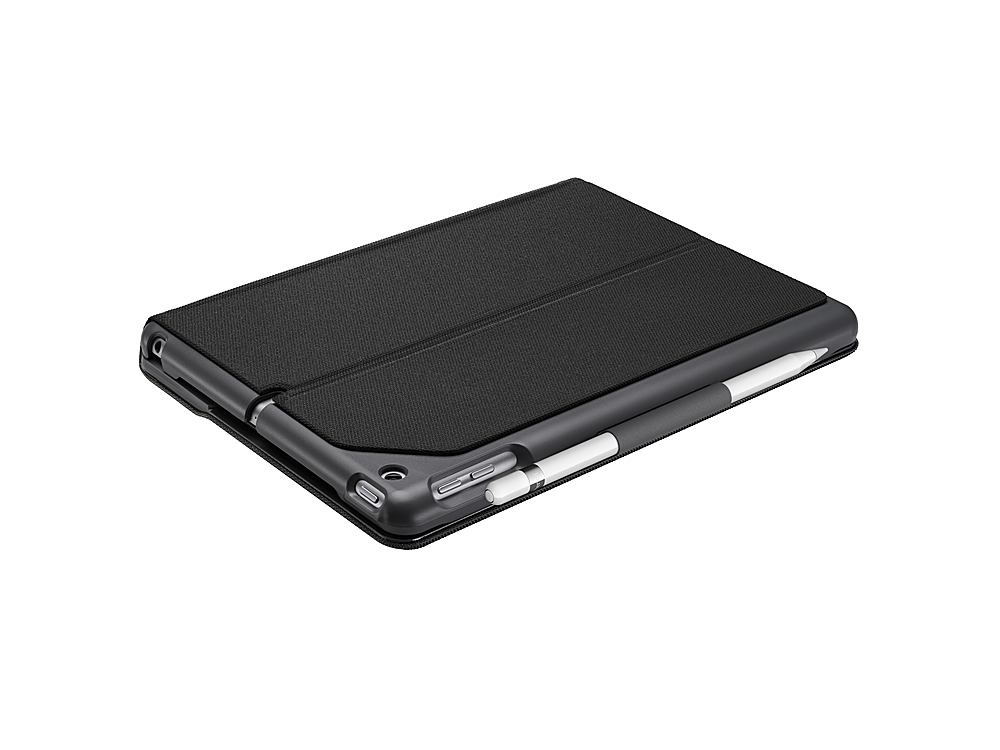
A:AnswerUnfortunately, no. The iPad 5th and 6th generations are slightly thinner and more narrow than the iPad 4th generation, so the iPad 4 will be slightly to big for this case.
A:AnswerI own this case, bought it about two months ago and work great. I like that it has replaceable batteries that last up to 4 years. With the new update on ur IPad you can even use a mouse.
A:AnswerNo, this Slim Folio Keyboard Case is for the regular iPad 5th/6th generation. Any Logitech keyboard with Bluetooth connection will work for your iPad mini.
A:AnswerHello Sherry,
To determine what generation of iPad you have, you will want to find the model. You should be able to locate that on the back side of the tablet. It begins with "A".
You can also locate the model by going to your "Settings" app (the icon is a gear).
Tap: "About"- Under that section you will see a section titled "Model". Tap on the "Model" section to reveal the shorter number that begins with A. That is the model of iPad.
iPad Air 1: A1474, A1475, A1476
iPad Air 2: A1566, A1567
iPad Air 3: A2152, A2123, A2153, A2154
The case that is linked above is for iPad 5th/6th generation. If you have an iPad air these two SKUs on BestBuy.com are designed for iPad Air:
SKU:6385753
SKU:5926601
- Best regards,
John
A:AnswerHi, Mary. This particular Slim Folio Case is compatible with iPad Air (3rd generation) in
Models A2123, A2152, A2153, A2154. Please check either to back of your iPad or the box it came in to confirm if you have one of these models.
A:AnswerHello,
This Logitech Slim Folio case SKU:6259322 is for iPad 5th/6th generation. Those models are:
iPad 6th generation = A1893, A1954
iPad 5th generation = A1822, A1823.
The model number can be located on the back cover of the iPad. It can also be located within the menus.
(Settings -> About -> Model).
Thank you for choosing Logitech, take care!
-John