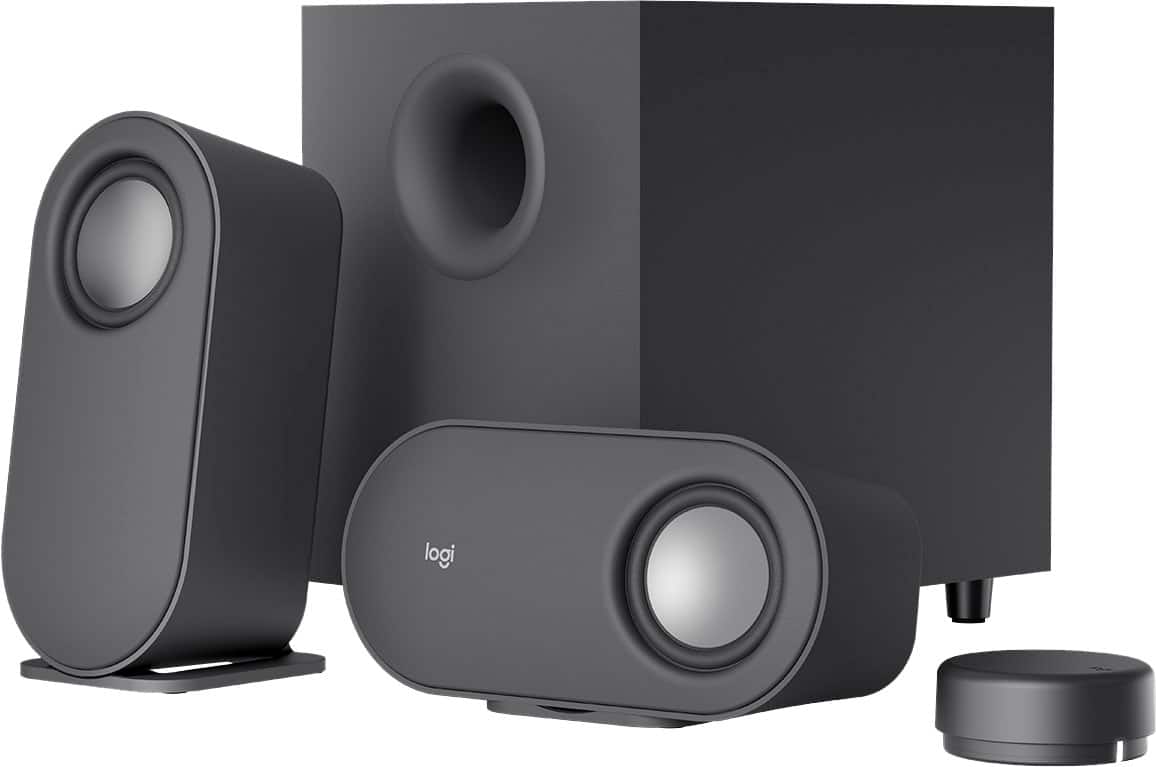
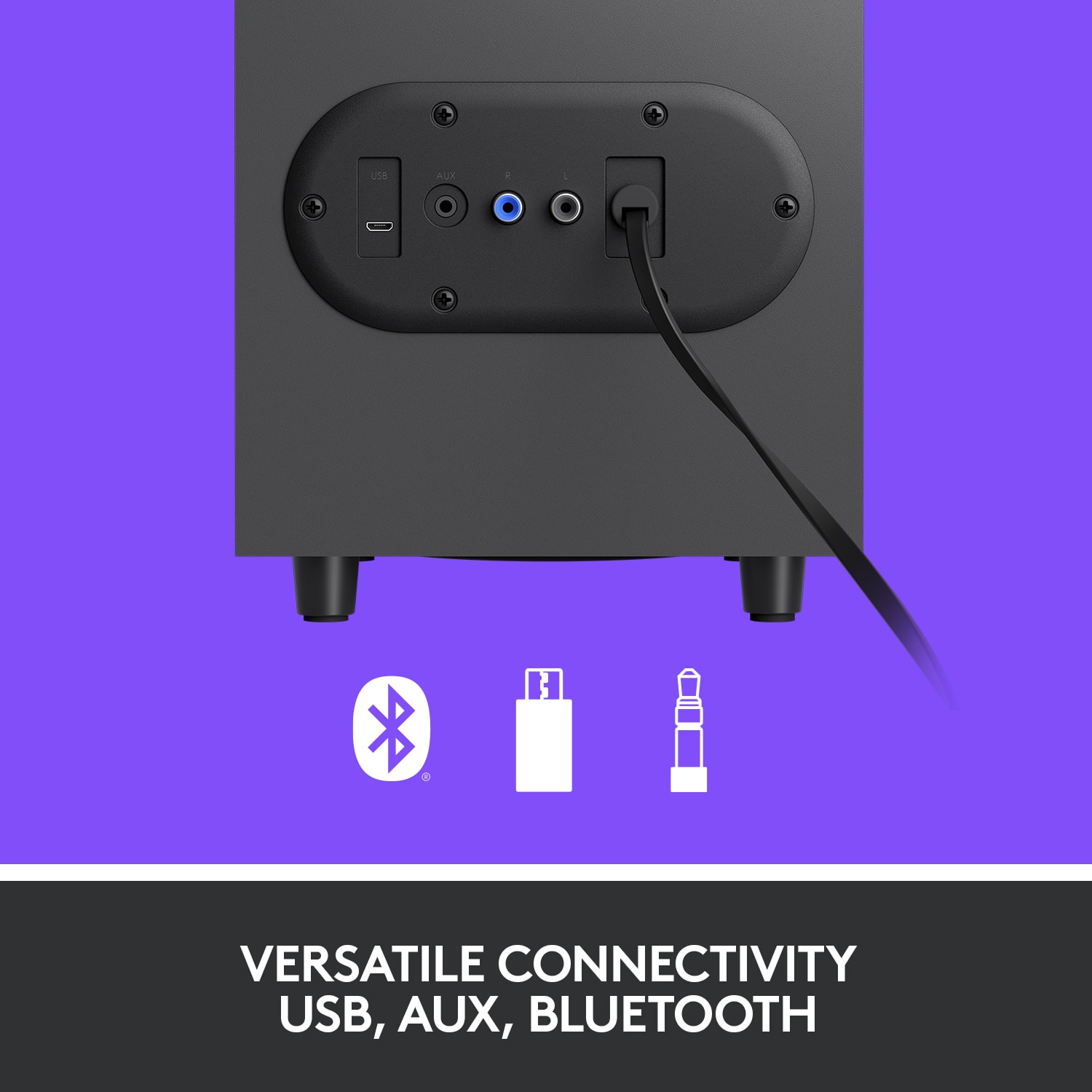
A:AnswerThey work well on a gaming computer, providing impressive sound quality with a separate subwoofer and versatility with both wired (3.5mm, micro-USB) and wireless (Bluetooth) connections.
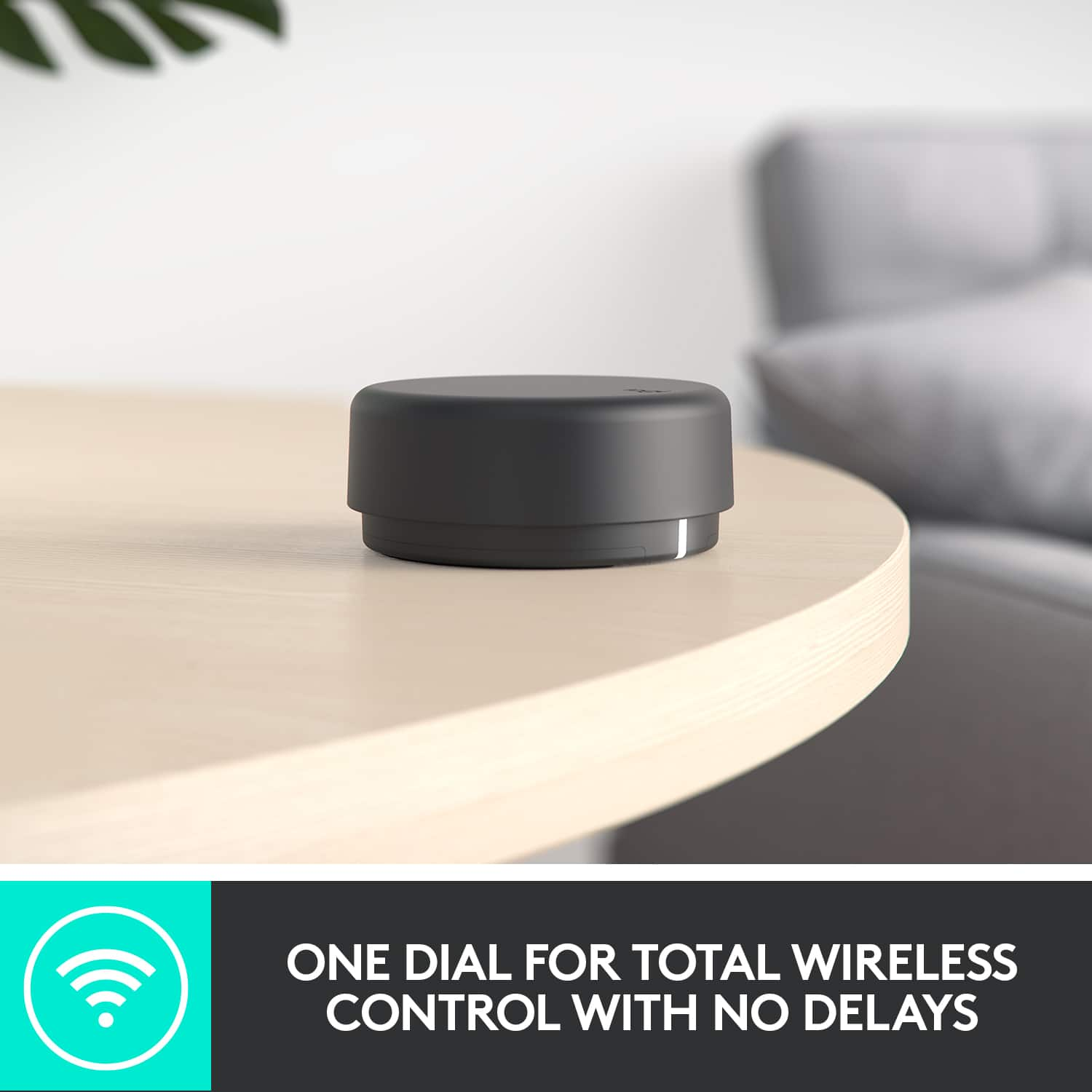
A:AnswerYes, with the included BT connector. The BT connector is a standalone hub that uses 2x AAA batteries (included). The speakers themselves must be plugged into a wall outlet.
A:AnswerSpeakers do not need a driver. These days Speakers can come with Bluetooth, a 3.5mm (round) stereo plug, or USB plug (some even have a combination of some or all these connectors). Your computer may support some or all of these connections as well. It would be worth checking to see what your computer supports and buy speakers accordingly. It's hard to go wrong with a 3.5mm (good old fashioned) stereo plug, those always work, but some new computers (especially small laptops) have eliminated that choice. Good Luck!
A:AnswerI have not experienced any interference or static from these speakers. Mine sits below my desk, away from the monitors and the computer. I have heard this interference in the past from other systems, and know what you are talking about.
A:AnswerThat's unexpected! In order to help you effectively, please provide your information to our support team via email at socialcare@logitech.com with your
- Name:
- Email Address:
- Country:
- Product Name:
- Brief description of issue:
A:AnswerThe Z407 specs are as follows:
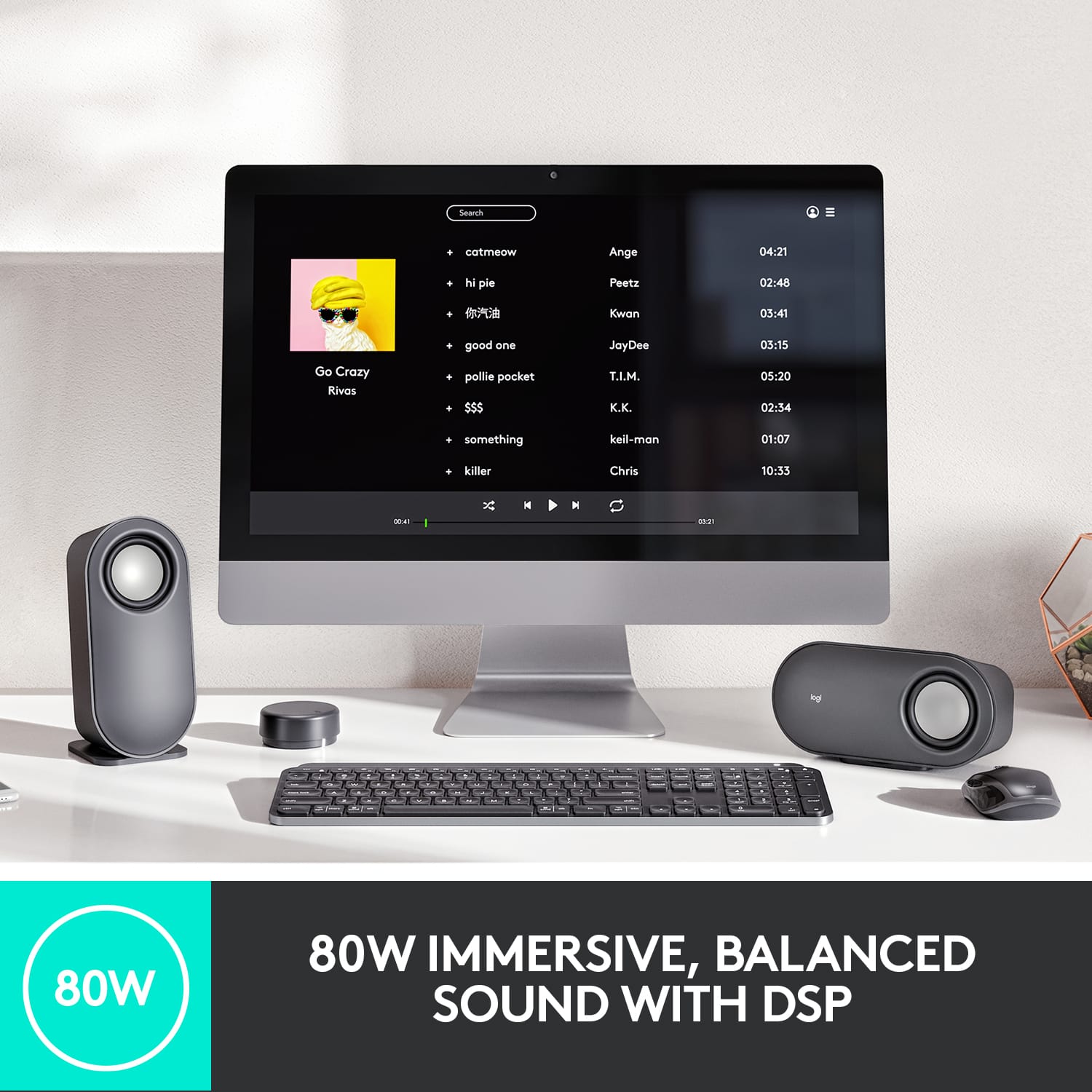
- Total watts (Peak): 80W
- Total watts (RMS): 40 W
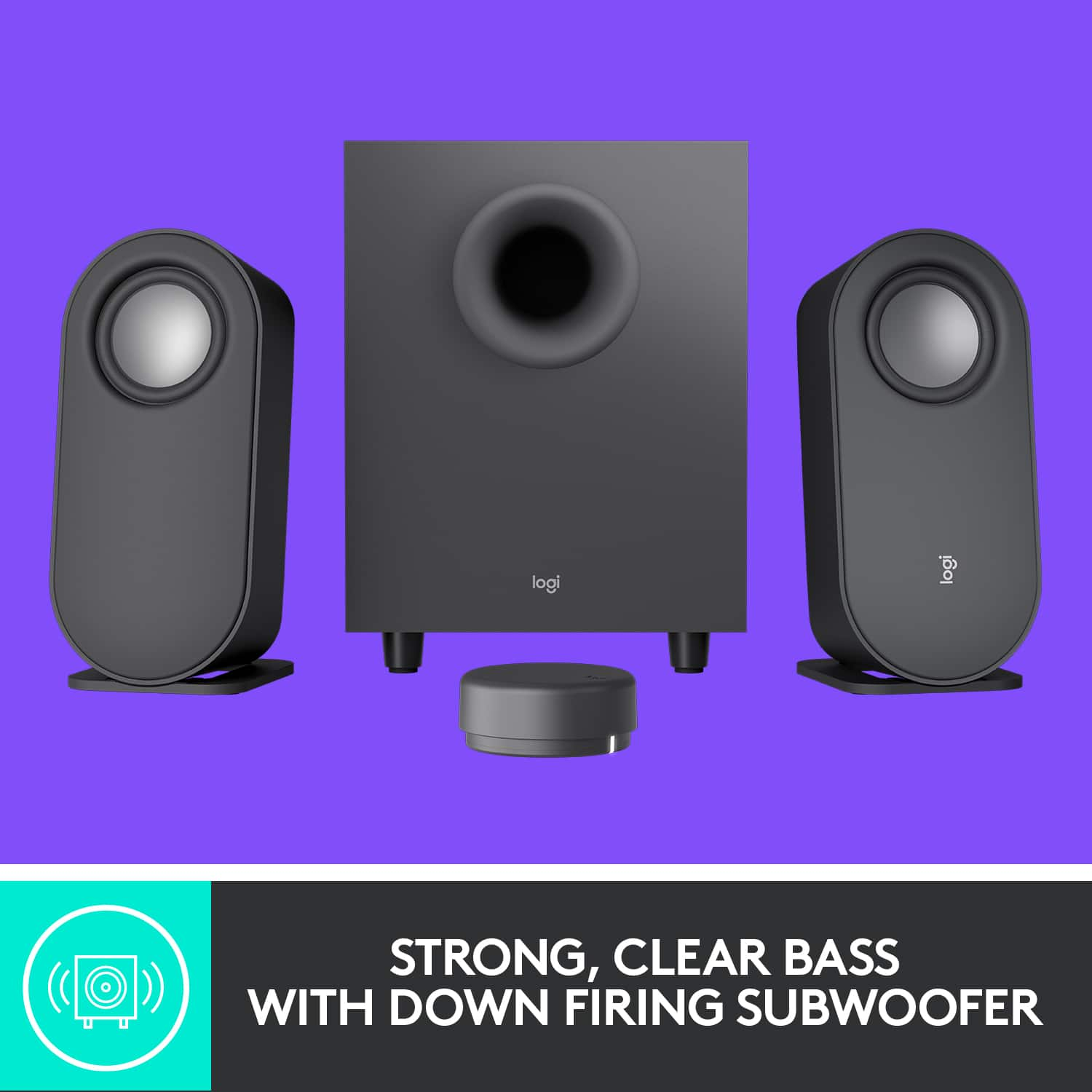
- Subwoofer: 20W
- Satellites: 2 x 10W
Additional features
- 20-meter (65 feet) wireless range (Wireless range may vary with environmental conditions.)
- 12-month battery life (2 AAA included) Based on using the dial 16 times, every time with normal press or rotation per day. Actual battery life will vary with use, settings, and environmental conditions.
Bluetooth on the Z407 likely uses the standard SBC codec, limiting audio quality to 16 bit, 44.1 kHz, even with Tidal's Max setting. A wired 3.5mm connection and a capable sound card might improve quality, but the Z407's DAC may still limit the output below 24 bit, 192kHz.
A:AnswerHey! Unfortunately, it's not possible to connect two sets of Logitech Z407 speakers (including 4 speakers and 2 subwoofers) to your PC and have them work in sync to create a surround sound experience.
A:AnswerIt's disappointing to hear and it's surely not what we expect to deliver. In order to help you effectively, please provide your information to our support team by emailing socialcare@logitech.com. Name – Email address – Country – Product name – Brief description of the issue –