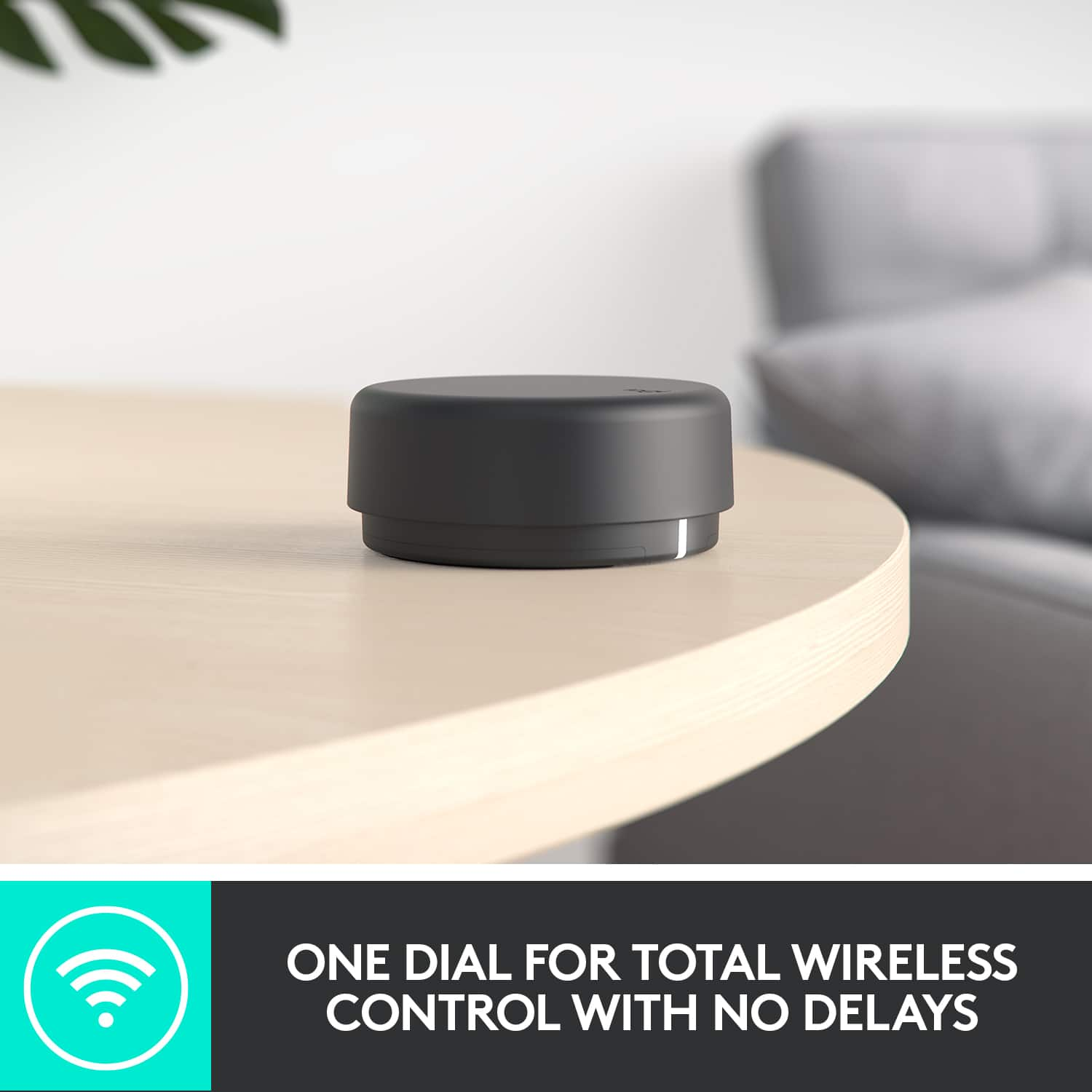
A:AnswerIf you are using the bluetooth for the laptop I believe that is correct if you have it wired in then both are taken into account for instance my desktop is wired in and the volume on my desktop and the volume of the puck both work and are additive.
A:AnswerHello Bmess, There's a different codec that phone calls use from music streaming. In the case of the Z407, it supports the SBC codec which has manageable transfer rates (192-320kbps) that is very universal but delivered at the expense of significant data loss like for phone calls. All this to say, that the Z407 isn't ideally suited to be used for phone calls. - Richard from Logitech
A:AnswerIf you connect the Z407 speakers via the provided speaker cable to the sound port on your PC, do the speakers still "go silent?"
If they do NOT still go silent (stay connected through the session), then the issue is NOT with the Z407 speakers.
It is rooted in the settings of your Bluetooth transmitter being used by the PC.
This is a common problem when using Blootooth headsets and speakers with PCs (they go to "sleep).
Research "setting buetooth speakers to DEFAULT speakers" to see if there is a way that the Bluetooth transmitter being used by the PC will allow it to RECONNECT and/or STAY CONNECTED to the Z407 speakers when returning from "sleep" or "standby" mode.
You may have to just use the tried and true method of using the supplied speaker cable to you PC if that doesn't work on your machine.
Good luck!
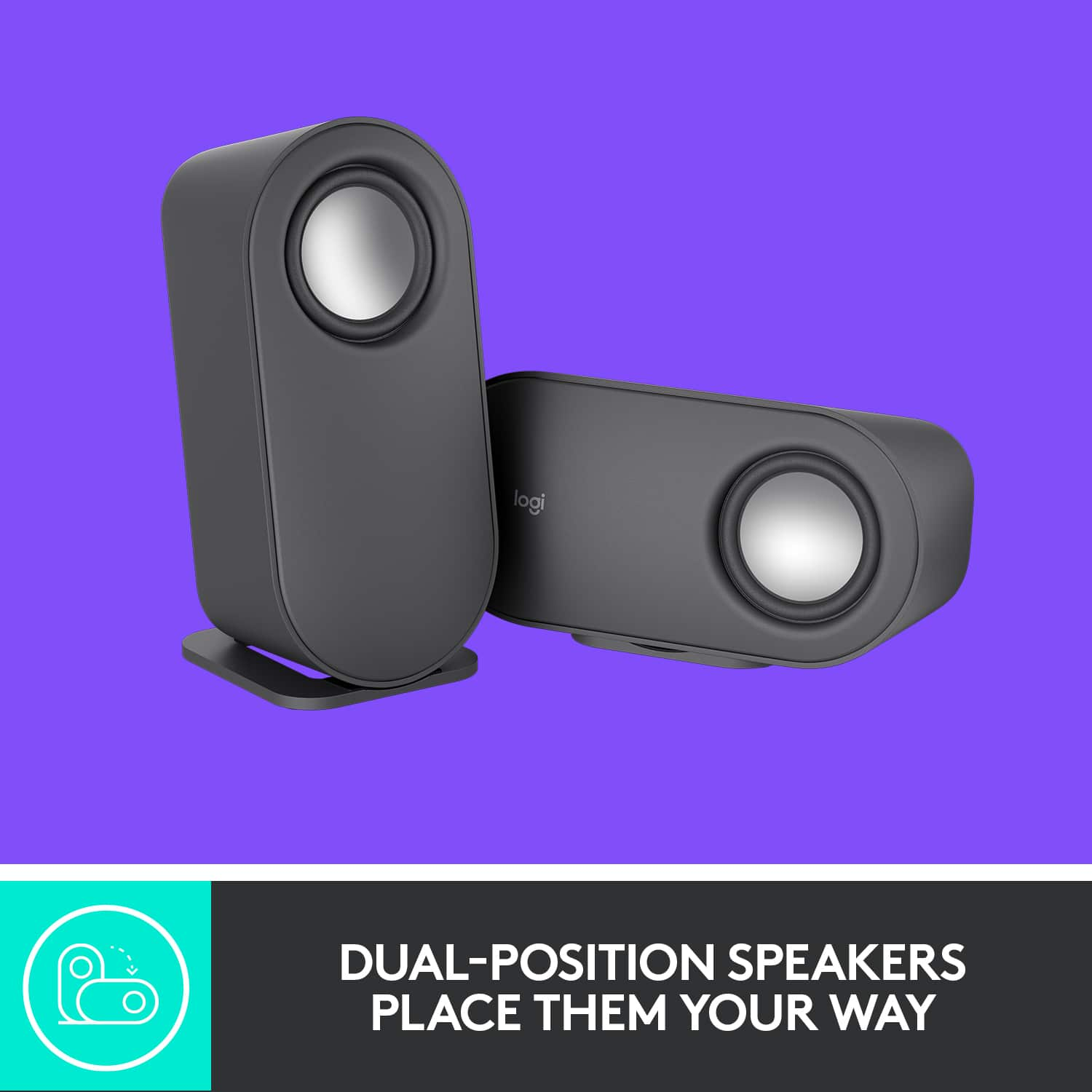
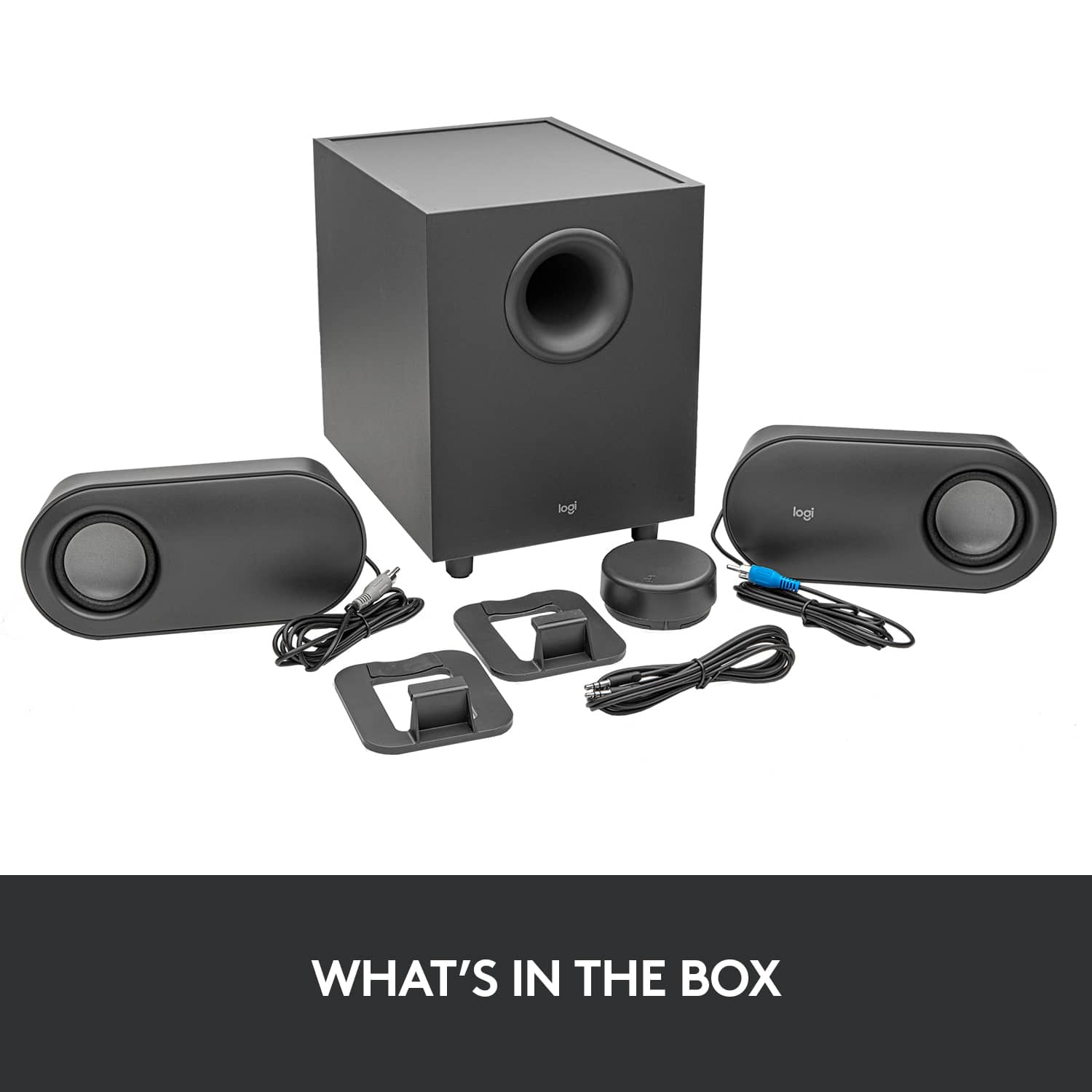
A:AnswerAt least four feet on satalite speaker wires that attach to sub woofer, sub woofer power cord at least four feet, and aux cable is at least four feet that connects from sub woofer to my display. My spears are located on desk near computer.
A:AnswerYes, If you TV or Monitor have a 3.5mm jack yes you can use it. Just put your PS5 to export audio by HDMI. Connect Z407 via Aux Cable (3.5mm) and its done. I use mine like that and its awesome.
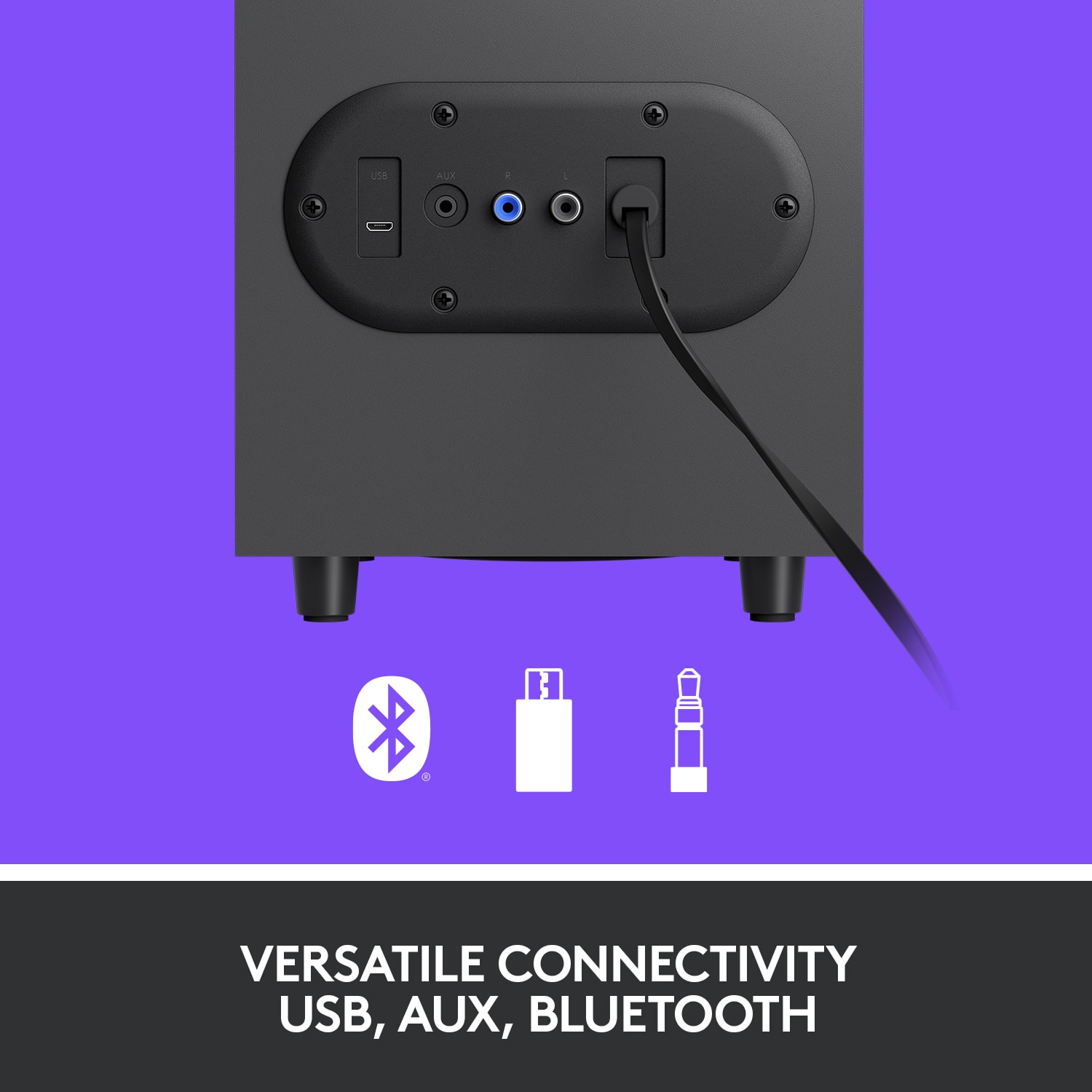
A:AnswerI don't know what audio output your Xbox has but per Logitech's site... you can connect up to three devices via Bluetooth, micro USB, and the 3.5 mm input. The wired input button on the bottom of the dial switches between wired (3.5 mm and micro USB) connections. Quickly switch back to Bluetooth by pressing the Bluetooth button.