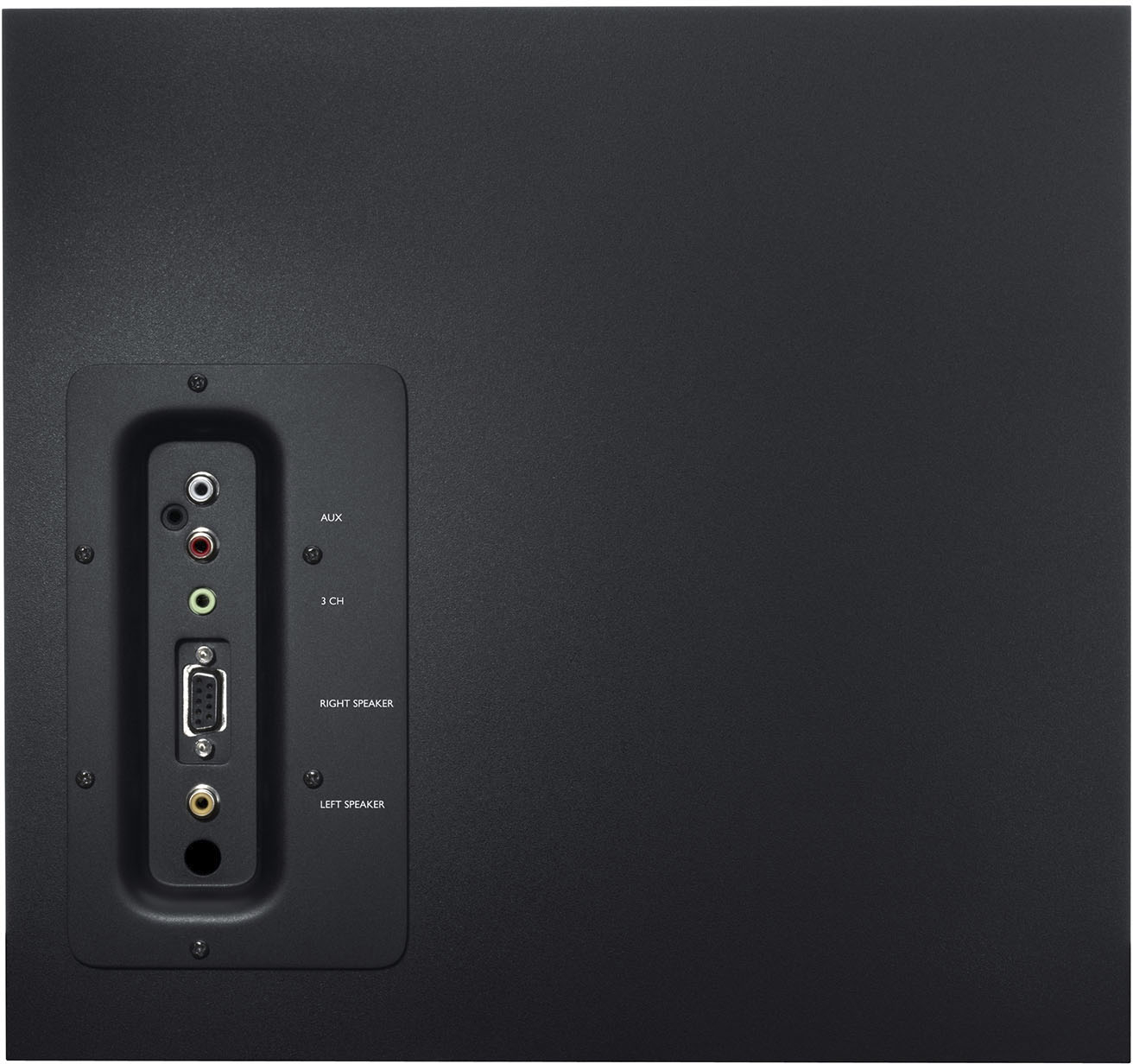
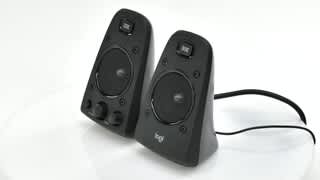
A:AnswerThis system doesn't have bluetooth natively but you could buy a separate bluetooth receiver device and connect it to the right speaker's AUX port to accomplish this.
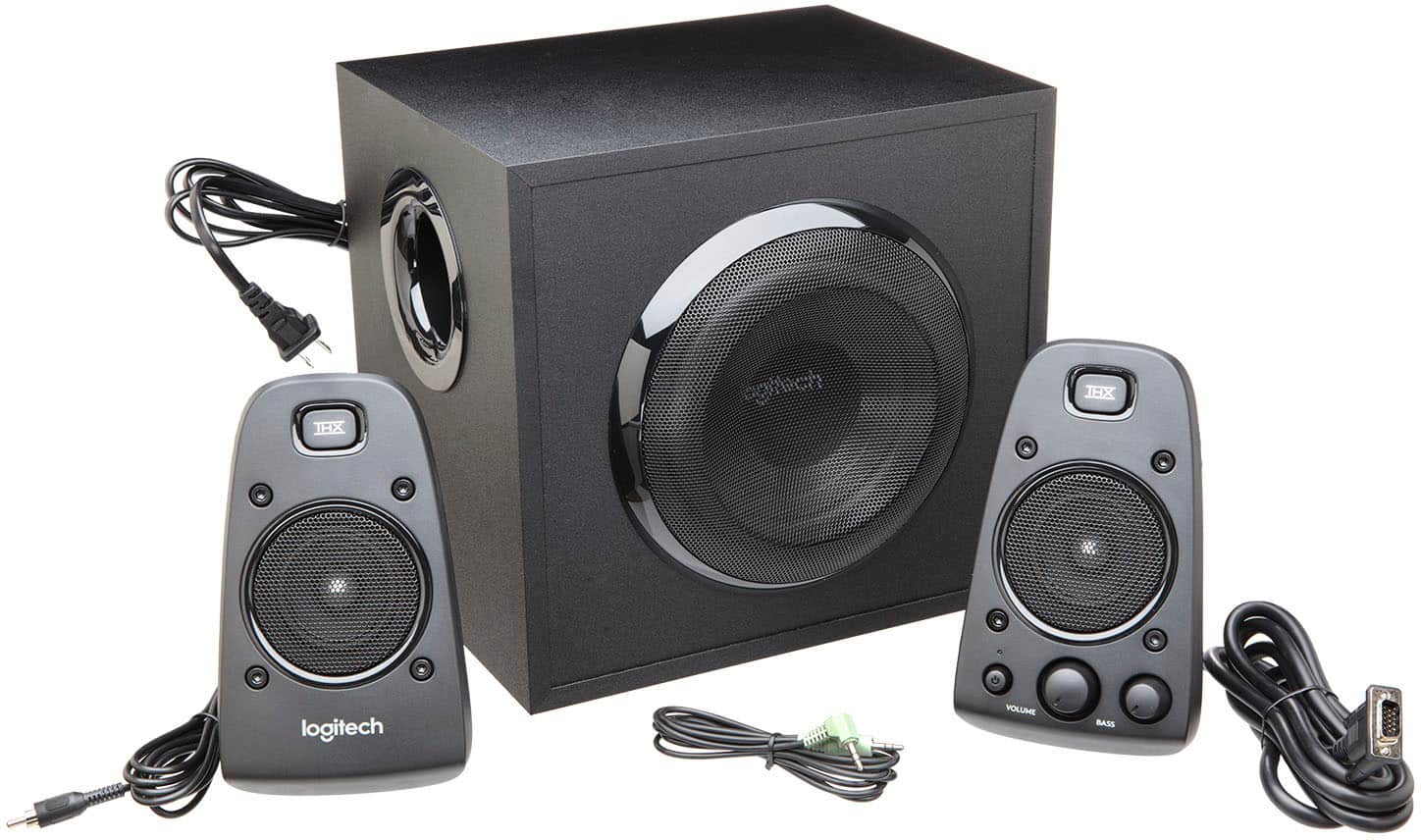
A:AnswerIt comes with all cord connectors. Plugs in to the green audio sound jack on the back of your PC. If you have a laptop pc it also has the same audio out jack.
A:AnswerThere are some videos about fixing subwoofers on YouTube. But there is something else that worth trying although that might not be the case here or you might have already ruled that out by using aux. If you are hooking it up to a windows machine, when you connect it, the OS would ask you about the output type (headphone/small/medium/large speaker.) If you select small speaker or headphone by mistake, the subwoofer stops working properly when playing through Windows. If that's the case, just taking the plug out and putting it back in and selecting large speaker should fix it. I truly hope that would be the case here.
A:AnswerI have owned the Bose Companion speakers and they do sound good, but not good enough for my tastes. I felt they sounded rather flat and muddy given the reputation. I have also owned Klipsch Promedia 4.1 which is same as 2.1 minus two speakers. The Klipsch sounds amazing, but the problem I had is the poor speaker connection via speaker wires and the fact that they are on all the time even if you turn the power button off which cooks the subwoofer internals until they die, which mine did.
A:Answerit is a typical 1/8" (like headphones). I don't have an Xbox to give a def answer, but if you can plug in any typical speakers via 1/8" (3.5 mm) then these should work (unless microsoft only allows certain brands...?)
I don't have an ASUS monitor but they have connected fine to my 35" ultrawide monitors (hp etc) ...again, as long as it has a 'typical' headphone jack
A:AnswerIf you have a headphone jack (3.5mm) they should work fine. It's just speakers, no software / drivers needed ...they aren't usb connected speakers