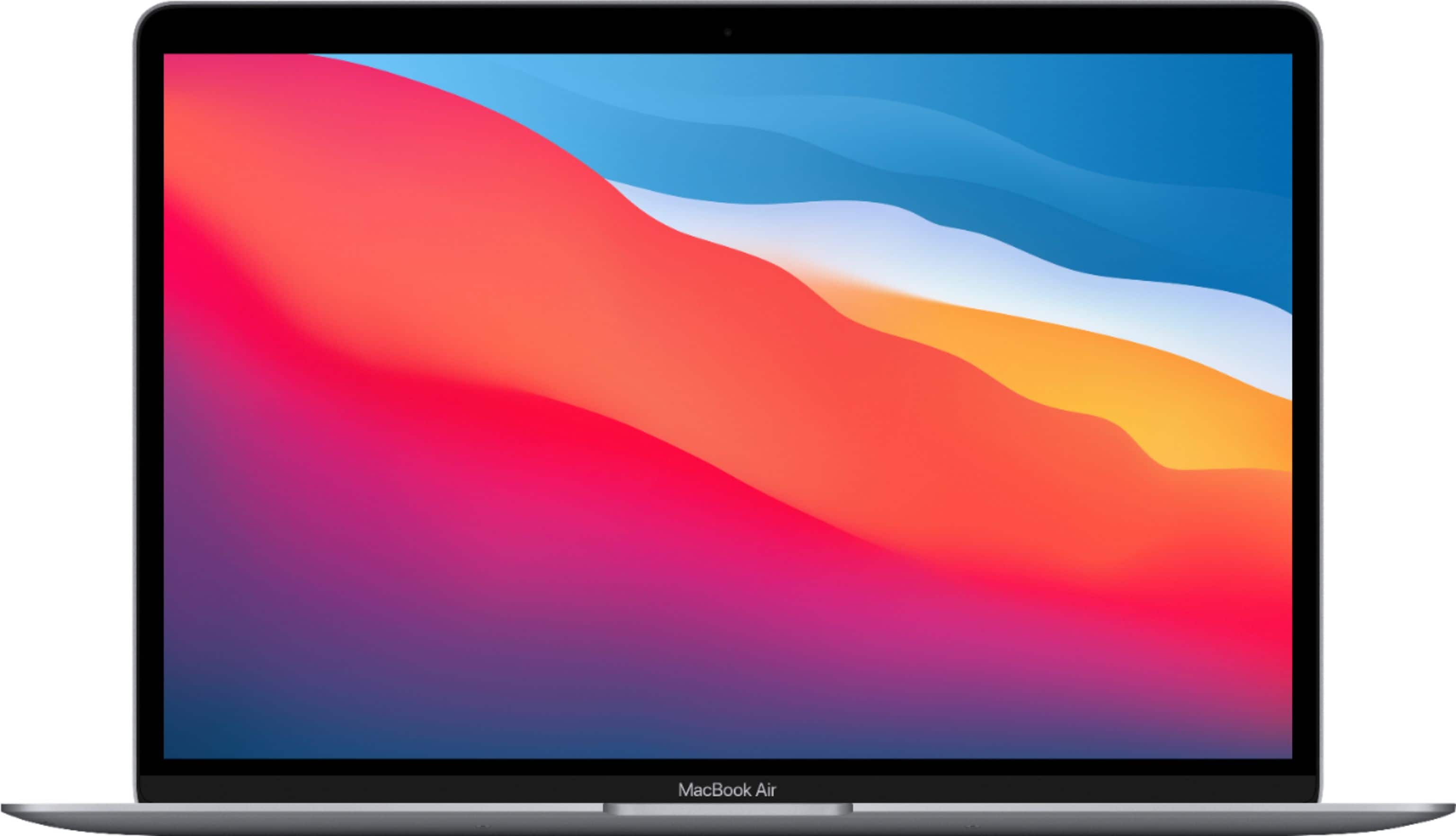
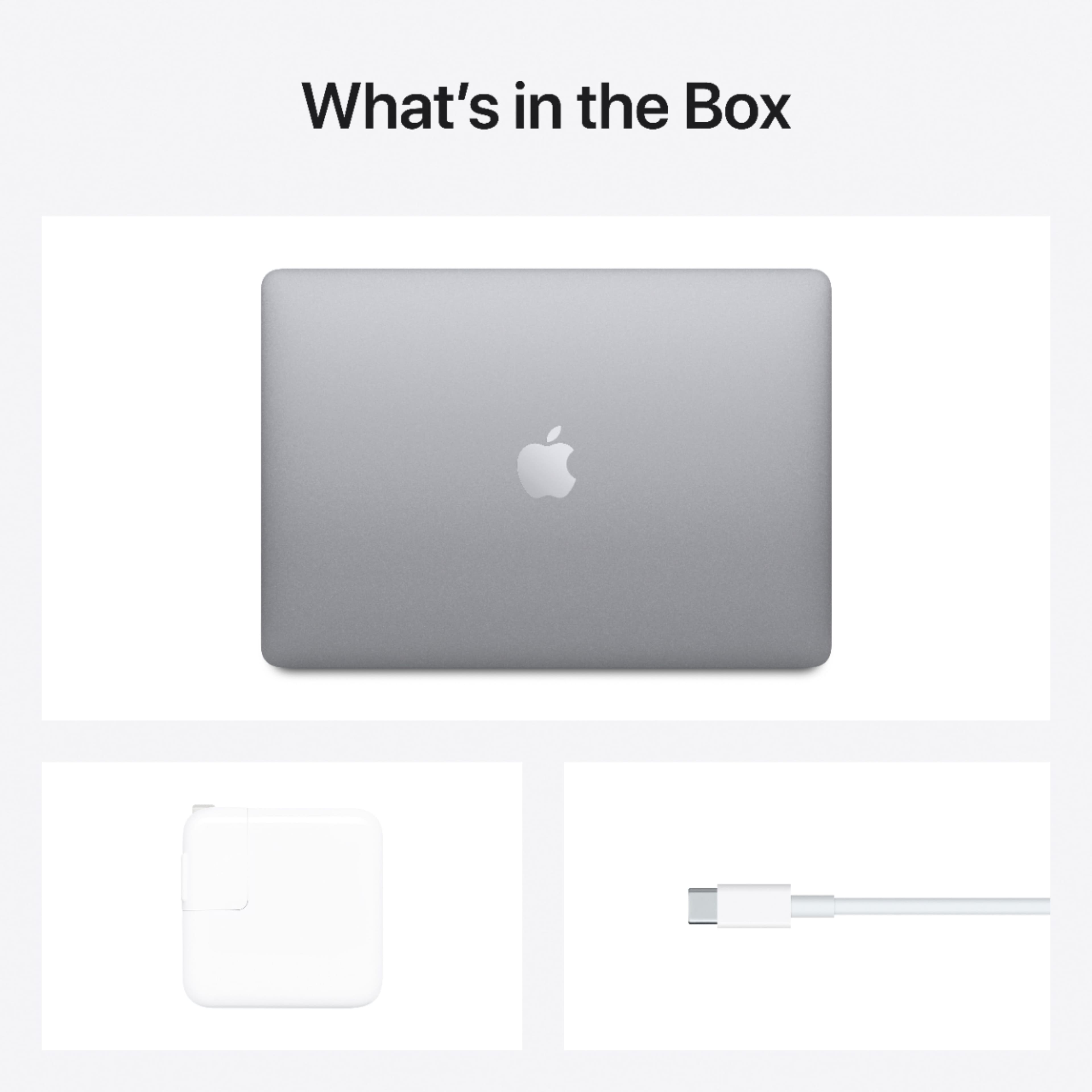
A:AnswerI believe so. Lightweight, long battery, can handle all the email, video streaming, any spreadsheet or document creation needed. Graphic art and animation students might need to consider upgrades. Your student's college should have recommendations regarding that.
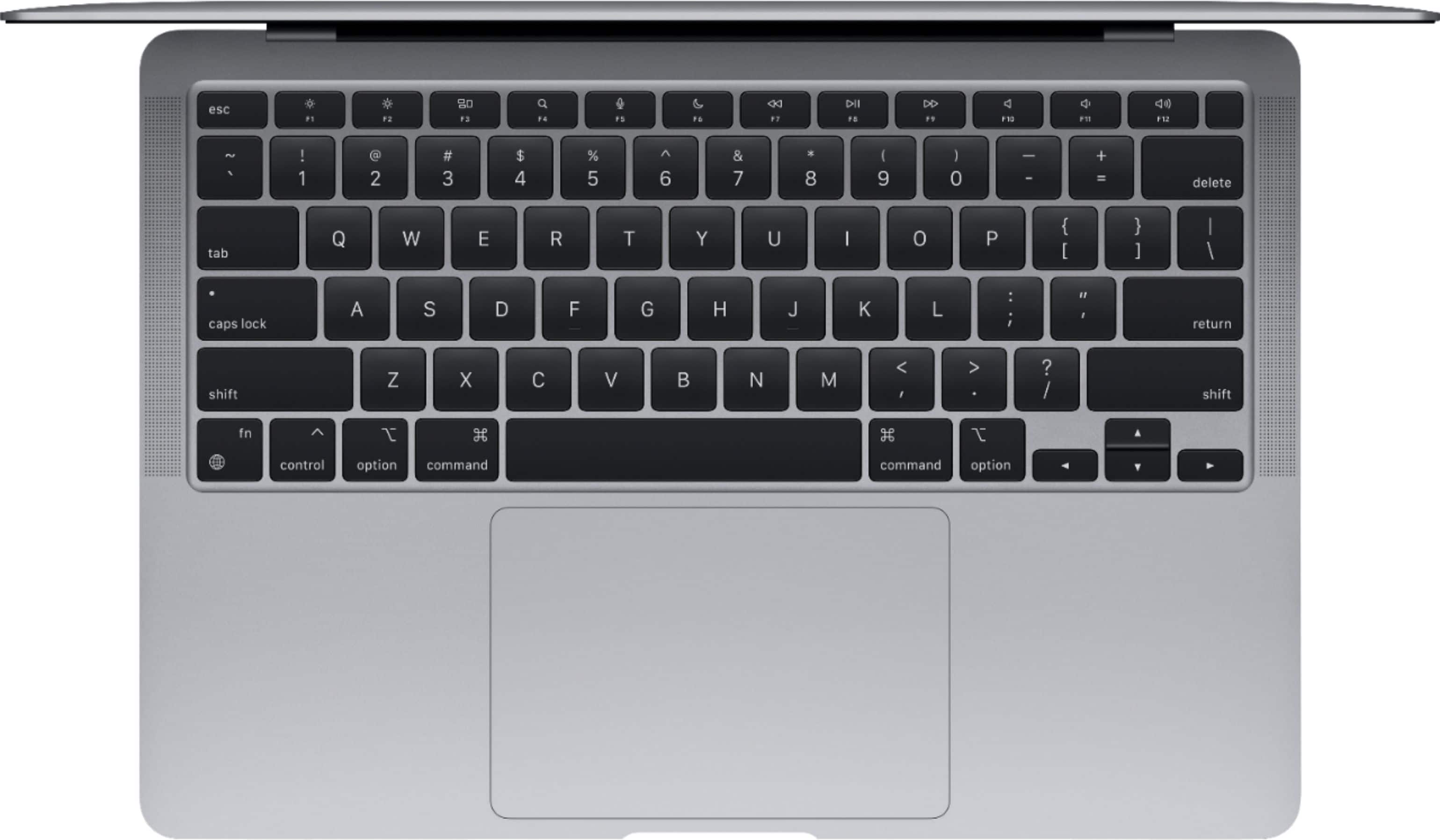
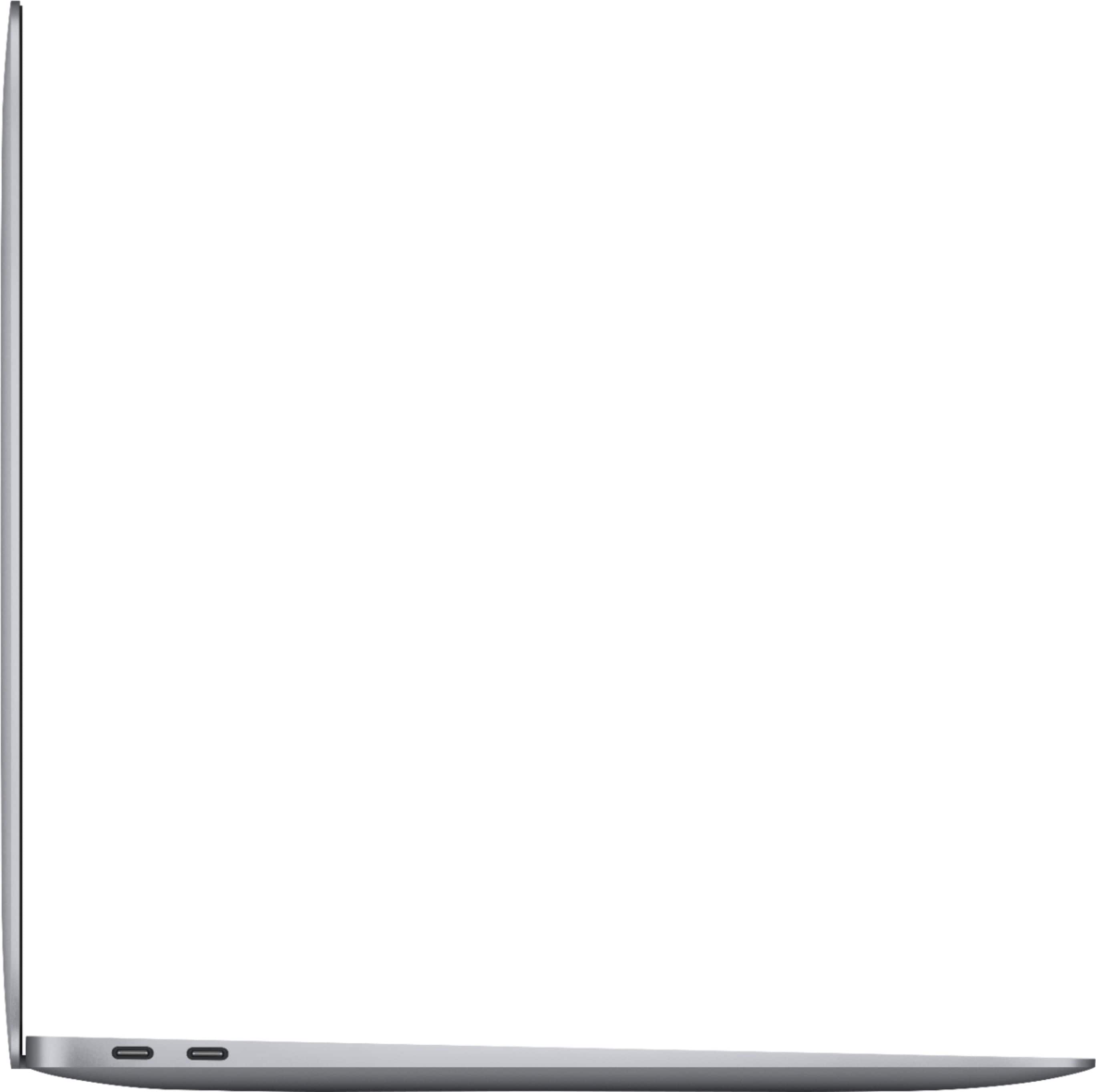
A:AnswerThe only port on the laptop is a USB-C, so you'd have to get a hub to use your mouse and keyboard.
If your two devices are USB-A (most common), you would need a USB-C to USB-A, either 2 or 4-port.
A:AnswerThe M1 MacBook Air has 2 USB-C plugs on the left side of the body of the laptop. Anything that can connect via USB-C should work.
(source: I am answering this on my M1 MacBook Air and have used it for multiple projects.)
A:AnswerIf the item is new and has never been activated on "FindMy," then yes: Apple Care's warranty (depending on location) will start once you register the device to your account for the first time. It will last for 60 days without paying for Apple Care, but you can purchase Apple Care anytime during that 60 day period and be fine. However, once the 60 days are gone, you can't get Apple Care after that if you didn't already, so keep that in mind.
A:AnswerYes, here at Bestbuy geek squad is always happy to help customers set up their machines, the cost for a device set up is $99.99. However if you are a Best Buy Total member you get those in store services for free. With Best Buy Total starting at $179.99 you also get Apple Care plus included as well as any other thing you buy from Best Buy regarding warranties. I’d recommend stopping into your nearest Best Buy and ask a Blue Shirt about it
A:AnswerMacBook is the only device that natively supports MacOS. It is well known, however, that if you're willing to purchase specific hardware and build a PC, you can make a "Hackintosh," but for ease of use, I don't recommend it.
Bottomline Upfront: Macs are the only devices that can natively support MacOS. MacOS is not like Windows: you can't install it on just any device due to how MacOS handles drivers, sound cards, GPUs, etc.
A:AnswerNo, but you can still download/install from either the app store or from the web. However, if you really want to install from an external source such as CDs, you can simply purchase an external CD drive (usually about $30 for the cheaper, it just works ones) and just connect it via USB-C, which the MacBook Air M1 has 2 of.
A:AnswerLogic is a universal app so it should work on any platform that has the app. Mac to mac is definitely yes. Stability should be ok but my concern would be lack of fan.