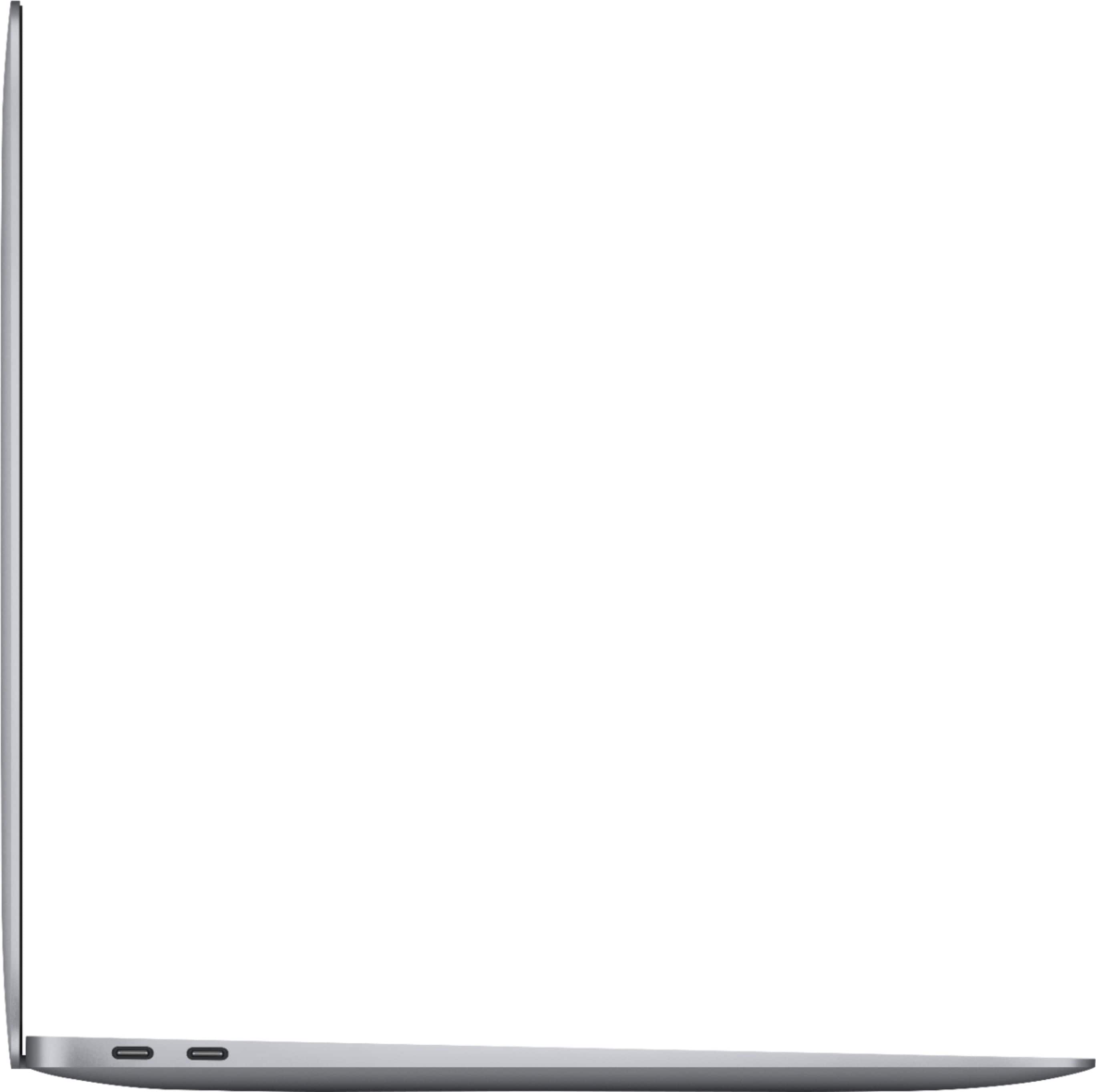
A:AnswerYes. There a various methods available to make use of an external screen. You can either hook into it directly using an HDMI cable (not included), or cast to it. My daughter has done this with Smart TVs directly, using built-in apps, but also in a wireless fashion. In this case, I believe the non-smart, older TV used Chromecast fob and hook-up was simple.
A:AnswerBecause this is the Air model and not a Pro. The MacBook Air is designed for someone who needs a laptop but will likely not be using applications that require heavy computational lifting. Unless you are doing complex graphic design, video editing in high resolutions, or gaming that requires a spec’d out machine this should be more than adequate. There are other differing factors but those are the ones that matter most. The air also does not support multiple external monitors. It only supports one in addition to the built-in display.
A:AnswerYou will have to get a dongle for external monitors. I have used my TV that has the Apple TV app and it connected wirelessly with that and worked great 99% of the time. 1% of the time the audio skips if watching a movie.
A:Answer13 cases do for the 13.3 being it doesn’t have a 13.3 measured case but I ordered mines through Best Buy a hard case for the laptop with the bag but you can always look on Amazon eBay