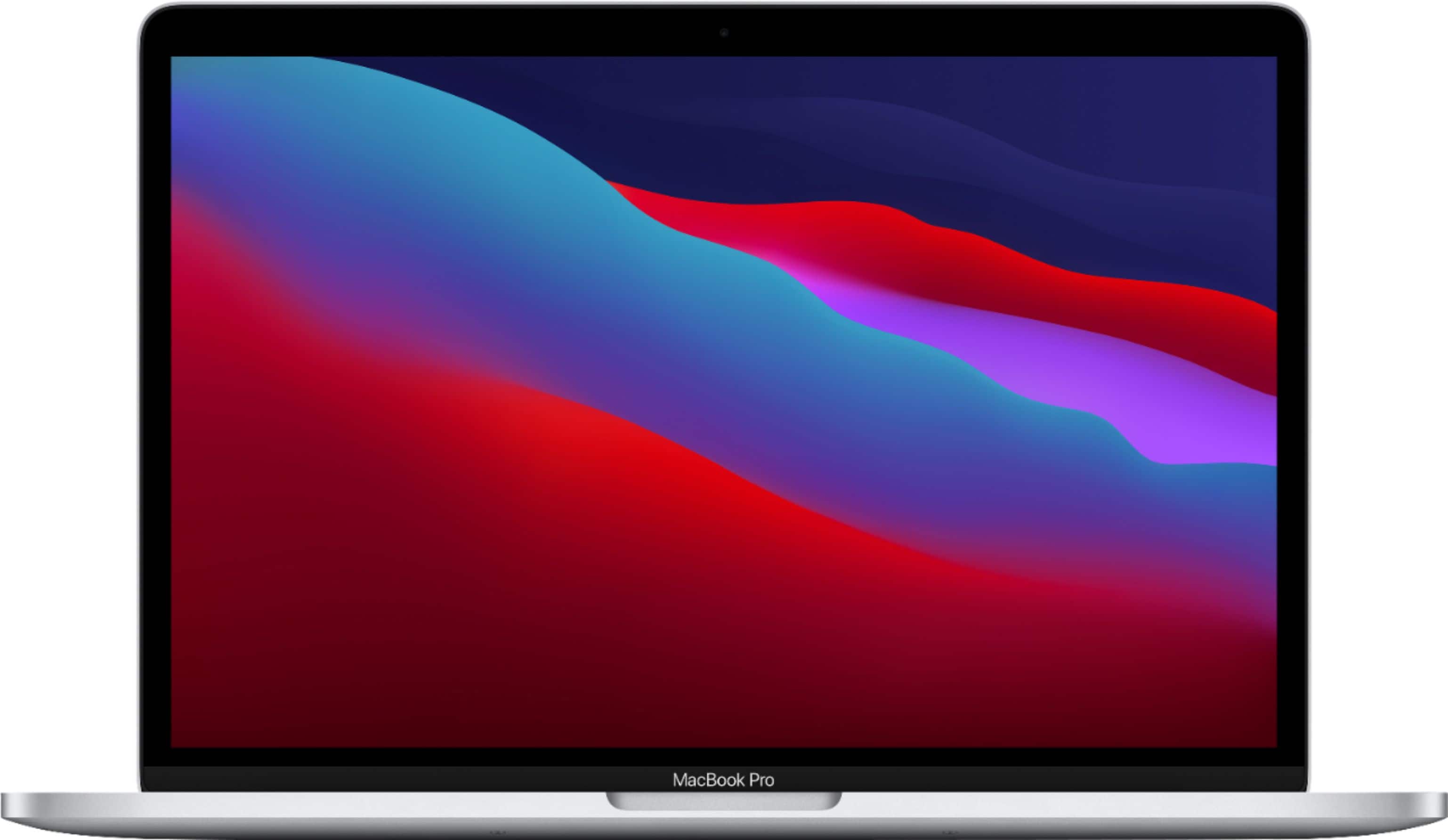
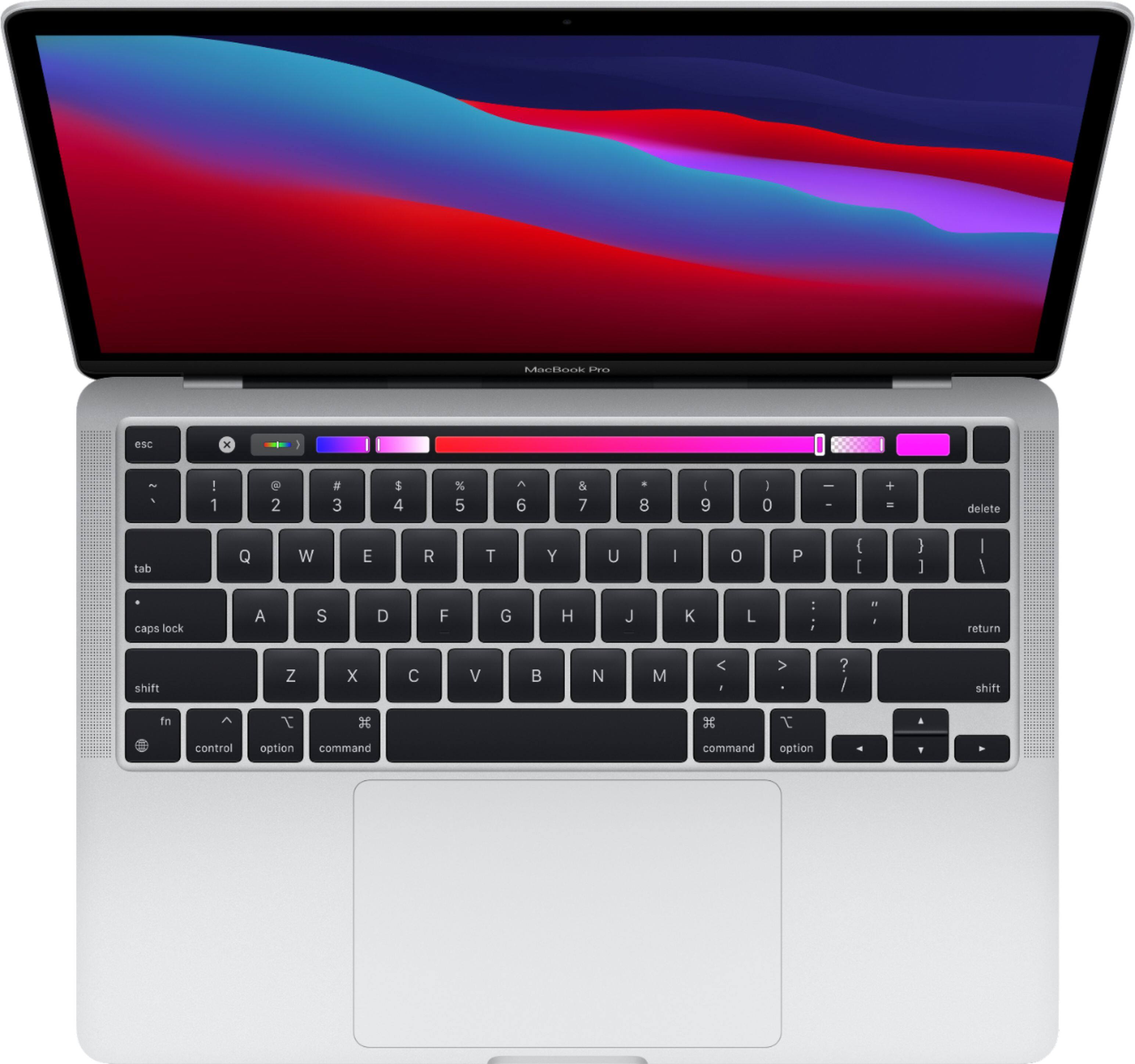
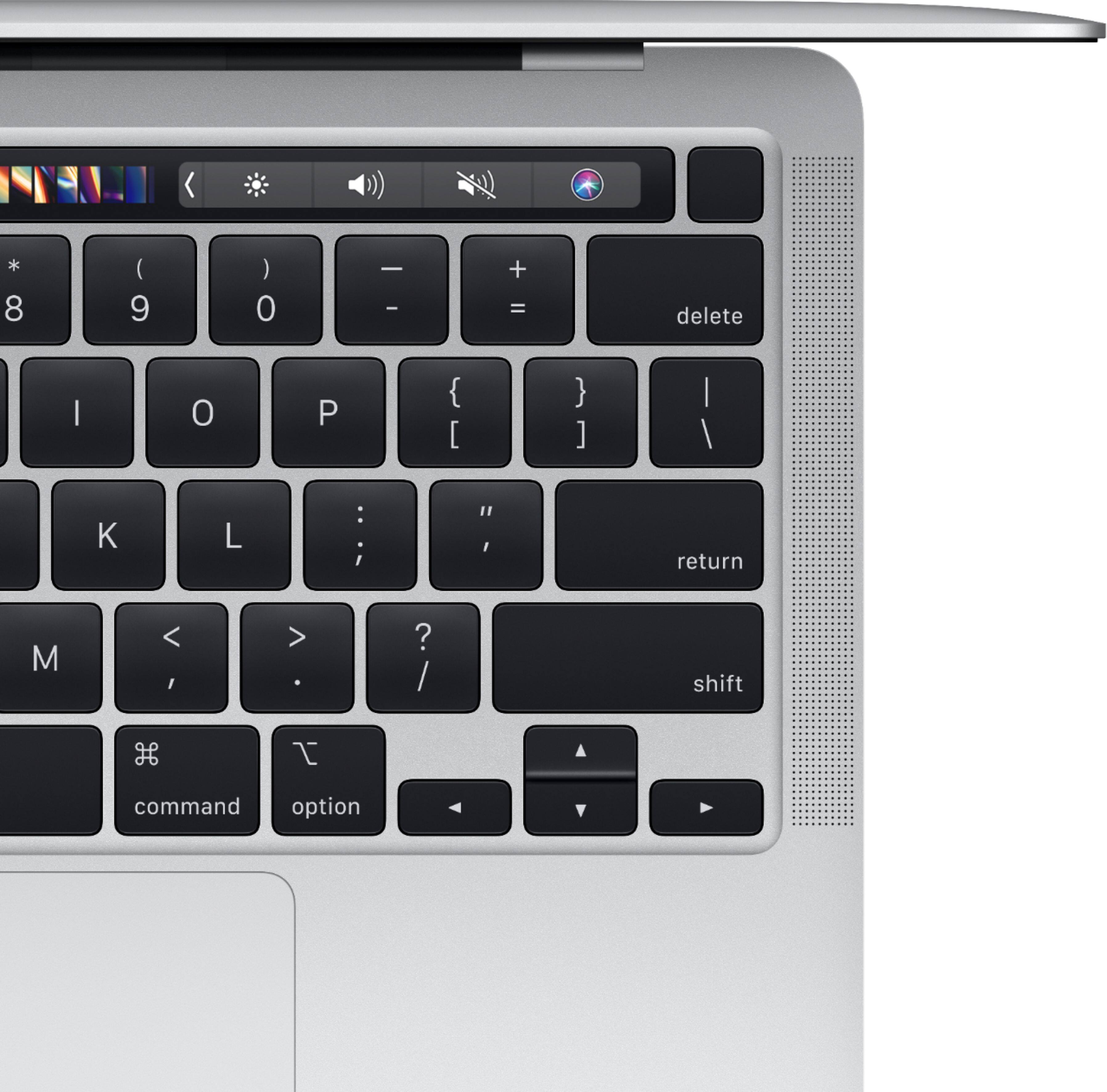
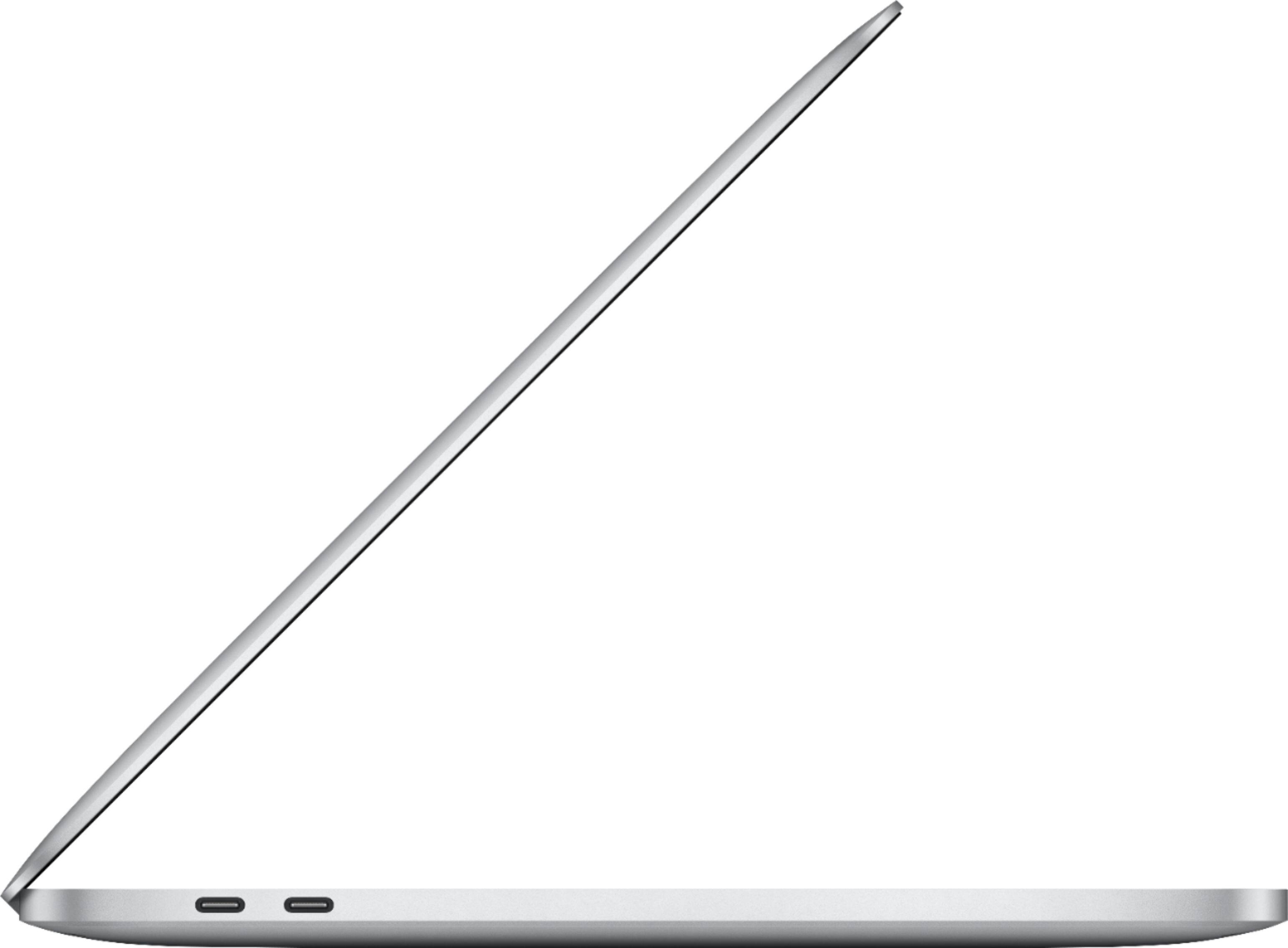
A:AnswerThe M1 Chip works extremely well for video editing. I recommend pairing it with a 1000Mb/s SSD drive to get the best results. I own both the Macbook Pro as well as the Mac Mini M1, love them both. Primarily Premiere Pro, large volume rendering, color correction, etc. Very fast.
A:AnswerHave you tried allowing third party downloads? If not go under privacy settings I believe and allow third party downloads and it should work, given that the software isn’t outdated. You can do a lot of that using GarageBand on the MacBook.
A:AnswerI have used all the apps/sights and it is compatible I do not know however what the processor is exactly for I do know the apps are compatible on this laptop though.
A:AnswerIn the system preferences, you will see a "language & region" section with settings which you can customize. In that section you will find a box allowing you to add a preferred language or languages. Spanish is in this list. Press the "+" and scroll to add whatever language you want besides English. I believe that will give you what you are looking for. I would check with the sales rep before purchase.
A:AnswerYes on the mousepad you can but I doubt you get the full capabilities of it. There are however so many fun accessories to add to use the stylus and get the whole usage of it.