A:AnswerNot on BestBuy.com currently as of 10/25/21. Only if you purchase directly through Apple. Most people don't need an additional 32GB of RAM unless you're working with 3D graphics and the like. 32 is typically plenty. If you want to upgrade, I'd upgrade the storage or the processor to the M1 Max to "future proof" the laptop.
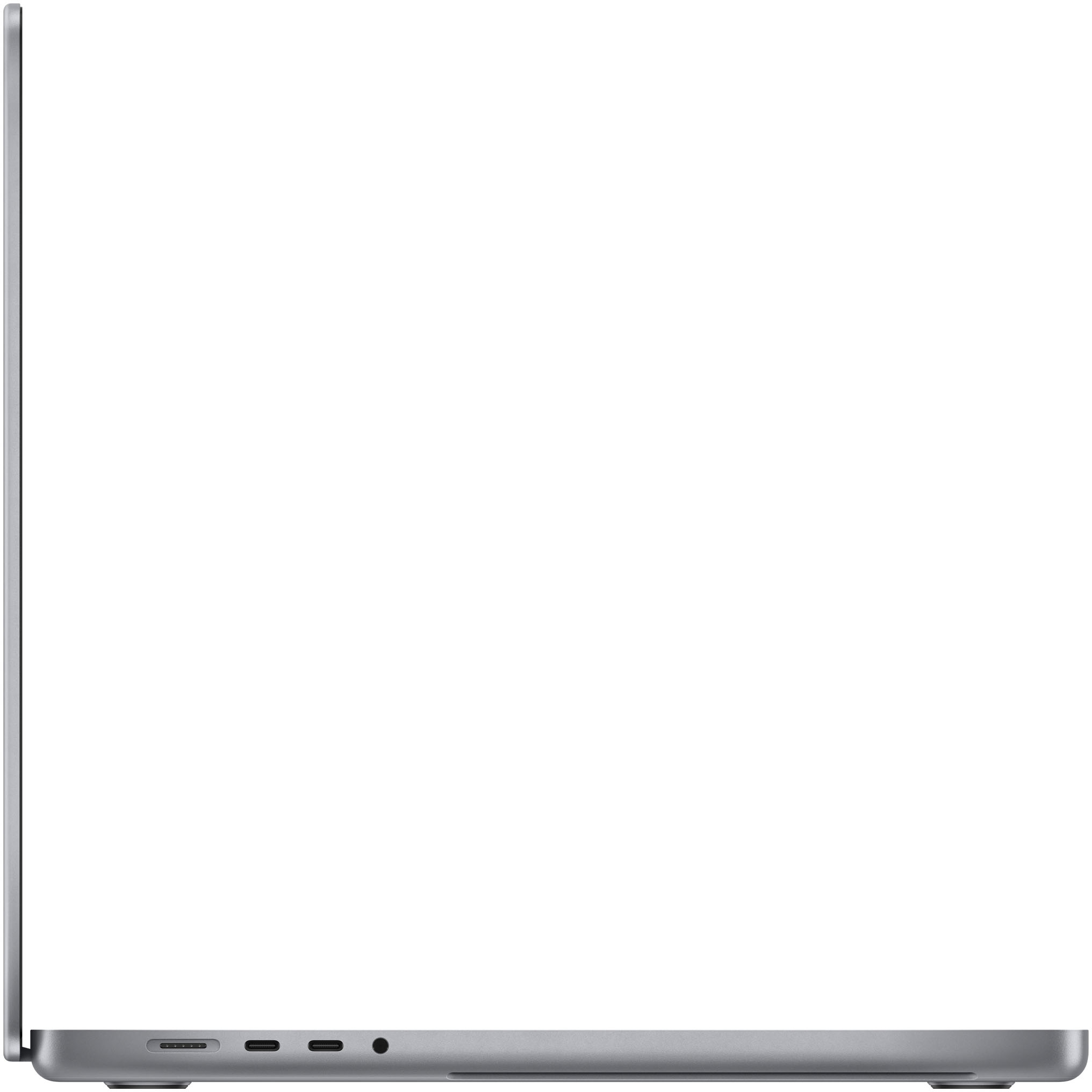
A:AnswerMagSafe 2 and the original MagSafe chargers will not be compatible with these new MacBooks. However, you will be able to use USB-C chargers as well as the provided MagSafe 3.
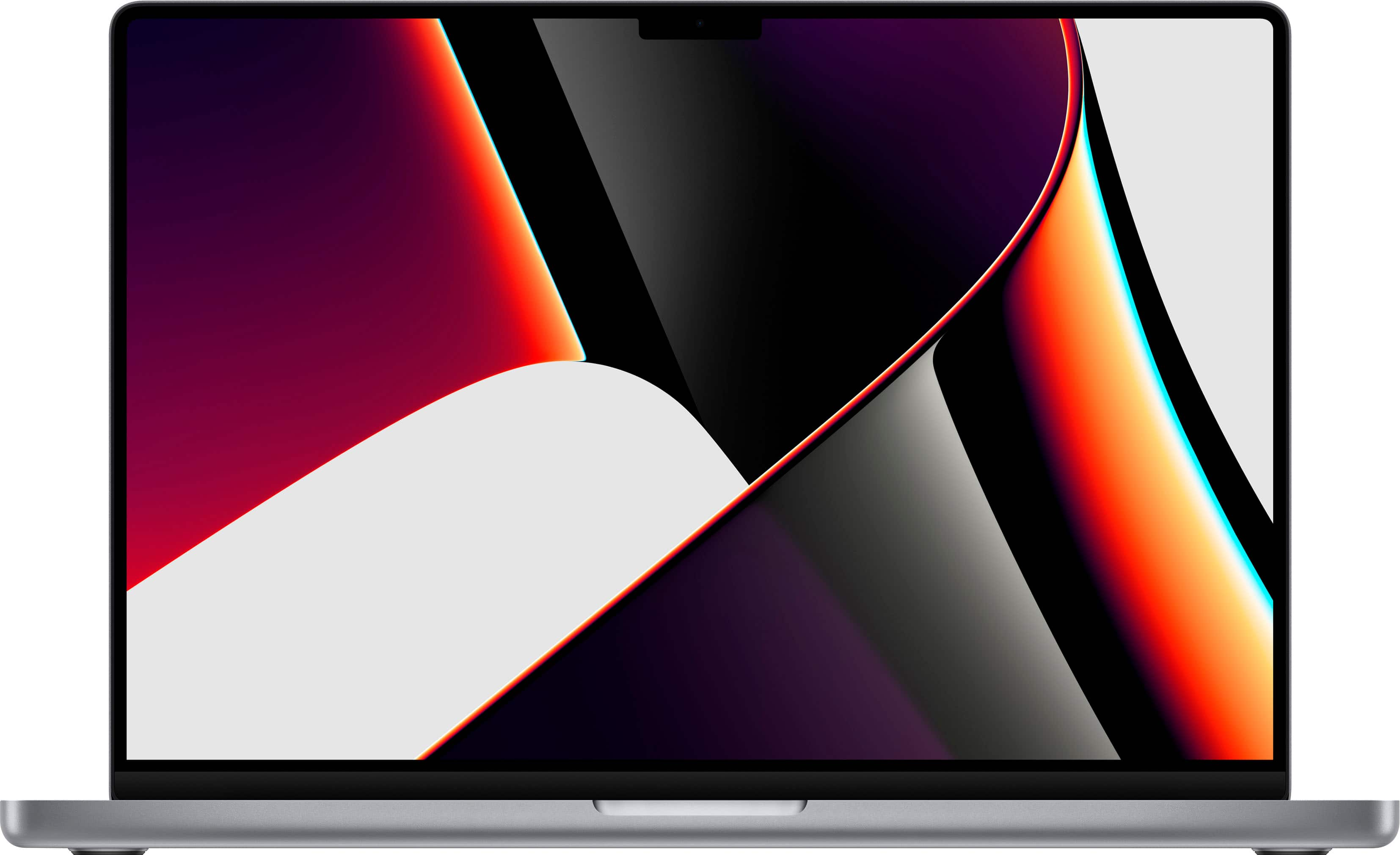
A:AnswerIt’s definitely not notorious, it’s functional and it’s easily dismissed by the user and the UI, as there’s several dozen extra rows of pixels in the top menu bar that isn’t part of the functional UI as years past.
But the fact is the camera/web camera is a helluva lot better @ 1080p now (and occupies the ‘notch’), as are the speakers and audio when compared with the older 720p cameras in the wide bezels used until now. And by many PC makers still.
IOW = non-issue - it’s not usable space and being black, with the mini/micro-LED displays ability to hit near pure black like OLED, it’s not even noticeable. I’ve forgotten it’s there and I use Menu Meters, as well as other junk in the bar without issue
Any reviews that mention the notch as notorious, ugly, distracting, or otherwise negative are poorly written reviews. The best laptops money can buy are these MBPs if you’re a creator and/or enjoy quiet creation and wicked performance on real world tasks with efficient and powerful battery/unplugged muscle, it just doesn’t get any better!
Ice the reviews that do anything but mention the notch and move on - saying the same I did
You will forget about it a minute or two after boot up
A:AnswerProbably not without starting on fire because of the computational load it would put on the M1 Max chip with all the card shuffling and flipping. They might sell Apple Ice Water that you could have next to you while playing just in case the MacBook would start on fire. Good question. You likely saved some lives asking.
A:AnswerYes, TotalTech from Best Buy includes up to two years of AppleCare+ protection as long as your TotalTech membership is active. After the two years of AppleCare is over, you have 60 days to renew your AppleCare+ protection. If you’re not sure how to renew it, contact Apple Support.
A:AnswerWhat it says online is what we are going to have in store. Best Buy usually brings more models with time. Remember you can get the Apple Care included with the Best Buy TotalTech, and also they are giving 36 months financing with the Best Buy card, and up to Jan 16th to return/exchange it.