A:AnswerMy demo in DC from early December never came through for purchase. So I did a new one in Houston and I was able to order two days later. I suggest doing another one. Just use a new email.
A:AnswerSame happened to me in DC. They couldn’t look up my status. So I was in Houston for work and did a demo there. I got the “purchase now” email two days later. Go do a new demo. I still haven’t seen one from my DC demo.
A:AnswerHey Mark!
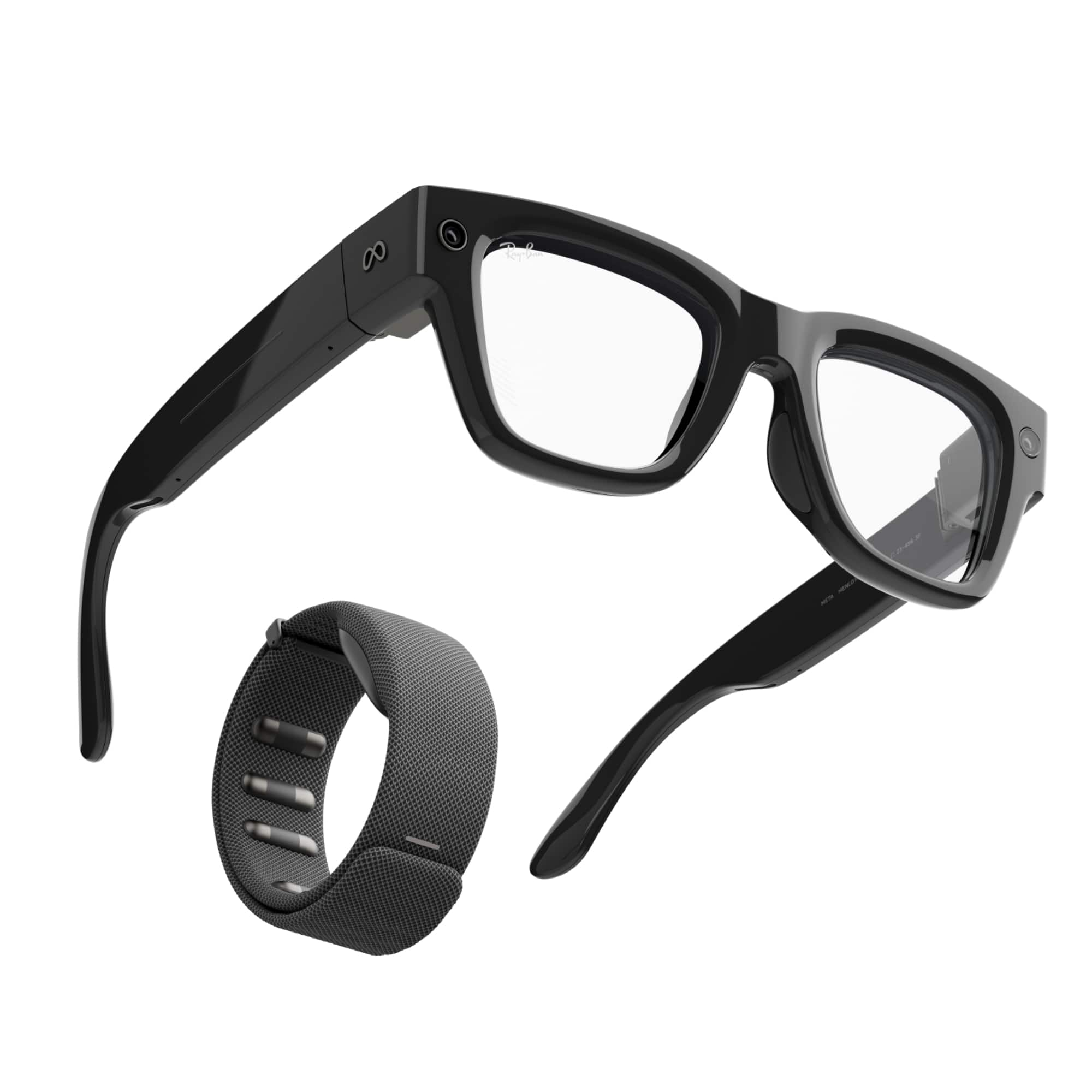
If you're looking for the closest store where you can demo the Meta Ray-Ban Display & Neural Band, then please visit the Meta website and search for "Schedule Meta Ray-Ban Display Glasses Demo."
There you can find the nearest store that has a Demo available for you.
We hope this helped!
A:AnswerHey there!
Thank you for your questions, we'd be happy to help out.
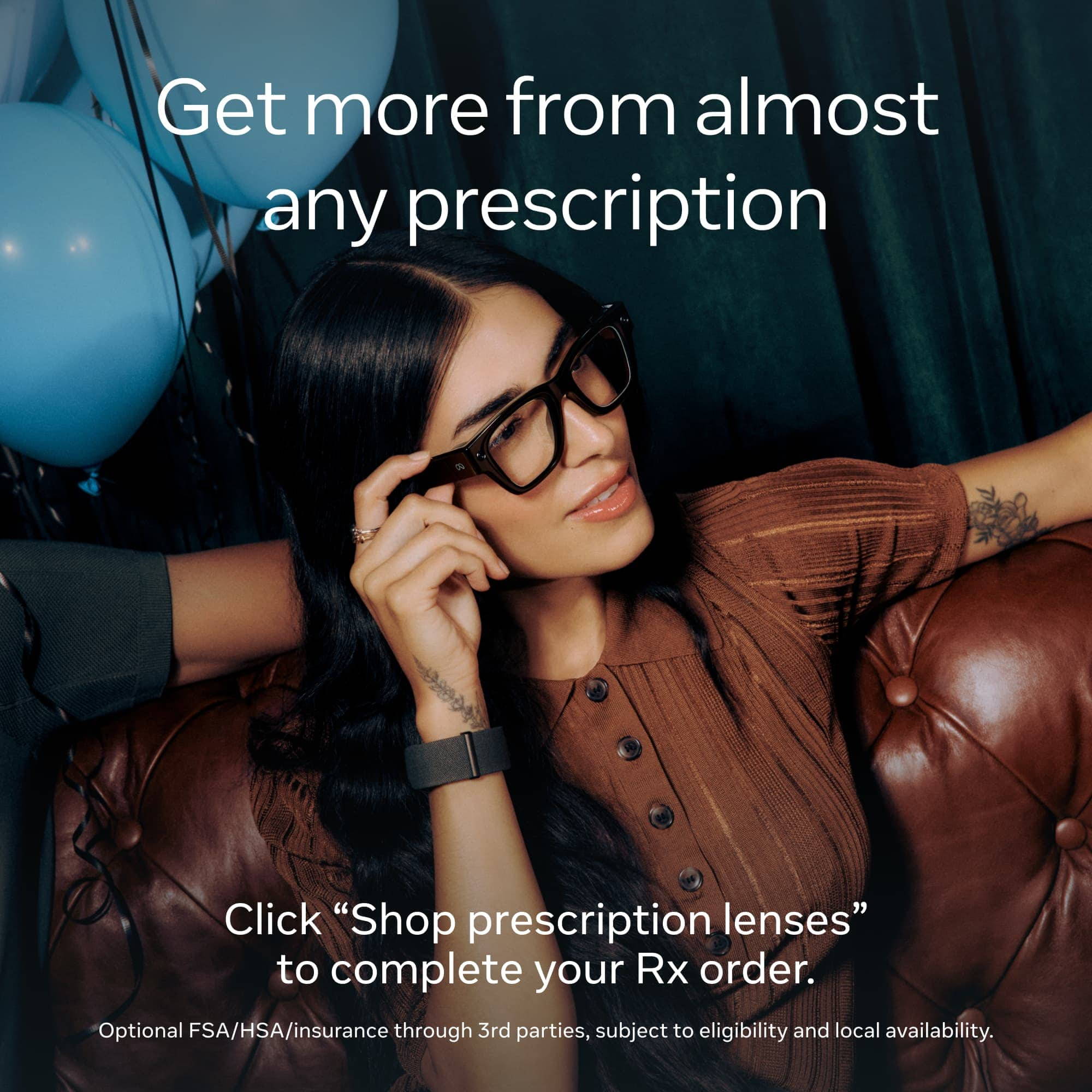
When you visit in-store for the Demo, you will receive a link from the assistant where you can order your Meta Ray-Ban Display glasses with prescription lenses.
If you haven't received a link or can't find a way to order your prescription lenses, then please return to the store where you did the Demo and speak with the assistant there for more information and help.
Thank you and we look forward to seeing you with your Display glasses soon!
A:AnswerHey there,
Thank you for your question.
If you don't have the QR code or the option to upload your prescription, then please return to the store where you completed the Demo and ask an employee for assistance, they'll be able to help you order your new glasses.
Thank you and we hope to see you with your Meta Ray-Ban Display Glasses & Neural Band soon!
A:AnswerHi there!
We do not offer a way to purchase through your insurance provider, but you may be able to claim from them after purchase by reaching out to them directly with your proof of purchase
Should you have any more questions, please don't hesitate to send us an email!
A:AnswerA microfiber towel mixed with glass cleaner is perfect for cleaning your glasses. Be careful of using a dirty microfiber towel, this will absolutely scratch and damage your lenses. The glass cleaner can be very cheaply bought anywhere, ideally get one used on cameras or screens/glasses. Good Luck!
A:AnswerHi there Cleo,
Our partners over at Best Buy should have already sent you a link to make your purchase.
We would recommend getting in touch with the location you attended the demo at, and requesting a new link be arranged for you.
We hope you are able to get your glasses soon!
A:AnswerI did my demo middle of December, was told there was a wait list, wasnt able to purchase until the beginning of January. Received end of January but they worth the wait.
A:AnswerHey!
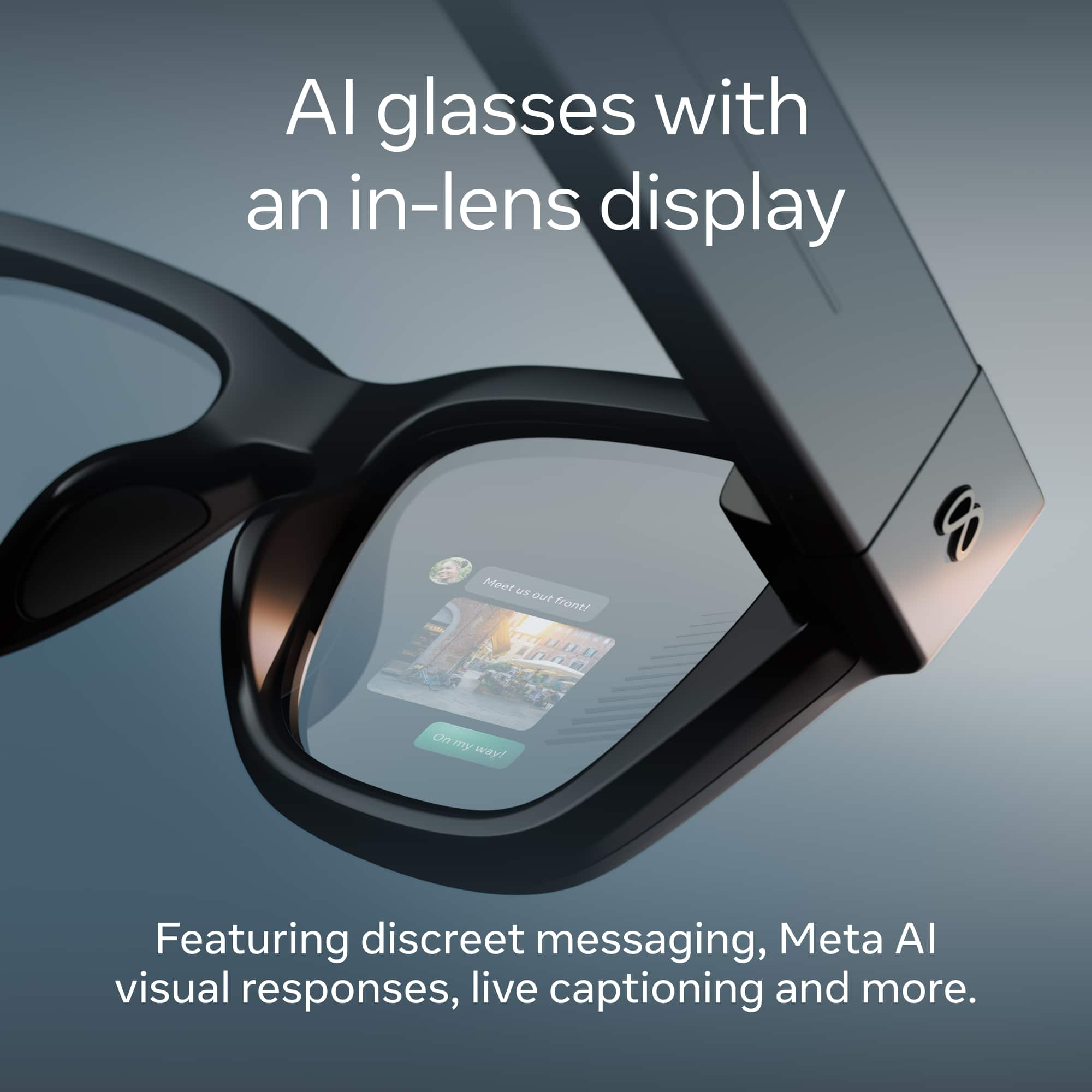
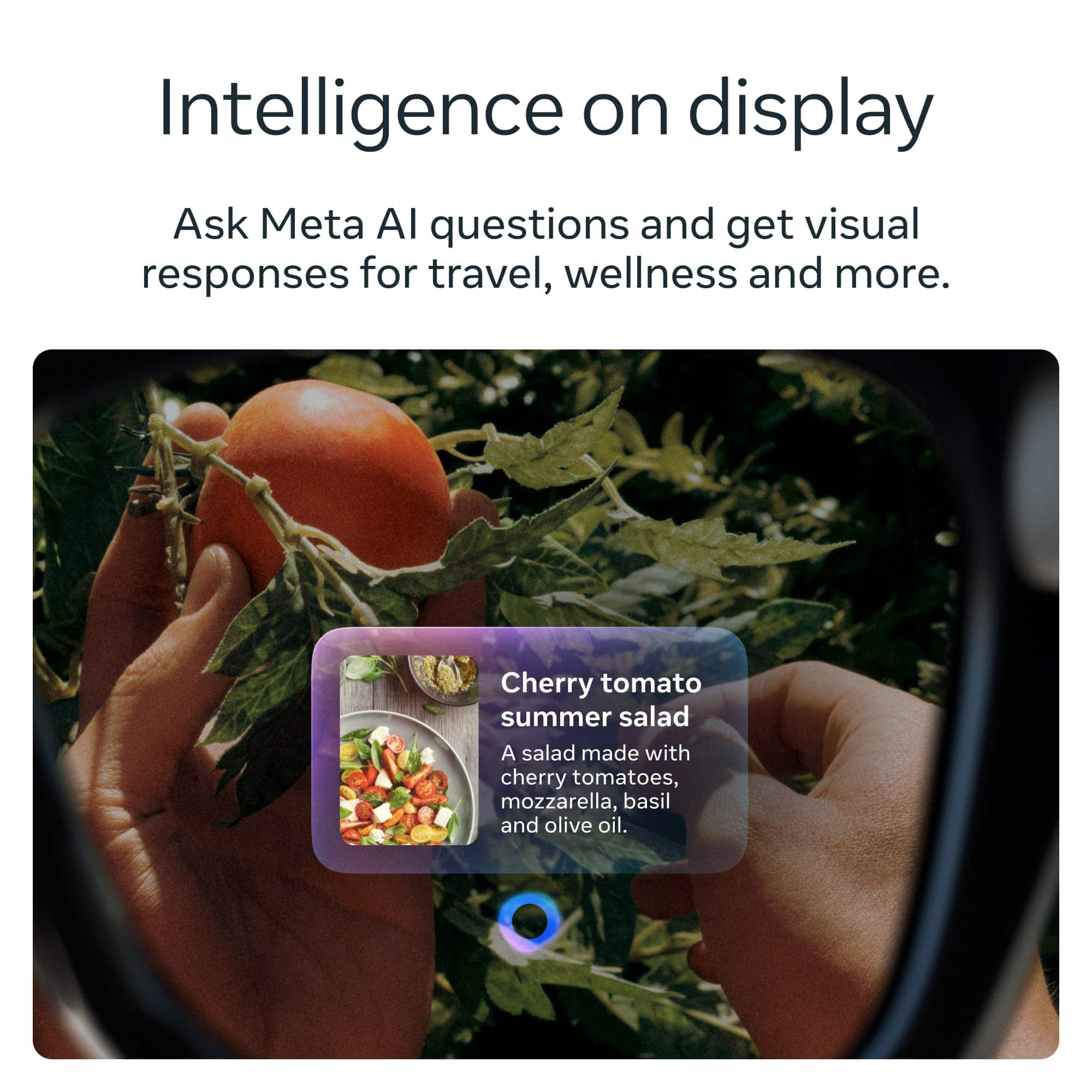
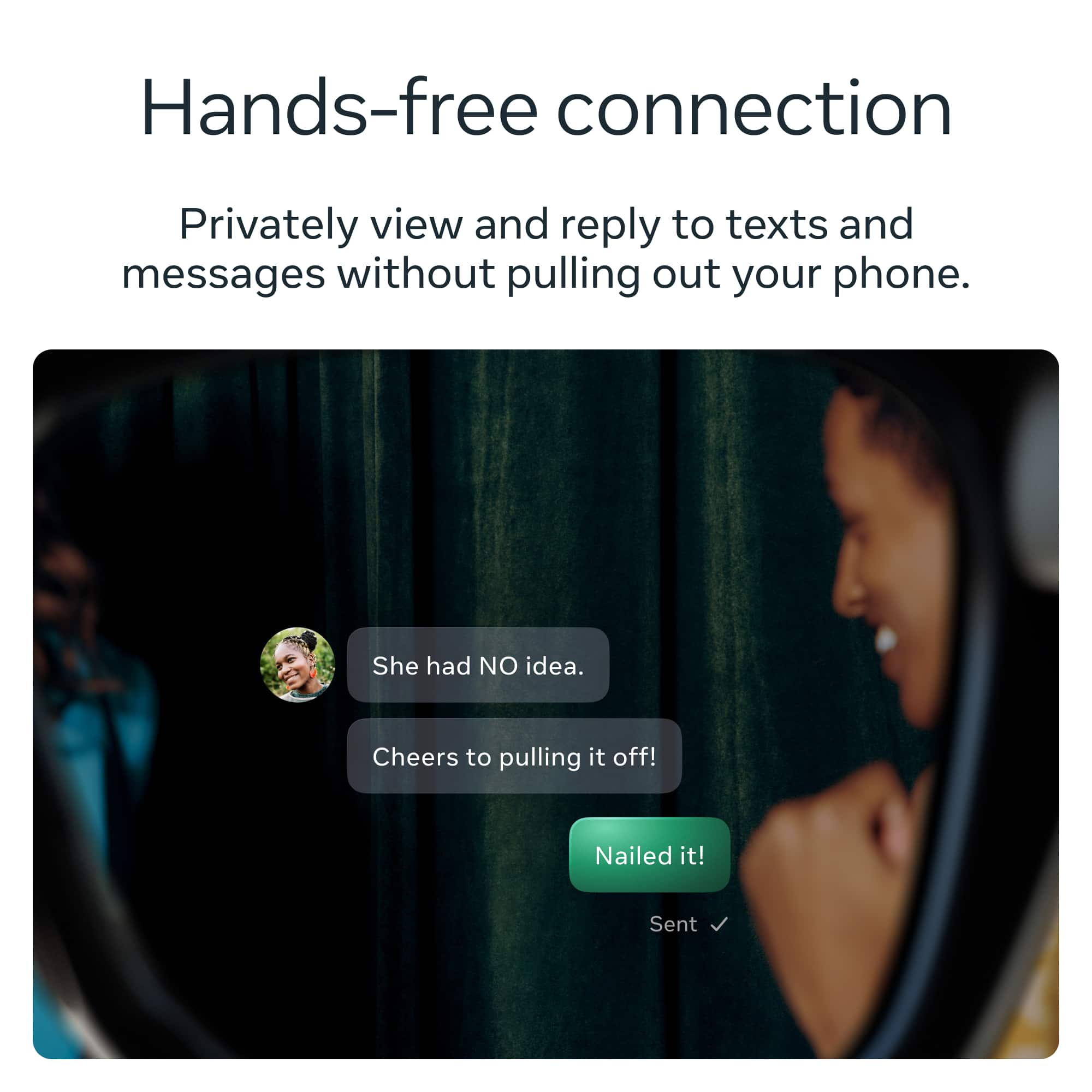
While there isn't an option for FaceTime, you can still enjoy the use of WhatsApp, Messenger, Instagram and your phone, hands-free. While also having access to the Meta AI companion!
Thanks for your interest in the Meta Ray-Ban Displays!
A:AnswerHi there!
Yes you can absolutely add a prescription to the Meta Ray-Ban Display, however there are a few things to know beforehand.
Currently we are unable to support Progressive lenses or prescriptions that include Prism values.
The range of total power we can create lenses for ( Combination of Sphere and Cylinder values) is from -4.00 to +4.00.
If you fall in that range, once you have attended the Demo you will receive a QR code so you can upload your prescription to us.
Hope this helps!
A:AnswerHey there,
During your demo you will tell the assistant you want to add your prescription, they will then provide you with a link so you can upload your prescription and finish your purchase online.
A:AnswerHi there Nick!
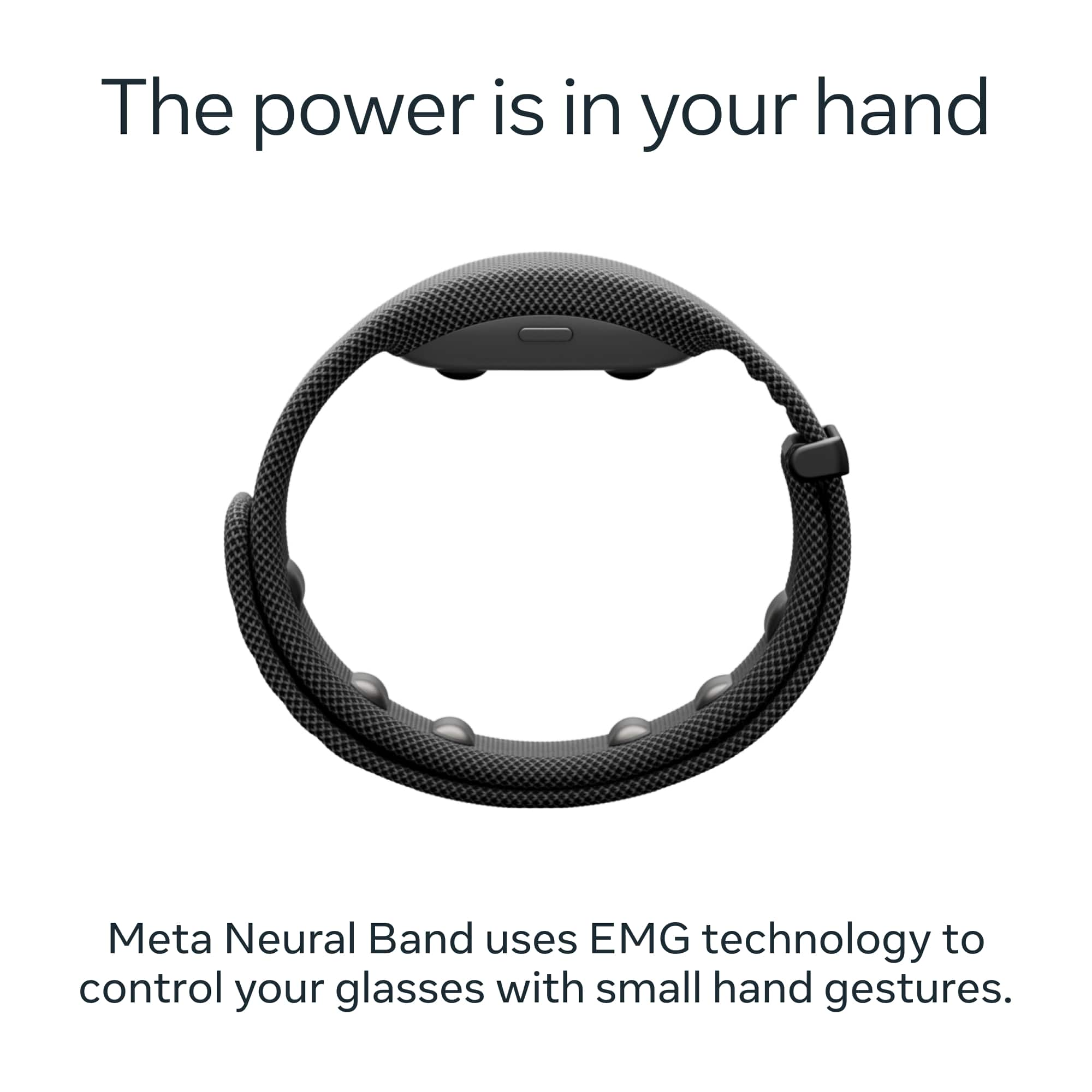
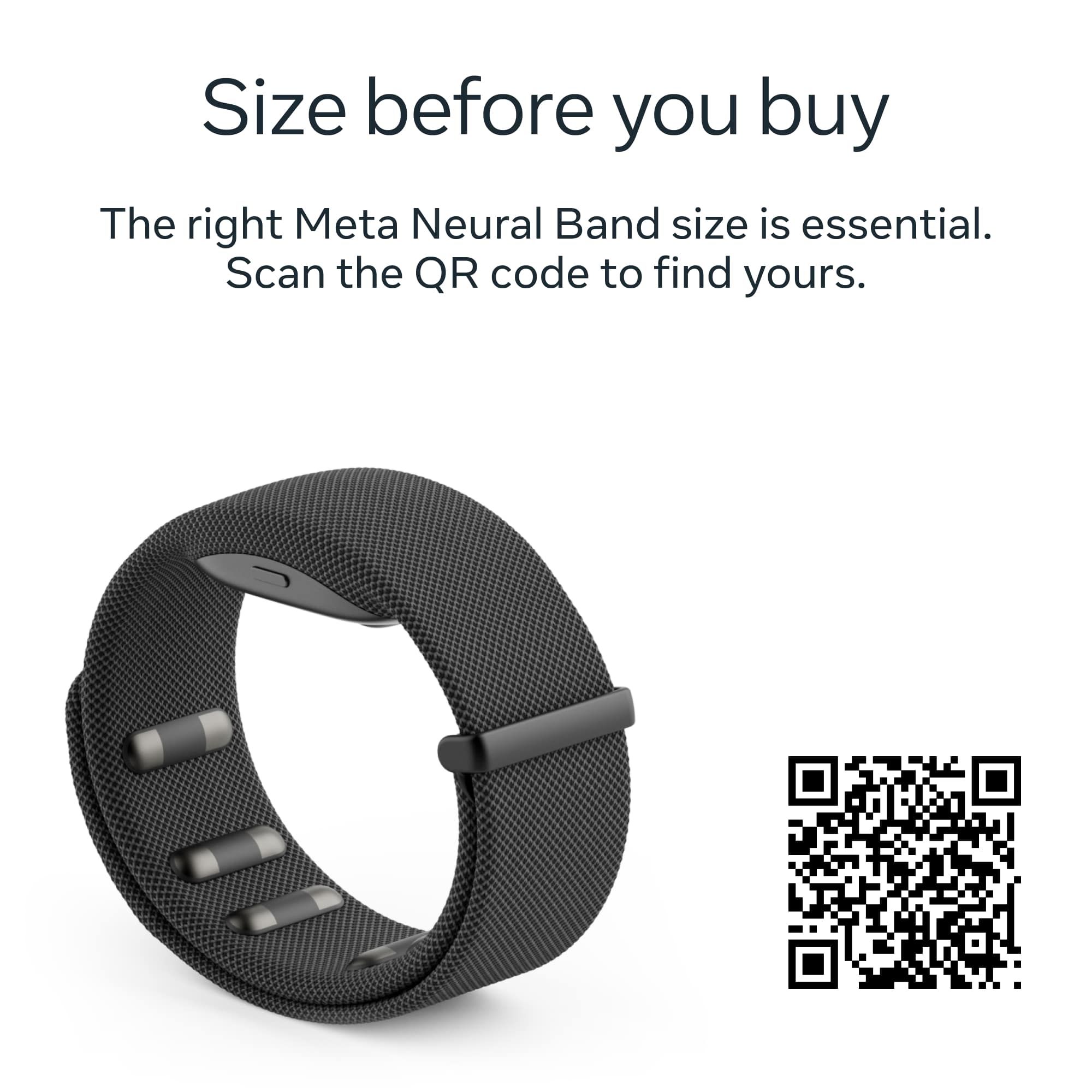
The reason the Demo is required is because it is essential to make sure you get the right size of frame and Neural Band, so that you have a great experience using the Meta Ray-Ban Display.
If you want to book a demo please check out the Meta Store page for the Display, as you can check if there are any locations near you to try them out!