A:AnswerHi there Jonathan!
Thanks for the questions, we would be more than happy to answer that for you!
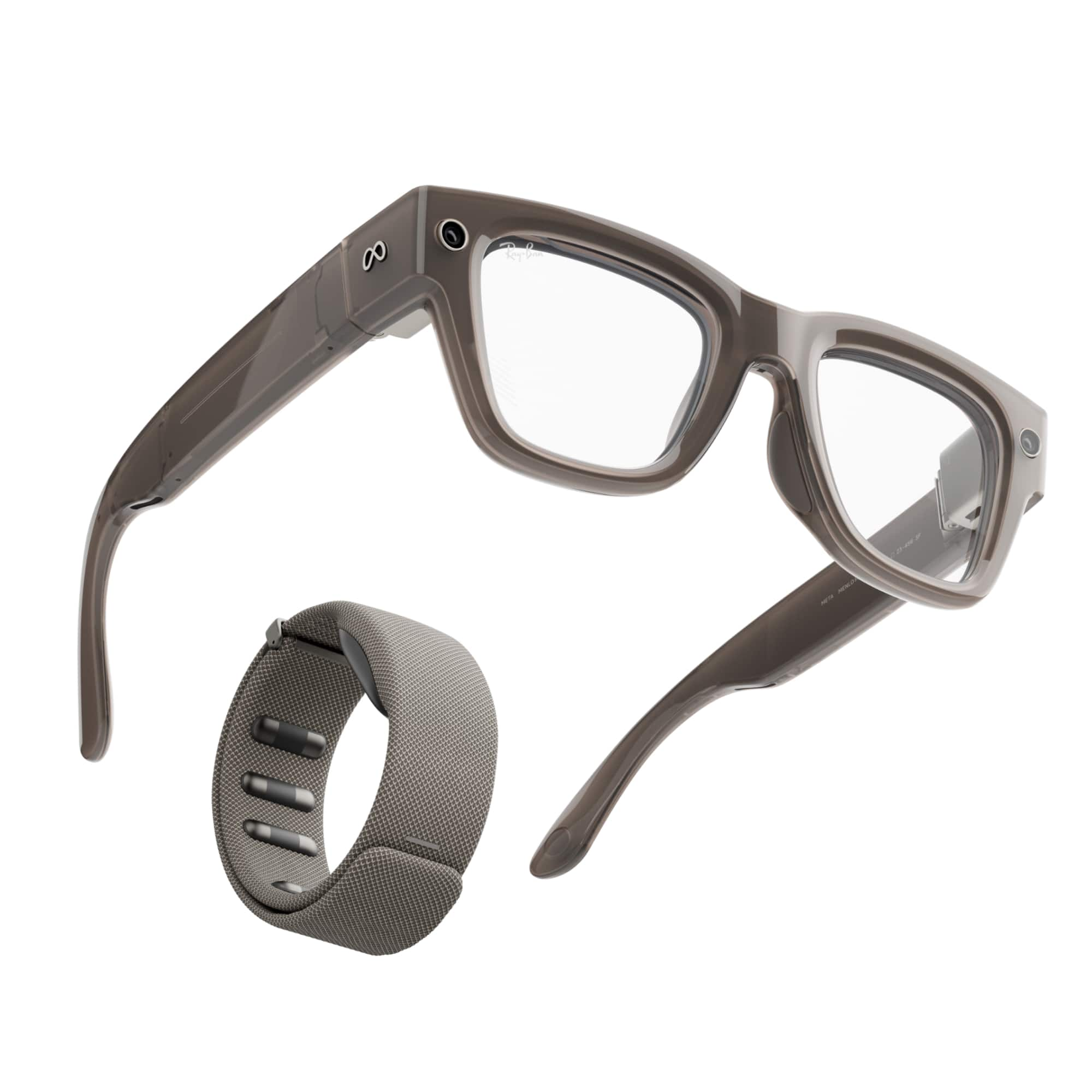
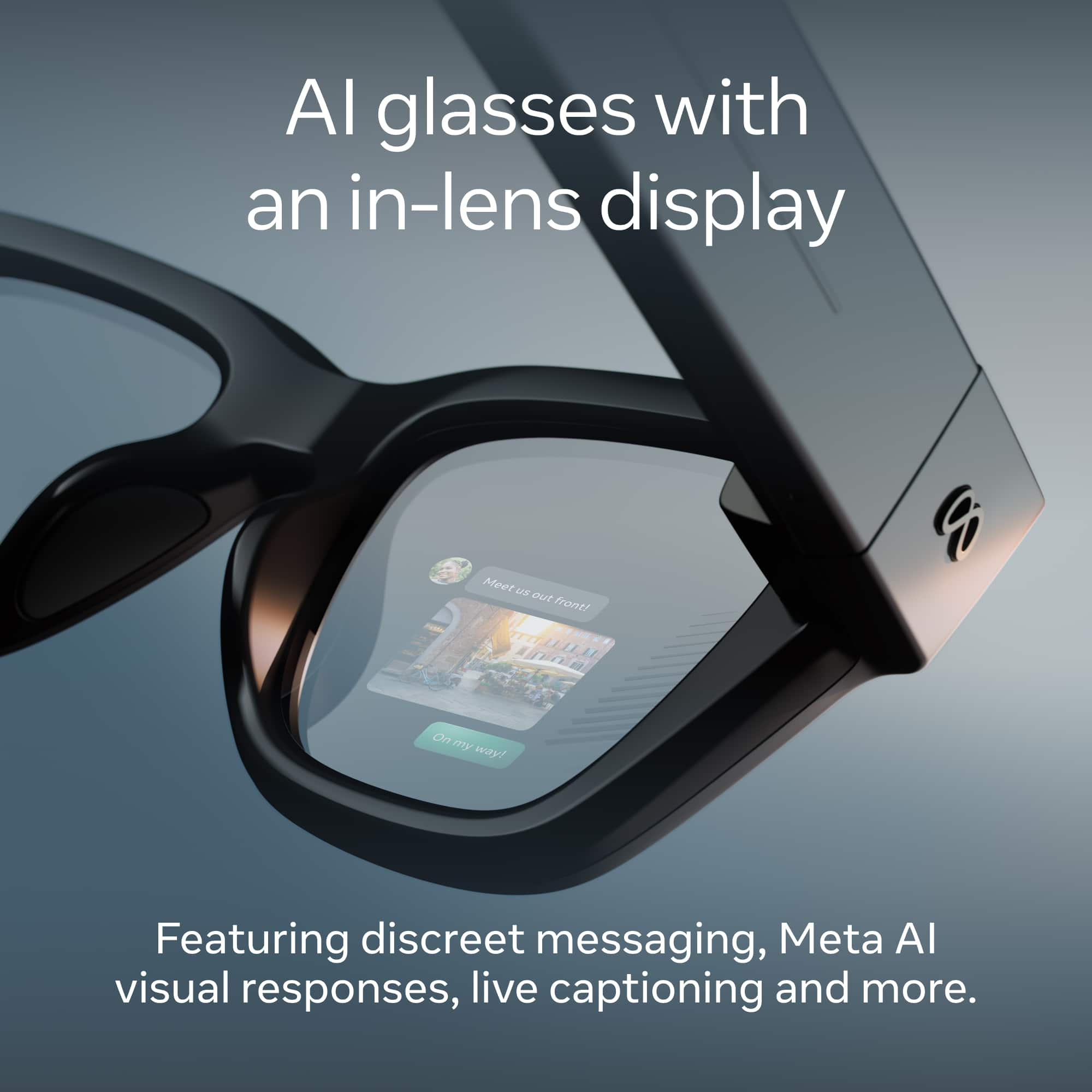
Yes the Meta Ray-Ban Display does support prescriptions, however there are some restrictions on what lenses we can craft for them.
Currently the Meta Ray-Ban Display does not support Progressive Lenses, or Prism values.
Your prescription must have a total power (combination of Sphere and Cylinder values) of +4.00 to -4.00.
We hope this helps!
A:AnswerHey there,
If you're looking to return the glasses through Meta Support you have a 30 day remorse return period but also you would have a 1 year warranty period you can return them with!
We hope this helped and have an amazing day!
A:AnswerHey there,
You can definitely get your prescription put into the Meta Ray-Ban display glasses, all you need to do is provide us with your prescription!
A:AnswerIt took only 8 natural days to arrive. However, this after the 3 months (approximately) wait from the demo being scheduled, the wait until the event, and being chosen in the event to complete the purchase…
A:AnswerHey there,
Thanks for bringing this question to our attention!
We recommend checking out our public article 'How to optimise your display experience with Meta Ray-Ban Display' on our website for tips and tricks on how to adjust your display image!
If you're still having trouble, please feel free to reach out to our amazing support team for further help. You can reach us via our website by clicking 'Get Support'.
All the best!
A:AnswerHi there,
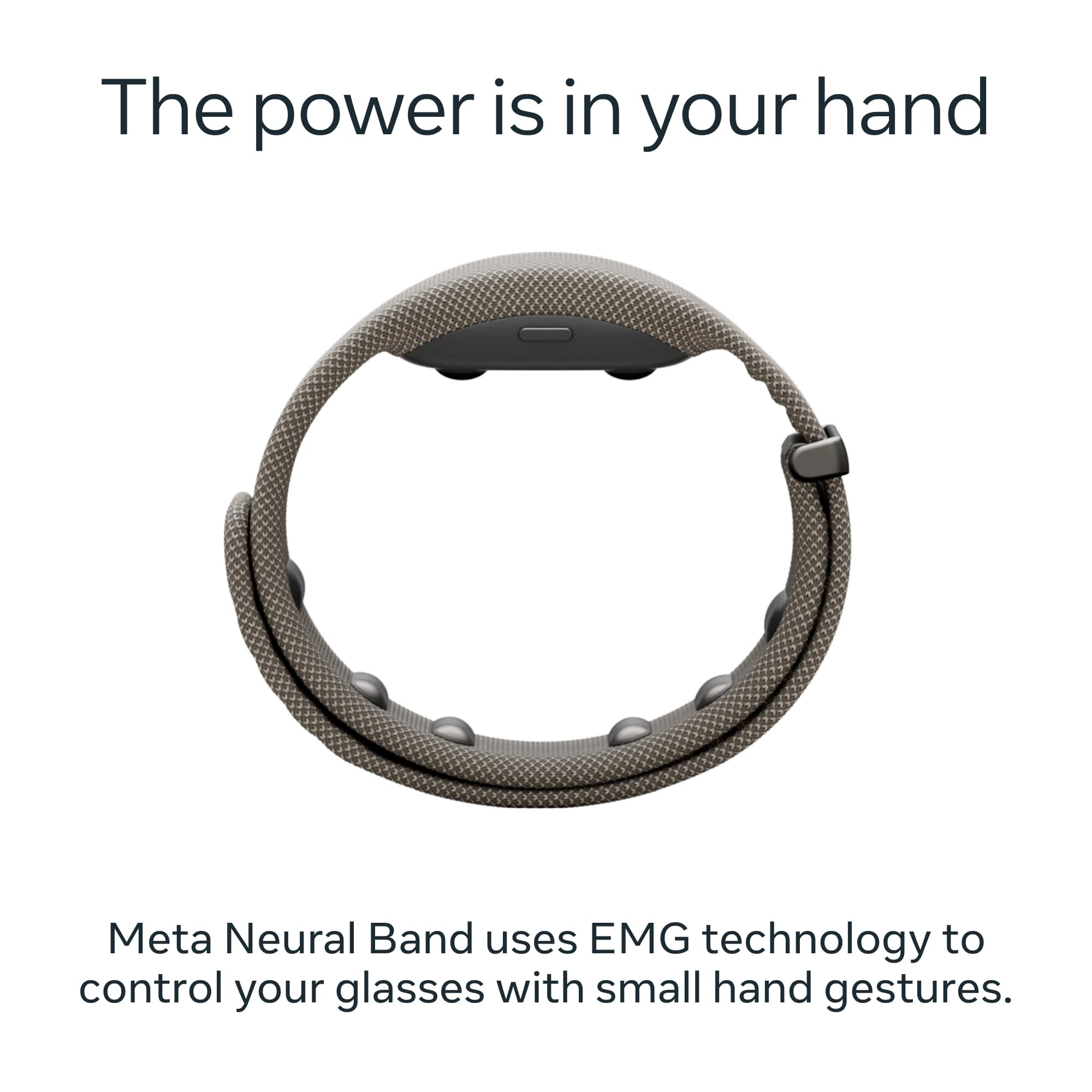
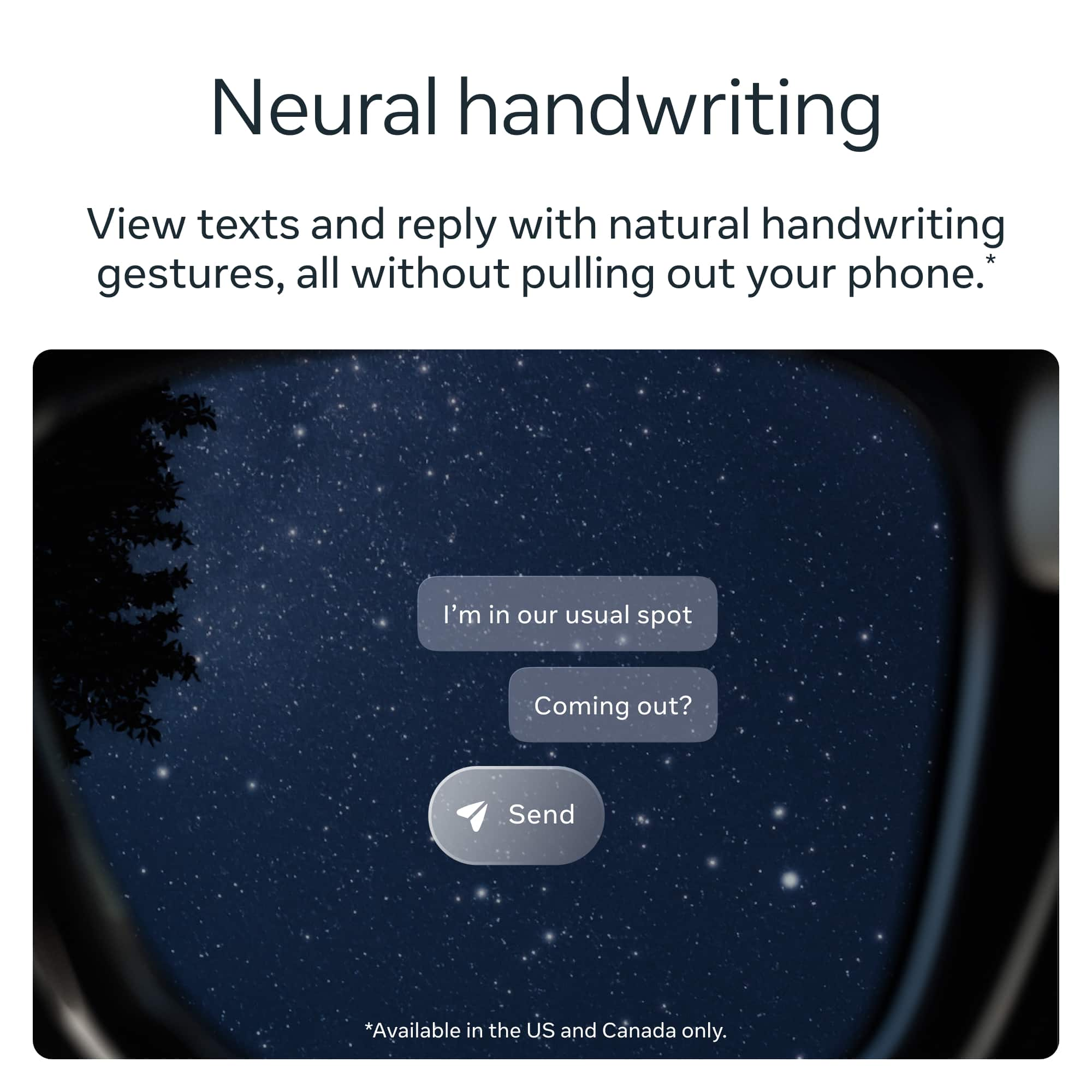
We know how eager you are to use the brand new neural handwriting feature of the Meta Ray-Ban Display. In order to do so, you will need to enroll in the Early Access Program, connect WhatsApp or Messenger in the Meta AI app and update your Meta Ray-Ban Display glasses and Meta Neural Band to the latest software.
Follow these steps to set up and use neural handwriting input on your Meta Ray-Ban Display.
- Open a thread and swipe down on the screen to the reply box.
- Tap the new button labeled Write to begin neural handwriting.
- Use your index finger to write letters, similar to writing on a touch screen. For best results, print your letters (do not use cursive).
- As you write, autocomplete suggestions appear in the composer box in a lighter gray color.
- Accept a suggestion by swiping your thumb right.
- To access additional emojis or punctuation, single tap your index finger to open the Context Menu.
Please check out our public article to learn more about neural handwriting and keep your eyes peeled for future updates!
A:AnswerHi there, Sammie!
Prescription orders typically take 5 to 8 weeks to deliver because prescription lenses in Meta Ray-Ban Display's are individually crafted and integrated into the display lens.
A:AnswerShort answer, you can’t. It’s ALL BS!!! They are selling a product that they “prototyped” and realized people were actually interested and now they’re screwed.
Limited stock? Why? Ask yourself why it’s SOOO HARD to schedule a demo…… and in 80% of the states don’t even offer demos. Go figure
A:AnswerHey there Kenny,
The short answer is yes! Meta is currently rolling out a teleprompter feature for its Meta Ray-Ban smart glasses (like the Ray-Ban Meta Display) through the accompanying Meta AI app.
Have a great day!
A:AnswerWe are sincerely sorry for the inconvenience this has caused.
Due to high demand, some of our stores are experiencing longer-than-expected wait times for appointments. We invite you to use our Store Demo Locator to find alternative locations and schedule a new demo for your Meta Ray-Ban glasses: https://www.meta.com/demo/scheduler/?srsltid=AfmBOopTI0v-XhjMW-8aGIXNu7gaFmGaX8yIF3wnNAgu1xy84pNq0NQ8
We appreciate you bringing this to our attention and thank you for your patience as we work to improve our service.