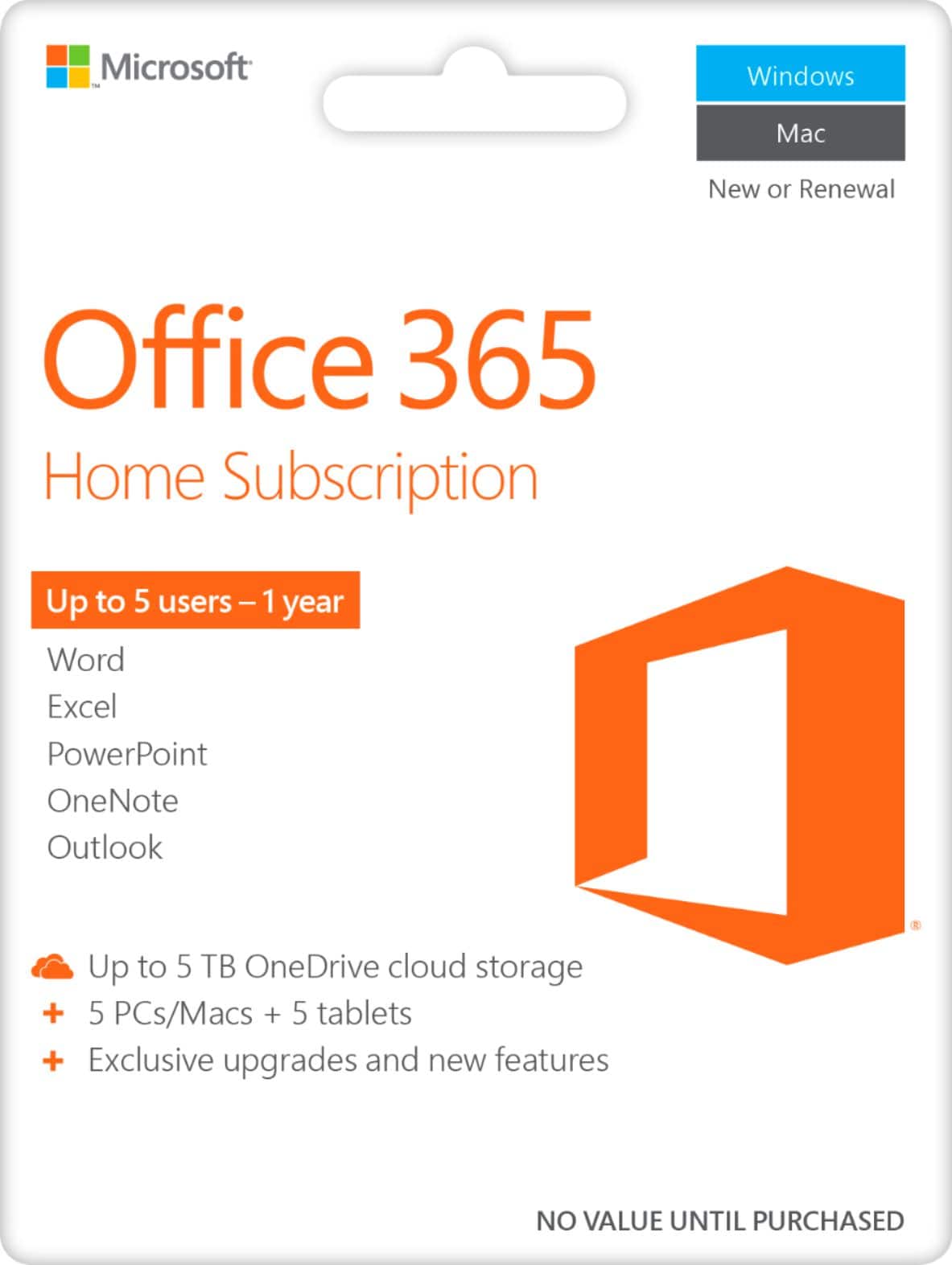
A:AnswerNo, if you only want one user then Office 365 Personal will work for you since it allows you to install Office 365 on all your devices. Just note that for each installation after the first, you don't use the product key, instead, you log into Office.com with the Microsoft account you redeemed Office 365 Home to, on the new device. Then click install Office.
A:AnswerYes, it does. Once you redeem Office 365 Home to your Microsoft account you then will log into your account and share it with the people you choose by entering their email address. You can learn about the process here: https://aka.ms/AA4rino.
A:AnswerThis is for 6 different people, each of which can then install Office 365 Home on all of their devices. If you are one person with 6 devices then we recommend Office 365 Personal.
A:AnswerOffice 365 Home can be used both online and offline. However if your files are saved on the cloud, you won't be able to update them until you are back online.