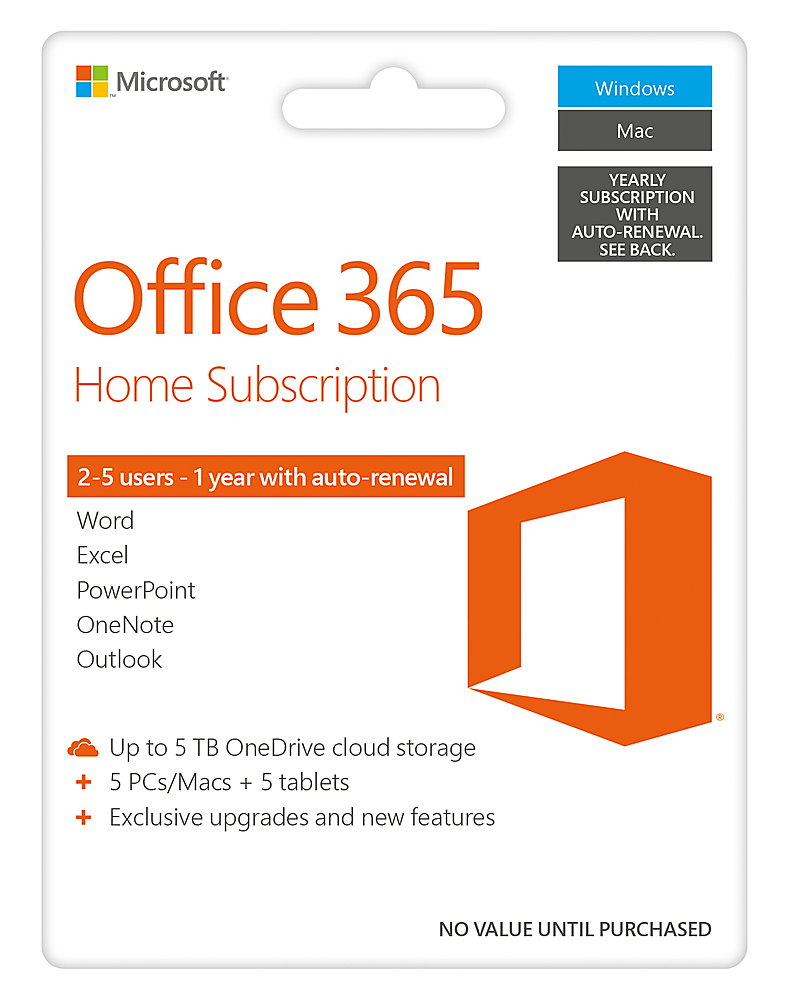
A:AnswerThe way I've read it is, you can put it on up to 6 devices used by more than one party. My girlfriend and I have it on each of our laptops, using our individual MS accounts.
A:AnswerAll you need to do is to log into your MSFT account and add your wife Microsoft account to your account as family since you can have up to 6 users on the family account/plan and each user can access on 5 computers. If she does not have a Microsoft account, you need to create one for her and add it as a family on your plan.
Once this is done, you need to log in on her desktop by launching either excel or Microsoft word and then go to account and login with her information and that should give her access to Office 365 Family plan and all the features that comes with it.
A:AnswerYou will get to choose to renew automatically. Funny enough, the renewal is normally more expensive than the one you can buy at the store. I normally let mine fun out and buy a new code at Best Buy each year.
A:AnswerIt gave me both desktop and web based access to each program. Have you looked under your start menu and then double clicked to open? I like pinning my most used apps. Hope this helps. In start I type OneNote and it brings up the onenote logo for the app double click and bada-bing it opens the desktop version.
A:AnswerMO365 is a yearly subscription. You'll automatically be renewed each year and pay another fee. It means it is supposedly updated each year. Can be installed on up to 6 devices so overall it saves money for a family or someone who needs to install MS Office apps on multiple devices.
MO2007 is a one-time purchase. They may update it occasionally, particularly for security flaws. I'm not sure how often it's updated and how. I'm not sure but I think it can only be used on one device.