A:AnswerInvite each family members to your subscription via the subscription tab in your Microsoft account. They accept the invite and now under their ms account they can install Microsoft 365.
A:AnswerYou can install Office 365 on an unlimited number of PCs. But each user can only be signed in to 5 at the same time.
Add family members by accessing your subscription services under your Microsoft account. There is where you can add or send invites to your family members.
A:AnswerEach user can have an unlimited number of devices but only be logged into 5 at the same time.
Subscription will renew at the current price. If there is an increase MS will let you know prior to the subscription renewing. I turn off renewal as you can usually find a discount somewhere.
A:AnswerYou’ll need to get new password. Attempt to login then you should be prompted “Forgot password “ at this point it will ask for email address etc...
A:AnswerThank you for your question. Step-by-step instructions for downloading and installing Microsoft 365 Family may be found here: https://support.microsoft.com/en-us/office/download-and-install-or-reinstall-microsoft-365-or-office-2019-on-a-pc-or-mac-4414eaaf-0478-48be-9c42-23adc4716658
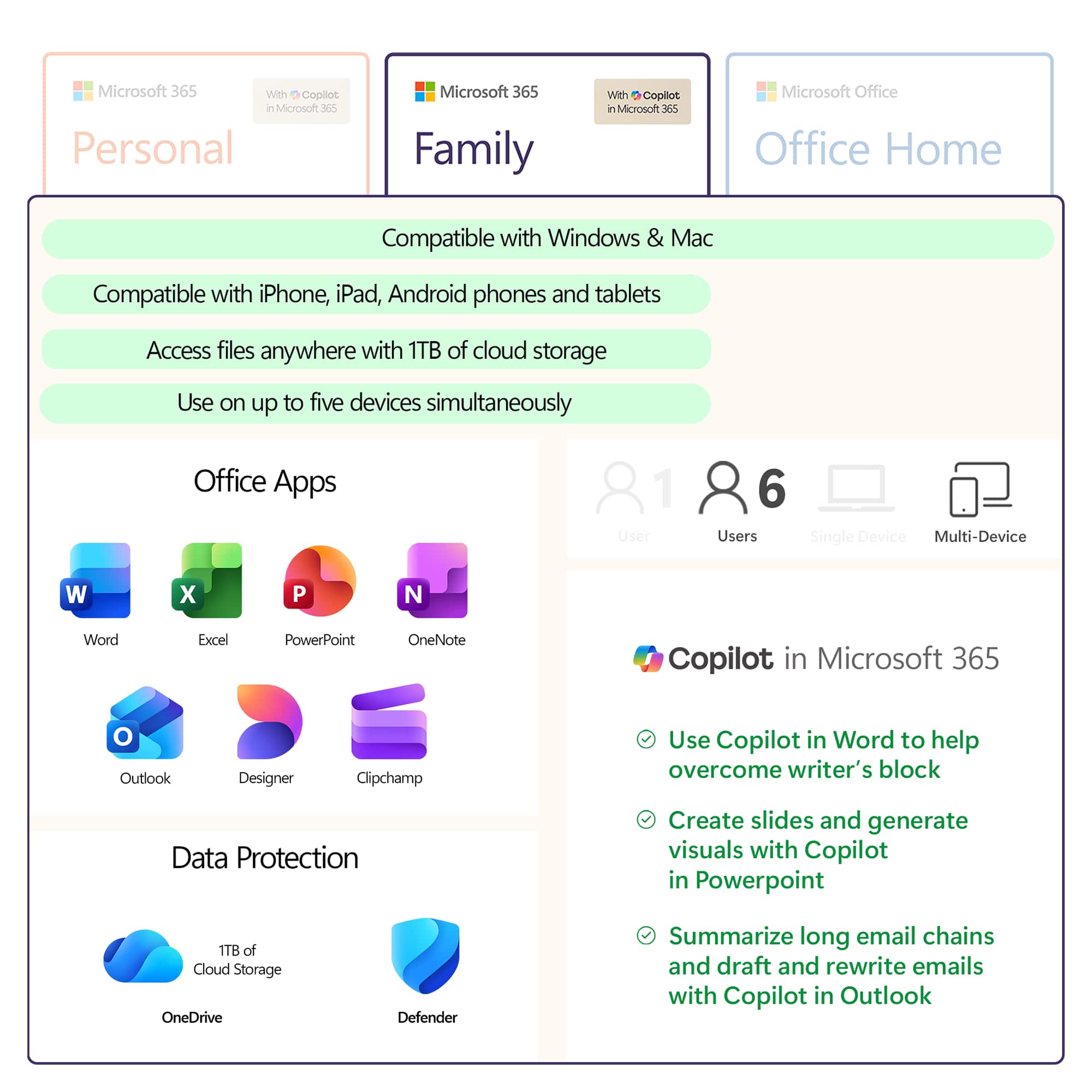
A:AnswerThank you for your question. If you have an active Microsoft 365 Family subscription, you can share it with up to 5 members of your household. Each household member you share your subscription with can install Microsoft 365 on all their devices and sign in to five devices at the same time.
To add someone to your subscription, visit account.microsoft.com and follow the on-screen instructions to add a user. Each person you add will receive an email with the steps they need to follow. Once they have accepted and completed the steps, their information, including the installs they are using, will appear on their My Account page. You can stop sharing your subscription with someone or remove a device they are using at account.microsoft.com.
A:AnswerAutomatically renewing Microsoft 365 Family subscription will renew each year for $99.99 (or then-current price) unless canceled before yearly renewal date.
A:AnswerSwitching or extending your subscription has never been easier. Simply visit your Microsoft account, where you will be able to access your current subscriptions, and make any necessary adjustments you see fit.
A:AnswerThank you for your question. Yes, Microsoft 365 Family may be used on MacOS devices such as MacBook Pro, and can be installed on both of your computers.