A:AnswerIt sounds like you may be interested in Office Home & Student 2019 or Office Home & Business 2019, which are one-time purchases for one person and one device.
A:AnswerCheck out our installation Support page here: https://support.microsoft.com/en-us/office/download-and-install-or-reinstall-microsoft-365-or-office-2019-on-a-pc-or-mac-4414eaaf-0478-48be-9c42-23adc4716658
A:AnswerYou can check out our installation and Support page here: https://support.microsoft.com/en-us/office/download-and-install-or-reinstall-microsoft-365-or-office-2019-on-a-pc-or-mac-4414eaaf-0478-48be-9c42-23adc4716658
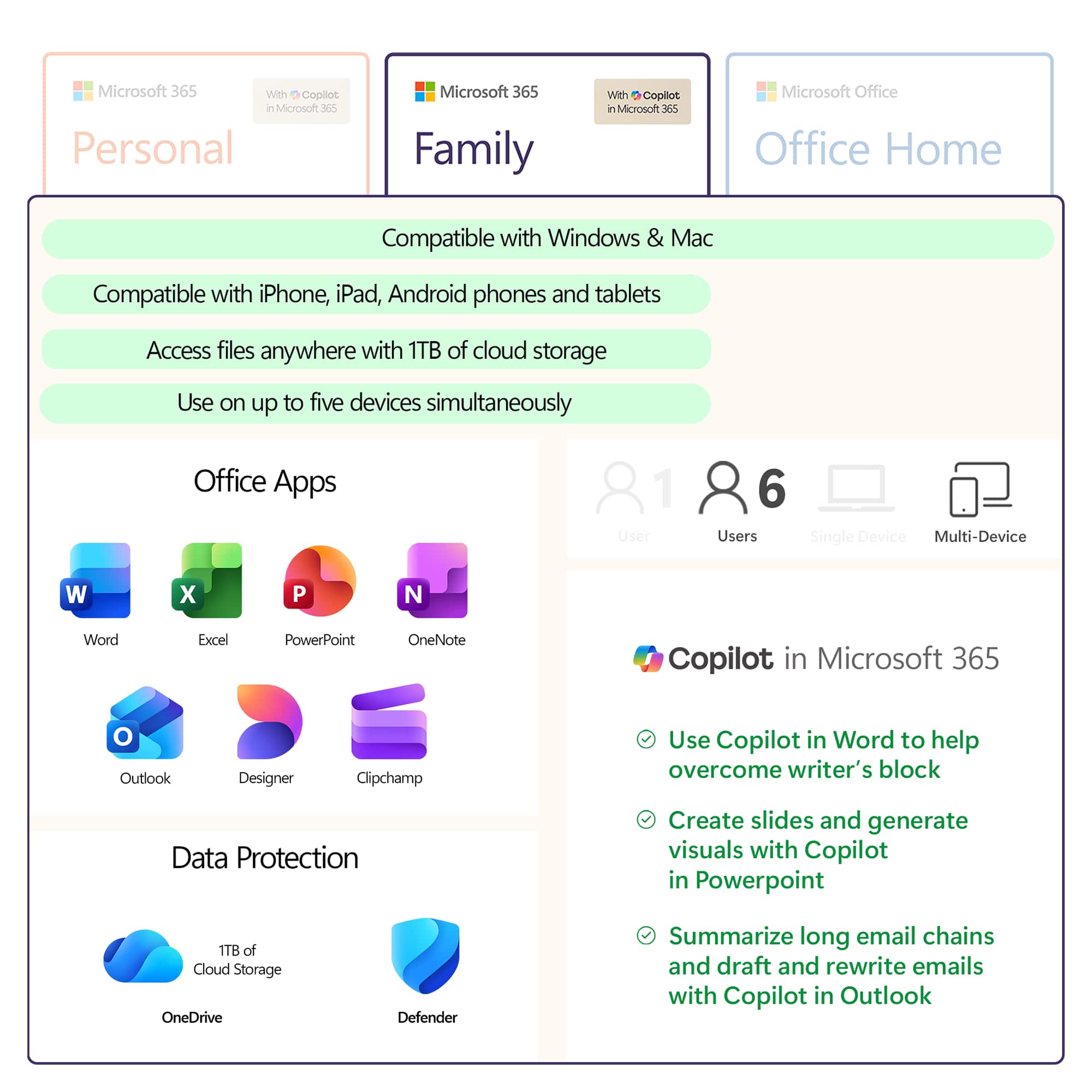
A:AnswerPersonal Edition is one installation on one computer. The family edition can be installed on up to 6 computers and each user has his/her own account.
A:AnswerThank you for your question. Yes, the ability to add shapes to documents is included in Microsoft 365. For more information, please go here: https://support.microsoft.com/en-us/topic/add-shapes-0e492bb4-3f91-43b5-803f-dd0998e0eb89