A:AnswerYour subscription begins the day of purchase. If the product was purchased with an auto renewal set up in store, like in the case of 365, it starts that day.
A:AnswerWhen you redeem the code on Microsoft, you're switched to Best Buy's payment system where it will start off as auto-renew, but you can then cancel auto-renewal at https://www.bestbuy.com/services/planlist (if URL doesn't show up, it's bestbuy's website followed by 'services' followed by 'planlist' with forward slashes in between).
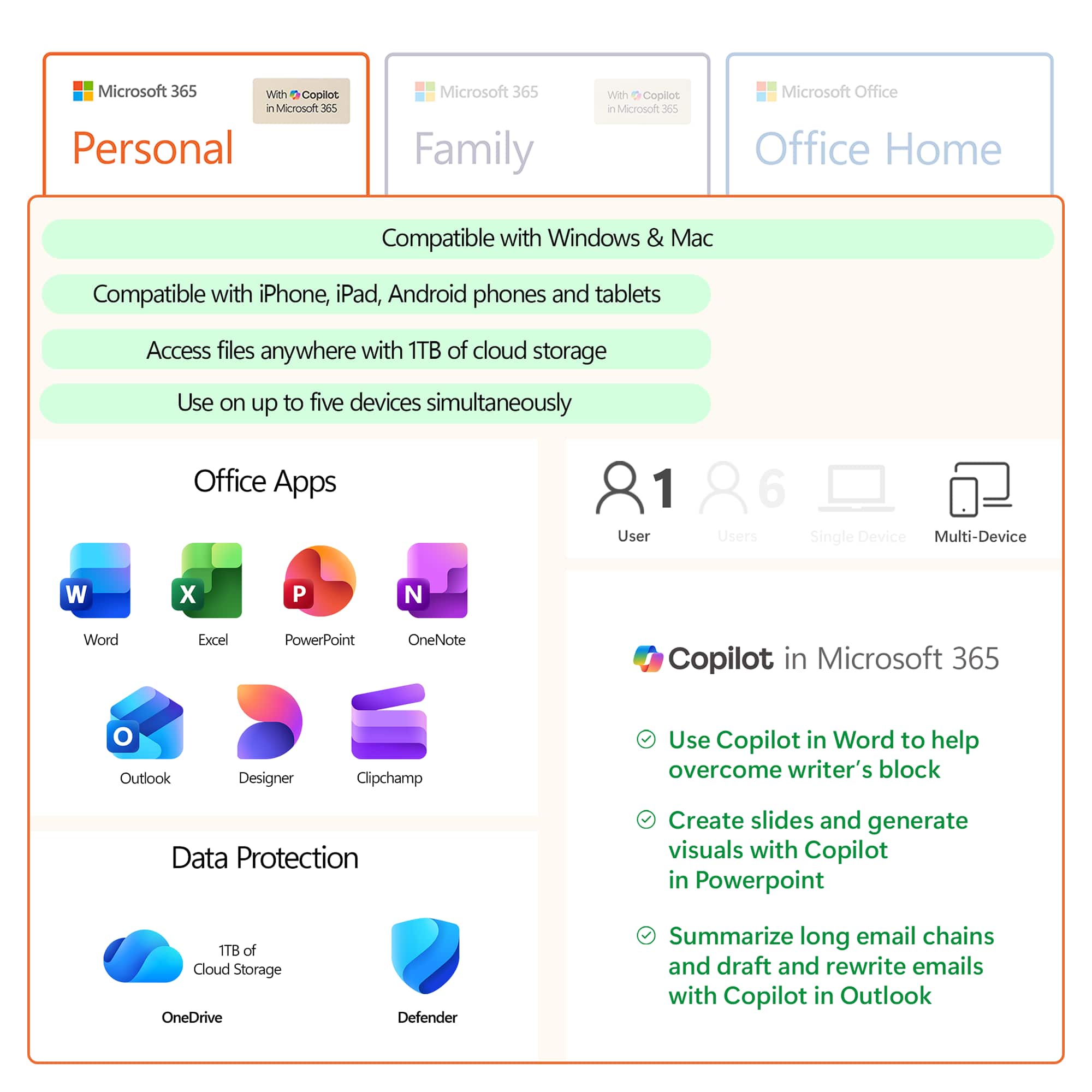
A:AnswerYes, it will. You will be able to reinstall it by logging into your Microsoft Account on the new device and navigating to your subscriptions. There you will see the option to install it.
A:AnswerYes, it will. You will be able to reinstall it by logging into your Microsoft Account on the new device and navigating to your subscriptions. There you will see the option to install it.
A:AnswerThat depends. If you happen to work for a company or go to a school that uses Microsoft 365 and has online outlook and such for its email, you can get the programs from there. I have worked for colleges and high schools that have this available to employees and students.
If you do not have access and you want to do full feature things with any Microsoft Office product including Word, then yes. There are other options, like Google Docs. So it depends on the end product you are looking for.
In the past, when you bought a computer, you'd either pay to have Microsoft Office installed on it or not. The cost was just as high and in 4 years the version of Word would be old and you didn't get free upgrades. When you subscribe, you do get free upgrades as long as you are under a subscription. Totally worth it for me as both a teacher and a student.