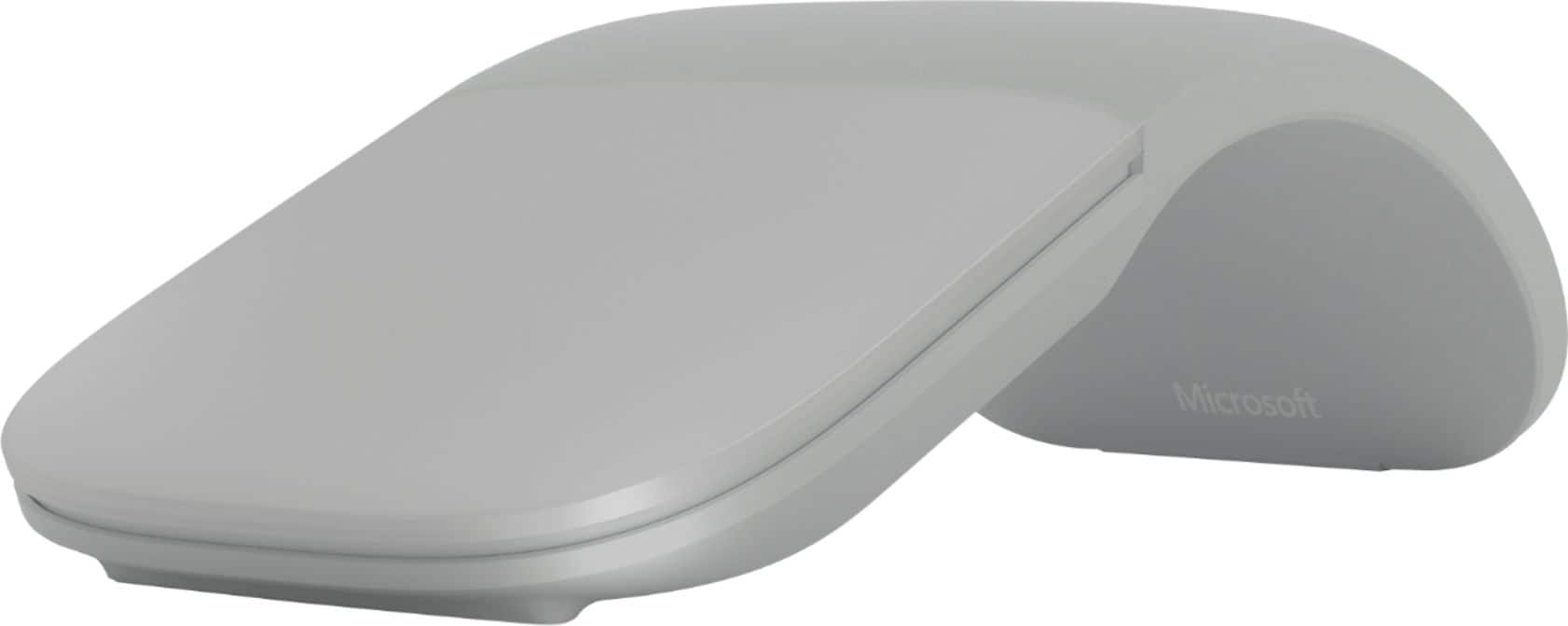
A:AnswerWe recommend checking the tech specs for Arc Mouse here: https://www.microsoft.com/en-us/p/microsoft-arc-mouse/93hfjlp7d0cv?activetab=pivot:techspecstab with those of your Dell laptop.
A:AnswerYes, but it does not support macOS gestures, and it has standby issues with macOS Catalina. Once the Mac goes to sleep I have to click the mouse repeatedly (average of 10-15 times) and move it before it will wake up.
A:AnswerI don’t believe it can pair to multiple devices but if you’re using two monitors, they should both be connected to the same computer. The mouse also connects to the computer, not the monitor, and you will be able to use the mouse on both screens.
A:AnswerYes you can right click. It does have a quirk where you have to lift your index finger to right click but apparently I had always done that as a habit anyways since it never bothered me when I got this mouse.