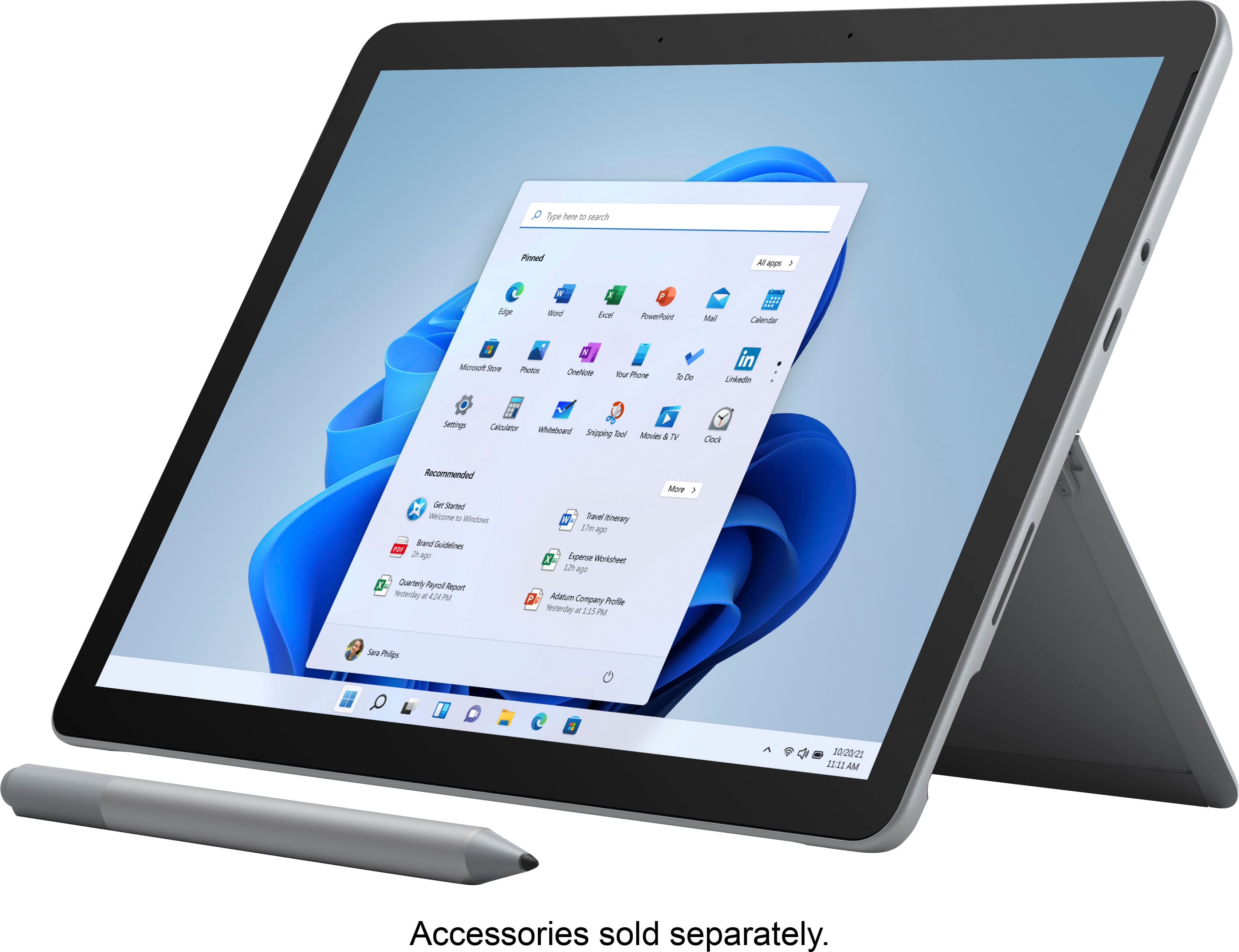
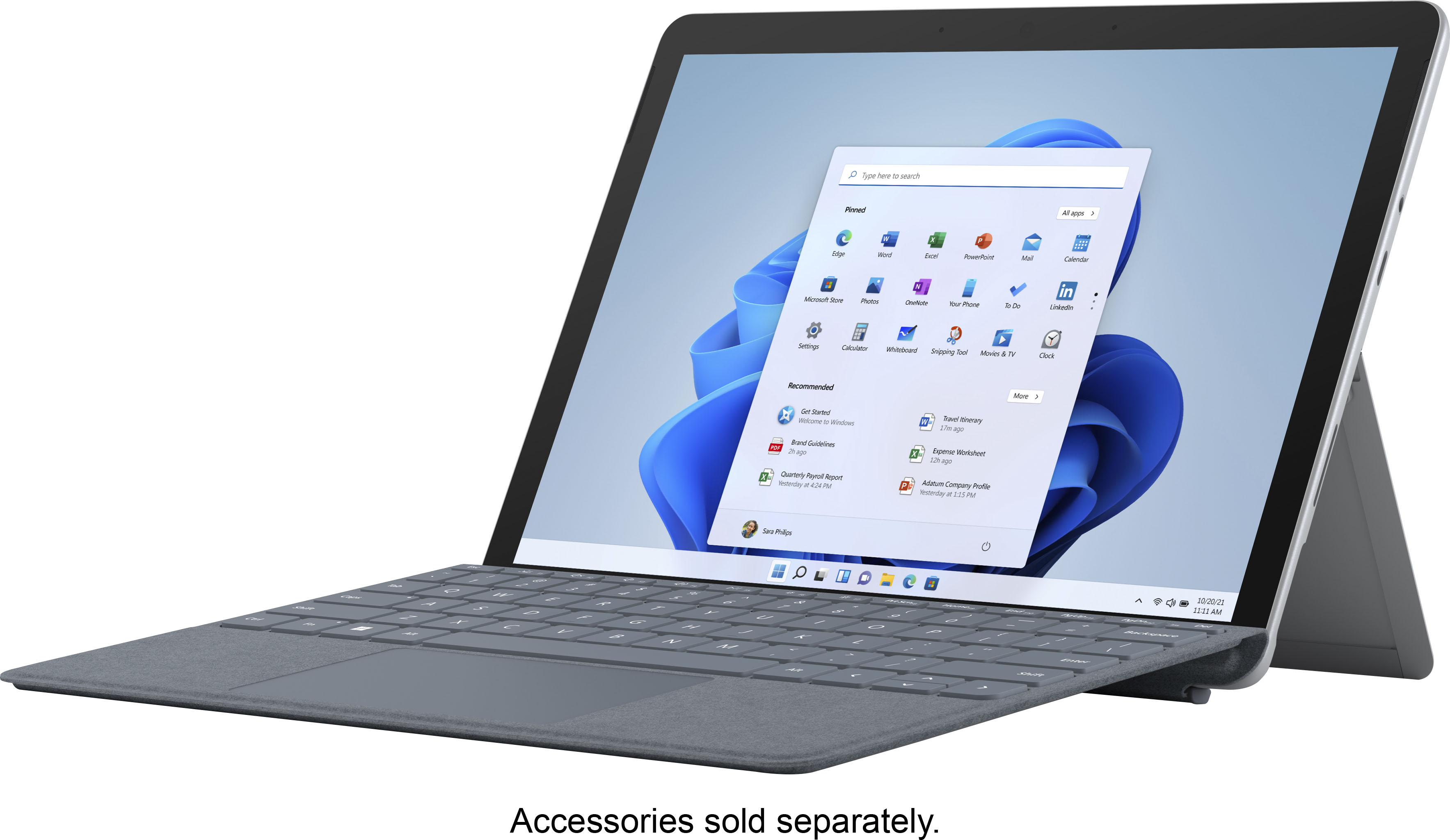
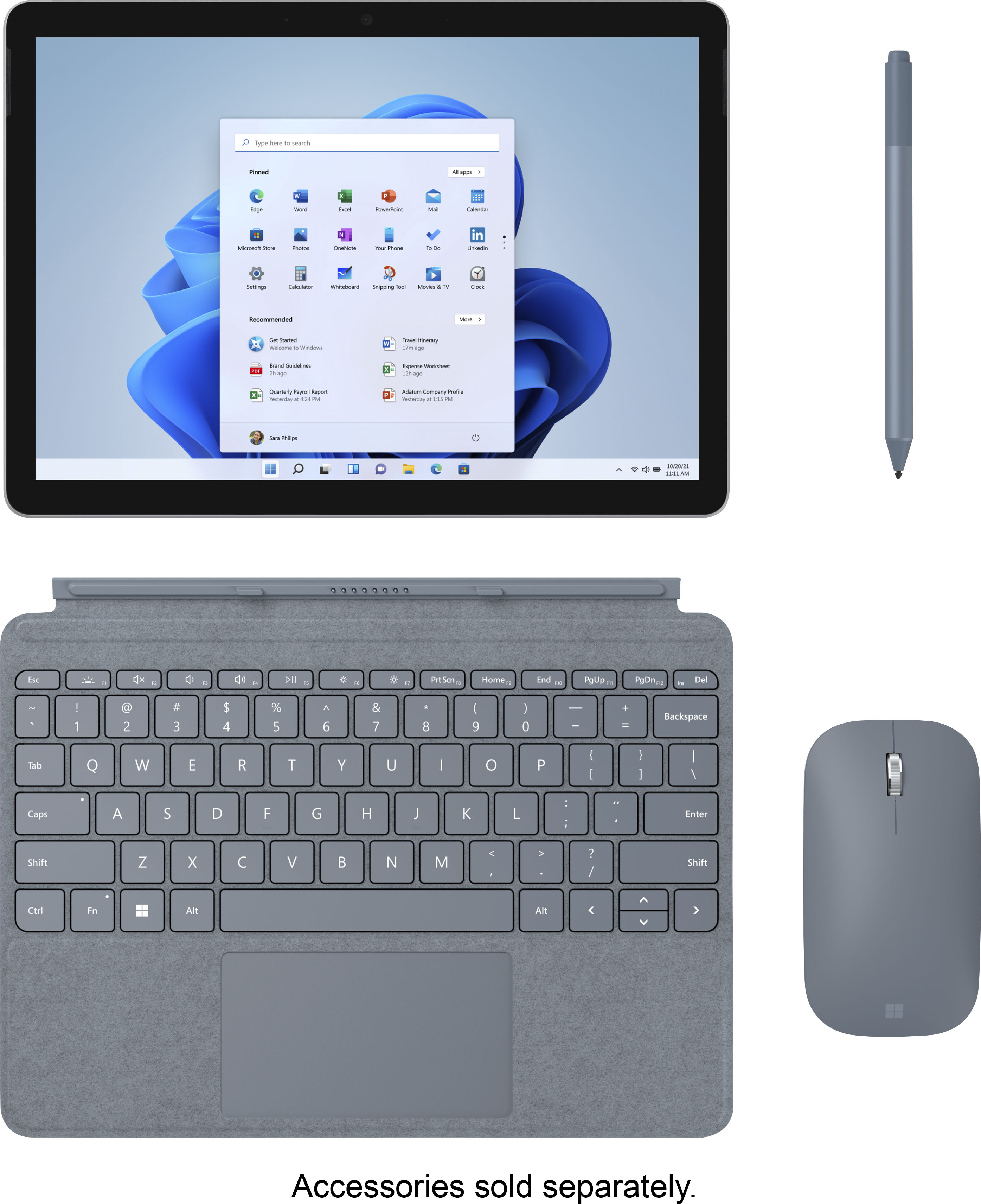
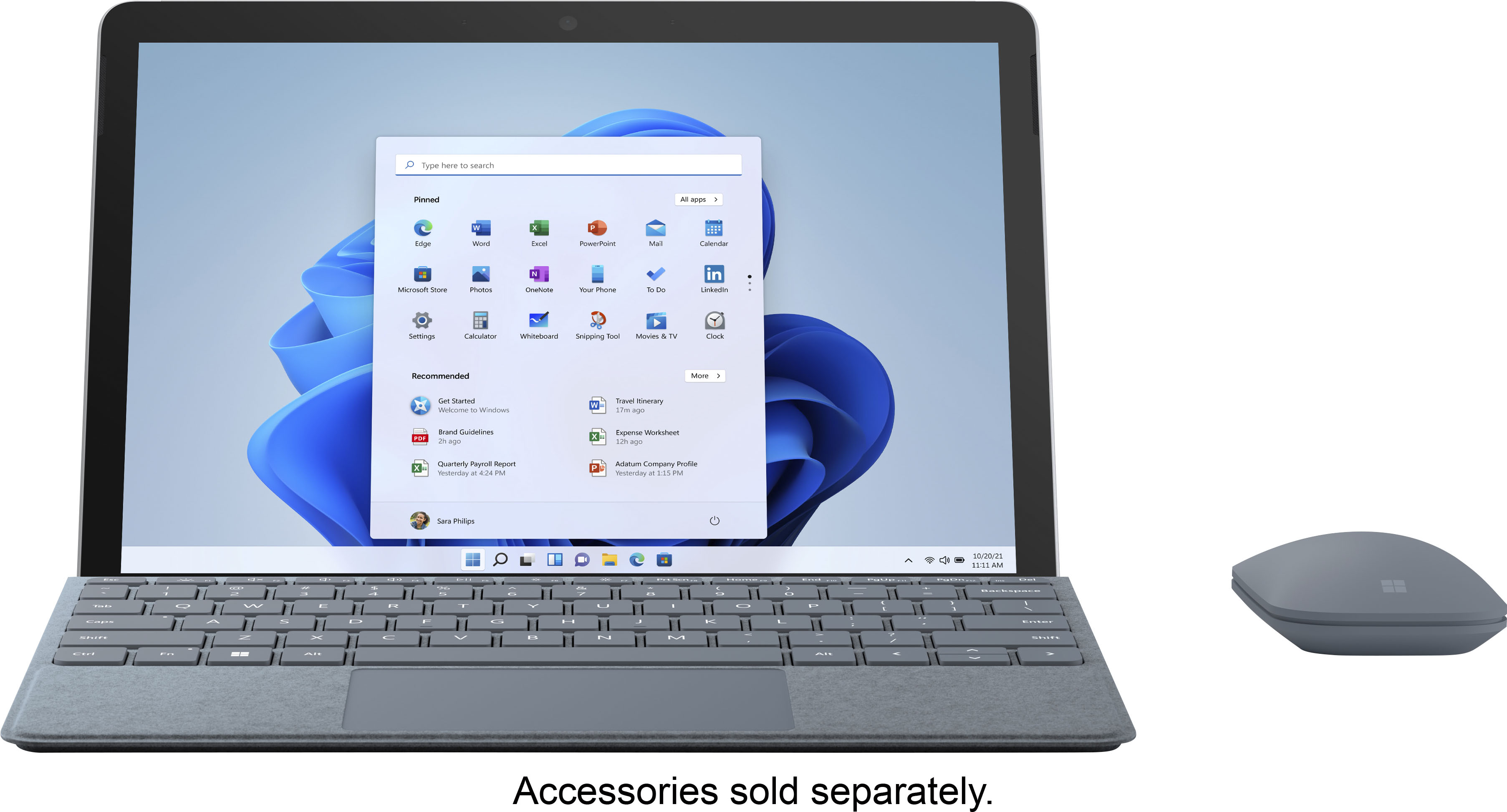
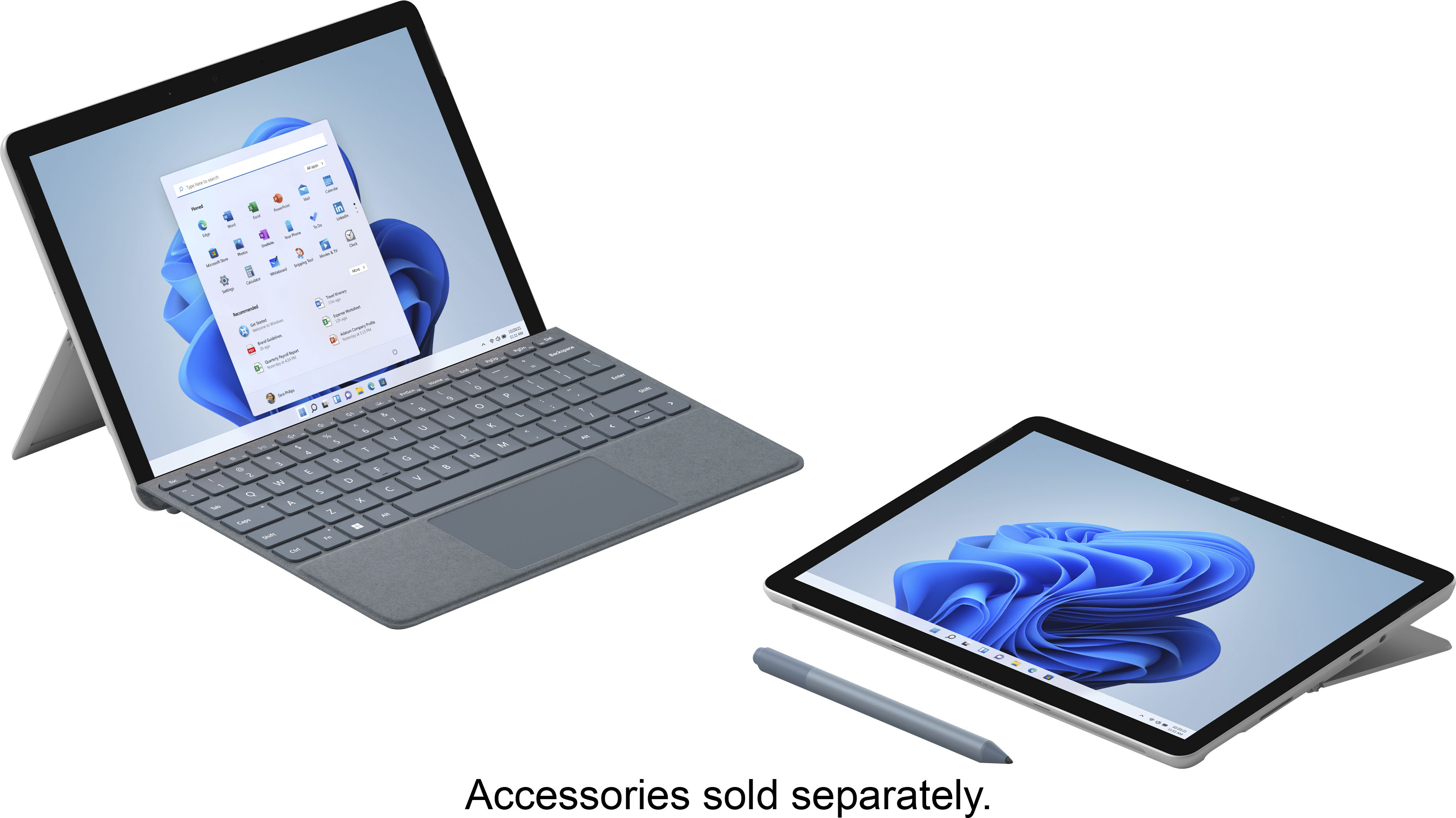
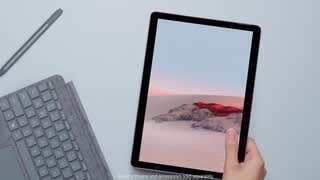
A:AnswerGreat question! The 1st generation of Surface Go Type Covers are compatible with Surface Go 2, as well as Surface Pen. We suggest checking the compatibility of your mouse with the tech specs of Surface Go 2 here: https://www.microsoft.com/en-us/surface/devices/surface-go-2/tech-specs.
A:AnswerI'm pretty sure it came with Microsoft360 so you probably have to pay a subscription to use it otherwise find a free Microsoft File Extension compatible office software.
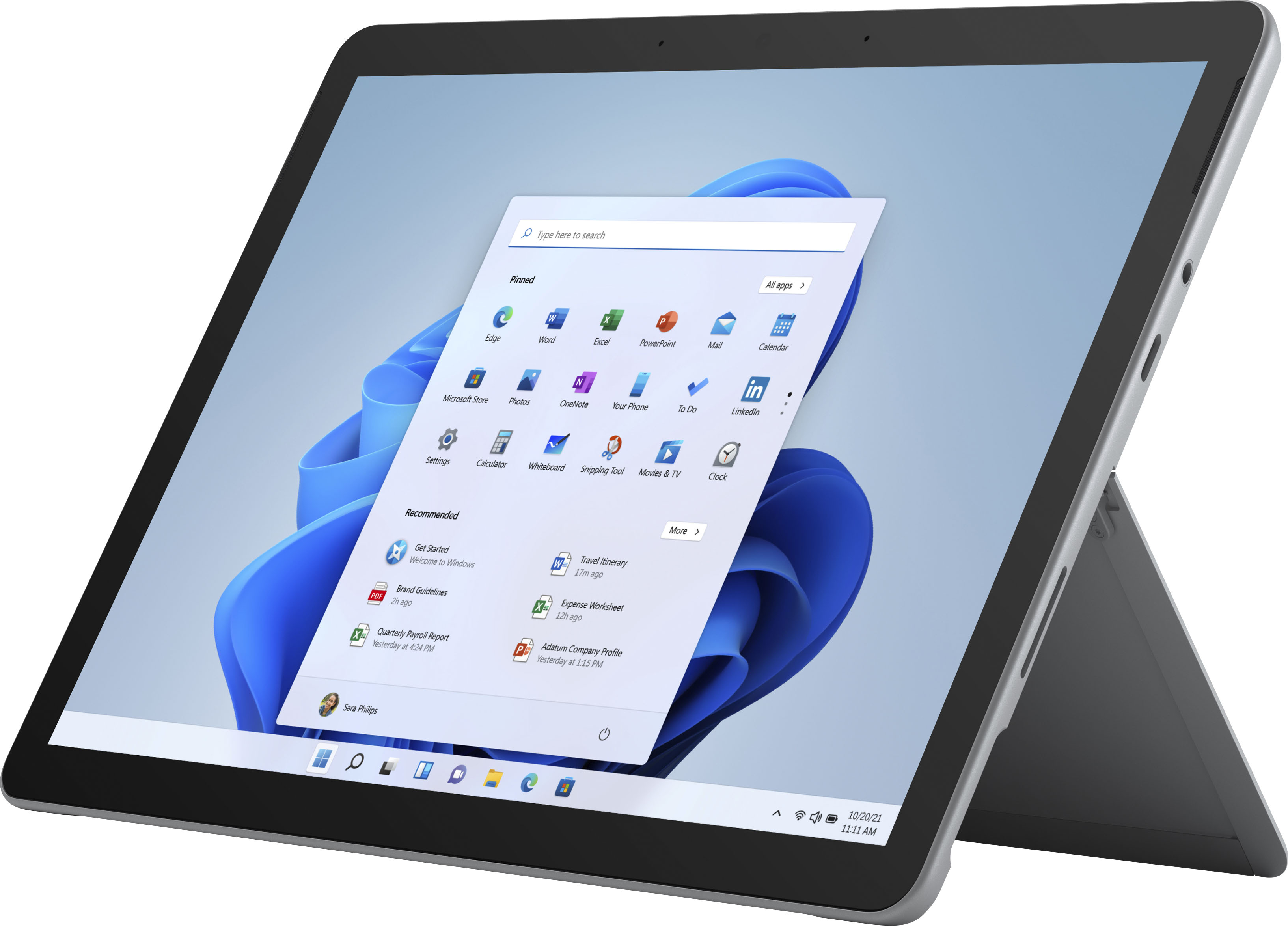
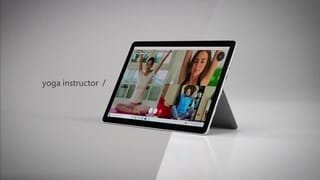
A:AnswerSurface Go 2 features a new, larger 10.5” touchscreen PixelSense display, improved battery life of up to 10 hours, and faster performance than the original with new 8th Generation Intel Pentium® Gold processors, including a Core M3 option that is up to 64% faster than Surface Go. There's also the addition of new Studio Mics, our dual microphone solution, increases voice clarity and reduces background noise for virtual meetings or video calls.
A:AnswerIf you leave the tablet in S mode you can probably just use the built in Windows Defender because S mode prevents any non-microsoft approved apps from installing......but if you take it out of S-Mode you can use any anti-virus you want, I personally use Avast Free.
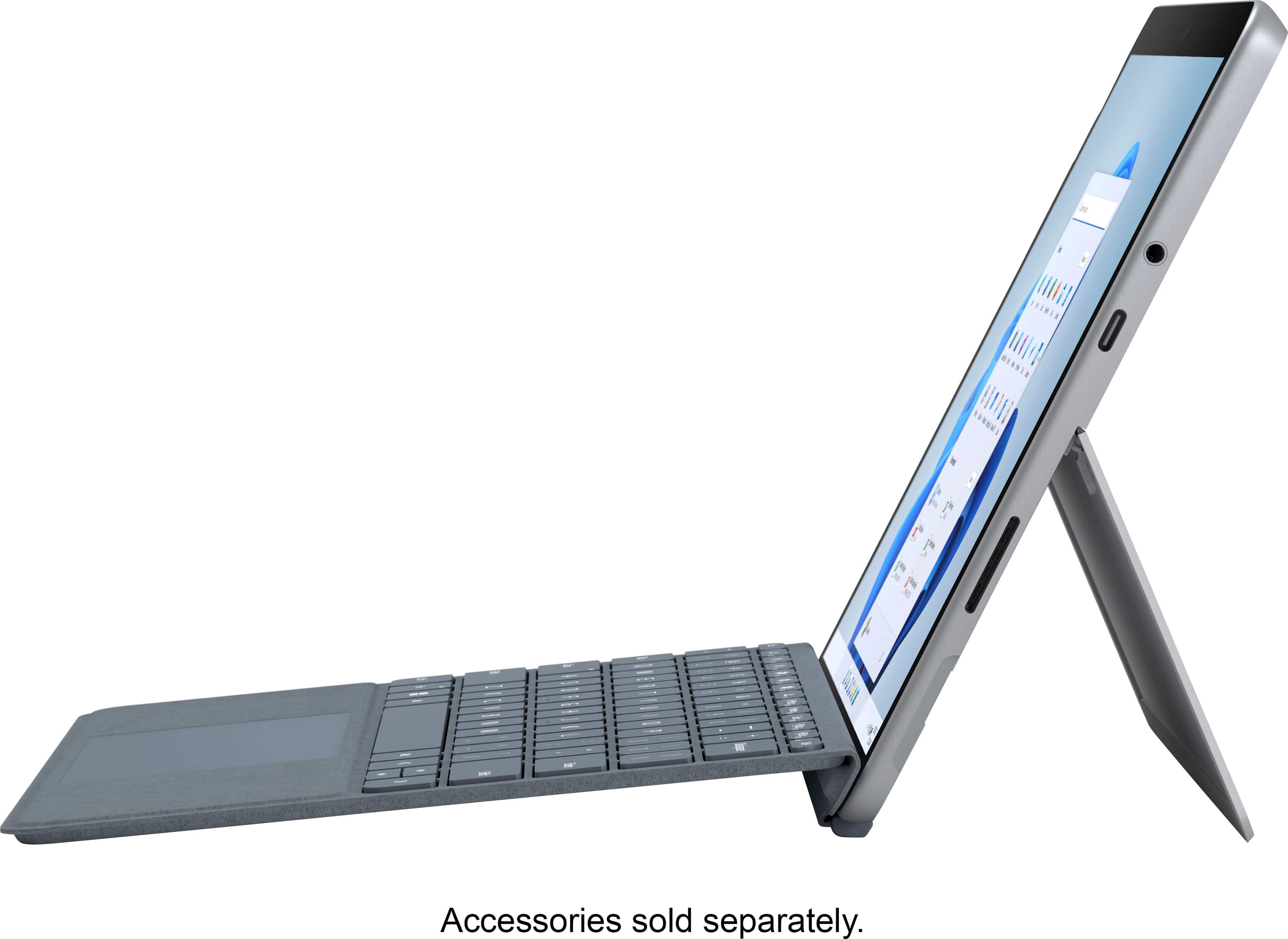
A:AnswerSurface Go 2 has one USB-C port. If you're looking to use Surface Go 2 via an HDMI connection we suggest checking out our USB-C Travel Hub which has a HMDI port: https://www.bestbuy.com/site/microsoft-usb-c-travel-hub-black/6409229.p?skuId=6409229.
A:AnswerGreat question! In the package you get your Surface Go 2 device, a power supply as well as safety and warranty documents. There is no keyboard included, however you can check out Surface Go Signature Type Cover here: https://www.bestbuy.com/site/microsoft-surface-go-signature-type-cover-ice-blue/6408901.p?skuId=6408901.
A:AnswerYes, Surface Go 2 comes with Windows 10 in S mode. For information about how to switch Windows 10 out of S mode, please go here: https://support.microsoft.com/en-us/windows/switching-out-of-s-mode-in-windows-10-4f56d9be-99ec-6983-119f-031bfb28a307
A:AnswerThank you for your question. Yes, you may use Zoom on Surface Go 2, however you may need to disable S mode in Windows 10 to do so. For more information on how to do this, go here: https://support.microsoft.com/en-us/windows/switching-out-of-s-mode-in-windows-10-4f56d9be-99ec-6983-119f-031bfb28a307
A:AnswerWhile Surface Go 2 with 4GB of Ram and 64GB of storage does not come with LTE capabilities, we do have one that LTE compatible with your cellular provider here: https://www.bestbuy.com/site/microsoft-surface-go-2-10-5-touch-screen-intel-core-m-8gb-128gb-storage-wi-fi-4g-lte-unlocked-platinum/6408477.p?skuId=6408477.
A:AnswerGreat question! Surface Go 2 does not include a type cover. Surface Go 2 features a new, larger 10.5” touchscreen PixelSense display, improved battery life of up to 10 hours, and faster performance than the original with new 8th Generation Intel Pentium® Gold processors, including a Core M3 option that is up to 64% faster than Surface Go. Surface Go 2 comes with the addition of new Studio Mics, our dual microphone solution, increases voice clarity and reduces background noise for virtual meetings or video calls.
A:AnswerSurface Go 2 comes with a one month trial of Microsoft 365 Family. If you'd like to learn more about Microsoft Office you can do so here: https://www.microsoft.com/en-us/microsoft-365/compare-all-microsoft-365-products?&activetab=tab:primaryr1.
A:AnswerThe processor is so weak I returned mine. I mean......it's a surface it should at least come with a i3 processor. I would be surprised if it could function with an Xbox.