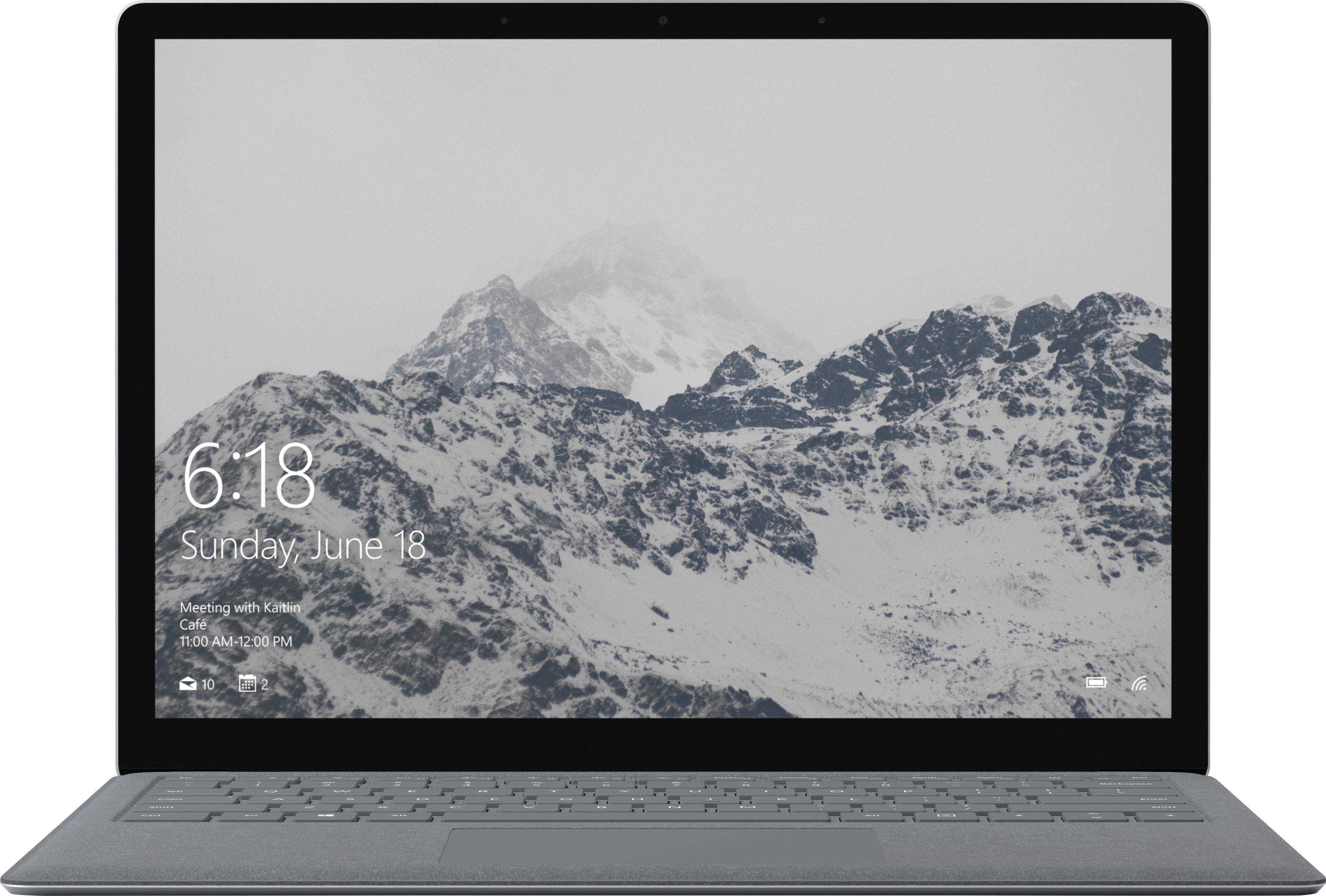
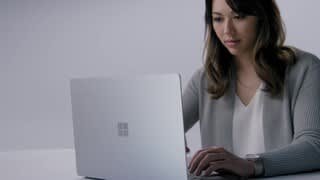
A:AnswerThe Surface Laptop includes Windows Hello face sign-in camera with 720p HD camera (front-facing.)
This should be a great option for your needs!
A:AnswerThe RAM of our Surface devices is not meant to be upgraded. If you're looking for more RAM, we recommend purchasing the Surface Laptop with already existing greater RAM. Find the Surface Laptop with 8GB of RAM at Best Buy here: https://www.bestbuy.com/site/microsoft-surface-13-5-touch-screen-laptop-intel-core-i5-8gb-memory-128gb-solid-state-drive-platinum/6238313.p?skuId=6238313.
A:AnswerThe Surface Laptop should be able to install your preferred software easily. Like any laptop, be sure to compare the specs of the device to the system requirements of that software to be sure they are compatible. We hope this helps!
A:AnswerThe Surface Laptop supports many apps from the Microsoft Store. Check out apps available for download here: https://www.microsoft.com/en-us/search/shop?q=microsoft%20app%20store. Before downloading an app, just be sure to check system requirements to make sure the specs are sufficient for using the app.
A:AnswerThe Surface Laptop is designed with an internal battery, and cannot be replaced. We never recommend opening up any of our machines, as this could void any warranty.
A:AnswerYes, this comes with a built in camera. Skype is actually automatic on the device so, you’ll be able to communicate face to face to whoever you want.
A:AnswerWe've heard from several people in the community who have had success using the Surface Laptop for engineering courses. Just be sure to compare the specs of the device to the requirements of any programs you need to run. For this Surface Laptop, the specs are an Intel Core i5 processor, 4GB RAM and 128GB Solid State Drive.
A:AnswerThe Surface Laptop does not have a detachable keyboard feature, however we have some other two-in-one options in the Surface family we think you might like, including the Surface Book 2: https://www.bestbuy.com/site/clp/surface-book-2/pcmcat1507225522252.c?id=pcmcat1507225522252. You might consider this device since you are interested in the design of the Surface Laptop. It is very similar, but with an easily detachable keyboard for switching between different modes. The keyboard detaches at the hinge with a simple press of a button.
A:AnswerThis is an open-box item- possibly with slight use but still in like new condition (new nicks, blemishes, and has been factory reset). As far as shipping, you have to coordinate with Best Buy if this is possible.
A:AnswerYes, you can enable and disable your touchscreen in Windows 10. In the "Device Manager", select the arrow next to "Human Interface Devices" and select "HID-compliant touch screen". Select the Action tab at the top of the window to disable.
A:AnswerYou will be able to plug your device into the Surface Laptop, via USB, but unfortunately, that is the only compatibility between the two devices. Hope this helps to clarify!
A:AnswerHi Tabitha,
To answer your question, to upgrade your Windows program, this would have a fee, depending on the version you're trying to upgrade to. Hope this helps!
Kindly,
Victoria
Surface Customer Care
A:AnswerHi Lund,
It sure can! The Surface Laptop would be a great device for editing videos from GoPro or other devices.
Kindly,
Victoria
Surface Customer Care