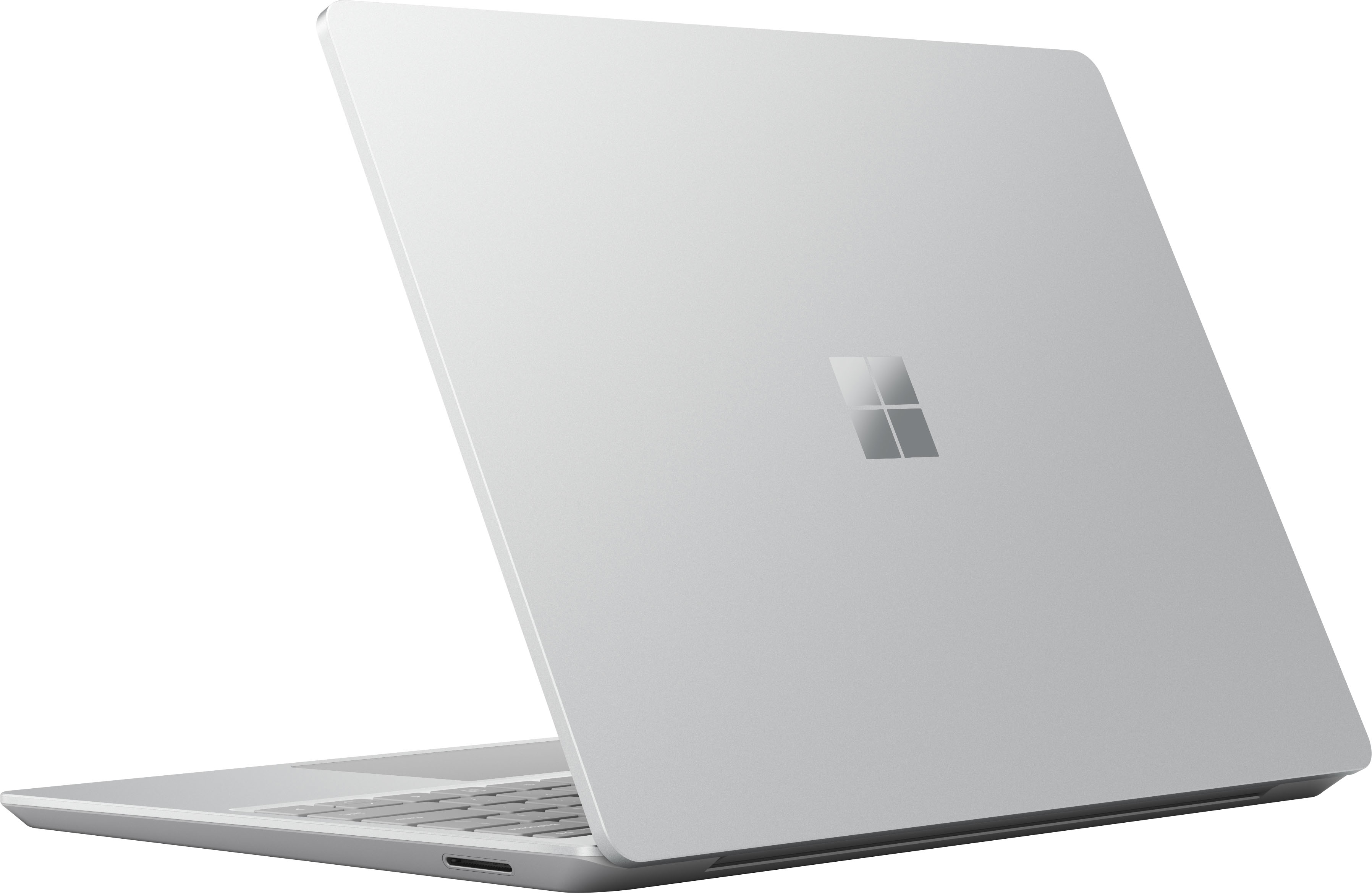

A:AnswerWe're sorry there's an issue with your new Surface Laptop Go. We suggest troubleshooting the issue with Microsoft Customer Care here: https://support.microsoft.com/en-us/surface/surface-won-t-turn-on-or-wake-from-sleep-1e181652-3db8-5ca1-9649-7390fafb102a
A:AnswerSurface Laptop Go is suitable for basic school work. For information on how to switch out of S mode in Windows 10, please go here: https://support.microsoft.com/en-us/windows/switching-out-of-s-mode-in-windows-10-4f56d9be-99ec-6983-119f-031bfb28a307
A:AnswerFor information on how to share your Surface screen with a second monitor or TV, please go here: https://support.microsoft.com/en-us/surface/troubleshoot-connecting-surface-to-a-second-screen-bc8f5121-a4cb-cf0b-5770-2df7a66a3b28
A:AnswerSurface Laptop Go is not compatible with Surface Pen so it is not a recommended device for drawing. You may be interested in Surface Pro 7 or Surface Book 3 instead.