Last Chance 48-Hour Flash SaleEnds Dec. 24. Limited quantities.Shop now

Skip to content
Gift Ideas
Main Content

Questions & Answers

Your price for this item is $299.99
Clearance
The comparable value price is $399.99
Page Showing 181-192 of 192 questions
  • QuestionWhat version of Windows does Surface Laptop Go ship with?

    Asked by BestBuyCustomer.

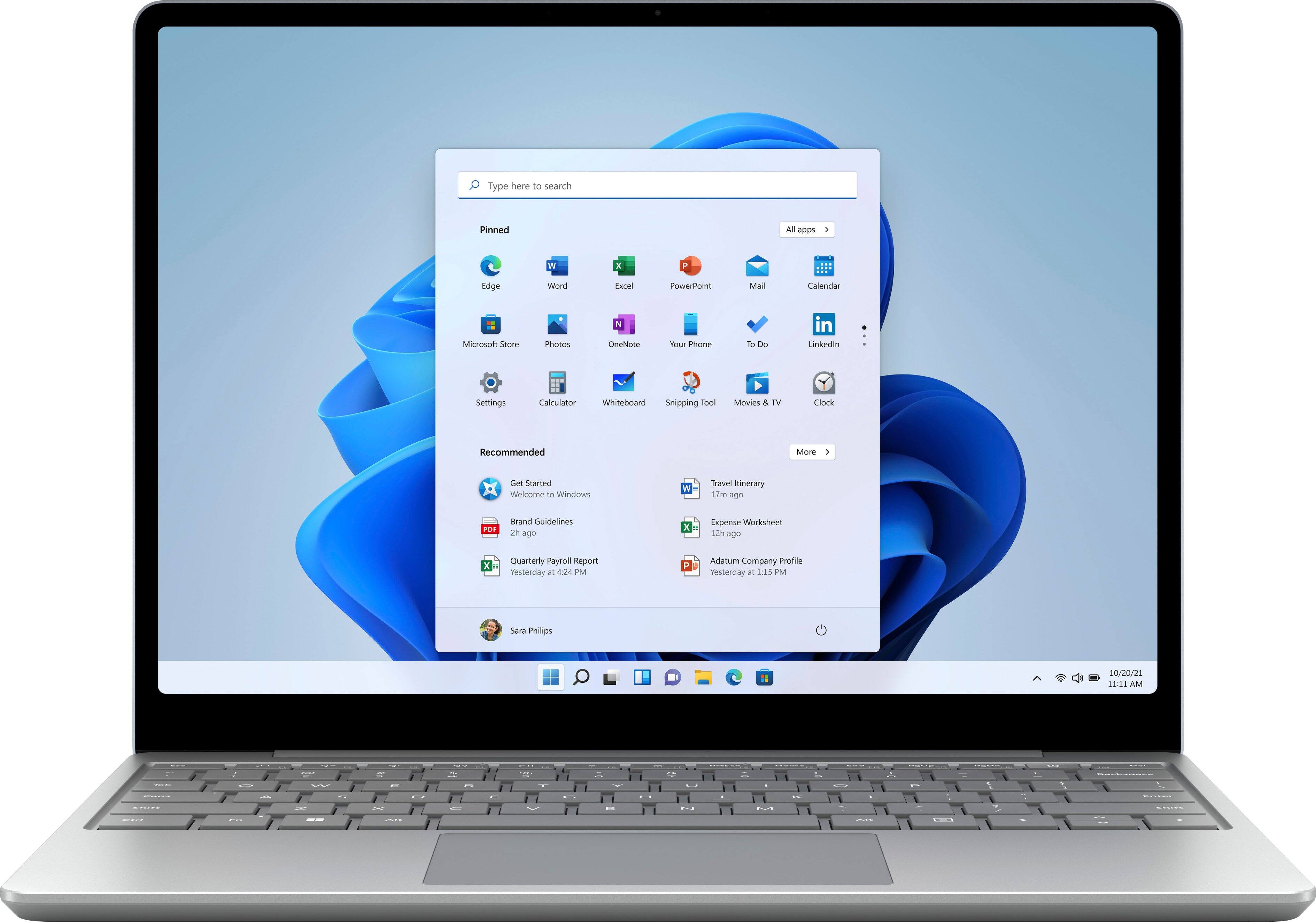
    • Answer Surface Laptop Go for consumers comes with Windows 10 Home in S mode to bring you the powerful Windows features you use most at an exceptional value. If you need additional enterprise management and security tools for the workplace, you can switch to Windows 10 Pro or purchase Surface Silas for Business.

      Answered by MicrosoftOutreachTeam

  • QuestionDid you make any changes to the keyboard on Surface Laptop Go?

    Asked by BestBuyCustomer.

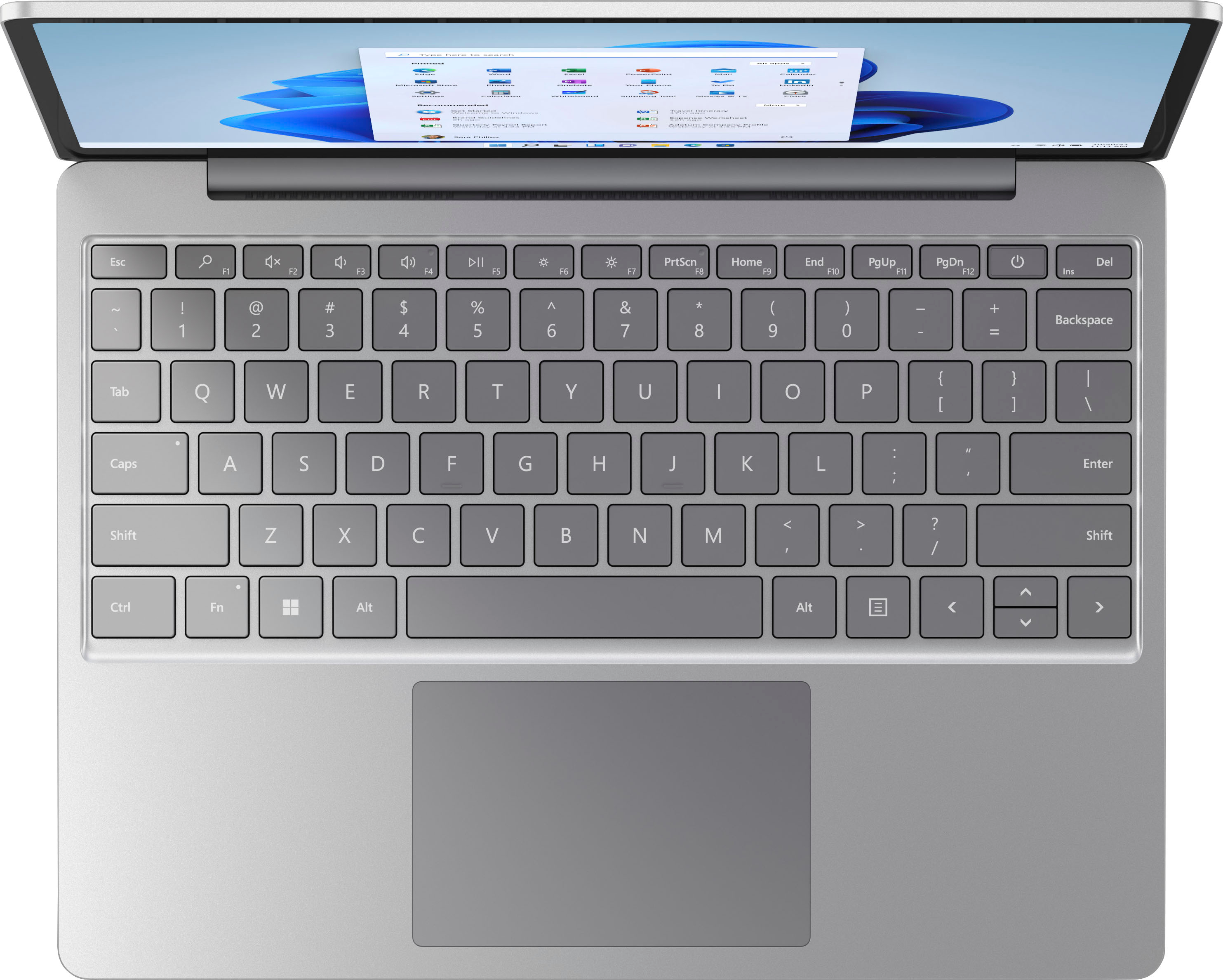
    • Answer Surface Laptop Go comes with a full-size keyboard and large precision trackpad for the same quality typing experience you can find across all Surface devices.

      Answered by MicrosoftOutreachTeam

  • QuestionHow is the quality of the camera on the Surface Laptop Go?

    Asked by BestBuyCustomer.

    • Answer Surface Laptop Go features a 720p HD front facing camera, that is tuned to ensure sharp video in low-light and consistent face brightness across a variety of lighting conditions. Every camera is also individually calibrated at the factory to ensure optimal performance. Additionally, Studio Mics, our dual microphone solution, increases voice clarity and reduces background noise for virtual meetings or video calls.

      Answered by MicrosoftOutreachTeam

  • QuestionHow much ram can I upgrade it to?

    Asked by Mouse.

    • Answer This Surface comes with 4 gigabytes of system memory.

      Answered by MicrosoftOutreachTeam

  • QuestionCan microsoft 8.1 be installed on this laptop?

    Asked by bopacar.

    • Answer Thank you for your question. Surface Laptop Go is designed for use with Windows 10. It ships with Windows 10 in S mode, however you have the option of switching out of S mode to Windows 10 Home or Windows 10 Pro. For more information on how to do this, please go here: https://support.microsoft.com/en-us/windows/switching-out-of-s-mode-in-windows-10-4f56d9be-99ec-6983-119f-031bfb28a307

      Answered by MicrosoftOutreachTeam

  • QuestionDoes this have a 3.0 usb port?

    Asked by Anonymous.

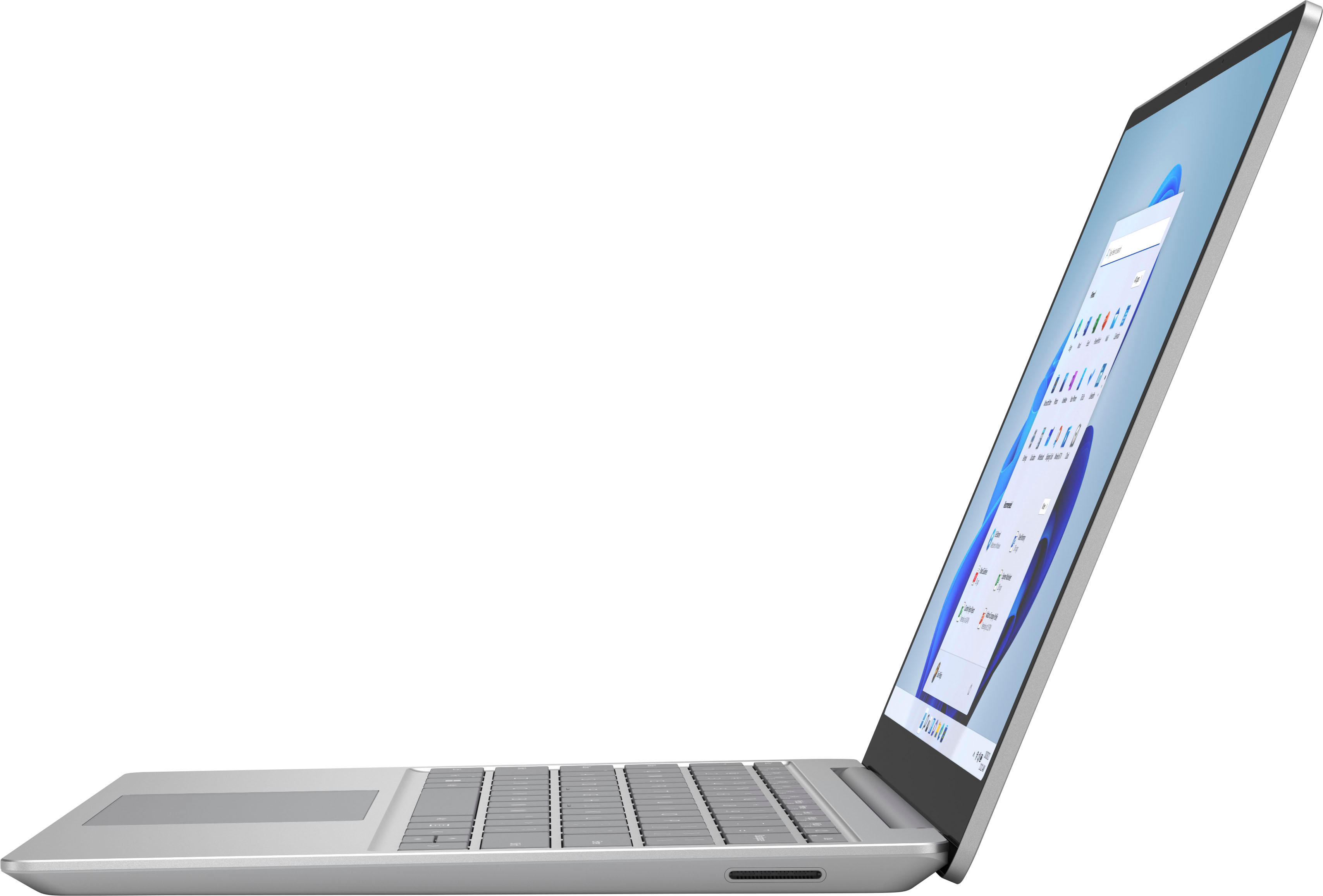
    • Answer Thank you for asking! Surface Laptop has one USB-A port and one USB-C 3.1 port.

      Answered by MicrosoftOutreachTeam

  • QuestionWhat's the speed of the processor?

    Asked by Dol.

    • Answer This Surface Laptop Go is powered by an Intel 10th Generation Core i5 processor.

      Answered by MicrosoftOutreachTeam

  • QuestionWhat kind of USB ports are in this computer?

    Asked by Dancset.

    • Answer Thank you for your question! Surface Laptop Go has two USB-C ports.

      Answered by MicrosoftOutreachTeam

  • QuestionWhat is Windows 10 in S mode?

    Asked by BestBuyCustomer.

    • Answer Windows 10 S provides a streamlined, secure and battery efficient experience that is excellent for a variety of people, particularly those who have everyday browsing and app needs.

      Answered by MicrosoftOutreachTeam

  • QuestionWhat type of charging connection does this have? I have a dock for my older Surface tablet---would that be compatible with this laptop?

    Asked by Anonymous.

    • Answer Surface Laptop Go uses a 39W Power Supply that connects to the device's Surface Connect Port.

      Answered by MicrosoftOutreachTeam

  • QuestionHow many USB ports?

    Asked by WK.

    • Answer Does it have a HDMI

      Answered by Anonymous

  • Questiondoes it come with Microsoft office?

    Asked by Bonnie.

    • Answer Hello, Bonnie. Thank you for your question. To check on this information, we kindly suggest you to get in contact with Best Buy's support team using the link below: ***https://www.bestbuy.com/site/electronics/customer-service/pcmcat87800050001.c?id=pcmcat87800050001*** You can also chat with a Best Buy agent by clicking the chat button that is located in the lower right corner of the retailer website. Thank you for choosing Intel!
      Answered by Intel team