A:AnswerThank you for asking! While Zoom will run on Surface Laptop Go, you may have to switch the installed version of Windows 10 out of S mode in order to install and run the Zoom application.
A:AnswerFor information about Student Deals at Best Buy, please go here: https://www.bestbuy.com/site/back-to-school/college-student-deals/pcmcat276200050000.c?id=pcmcat276200050000
A:AnswerYou can switch out of S mode easily at any time through the Microsoft Store within Windows. There is no charge for switching the mode. The switch is one-way; if you make the switch, you won't be able to go back to S mode.
A:AnswerSurface Laptop Go for consumers comes with Windows 10 Home in S mode to bring you the powerful Windows features you use most at an exceptional value. If you need additional enterprise management and security tools for the workplace, you can switch to Windows 10 Pro or purchase Surface Silas for Business.
A:AnswerSurface Laptop Go for consumers comes with Windows 10 Home in S mode to bring you the powerful Windows features you use most at an exceptional value. If you need additional enterprise management and security tools for the workplace, you can switch to Windows 10 Pro or purchase Surface Silas for Business.
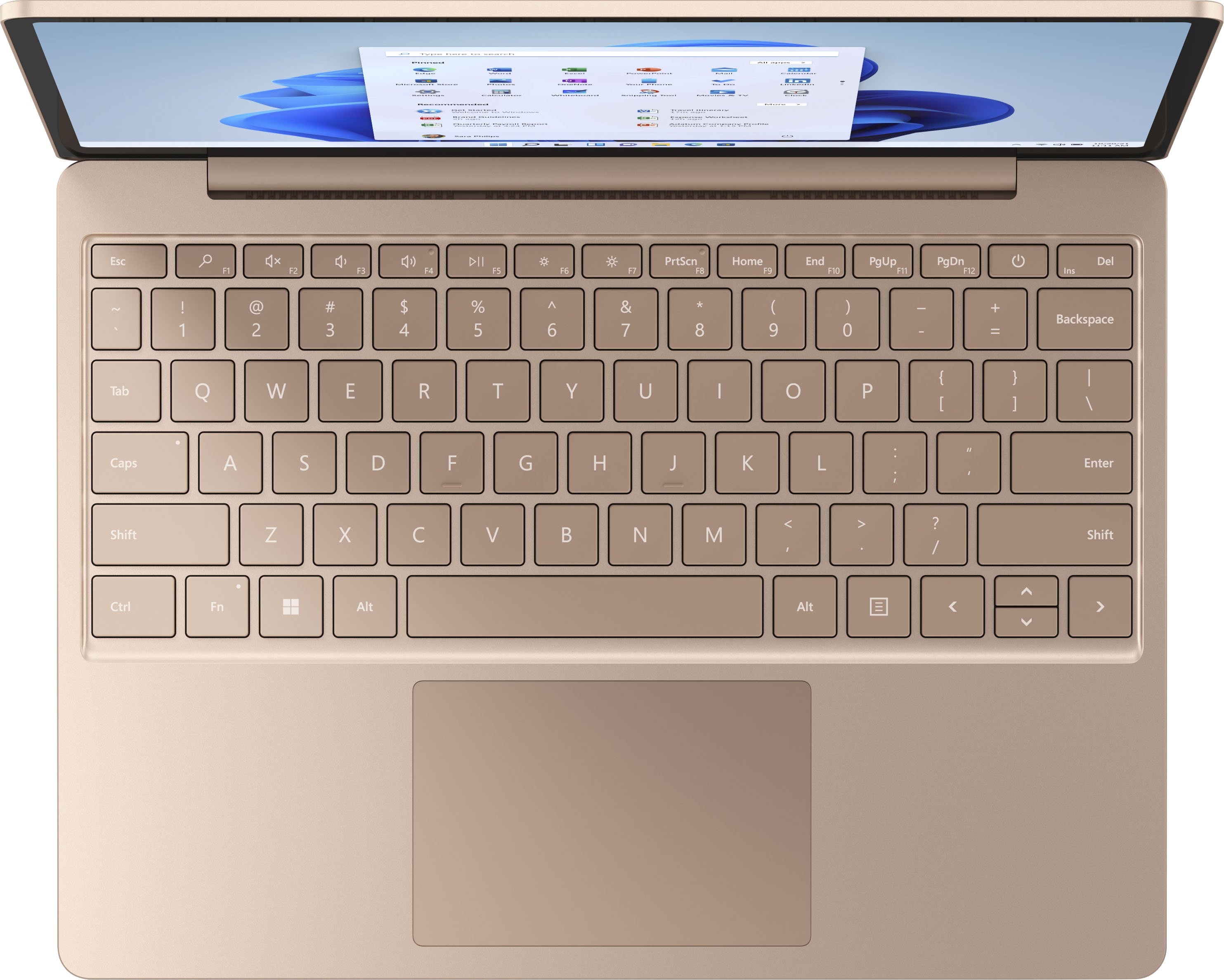
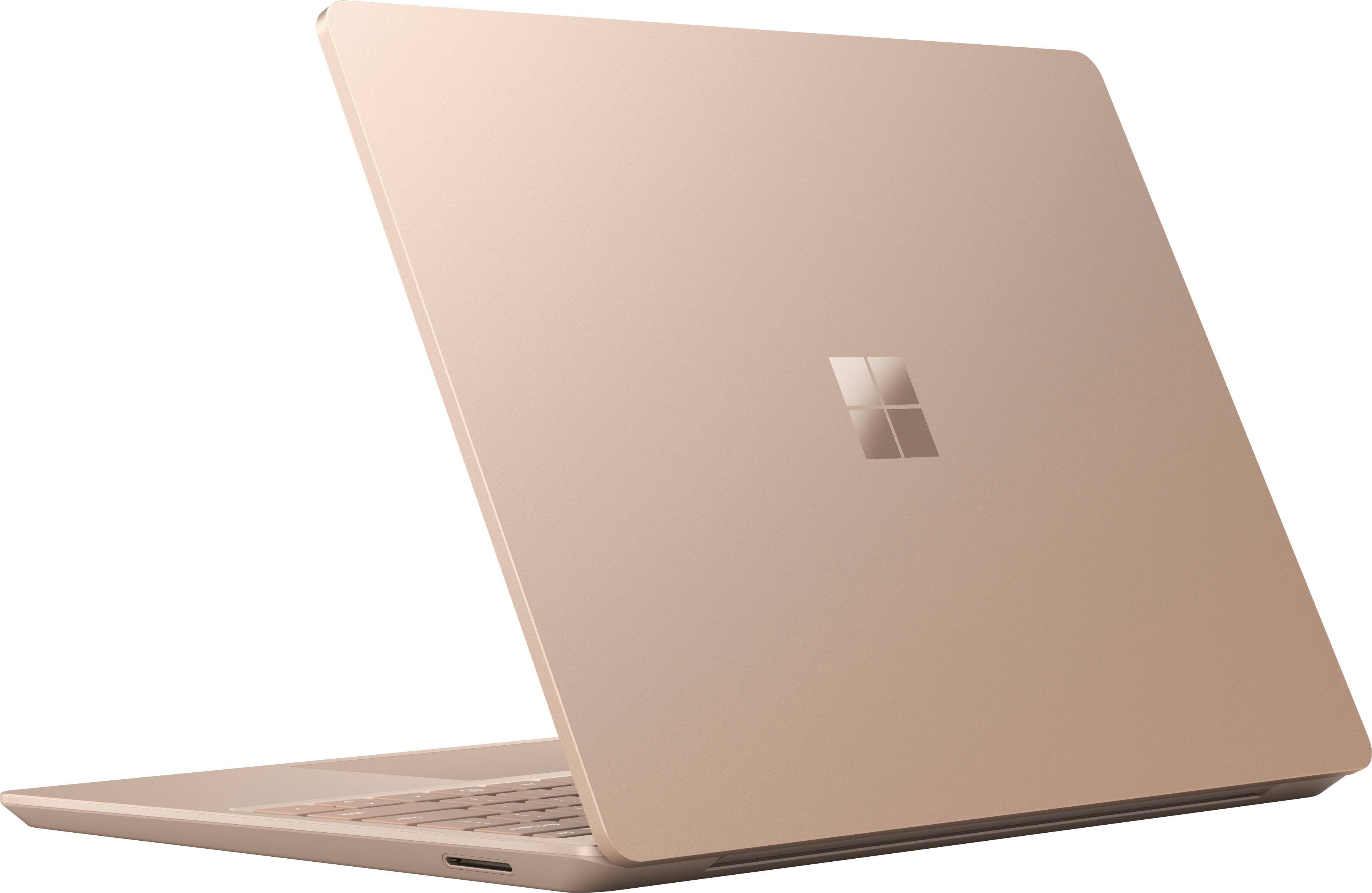
A:AnswerSurface Laptop Go comes with a full-size keyboard and large precision trackpad for the same quality typing experience you can find across all Surface devices.
A:AnswerSurface Laptop Go comes with a full-size keyboard and large precision trackpad for the same quality typing experience you can find across all Surface devices.
A:AnswerSurface Laptop Go features a 720p HD front facing camera, that is tuned to ensure sharp video in low-light and consistent face brightness across a variety of lighting conditions. Every camera is also individually calibrated at the factory to ensure optimal performance.
Additionally, Studio Mics, our dual microphone solution, increases voice clarity and reduces background noise for virtual meetings or video calls.