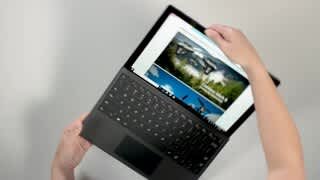
A:AnswerIf you want an external keyboard then yes you have to buy it separately unless you find a bundled deal. If you don't want to shell out the extra money to get one just use the onboard keyboard which I use the majority of the time. I did get an external one with the Seahawk logo but that was a choice! The reason you can buy one is because the tech world figures you will always buy extra goodies for your new toys and they need the money (ha) and they get away with it because we do.
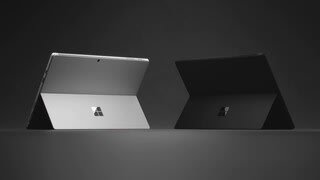
A:AnswerThe new Surface Pro 6 is a great device for people who want the performance of a laptop with the versatility of a tablet. Surface Pro 6 offers the ideal balance of performance, superior inking and touch, all day battery with up to 13.5 hours of local video playback*, in a thin and light form factor.
*Testing conducted by Microsoft in August 2018 using preproduction Intel Core i5, 256GB, 8 GB RAM device. Testing consisted of full battery discharge during video playback. All settings were default except: Wi-Fi was associated with a network and Auto-Brightness disabled. Battery life varies significantly with settings, usage, and other factors.
A:AnswerI also have a silhouette and use it with my surface. The newer Cameo's are bluetooth enabled, so you can connect by bluetooth, or use the USB port (the surface has one).
A:AnswerWe have an article on how to Upgrade Windows 10 Home to Windows 10 Pro here: https://support.microsoft.com/en-us/help/12384/windows-10-upgrading-home-to-pro.