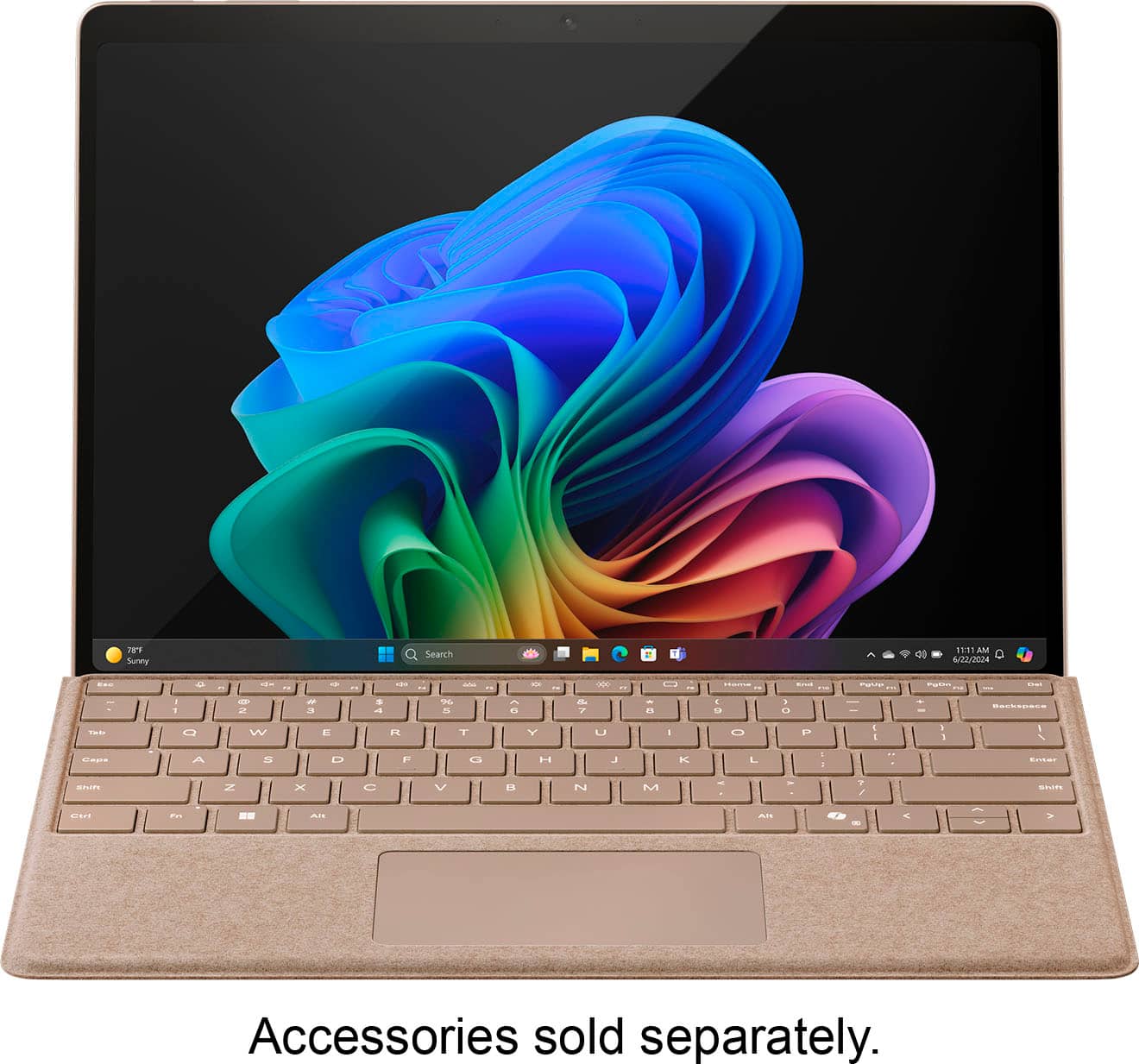
A:AnswerI suggest a bluetooth keyboard and mouse. There are 3rd party keyboards like the expensive Microsoft ones made for these tablets that are bluetooth and work well
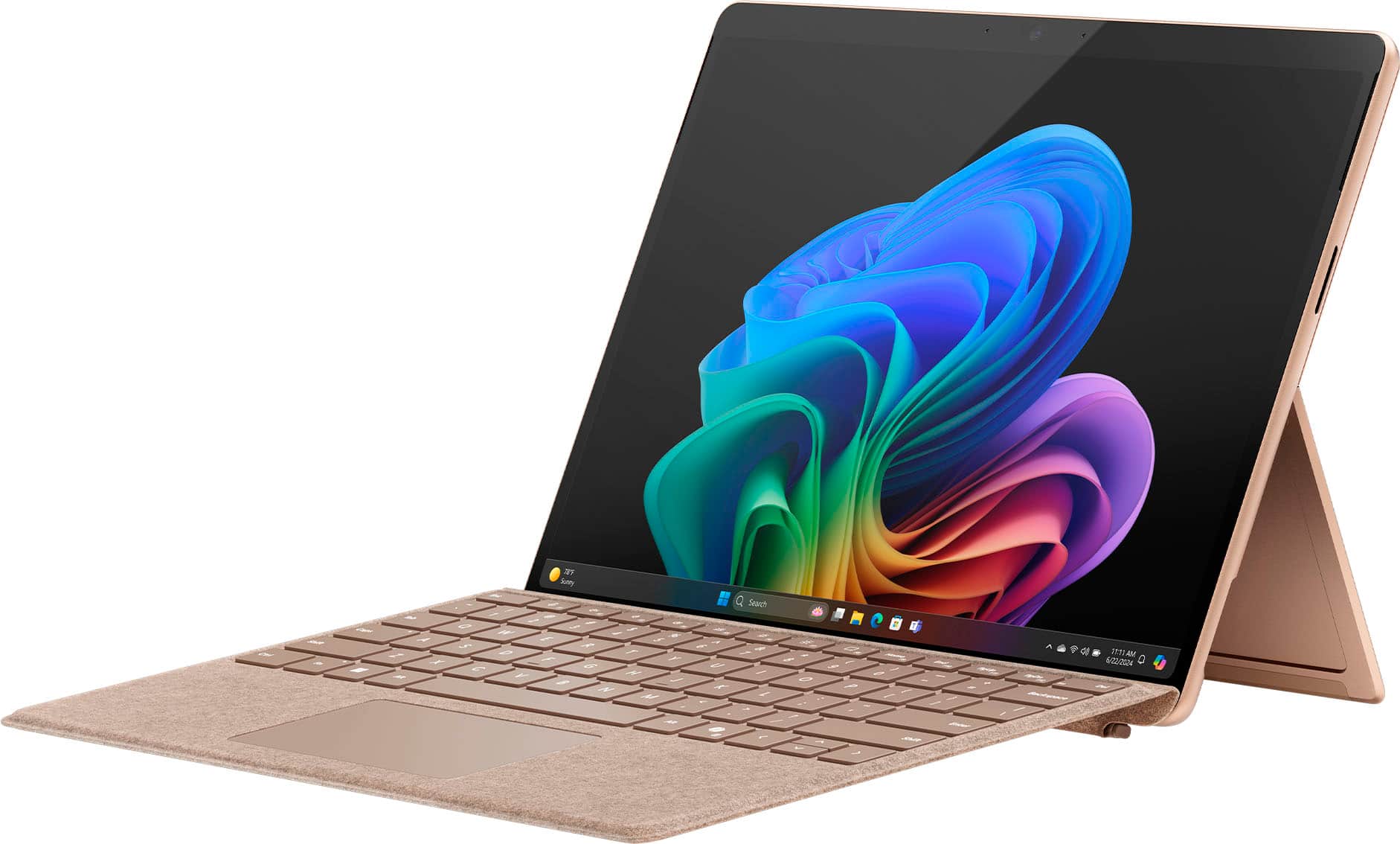
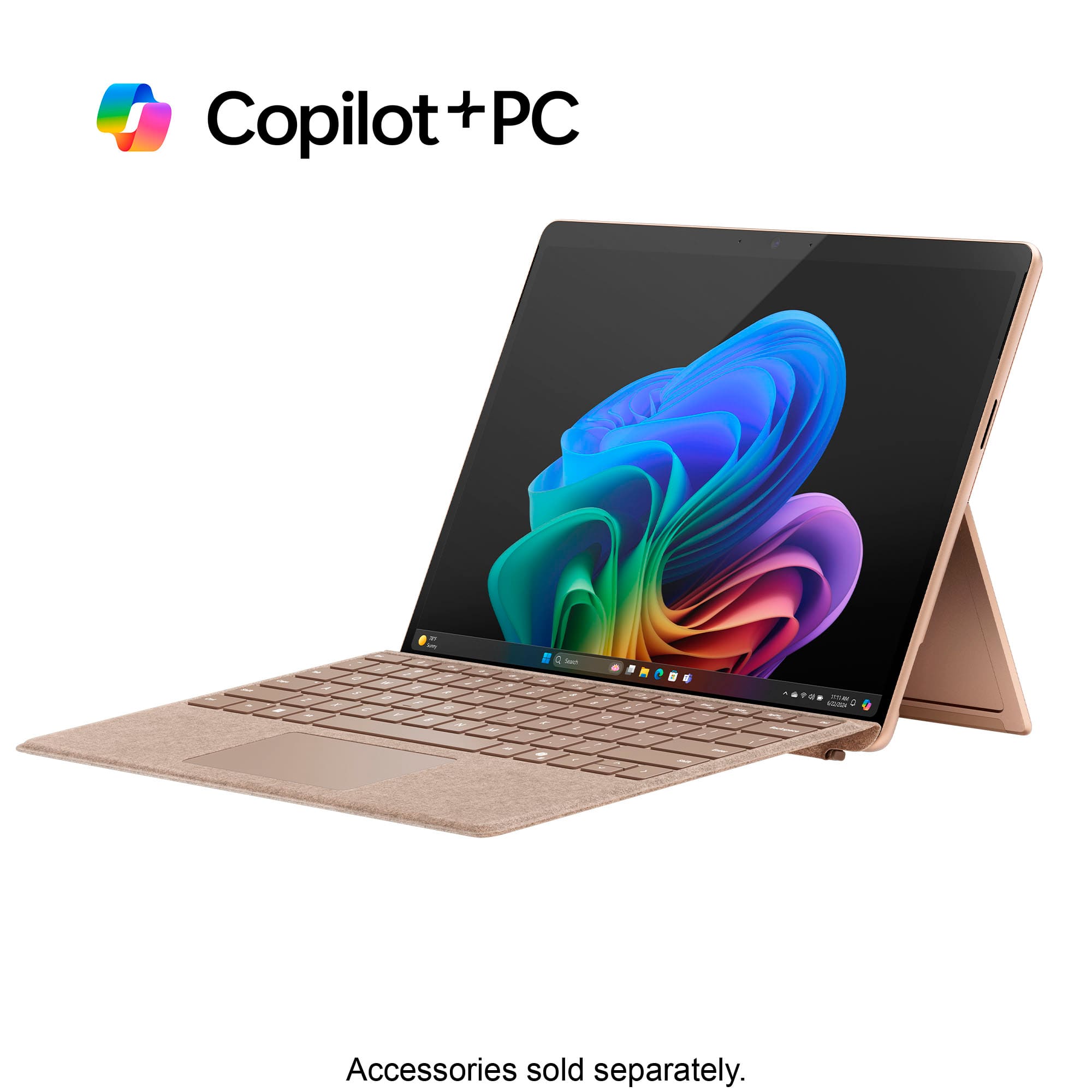
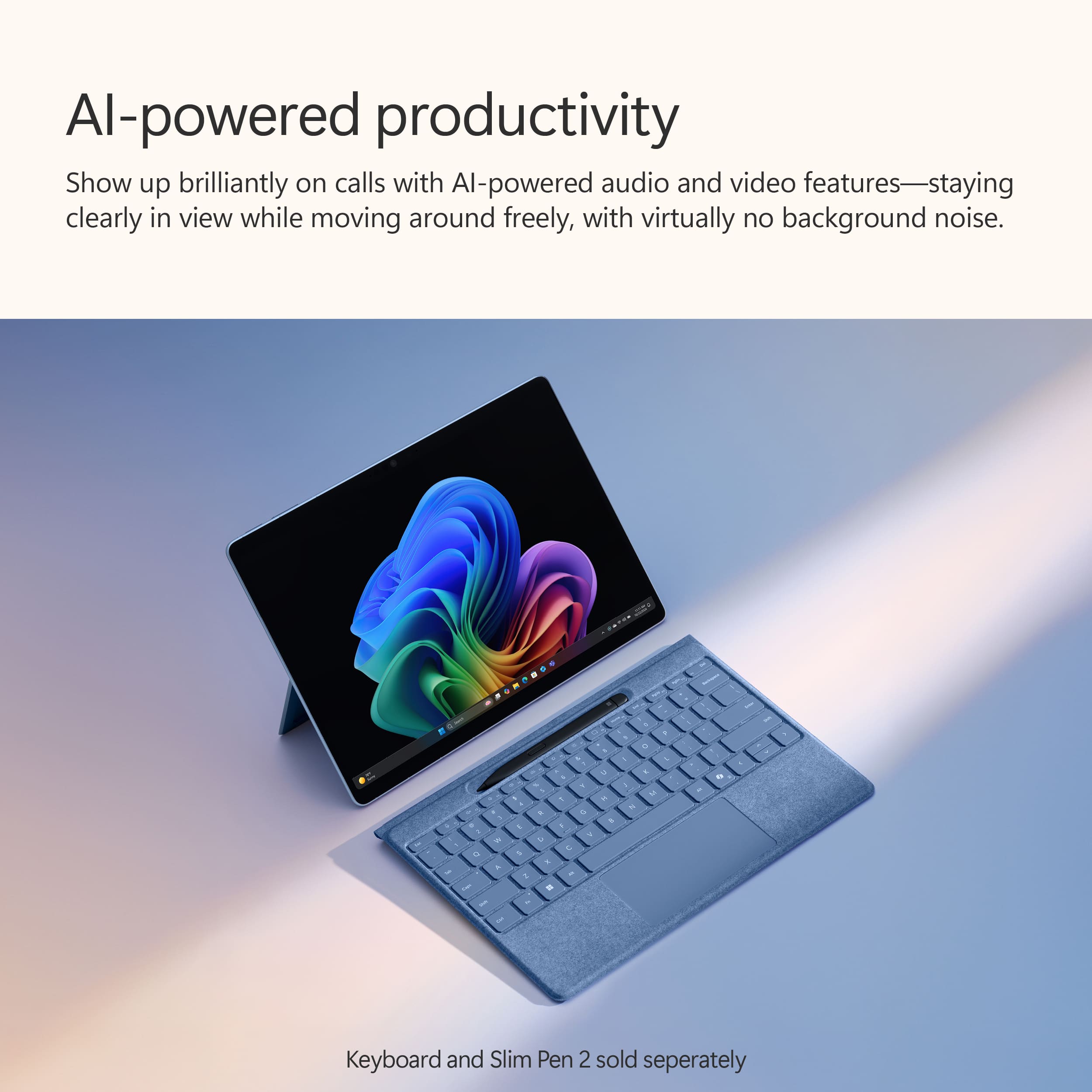
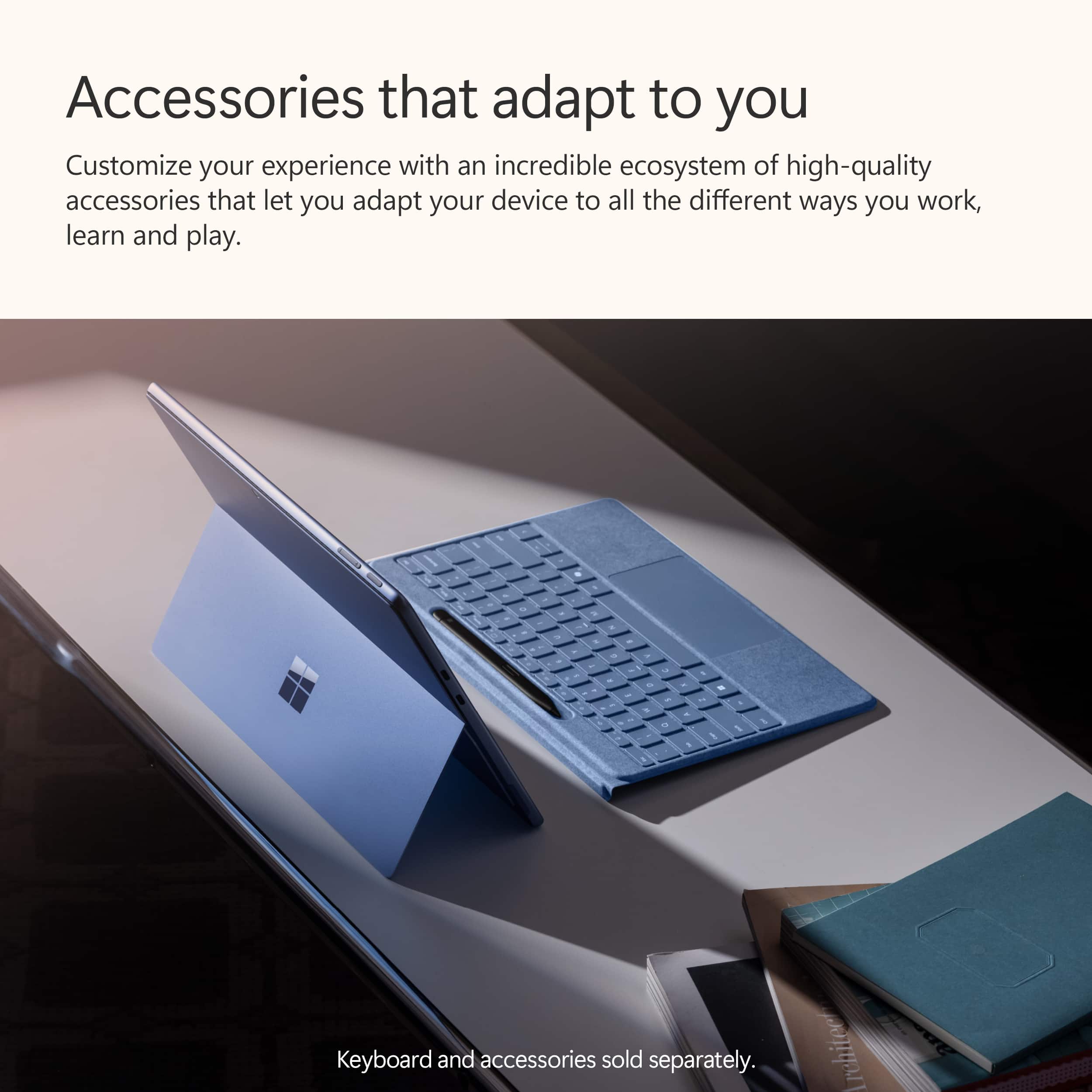
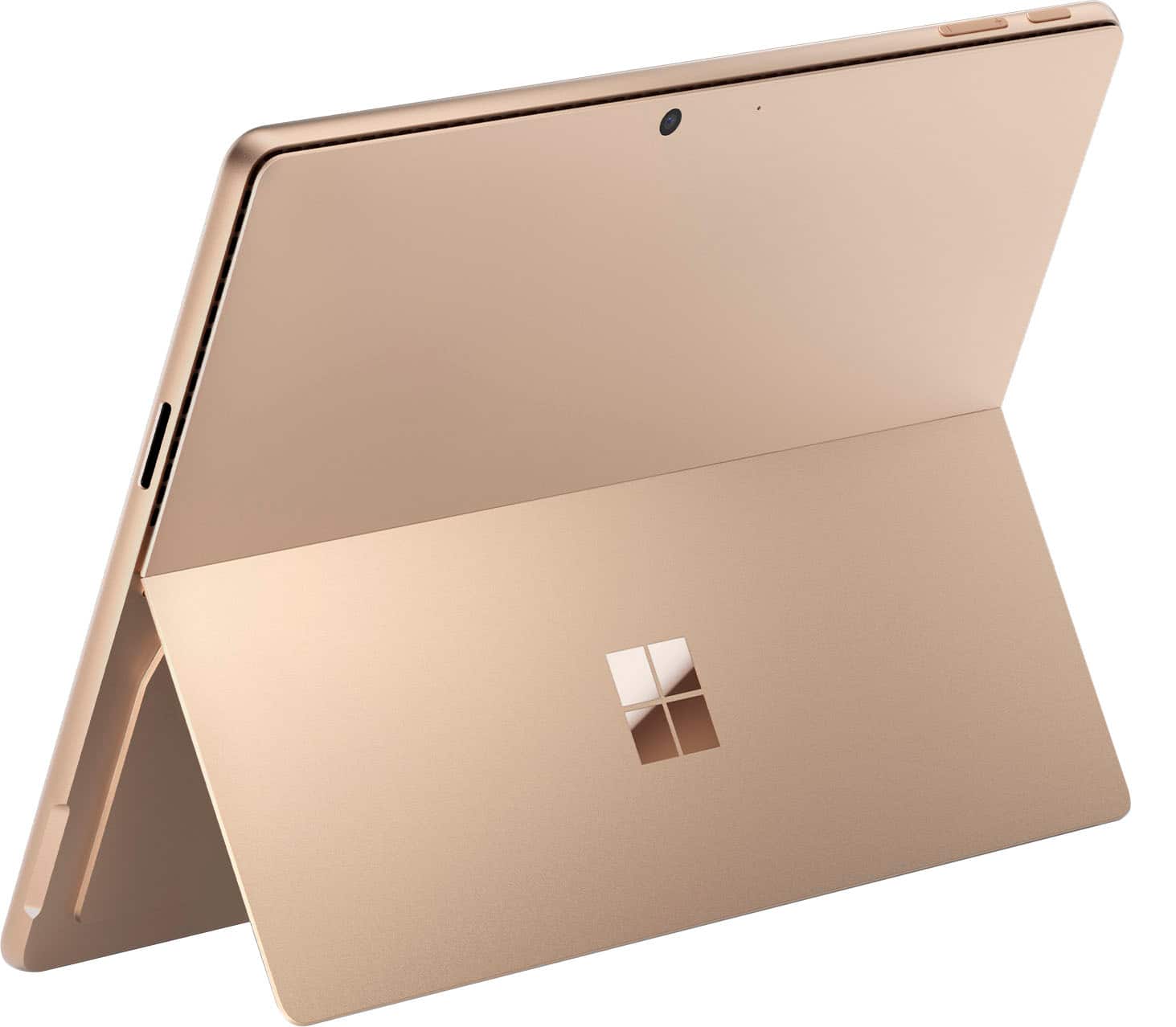
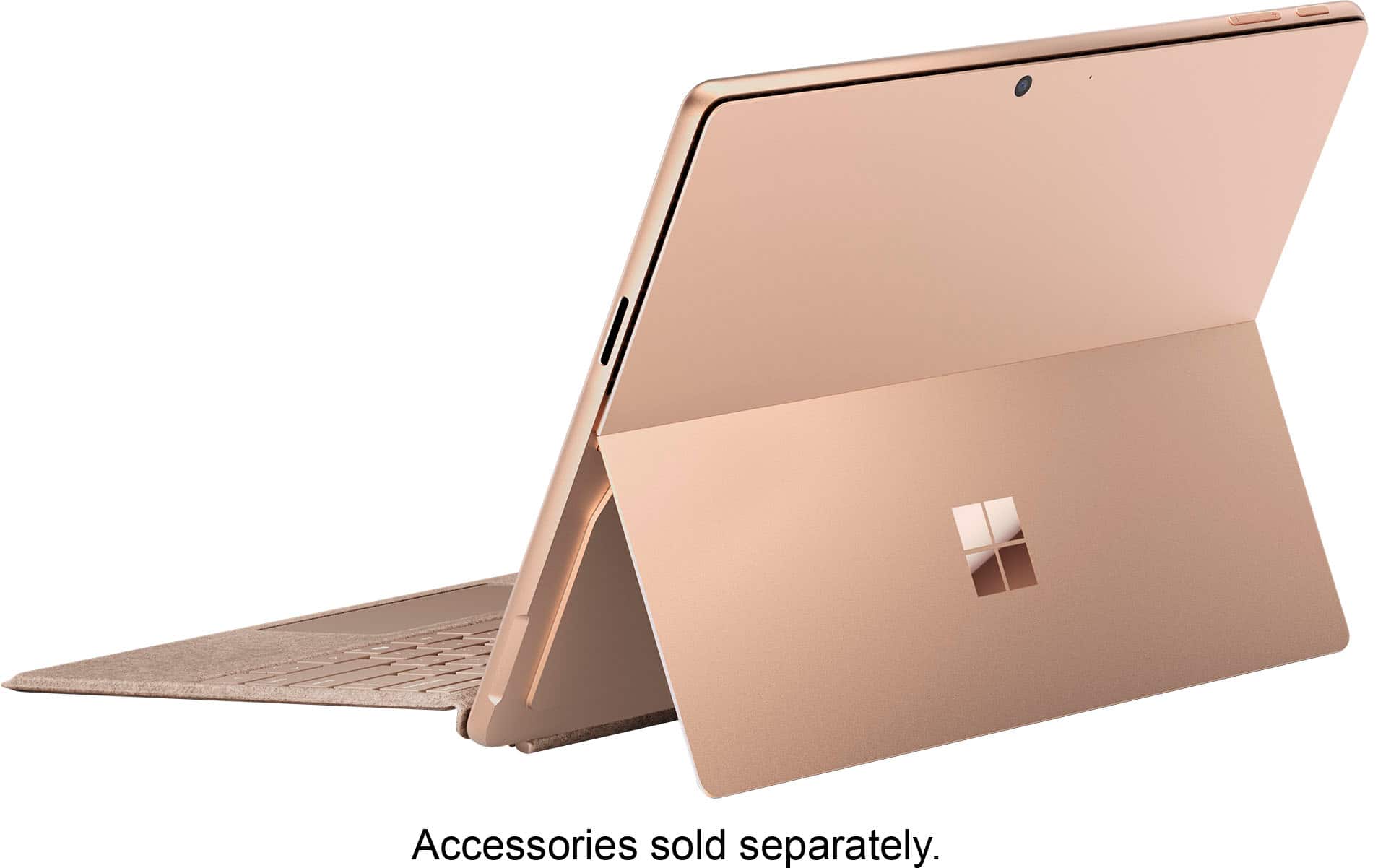
A:AnswerYou could choose the basic (classic) Surface KB or the new Surface Flex KB. Both detach so you can use the Surface Pro like a (somewhat heavy) tablet when desired. I do this when reading books on a Kindle app, for instance.
The difference is that the new Flex KB has an integral battery and bluetooth. It charges when connected to the Surface but can be used even when disconnected (within BT range, obviously.) This might be handy if you want to prop the screen up off your lap or orient it portrait rather than landscape, which is better for writing/editing documents, for example.
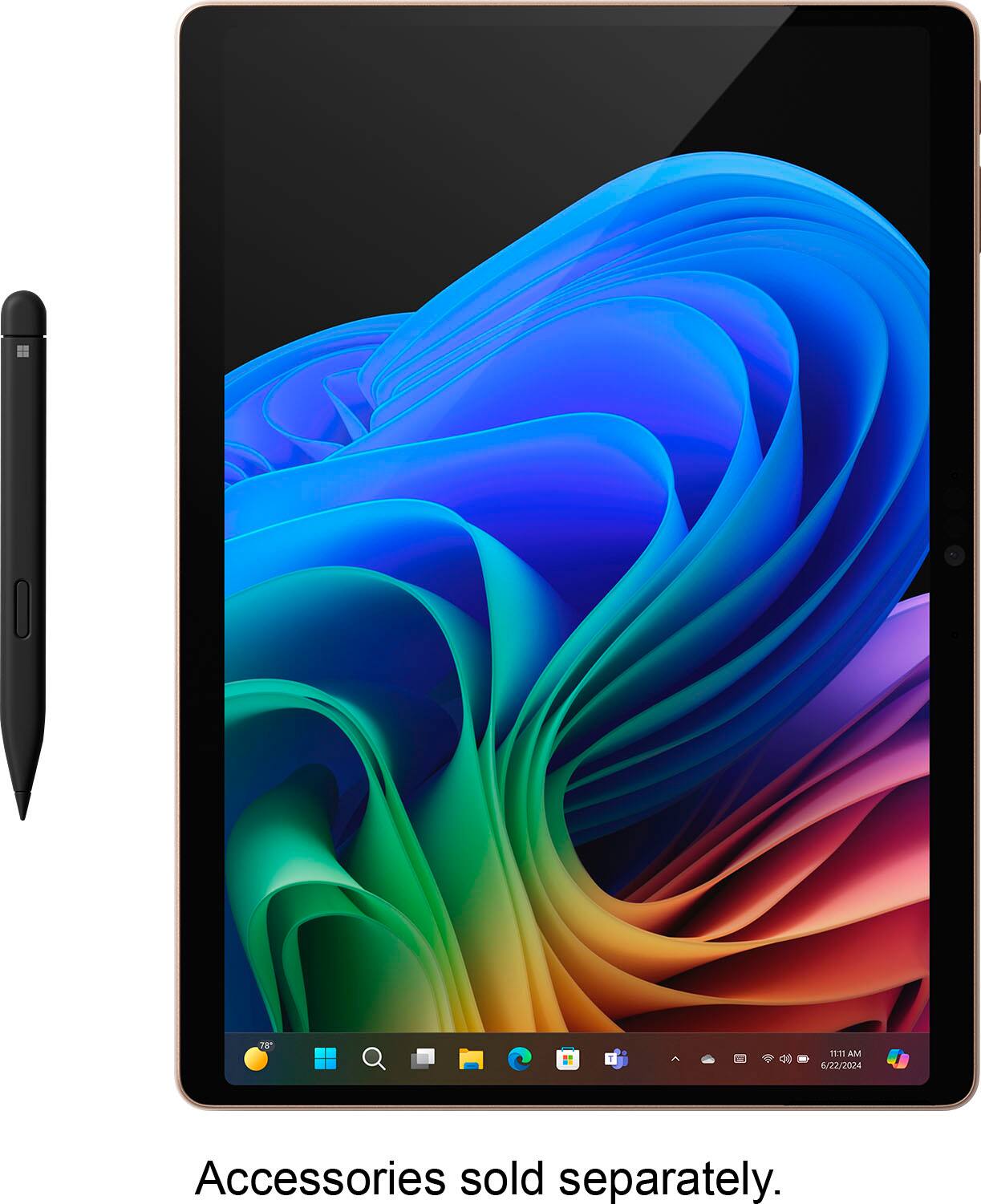
You can get either one without a pen.
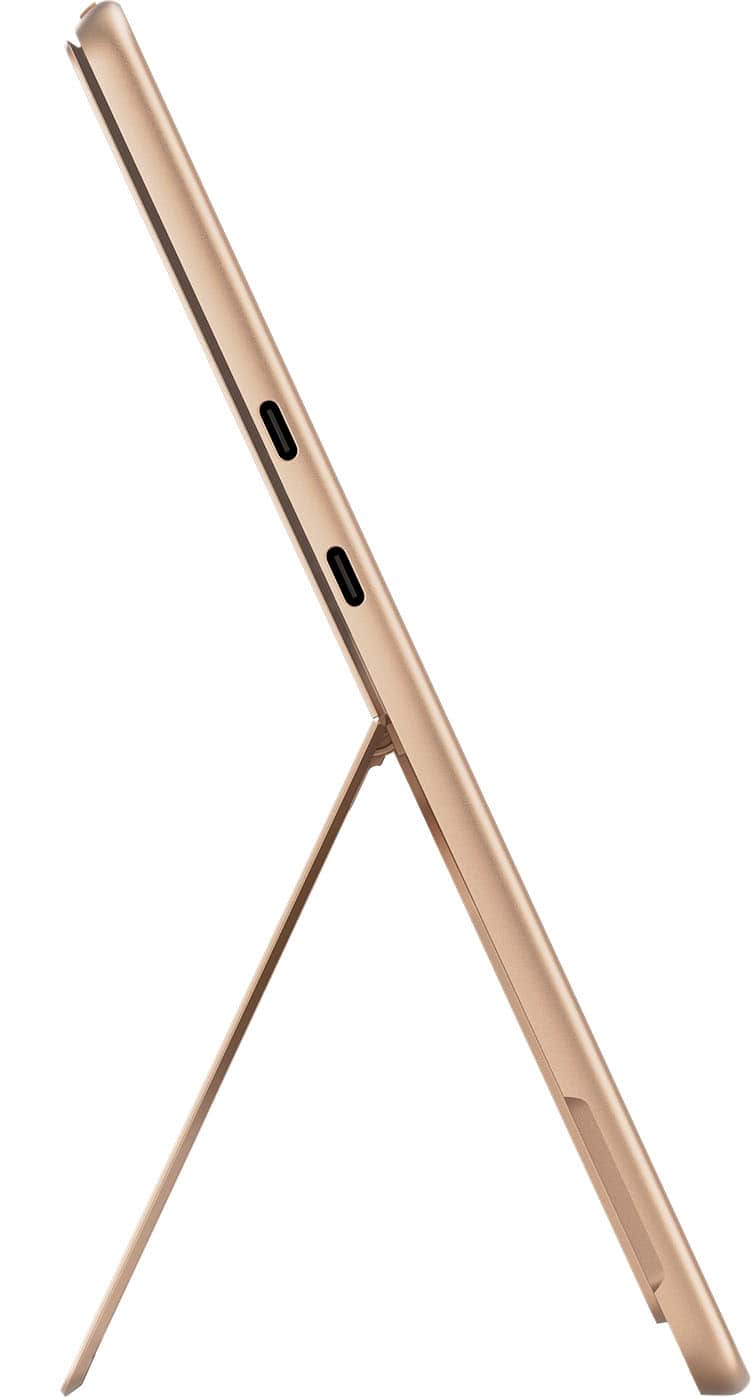
A:AnswerNo. But the new SP 11 has two USB-C Thunderbolt ports. You can export the video signal to larger monitors when at home or in office, but have an easily portable device when travelling.