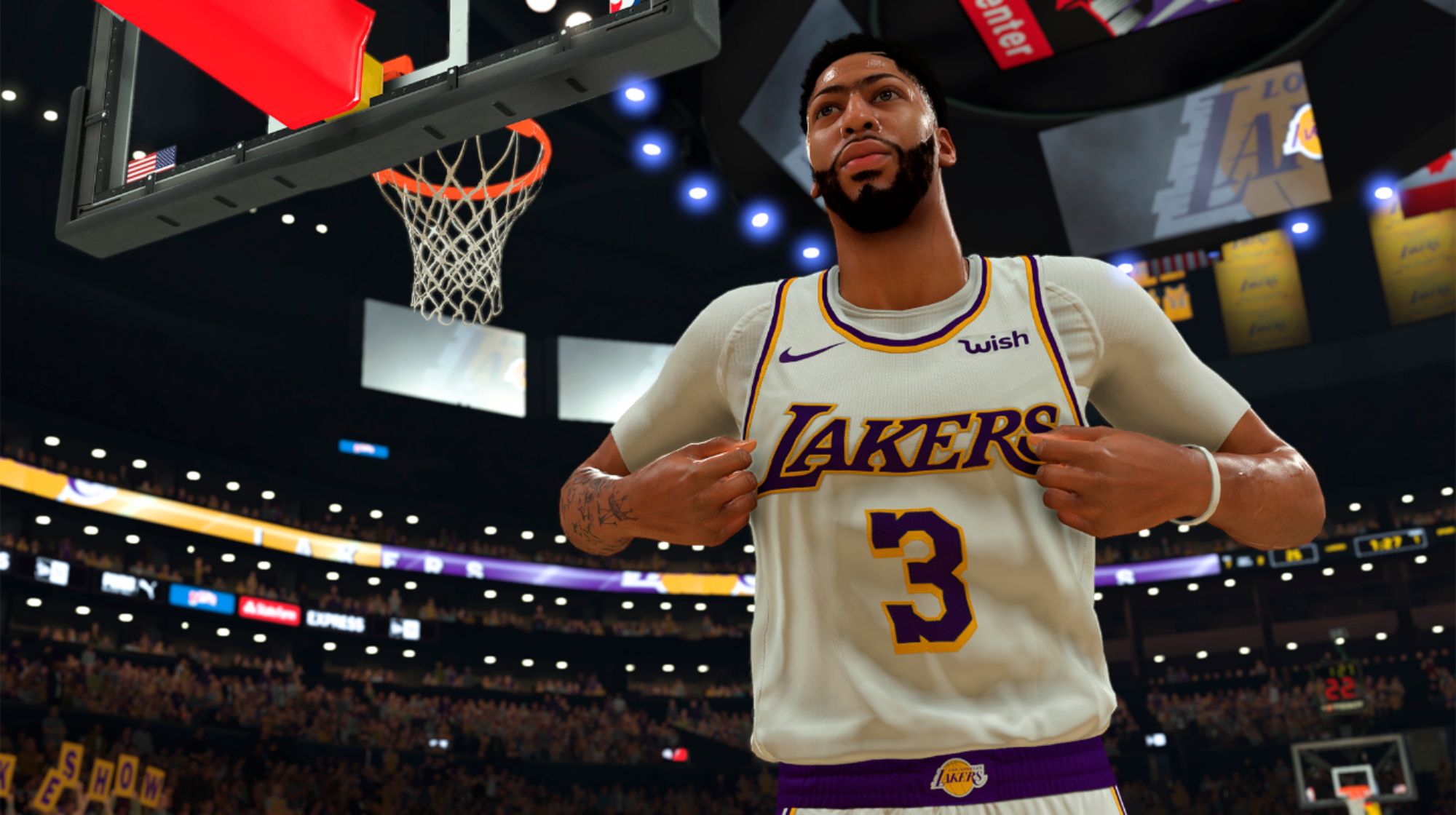
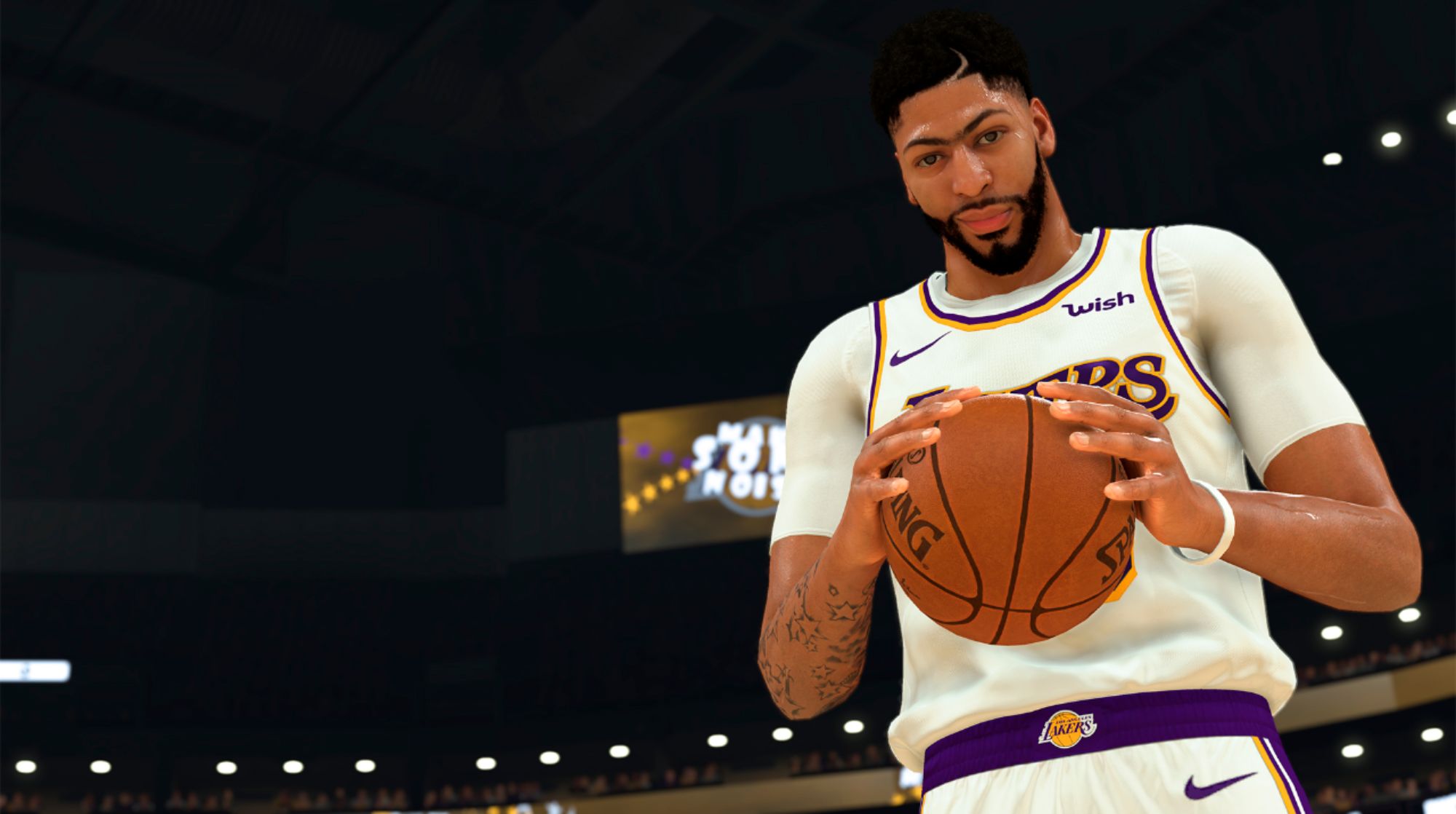
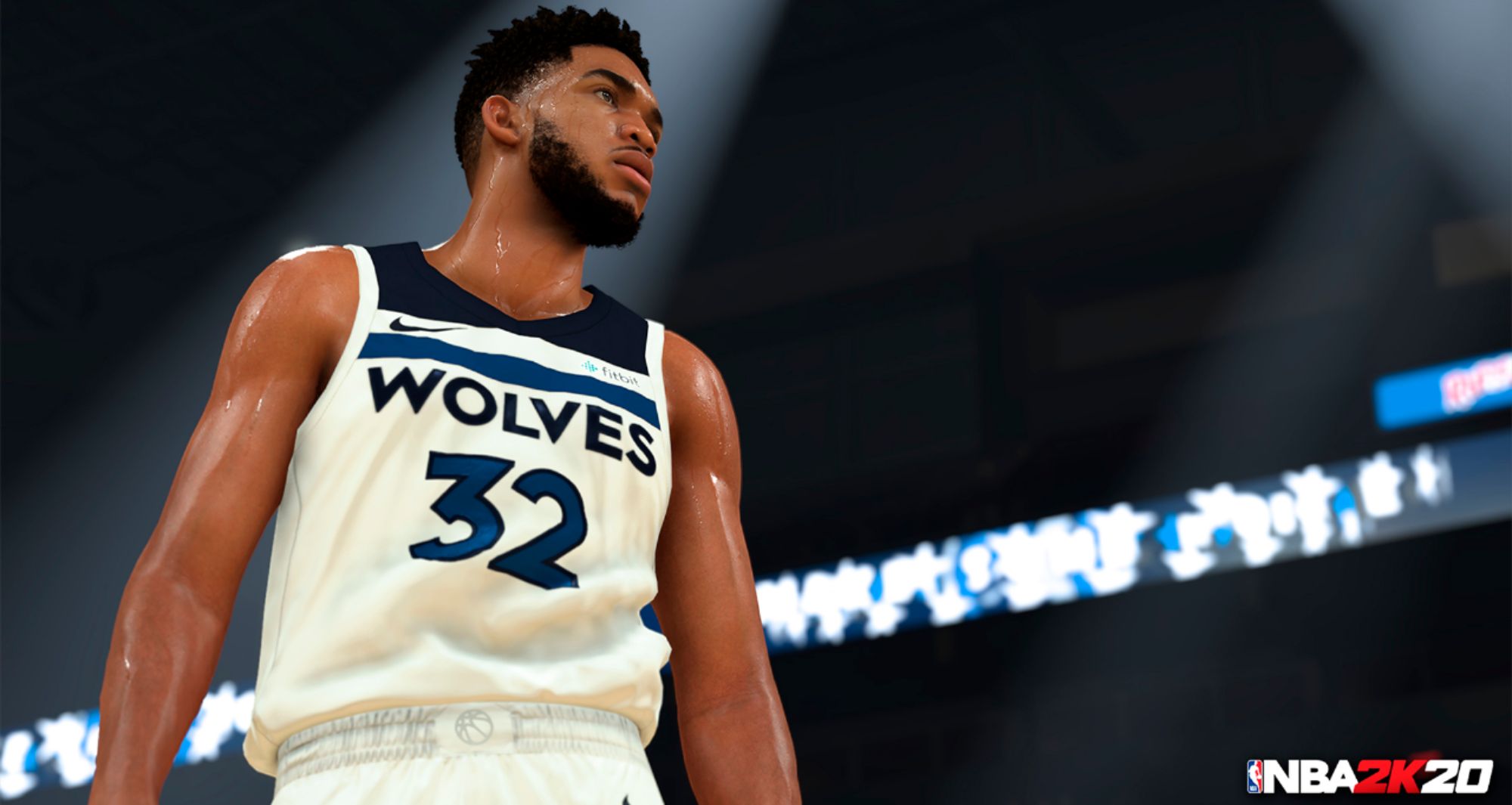
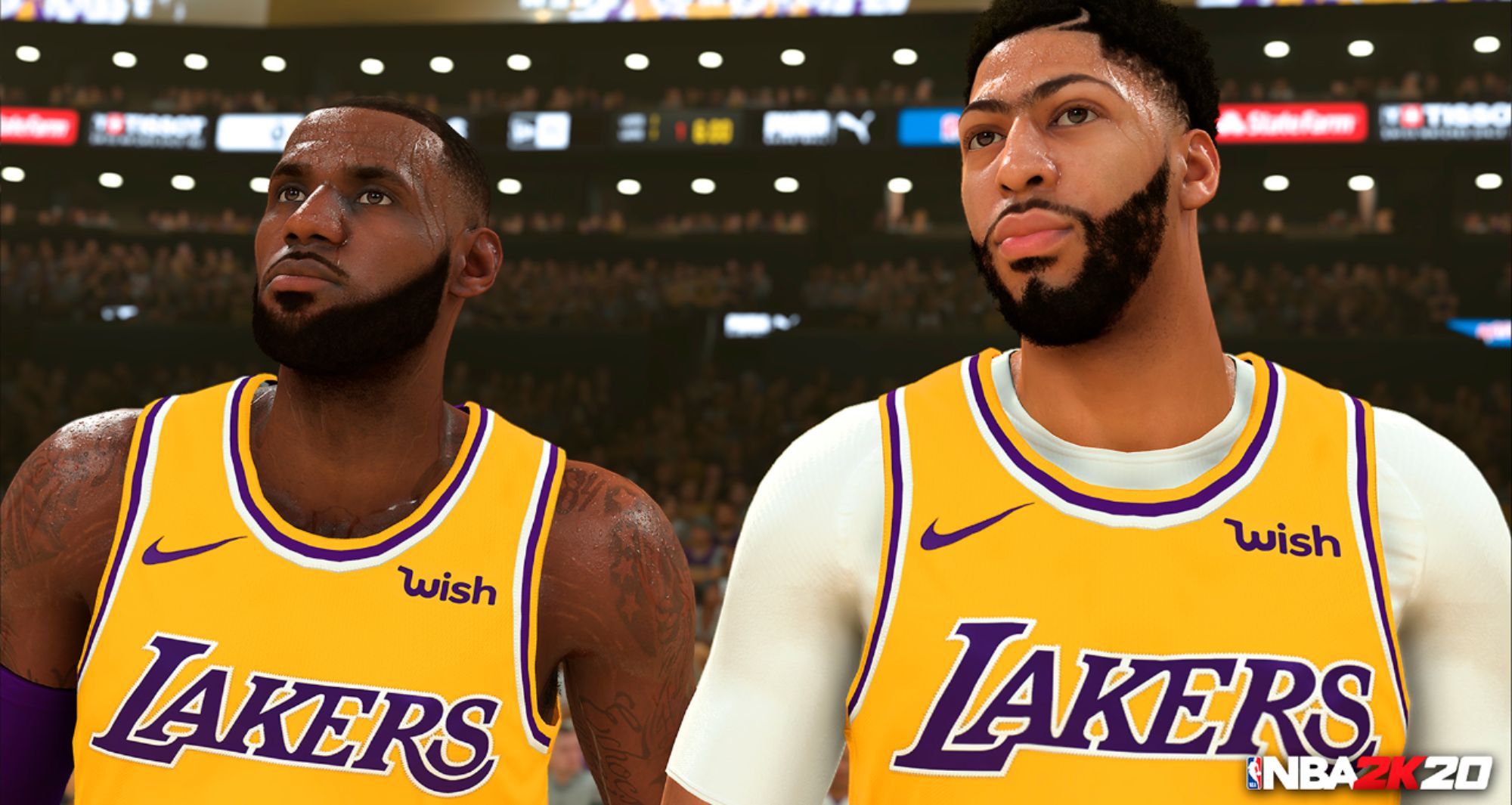
A:AnswerIf you are REALLY into gaming, it is worth it. The graphics are great. The only downfall, is it takes a while to set up (updates, setting up account...).
A:AnswerThanks for your question! All consoles in the Xbox One family, including Xbox One S and Xbox One X, can play online games together. Unfortunately, cross-platform play is not supported between Xbox One and Xbox 360.
A:AnswerThanks for your patience! The Xbox All Access program has proven to be very popular. Please check back for new Xbox One bundles available with the All Access program in the future.
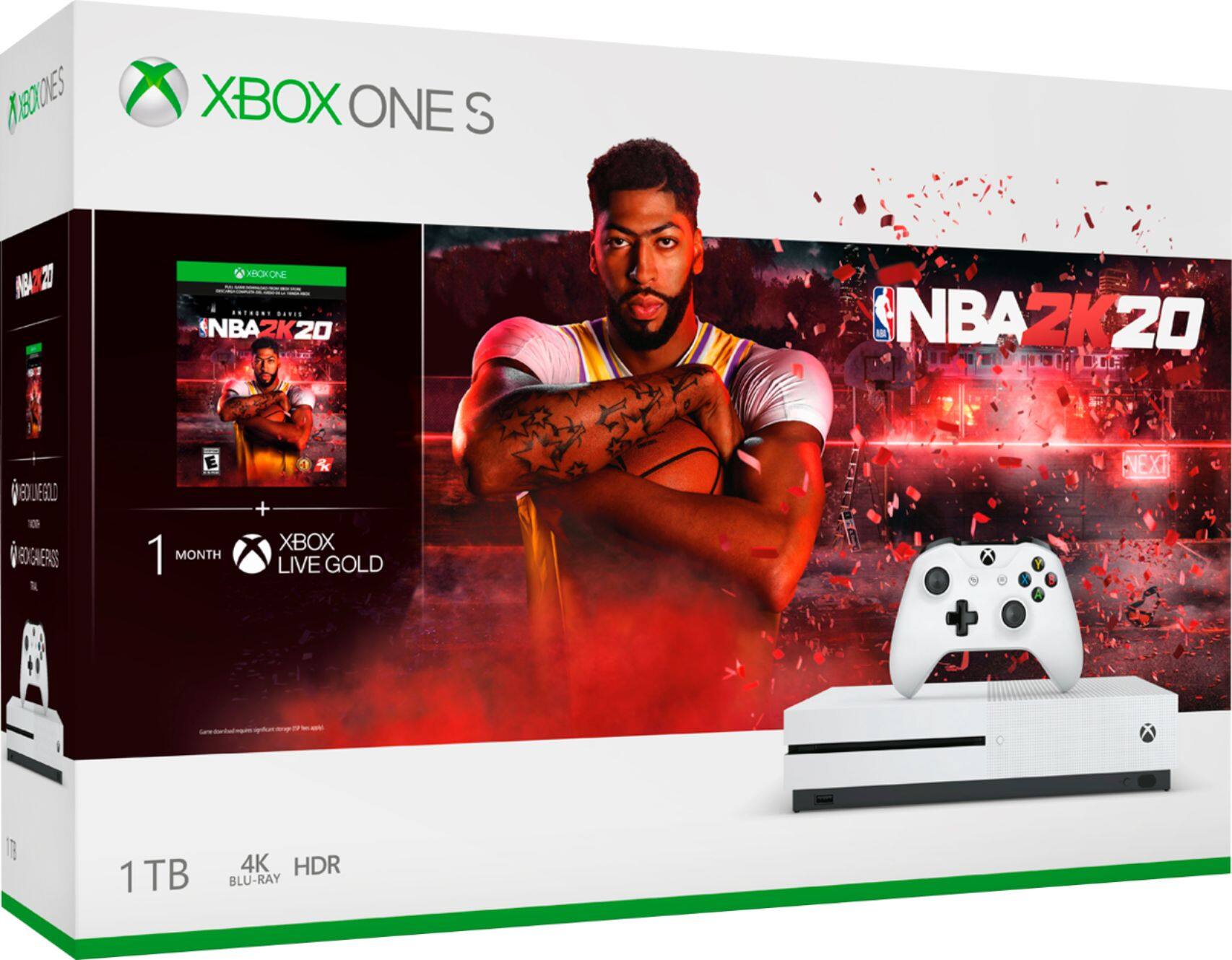
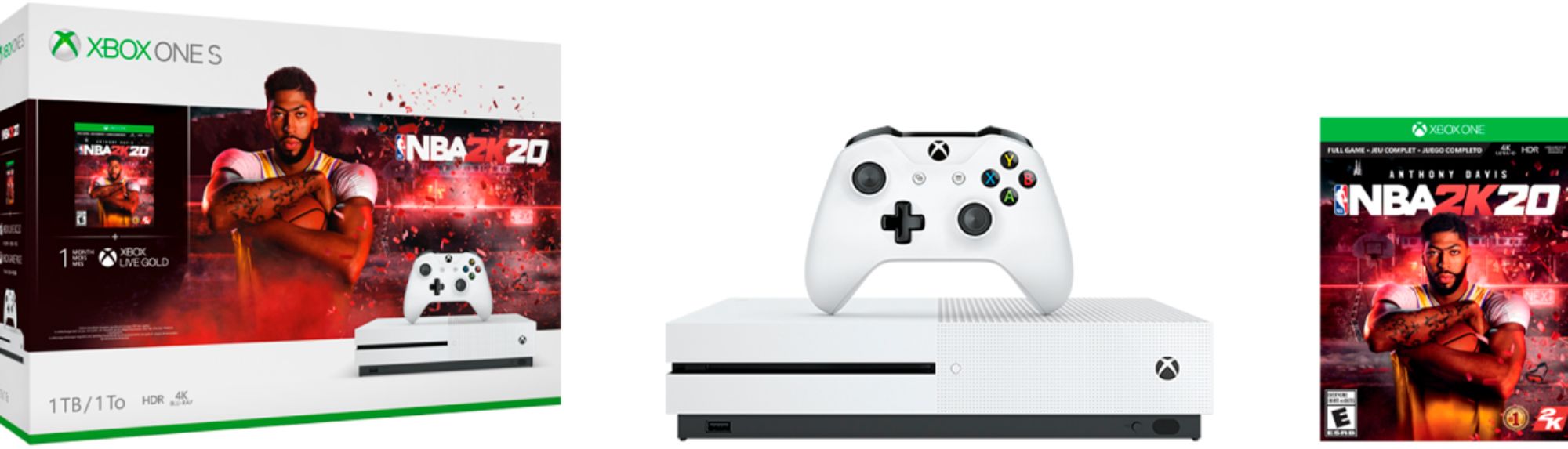
A:AnswerA digital code for the trial membership of Xbox Live Gold is included inside the bundle package. It may be redeemed on the console itself or on a browser. For more information on how to redeem a digital code on Xbox, go here: https://support.xbox.com/help/Subscriptions-Billing/redeem-codes-gifting/redeem-prepaid-codes
A:AnswerYes, Xbox One S is backwards compatible with hundreds of Xbox 360 and original Xbox games. Discover the full list of backwards compatible Xbox games here: https://xbox.com/backcompat
A:AnswerAn active internet connection is required to set up Xbox One S and is required to play online games, stream video, or access the online marketplace. An internet connection is also necessary to download the digital version of NBA 2K20 that comes with this bundle.