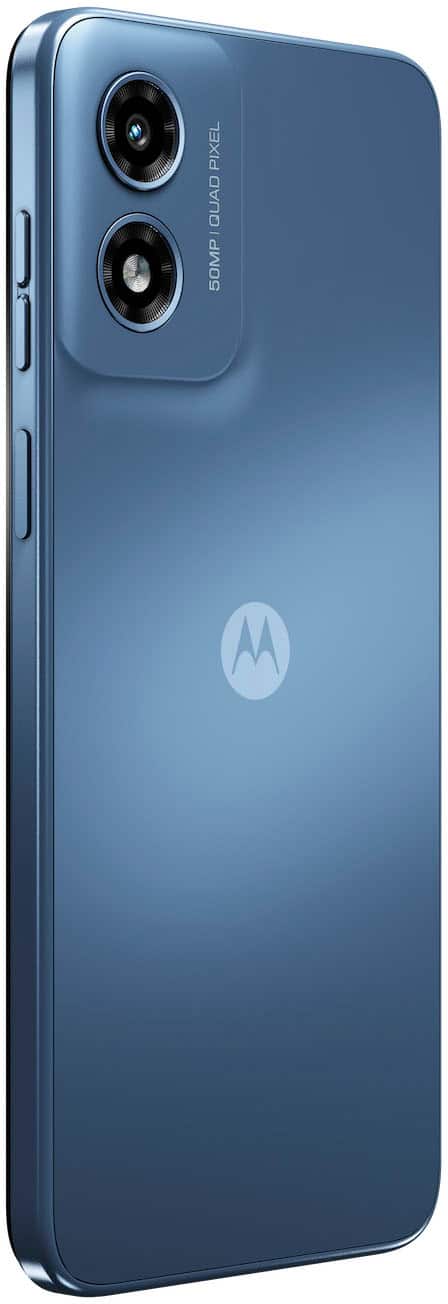
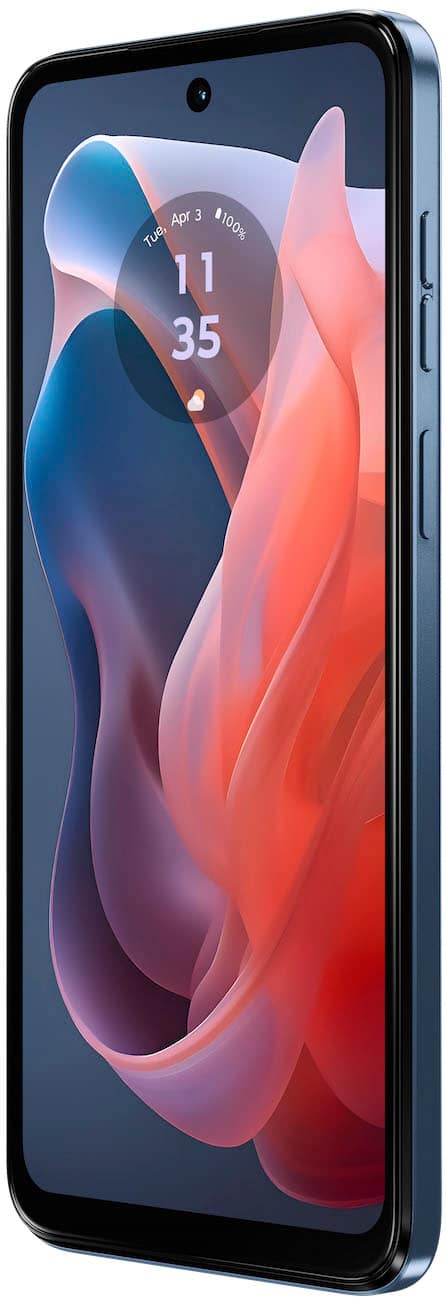
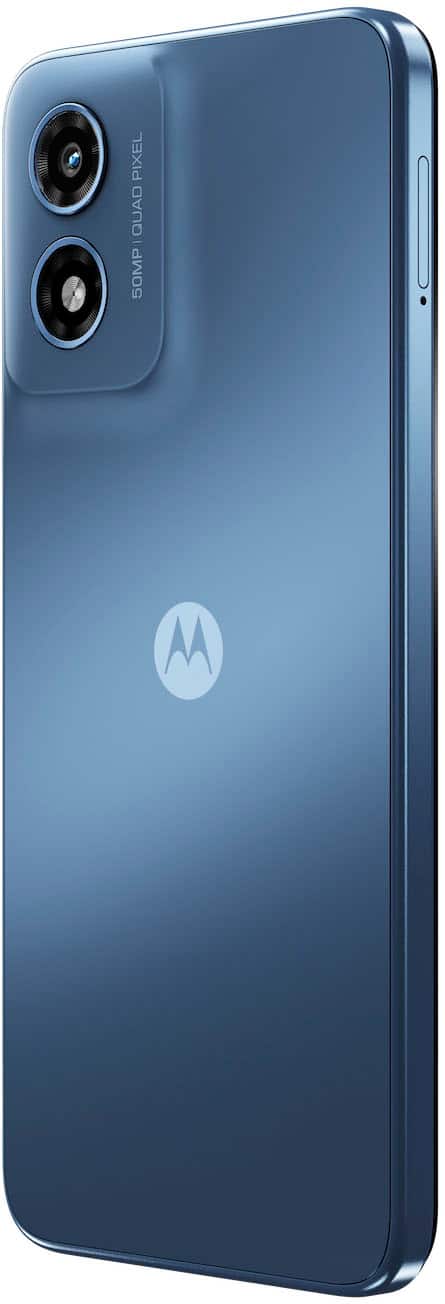
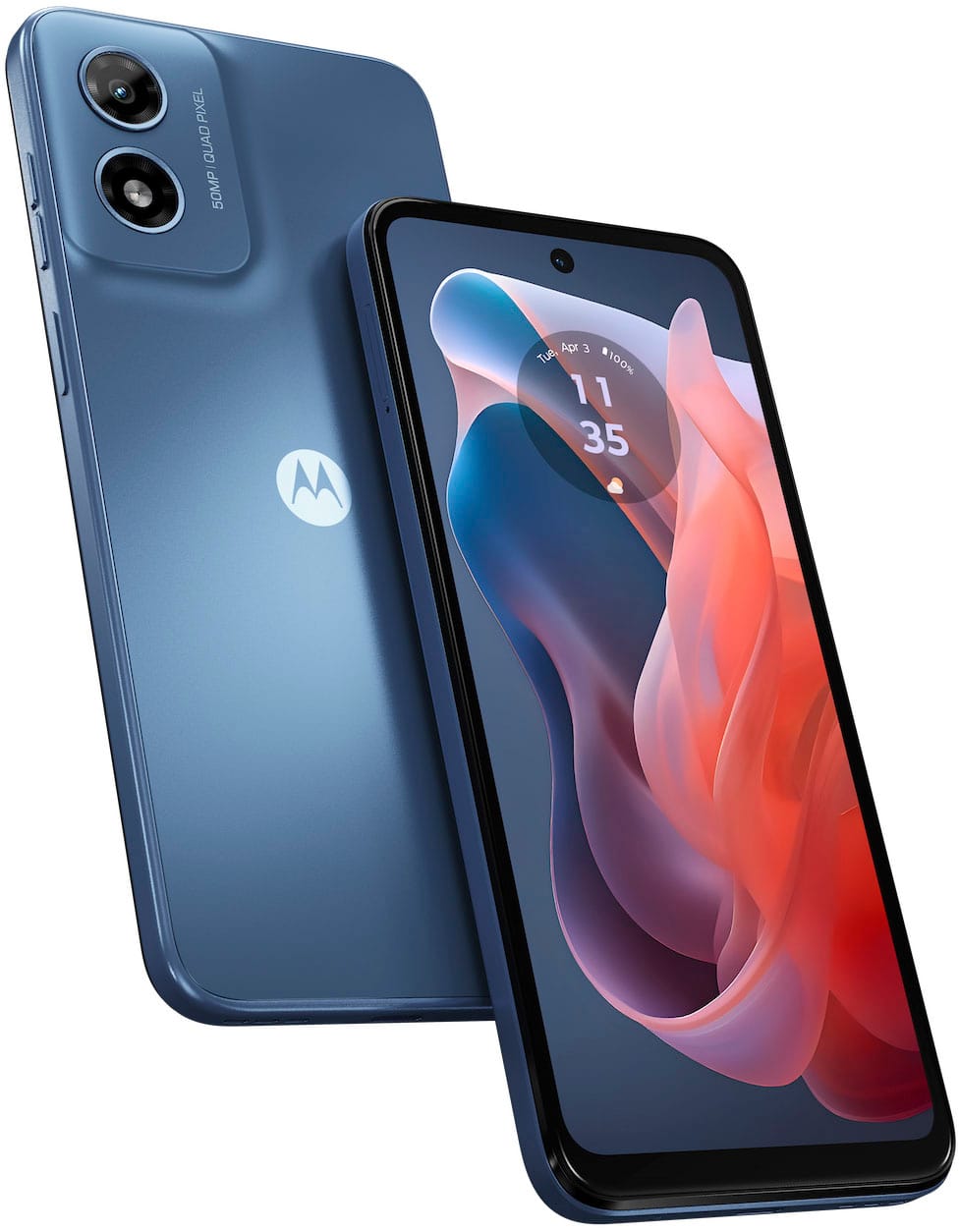
A:AnswerHi Mik, Thank you for your inquiry. The Moto G Play 2024 phone does not support NFC. You can check the link for the phone specification here: https://en-us.support.motorola.com/app/answers/detail/a_id/177738/~/specifications--moto-g-play-%282024%29. -Mitch
A:AnswerHi Moiliilikid, Thank you for your interest in our product. Yes, the Moto G Play 2024 Unlocked phone may work in Europe and Asia when used with a local SIM card, though we cannot guarantee that all features and network bands will be supported in every country. We recommend checking with the local mobile service provider to confirm compatibility with their network. Please also note that Motorola devices are covered under warranty only in the country or region where they were originally intended for sale. Because of this, we do not recommend purchasing a phone in one region for long-term use in another region. -Mitch
A:AnswerHi Beginner, Thank you for your inquiry. Yes, the Moto G Play 2024 phone can scan QR codes using the built-in camera application. You can simply open the camera, point it at the QR code, and the phone should recognize it automatically. You can visit the link for the phone specifications here: https://en-us.support.motorola.com/app/answers/detail/a_id/177738/~/specifications--moto-g-play-%282024%29. -Mitch
A:AnswerHi Stressed2, if you suspect a virus or unwanted software on your phone, there are a few safe steps you can follow to clean it up and protect your device. First, restart the phone in Safe Mode. This temporarily disables third-party apps and helps determine if something you installed is causing the problem. If the unusual behavior stops in Safe Mode, an installed app is likely the cause. Next, go to Settings > Apps and review recently installed or unfamiliar apps, then uninstall anything you don’t recognize or no longer need. Also, make sure Google Play Protect is enabled by opening the Play Store, tapping your profile icon, and selecting Play Protect > Scan. It’s also important to check for system updates under Settings > System > Software update, as updates often include security improvements. You can additionally clear browser data if the problem involves pop-ups or ads. Should there be any further inquiries, please do not hesitate to email supportforums@motorola.com. We'll be glad to help. -Mitch
A:AnswerHi Debbie, Thank you for reaching out, and we’re sorry to hear that your phone may need service. We’d like to help point you in the right direction for the best repair option. Please send us an email at supportforums@motorola.com and let us know the reason you would like the phone repaired, such as screen damage, charging concerns, battery performance, or any other symptoms you’re noticing. Once we have those details, our team will be happy to guide you through the available repair and service options. -Mitch
A:AnswerHi Chris, Thank you for your inquiry and interest in our product. The Moto G Play 2024 phone has been designed to support VoLTE. However, VoLTE is carrier-specific. We would suggest contacting your carrier to check if the phone will work with VoLTE, or you can look at our carrier compatibility list here: https://en-us.support.motorola.com/app/answers/detail/a_id/178714/~/specifications---moto-g-power-5g---2024/ to see the full list of carriers that support VoLTE on this phone. -Mitch
A:AnswerThank you for your inquiry and interest in our product. No, the Moto G Play 2024 phone does not support 5G networks; they are 4G‑only devices. The chipset in this phone is built for 4G connectivity, so it won’t connect to 5G mobile networks even if 5G is available in your area. You can check the link for the phone specification here: https://en-us.support.motorola.com/app/answers/detail/a_id/178714/~/specifications---moto-g-power-5g---2024/. -Mitch
A:AnswerWe’re sorry to hear you’re unable to access your phone. The only way to unlock your screen in this case is to perform a hard key reset. Please note that this will restore your device to its factory default settings, erasing all data and returning it to its out-of-the-box condition. If you would like to proceed, please contact our support team by sending an email to supportforums@motorola.com, and we’ll guide you through the process. -Mitch
A:AnswerWe appreciate your interest in our product, Victor. We understand the confusion regarding Google Fi compatibility. If you check the compatible devices here: https://en-us.support.motorola.com/app/answers/detail/a_id/177739/~/carrier-compatibility-%7C-moto-g-play-%282024%29, the Moto G Play 2024 unlocked phone is listed as a compatible device with Google Fi. Should there be any further inquiries, please do not hesitate to email supportforums@motorola.com. We'll be glad to help. -Mitch