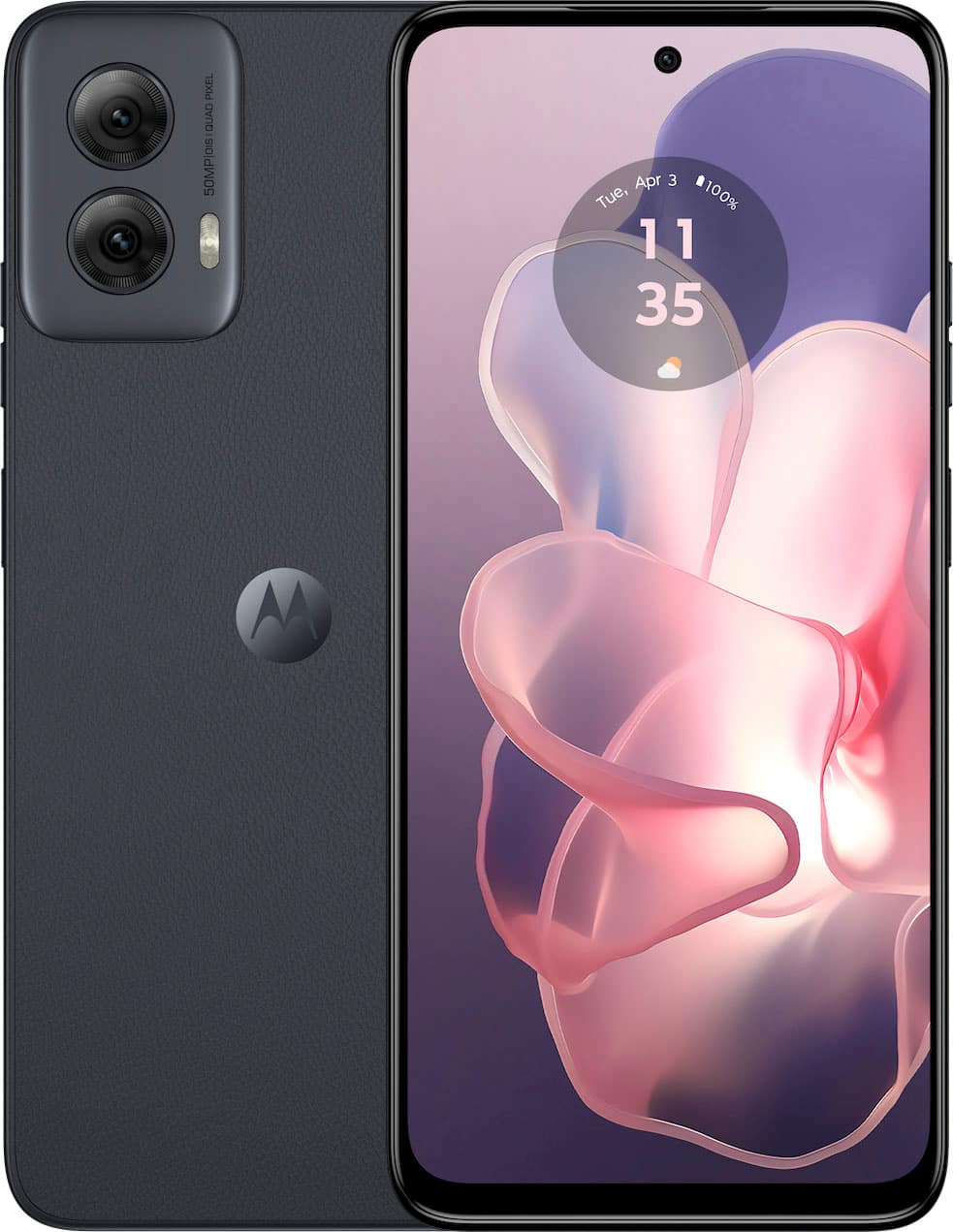
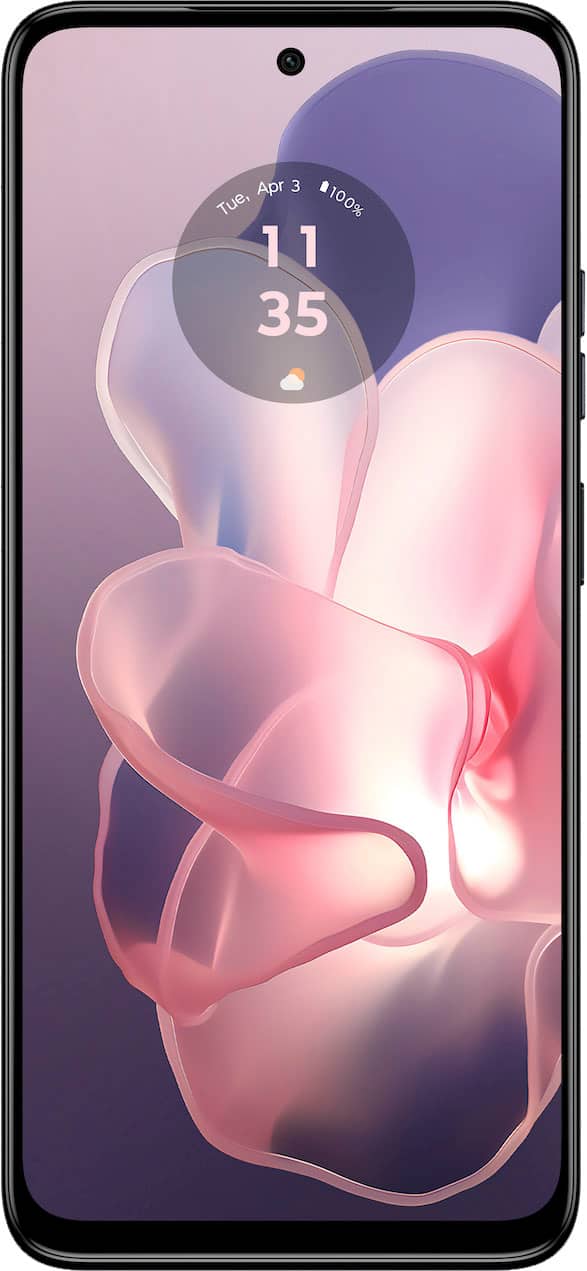
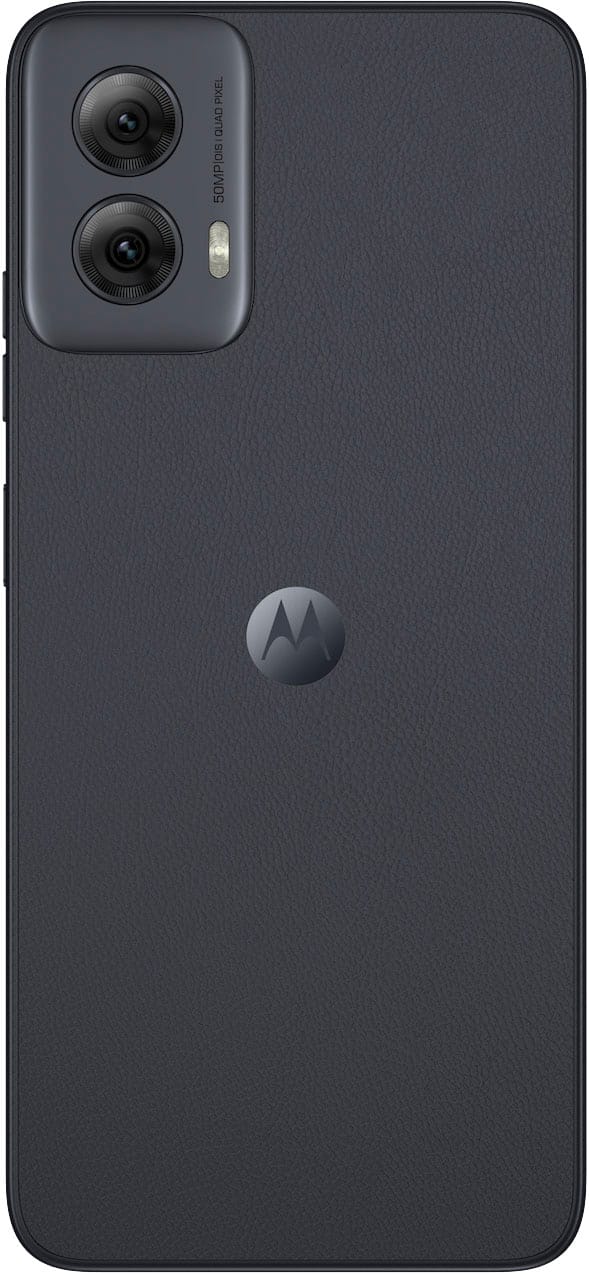
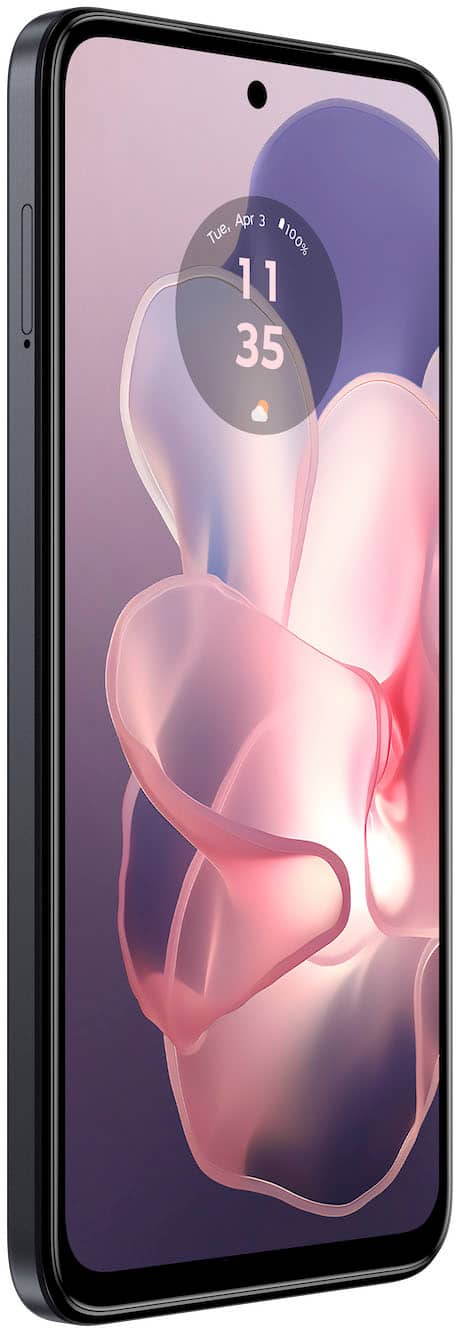
A:AnswerHi Ken, The Moto G Power 2025 phone comes with 128GB of built-in internal storage, providing plenty of space for your apps, photos, and media. If you need additional storage, the phone also supports a microSD card expansion of up to 1TB giving you the flexibility to store even more. You can check this link for the phone's specifications here: https://www.motorola.com/us/en/p/phones/moto-g/moto-g-power-2025/pmipmhi39mv?pn=PB640006US. -Mitch
A:AnswerNo. Phones work with bandwidths that are particular to countries. USA phones use certain bandwidths that are different from those in Europe, for example. Deep research to know what is used in your country and if the device you choose has those bands.
A:AnswerYou're talking about phone cards for payment, or SIM cards to operate the phone? You can check on the Motorola website for compatibility for any carrier, and then make arrangements through them to get a SIM card and activate the phone
A:AnswerHi Tree, Thank you for bringing this to our attention, and we apologize for the confusion regarding the display type. We understand how important accurate product information is when making a purchase decision, and we're sorry for any inconvenience this discrepancy on the Best Buy website may have caused. We'll forward this to the proper people to have this information corrected. -Mitch
A:AnswerHi Greg, thank you for your inquiry. Yes, the Moto G Power 2025 is compatible with Cricket Wireless. As long as the device that you are buying from BestBuy is unlocked. -Carlos
A:AnswerHi Radar12, Thank you for your inquiry. The Moto G Power 5G 2024 Unlocked phone can be used without a SIM card, allowing you to connect to Wi-Fi and use it similarly to a tablet. However, please note that the Moto G Power 5G 2024 phone has a 6.7-inch display, which is smaller than traditional tablets that typically range from 8 to 12 inches. If you're comfortable with the screen size, you can definitely use it for browsing, streaming, and apps just like a tablet. Regarding navigation, the device defaults to gesture-based navigation, which may explain the review mentioning the absence of a Back button. However, if you prefer traditional navigation, you can enable the three-button navigation by going to Settings > System > Gestures and selecting Three-button navigation. This will restore the Back, Home, and Recent Apps buttons at the bottom of the screen. You can check this link for the phone's specifications: https://www.motorola.com/us/en/p/phones/moto-g/g-power-5g-gen-2/pmipmgh35m7?pn=PB000007US. -Mitch
A:AnswerThank you for expressing an interest in our product. The Moto G Power 2025 phone comes with 8GB of RAM. You can check this link for the phone's specification here: https://www.motorola.com/us/en/p/phones/moto-g/moto-g-power-2025/pmipmhi39mv?pn=PB640006US. -Mitch
A:AnswerWe appreciate your interest in our product. Yes, the Moto G Power 2025 Unlocked phone will work with the Verizon network. You can check this link for the carrier compatibility and phone specifications here: https://www.motorola.com/us/en/p/phones/moto-g/moto-g-power-2025/pmipmhi39mv?pn=PB640006US. -Mitch
A:AnswerThank you for your interest, Robert. Moto G Power 5G 2024 Unlocked phone should work with other MVNOs on the AT&T and T-Mobile networks. We suggest contacting Patriot Mobile to confirm. You can check this link to see all of this phone's compatible carriers: https://www.motorola.com/us/carrier-compatibility. -Mitch
A:AnswerHi MS, Processor speed (GHz) is just one factor that influences overall performance, but it doesn’t tell the whole story. The efficiency of the chipset, RAM, software optimization, and battery management all play a crucial role in how fast and smooth a device runs. While a 2.4GHz processor speed may seem slightly lower than 2.5GHz on paper, real-world performance depends more on how the hardware and software work together. Motorola devices are designed to provide a seamless experience by optimizing these elements for efficiency and reliability. Should there be any further inquiries, please do not hesitate to email supportforums@motorola.com. We'll be glad to help. -Mitch
A:AnswerHi Mac36, Thank you for your inquiry. We recommend checking directly with Best Buy, as their team may be able to assist with setup. You may also contact Consumer Cellular for any specific activation steps needed for their service. -Mitch
A:AnswerWe appreciate your interest in our product. For purchasing and delivery options, we recommend checking with Best Buy, as they can provide details on availability and setup services. Regarding transferring your Lively number and data, you may need to work directly with your new carrier and Lively to ensure a smooth transition. -Mitch