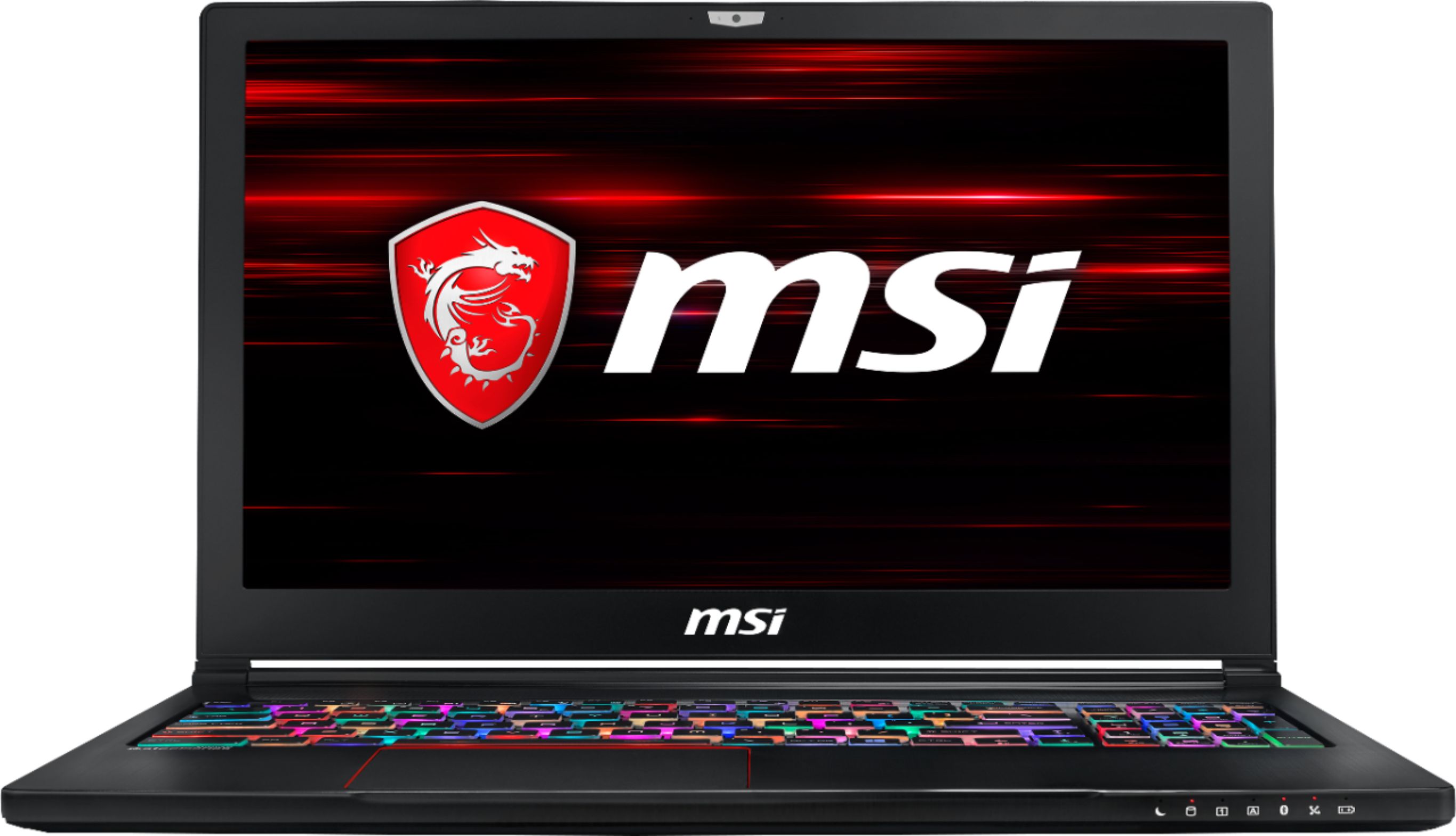
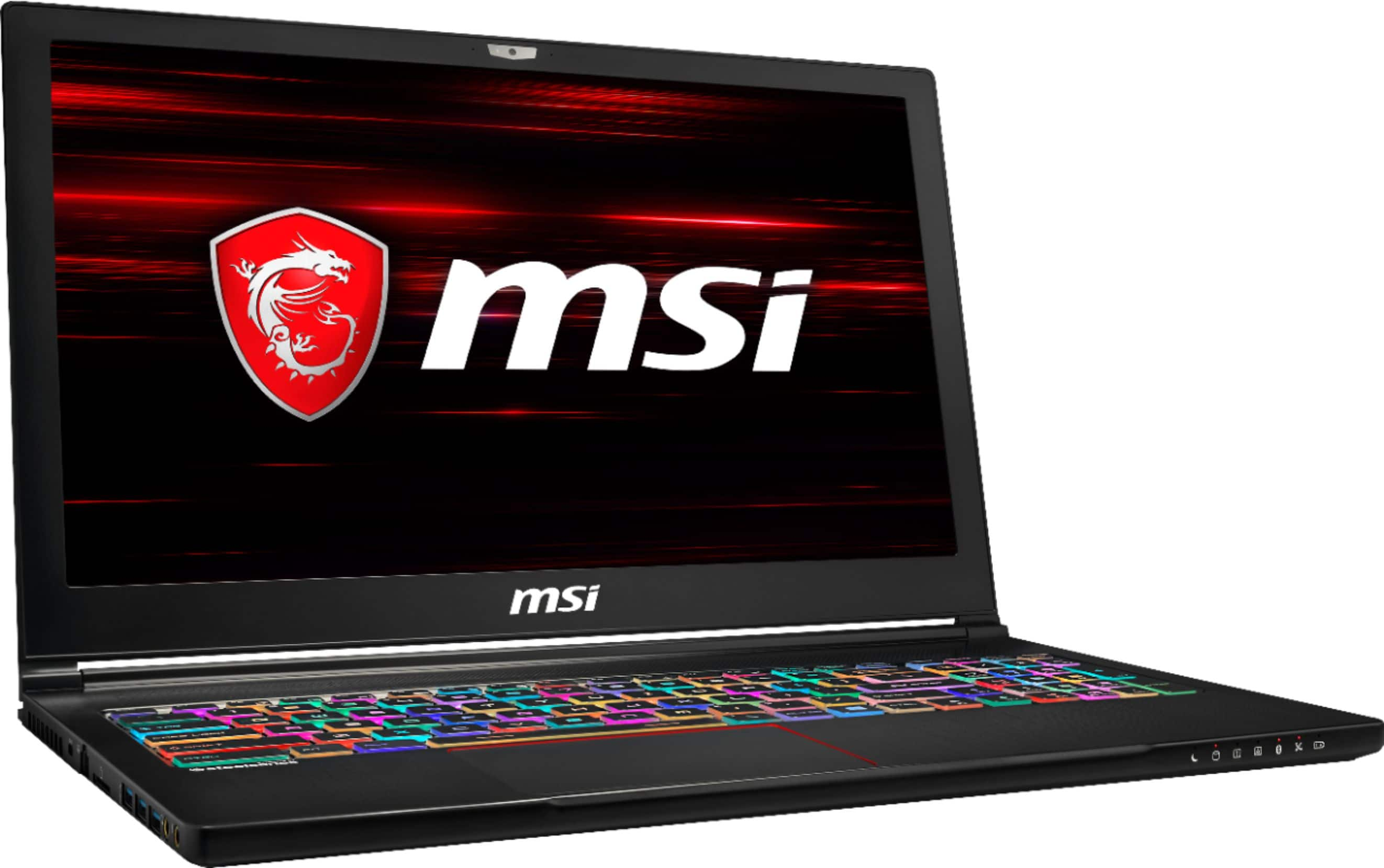
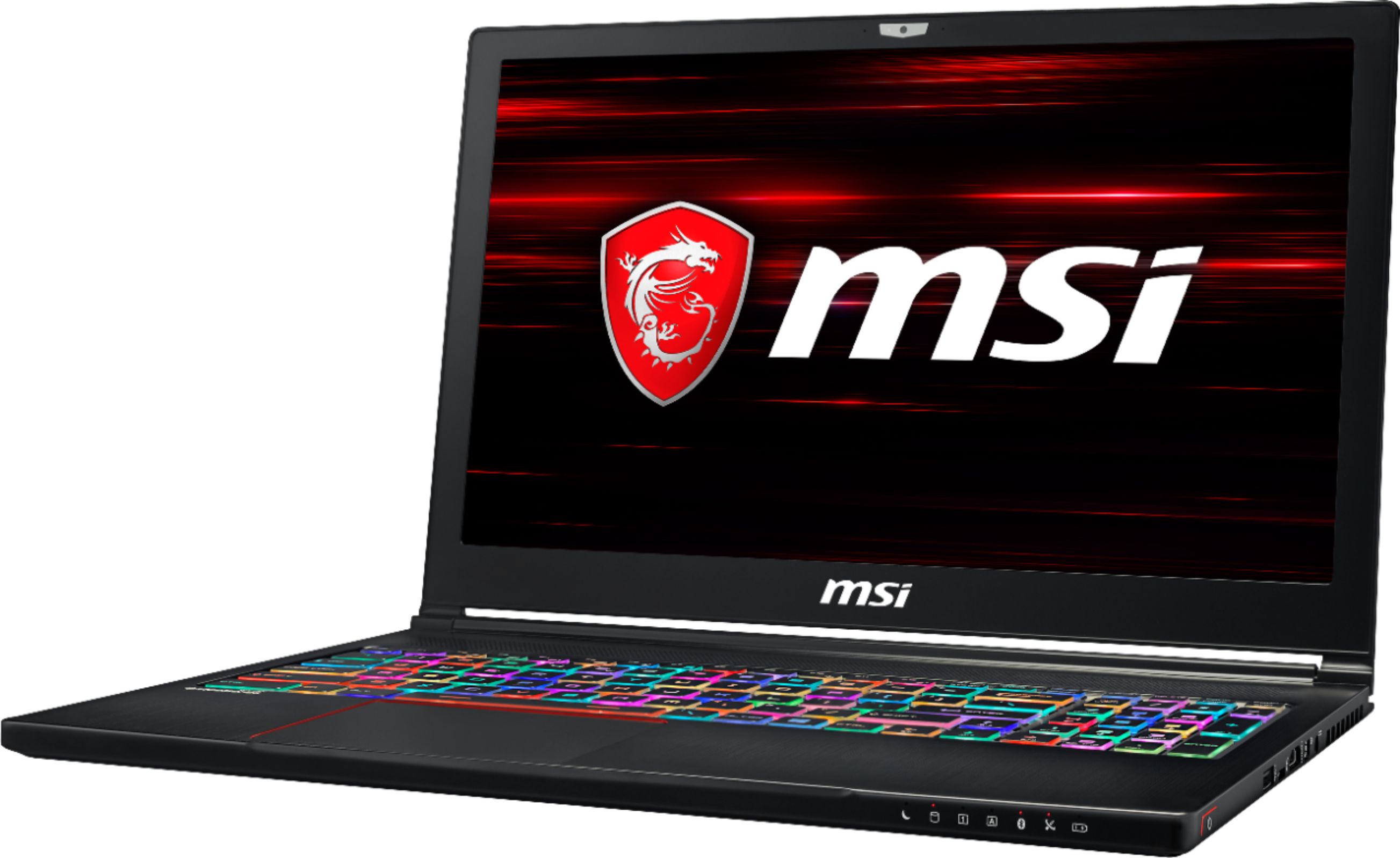
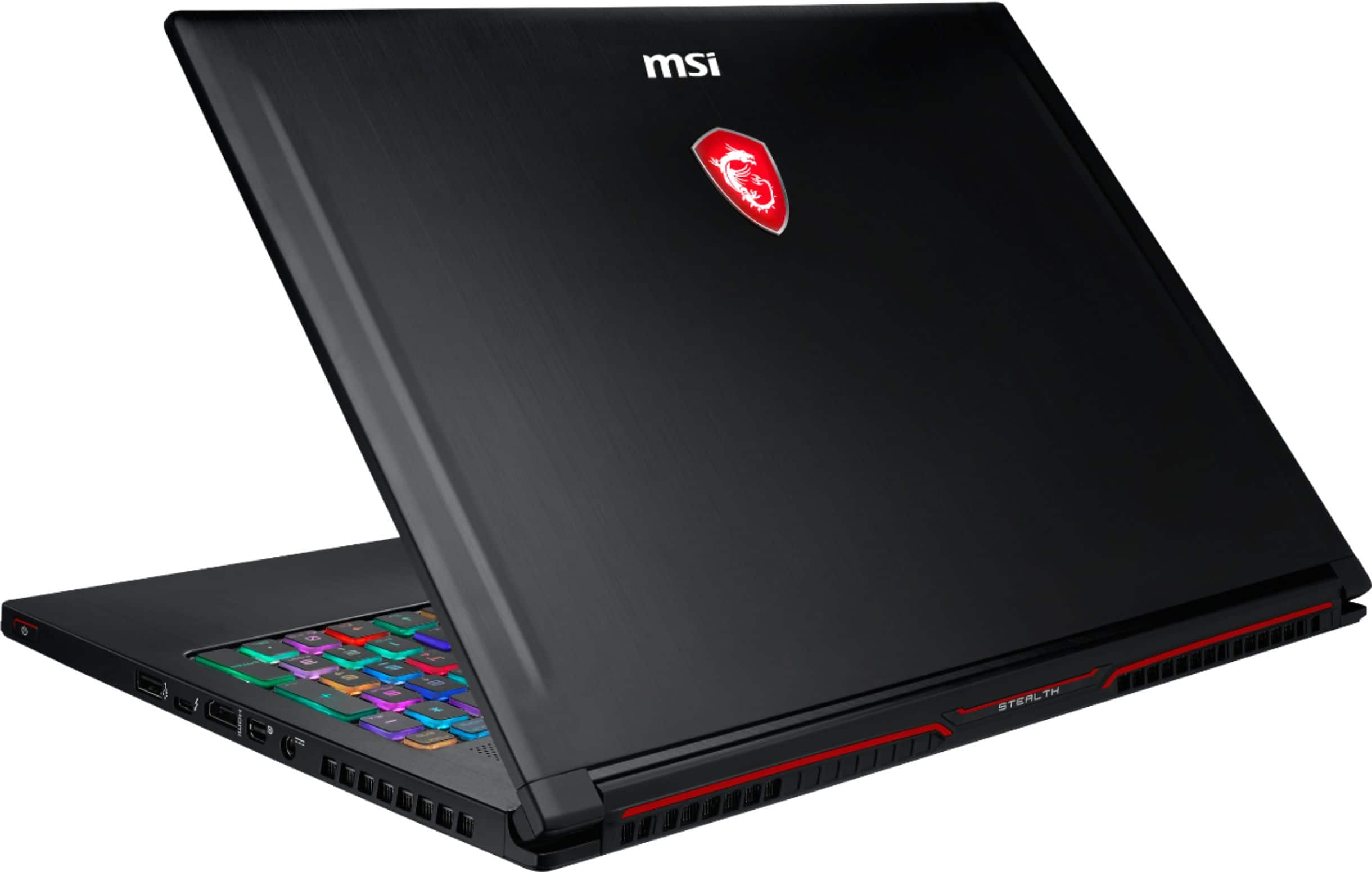
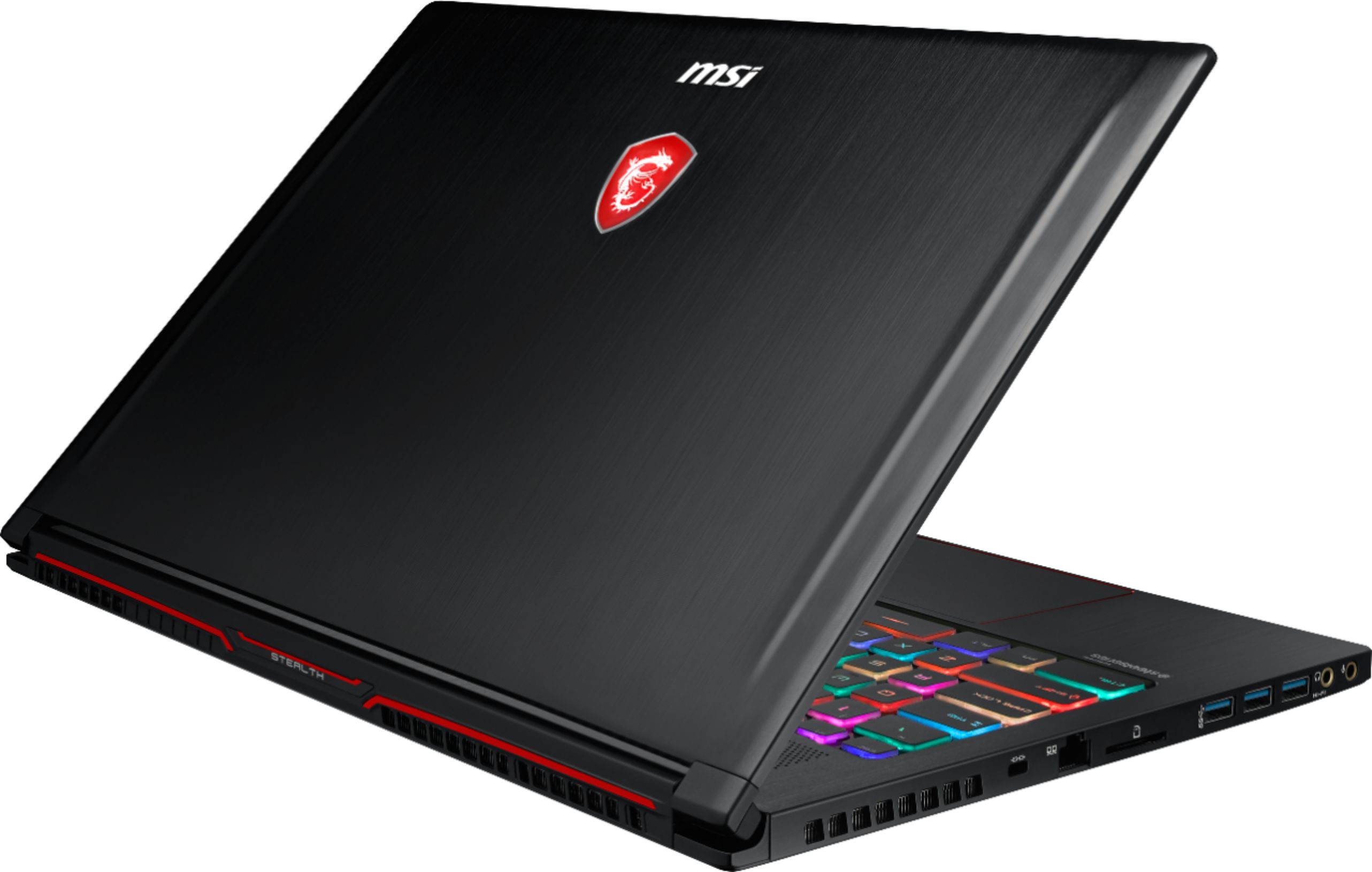
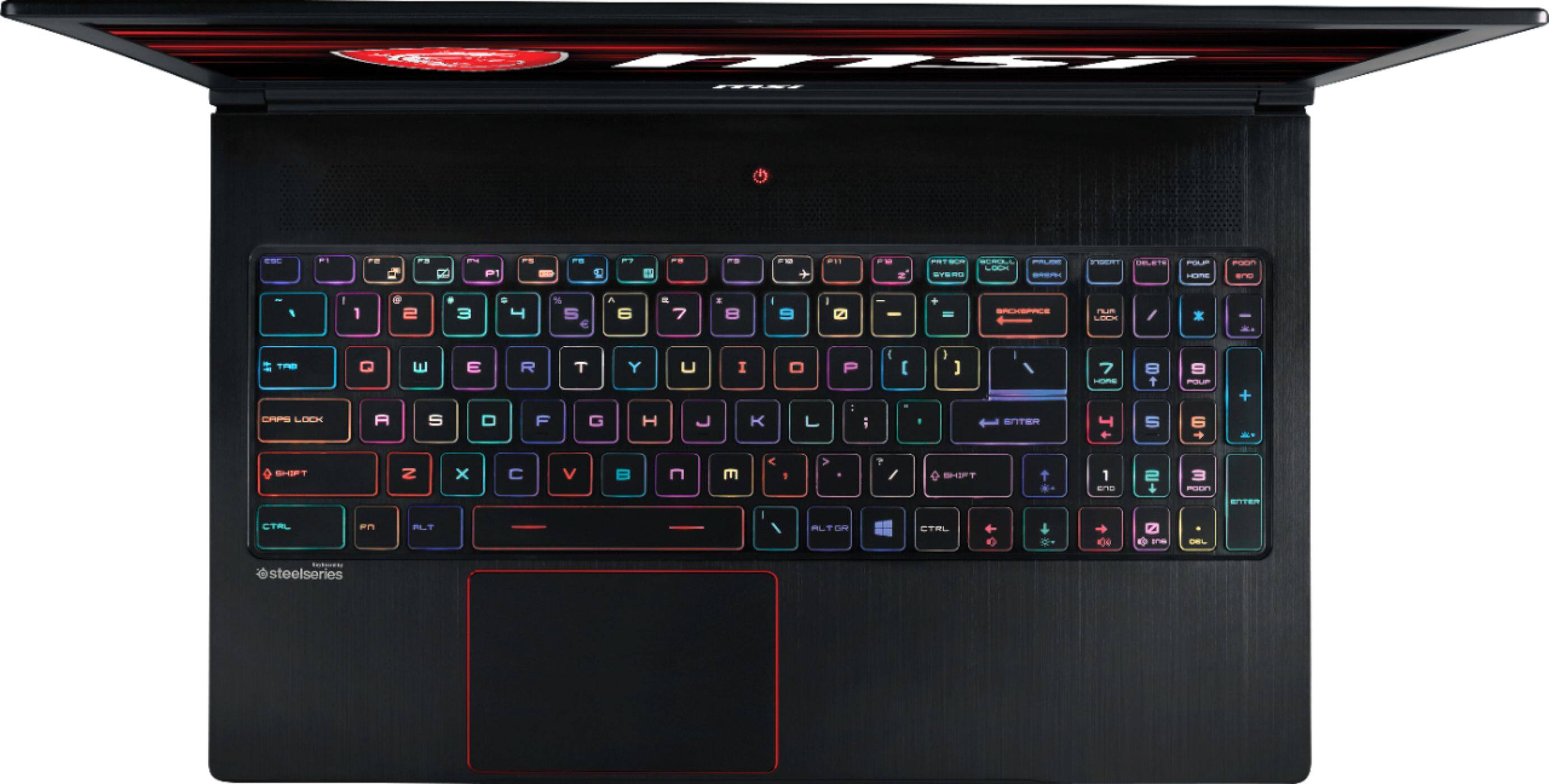
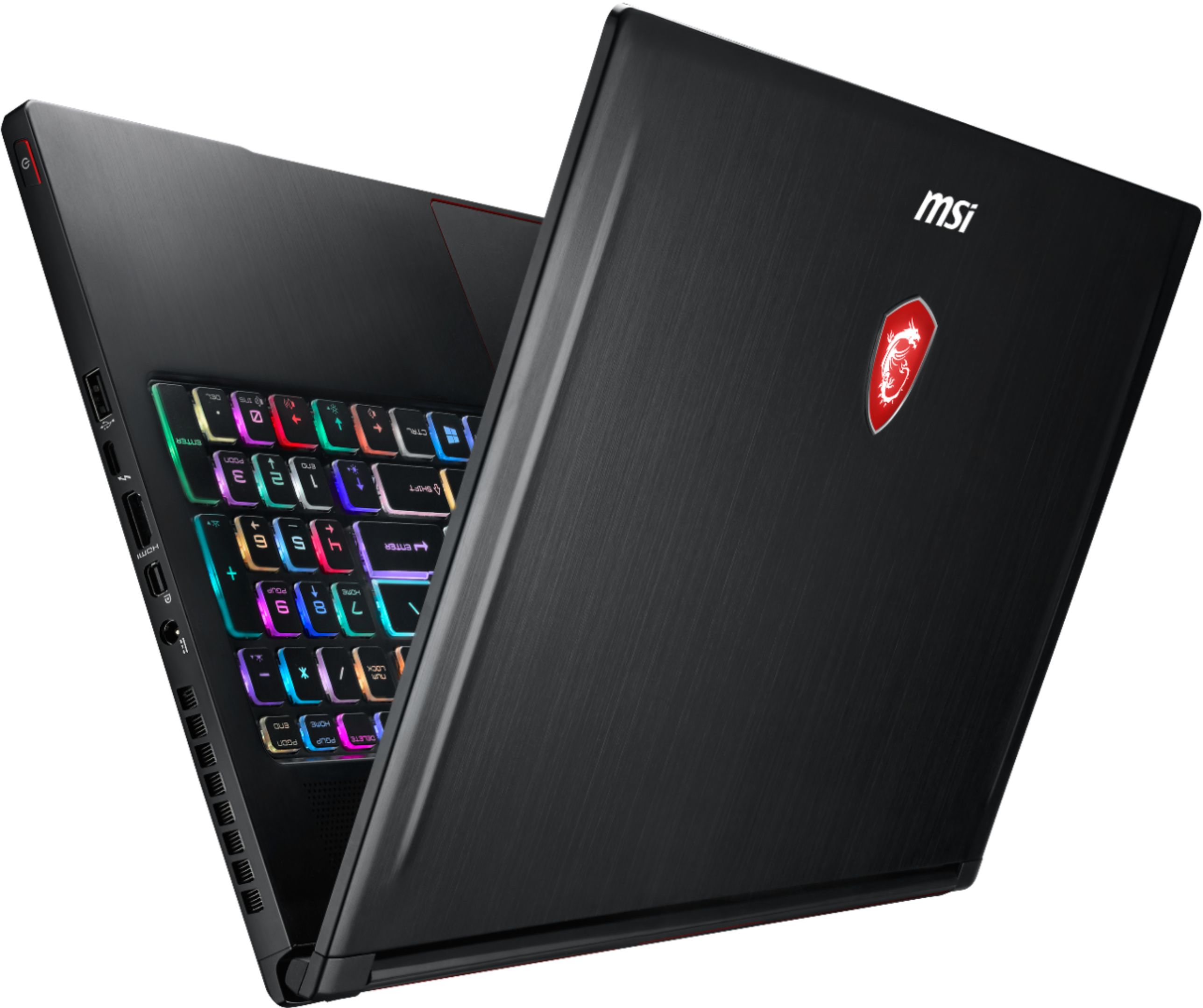
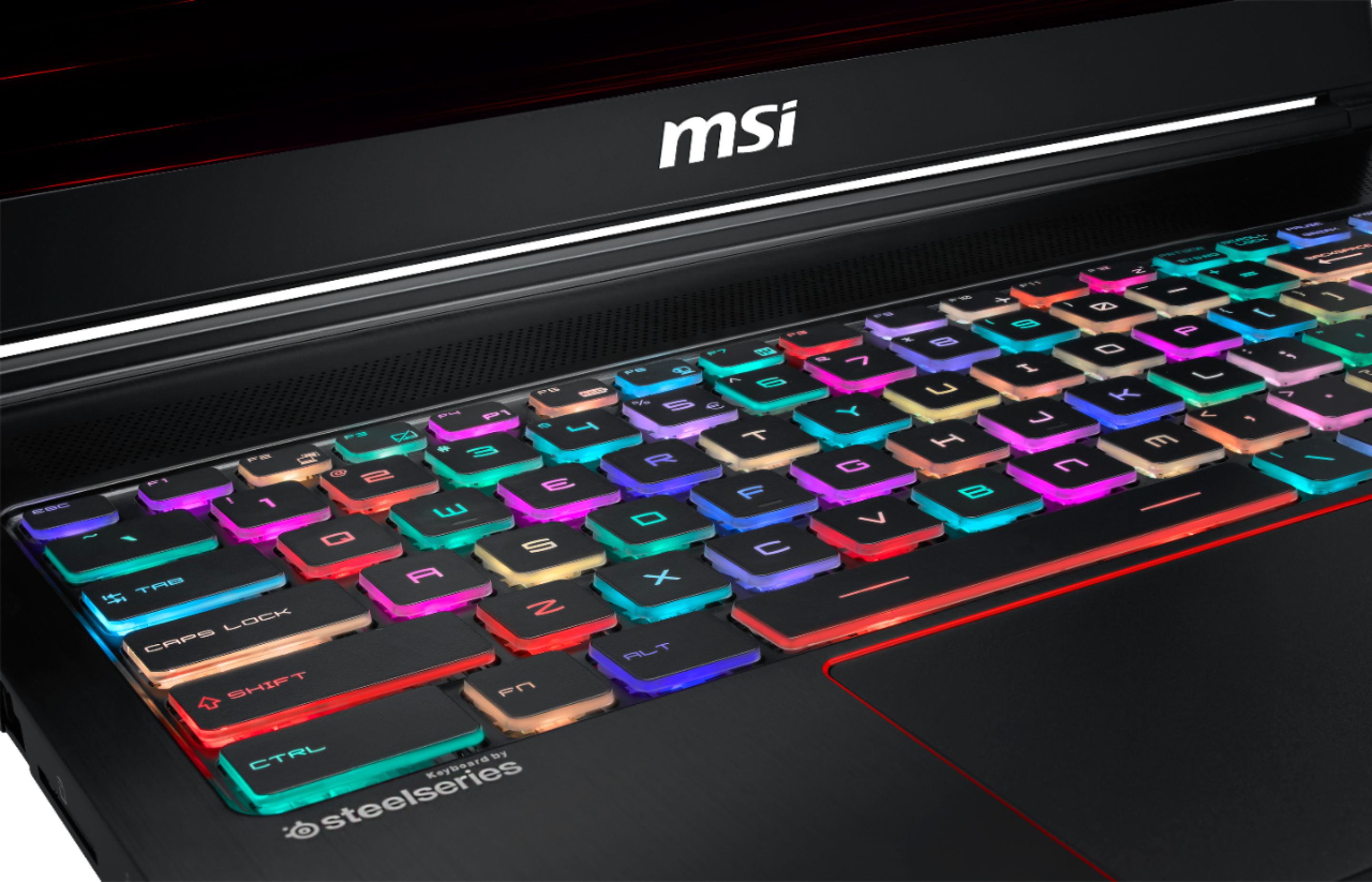
A:AnswerI play the Sims with all the expansion packs and the laptop performs well. No skipping or lagging. The cool burst fan protects the laptop from overheating which is great for long time gaming. The customizable lighted keyboard is a feature I didn’t realize would be so helpful until I tried it. You can customize each key individually or as a group to be a specific color pattern. You can can save keyboard patterns for specific programs. This is great because you can color coordinate controls like accelerate as green across different games, so you only have to remember what color each function is no matter what game you are playing.
A:AnswerI think it works amazing, I use my laptop for a long time and It never heats up because the fans work amazingly well and you can also make the fan work more if needed which i don't really recommend but its still a feature you can use :D
A:AnswerIf you put the laptop in one of many battery/power usage modes (the one being performance or sport mode), the laptop has quite efficient render times. I edit YouTube videos as a hobby and it runs fine. there is also an option to free up memory with one click of a button which helps as well. It runs smoothly and I haven't faced a problem with it yet. Hope this helps!
A:Answerit depends on what you do to your laptop. gaming really produce lots of heat so yeah. but the keyboard won't be affected because i played pubg for one hr and the keyboard is not hot to touch