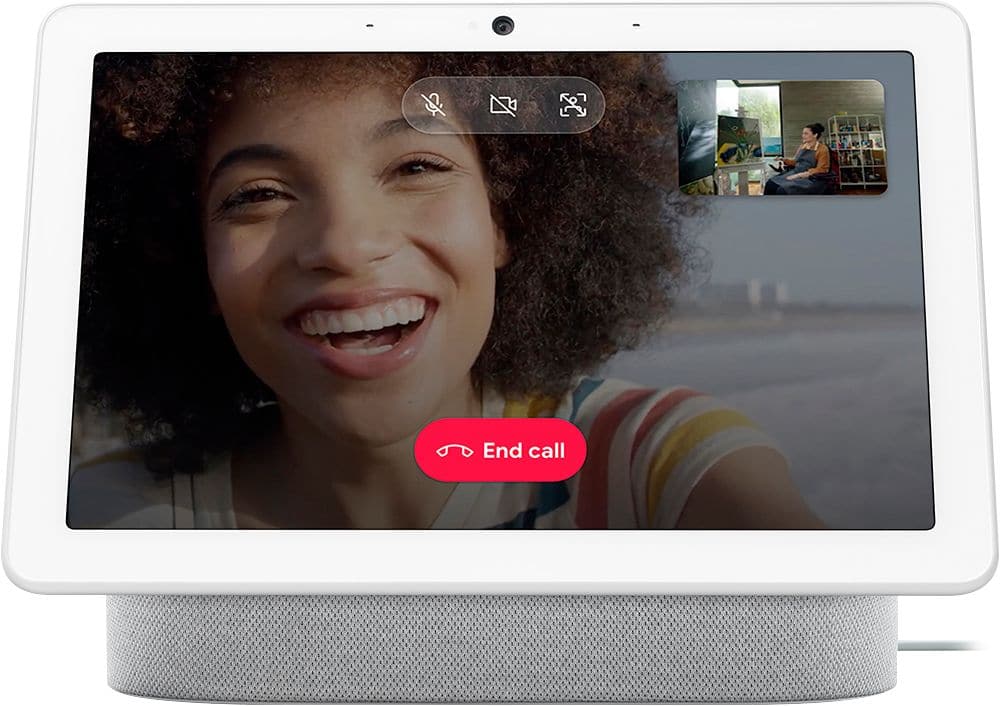
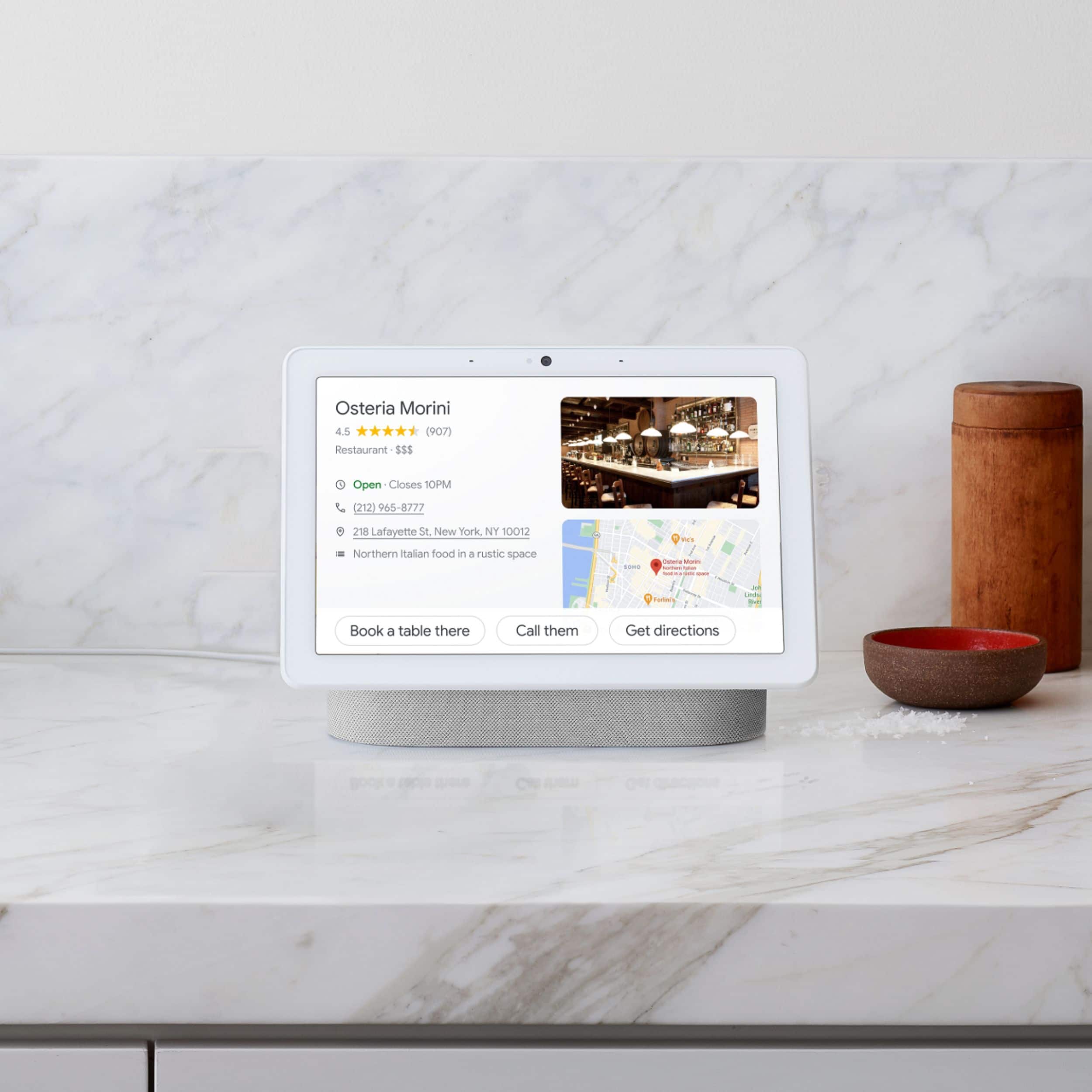
A:AnswerYES. Google Nest Hub Max’s smart camera with Face Match displays your relevant information, like upcoming Zoom meetings. And with Google Calendar and Google Assistant integration, joining is as easy as saying, “Hey Google, join my Zoom meeting.” Zoom will be rolling out to Nest Hub Max later this year. (from the Zoom website, 23 November 2020)
A:AnswerNO, you can't view multiple nest cameras at once. I purchased this product because someone answered yes, but this is incorrect. Just like on the old hub you can only view one camera at a time.
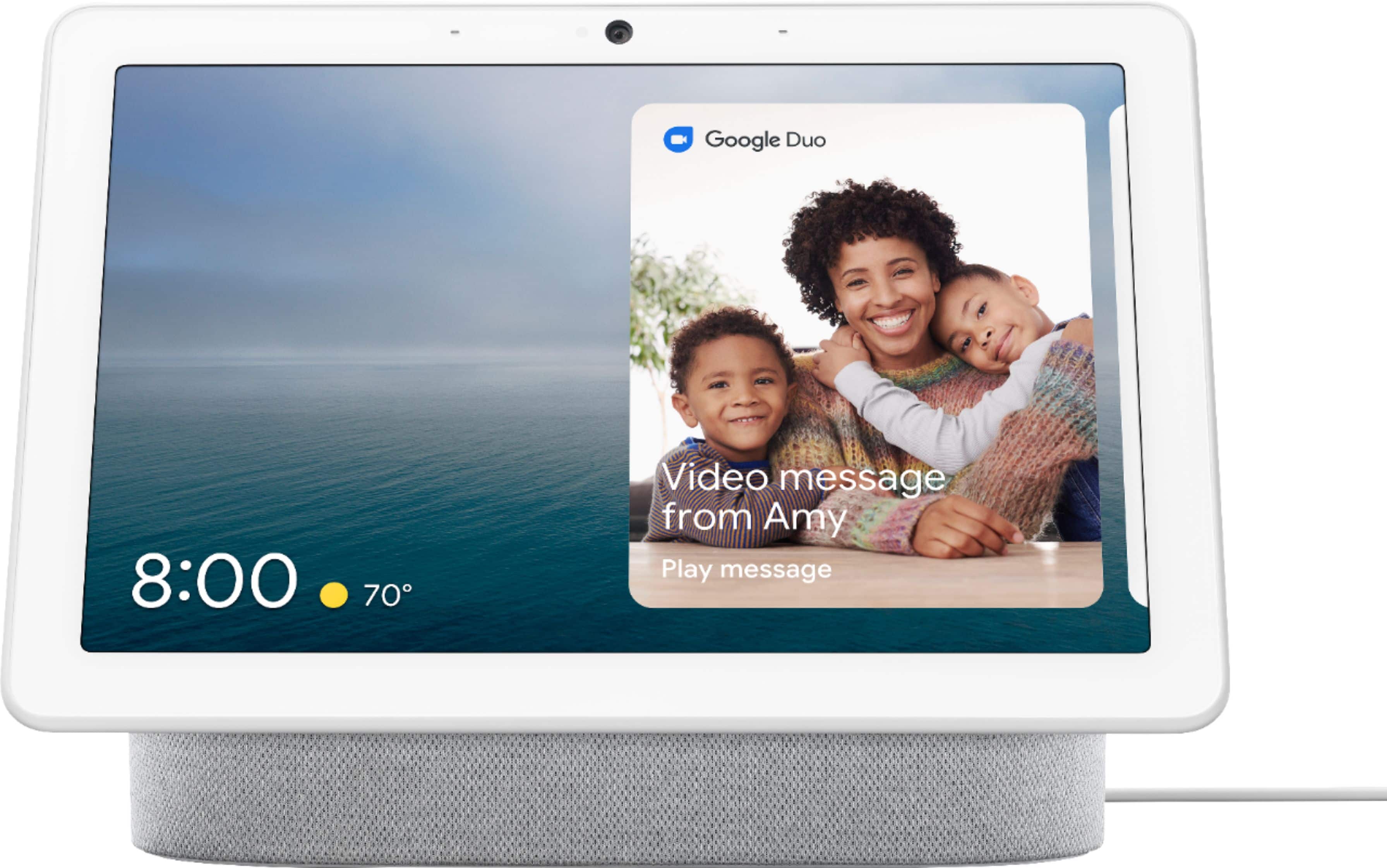
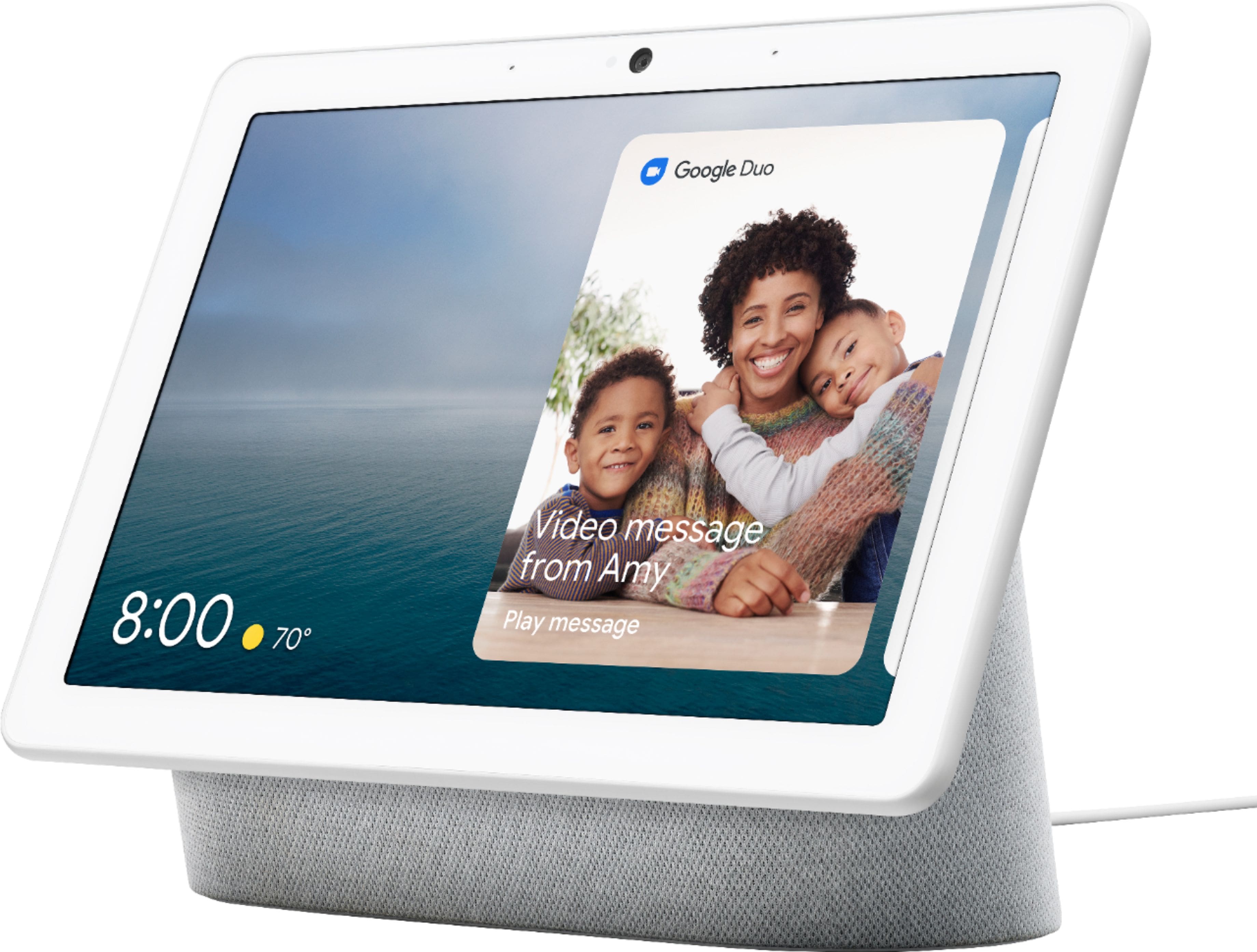
A:AnswerUnfortunately, Nest Hub Max doesn't support WhatsApp. There are 3 different ways to make a call with Nest Hub Max: Duo calling, Google supported calls, and Carrier calling. Please take note that Nest Hub Max will require a Wi-Fi connection to perform its functionalities. You can find more details on making calls with Nest Hub Max here: https://support.google.com/googlenest/answer/9849261
A:AnswerNo. Nest Hub Max doesn't support Whatsapp and FB messenger video calling. There are 3 different ways to make a call with Nest speakers and displays; Duo calling, Google supported calls, and Mobile calling. Please take note that Nest devices will require a Wi-Fi connection to perform its functionalities. Take a look at the following link for more details: https://support.google.com/googlenest/answer/9849261