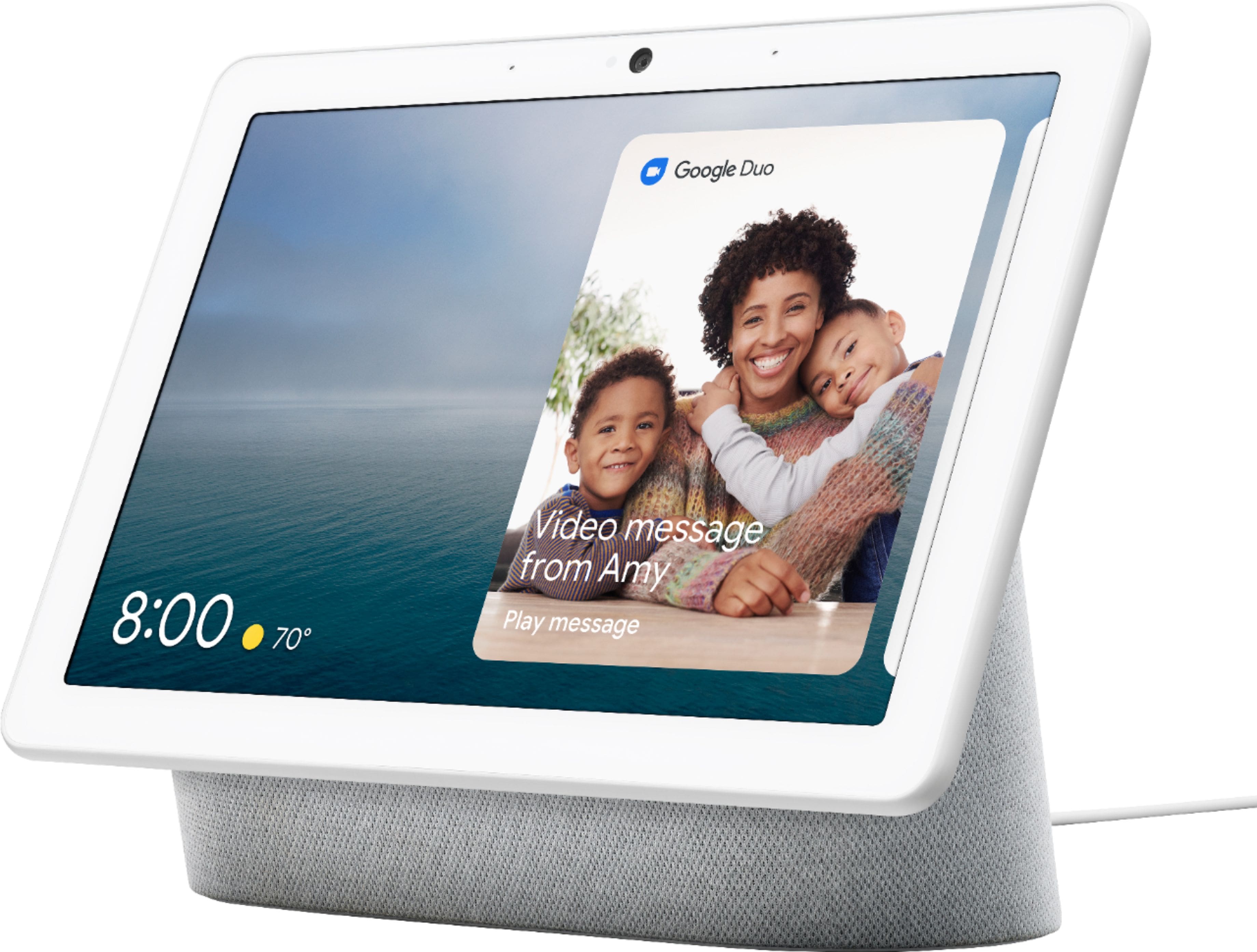
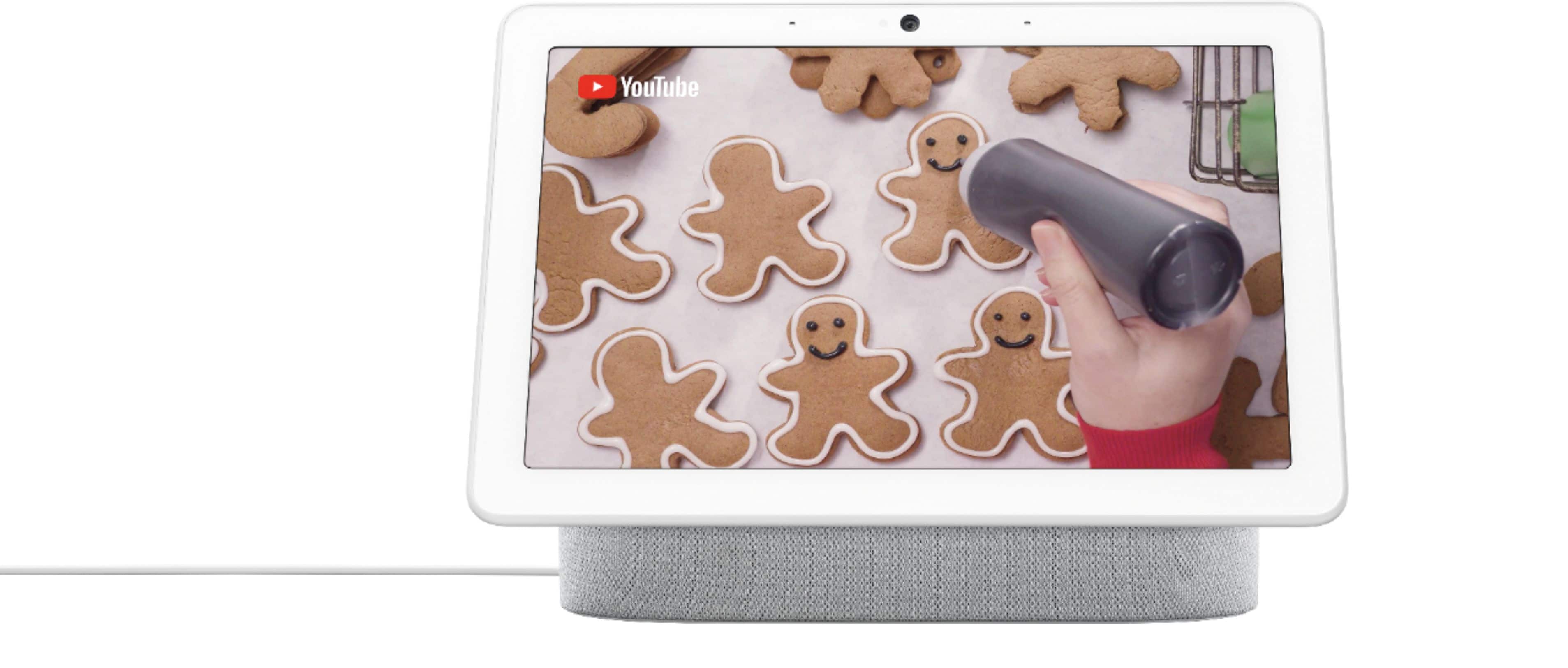
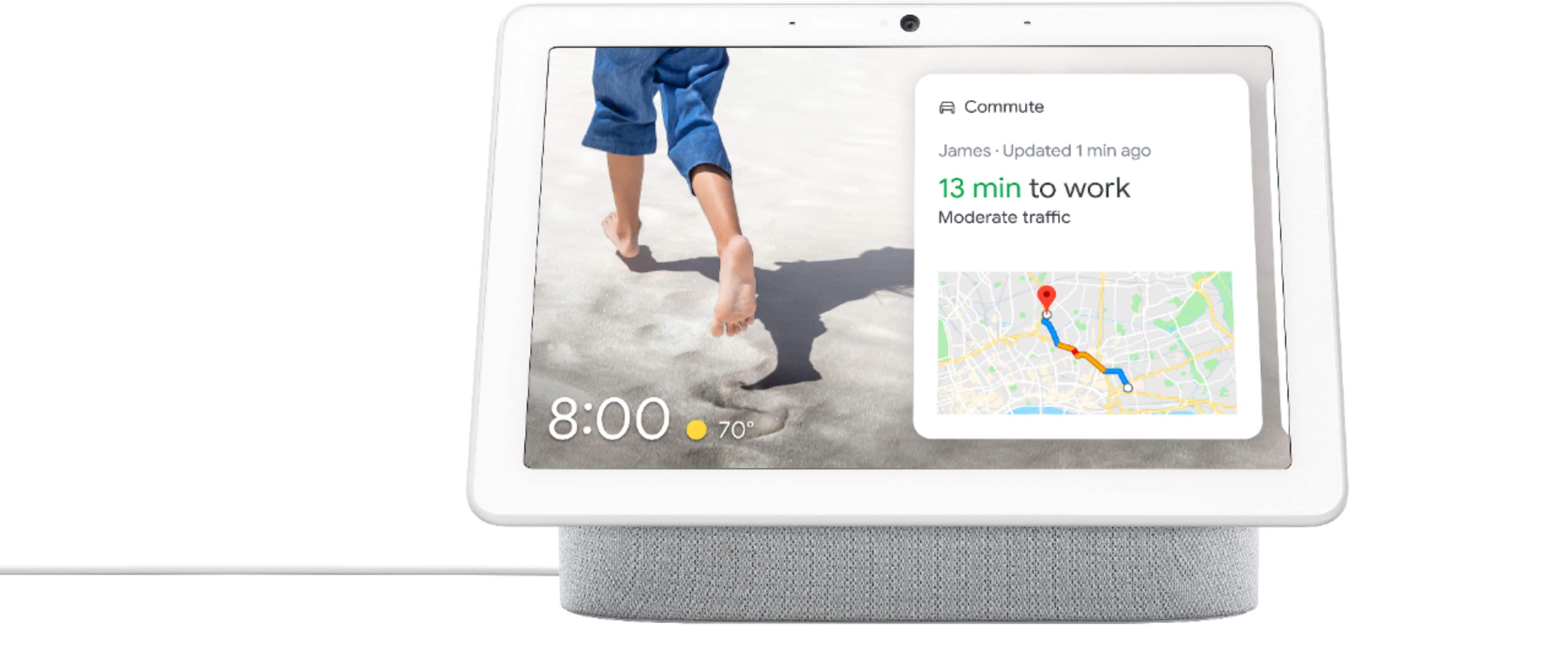
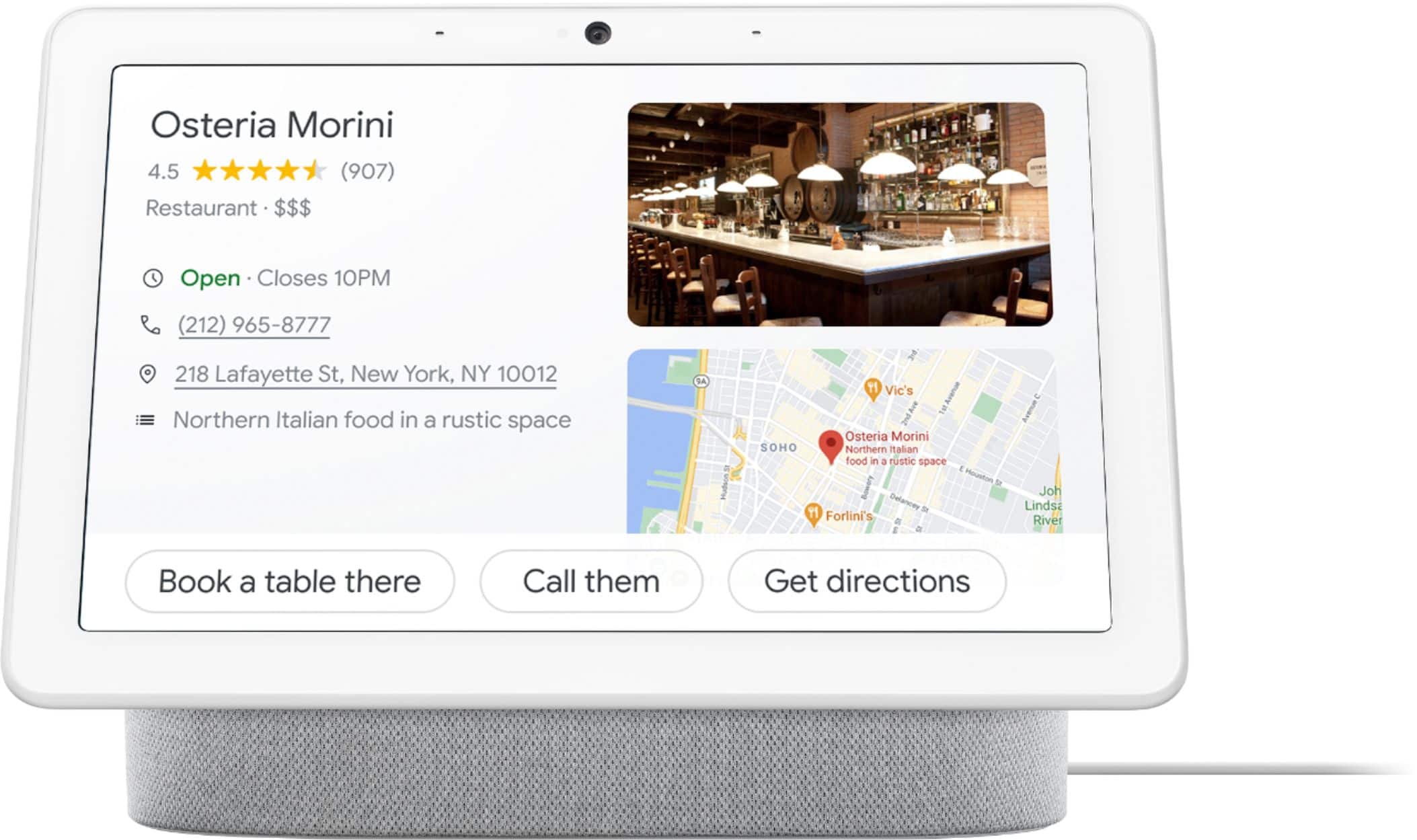
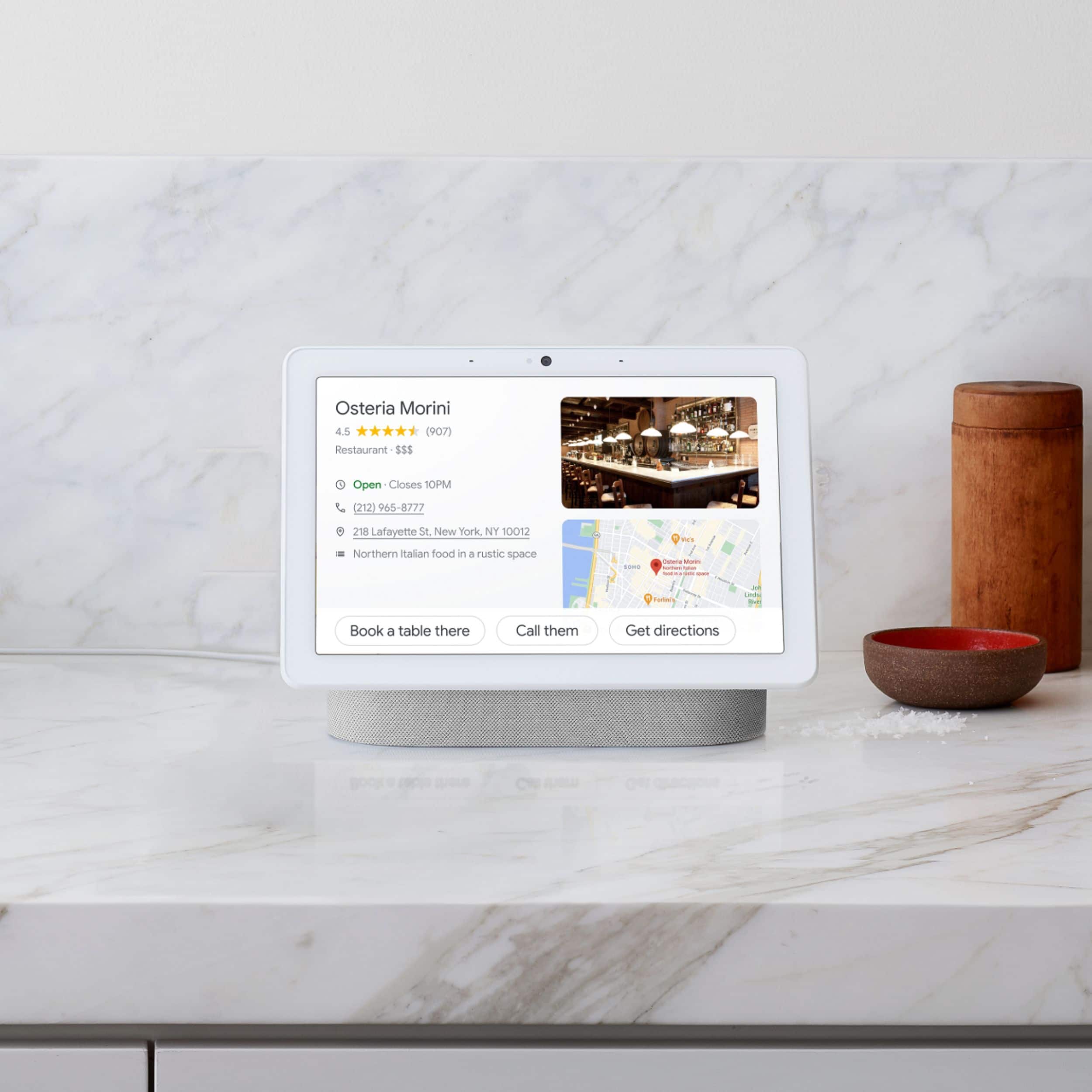
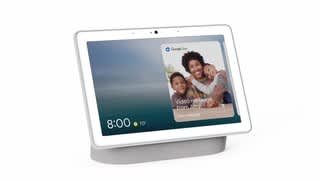
A:AnswerGreat question. Yes, the Nest Hub Max uses Gemini for Home, which means it can help you with everyday tasks such as controlling your smart home, discovering and playing media, getting information, and organizing household activities. Check out this link for more information: https://support.google.com/googlenest/answer/16613534
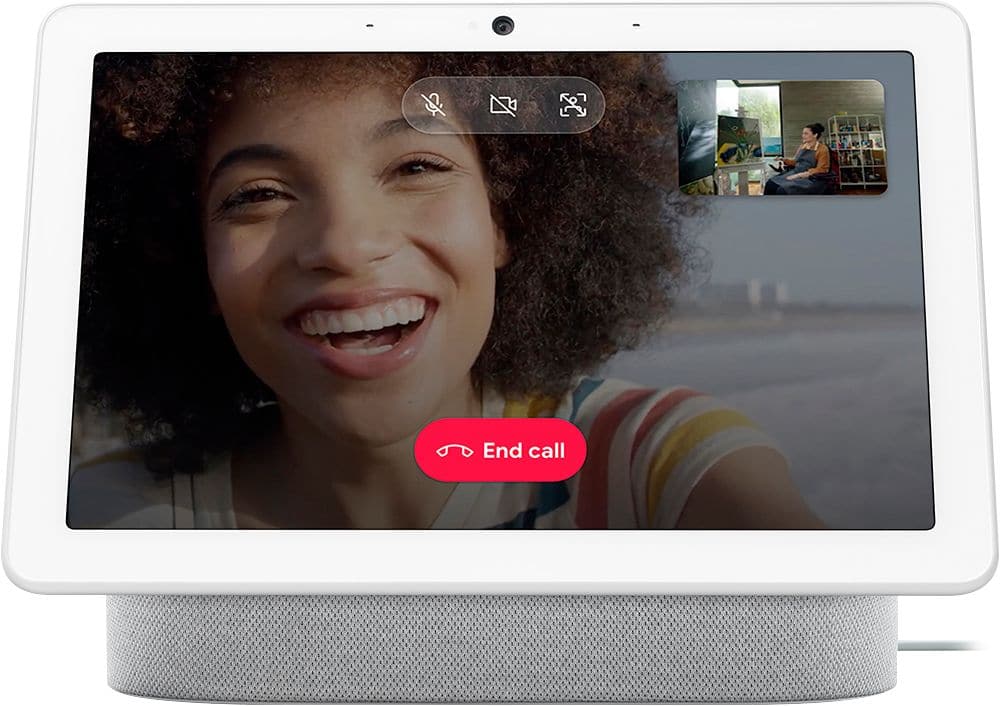
A:AnswerThanks for asking, Laurie! You can make and receive audio and video calls on your Nest Hub Max using Google Meet. Here is a link with more information on how to get that set up: https://support.google.com/googlenest/answer/14114319?hl=en
A:AnswerHey there. The Nest Hub Max supports several languages — here’s how to change to the one you want:
1. On your mobile device, open the Google Home app
2. At the top right, tap your Profile picture or Initial.
3. Tap Home settings > Gemini for Home voice assistant or Google Assistant > Languages.
4. Tap Add a language and then the current language set.
5. Choose from the list of available languages.
Reach out to us anytime here: https://support.google.com/googlenest/gethelp
A:AnswerHey there, shuggy. Yes! When connected to a streaming service you may ask it to play a certain song or artist. Here's a link with more information: https://support.google.com/googlenest/answer/7030379?hl=en
A:AnswerHey there. Enjoying music or podcasts is a great experience on the Nest Hub Max. Here’s a link with more information: https://support.google.com/googlenest/answer/7072284
A:AnswerHey there, Vkm. The Nest Hub Max works with various door locks. To confirm if a specific brand is compatible, our suggestion is to reach out to the company directly.
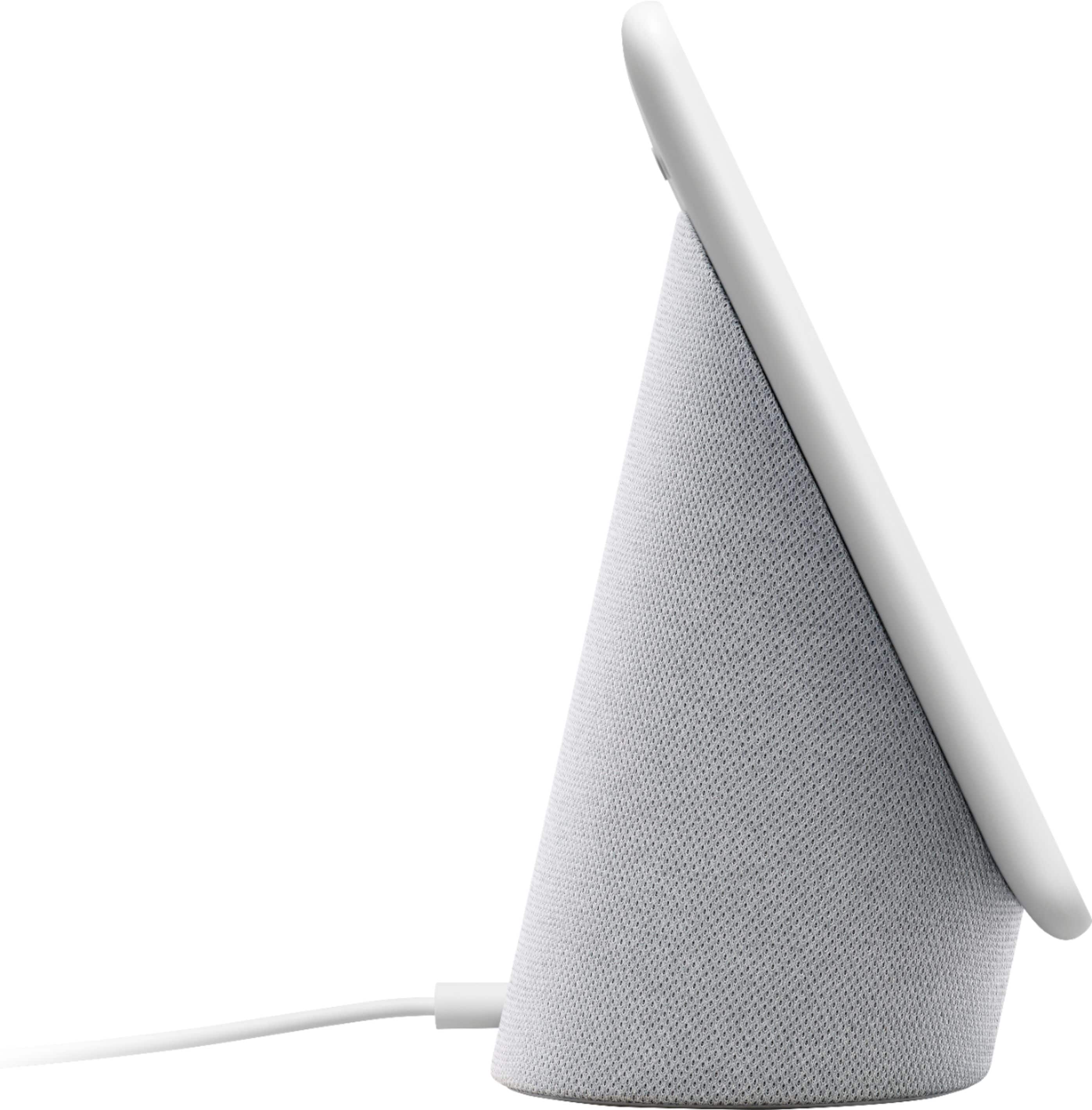
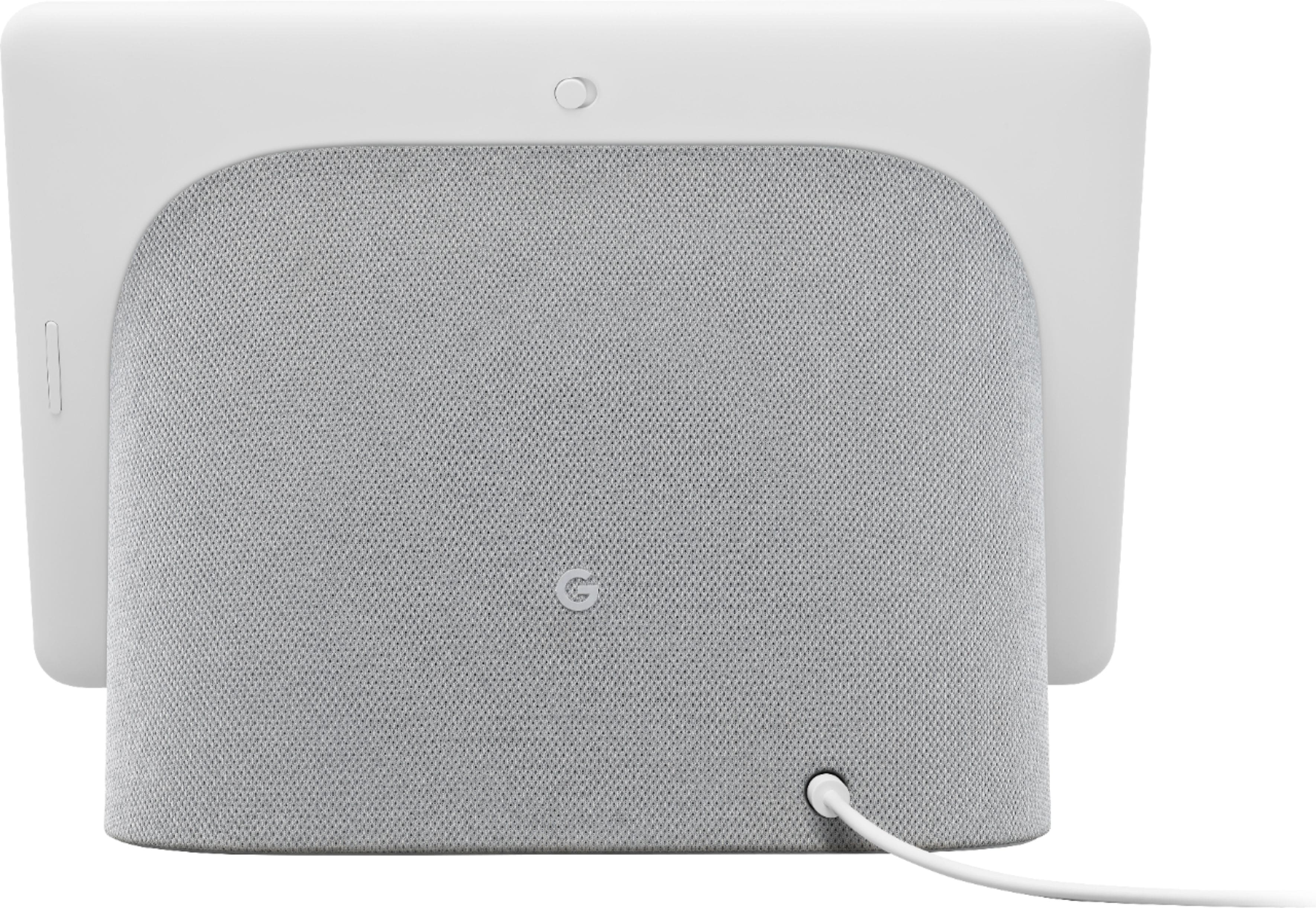
A:AnswerHi there, deb. The Nest Hub Max doesn’t have any ports except for its power adapter. It uses your Google Photos to display pictures you have stored there.
A:AnswerThanks for asking, JimmyP. Yes! The Nest Hub Max includes a built-in Nest Cam, allowing you to monitor your home remotely with live view and activity alerts. Check out this article for more information: https://support.google.com/googlenest/answer/9449420?hl=en
A:AnswerThanks for asking. Yes, the Nest Hub Max can connect to your Nest Doorbell to show you who’s at your front door and ring when the doorbell is pressed. Here’s a link with more information: https://support.google.com/googlenest/answer/9136995
A:AnswerThanks for the inquiry, Mysterylady. The Nest Hub Max supports controlling Matter-enabled devices. Here’s a guide with more information regarding setting up Matter-enabled devices: https://support.google.com/googlenest/answer/13127223?