A:AnswerYes, you can add your Roku device to Google Home on Nest Hub Max. You can check the steps to set up here: https://support.google.com/googlenest/answer/9159862
A:AnswerRight now, you can connect up to 6 supported BLE Bulbs on Google Home such as C by Ge and Philips Hue Bluetooth bulbs with each Google Nest or Home device.
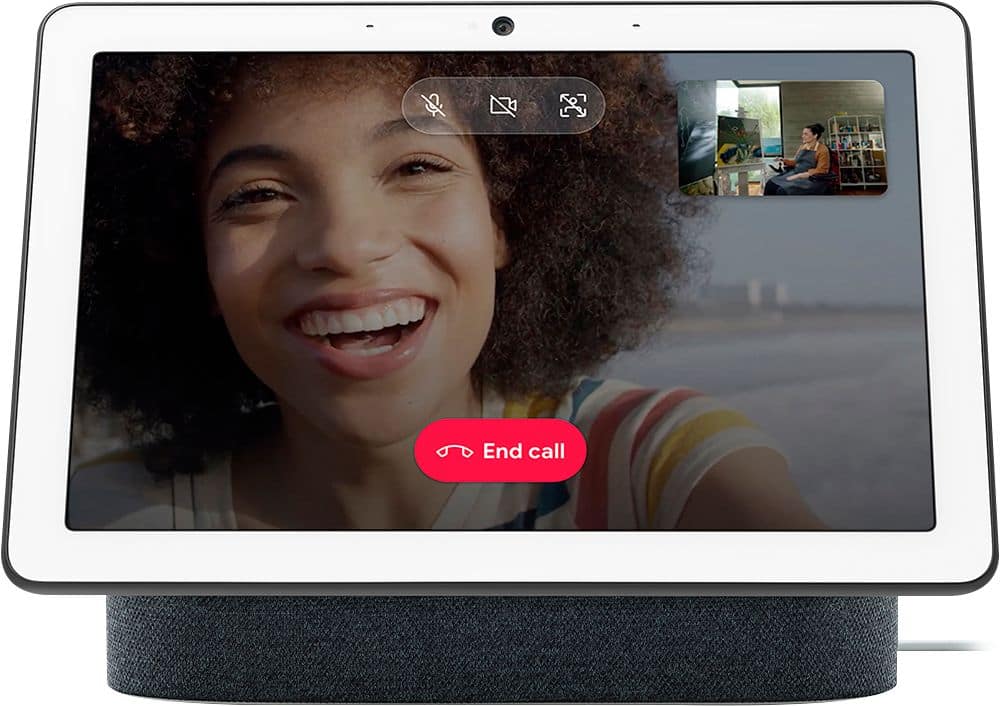
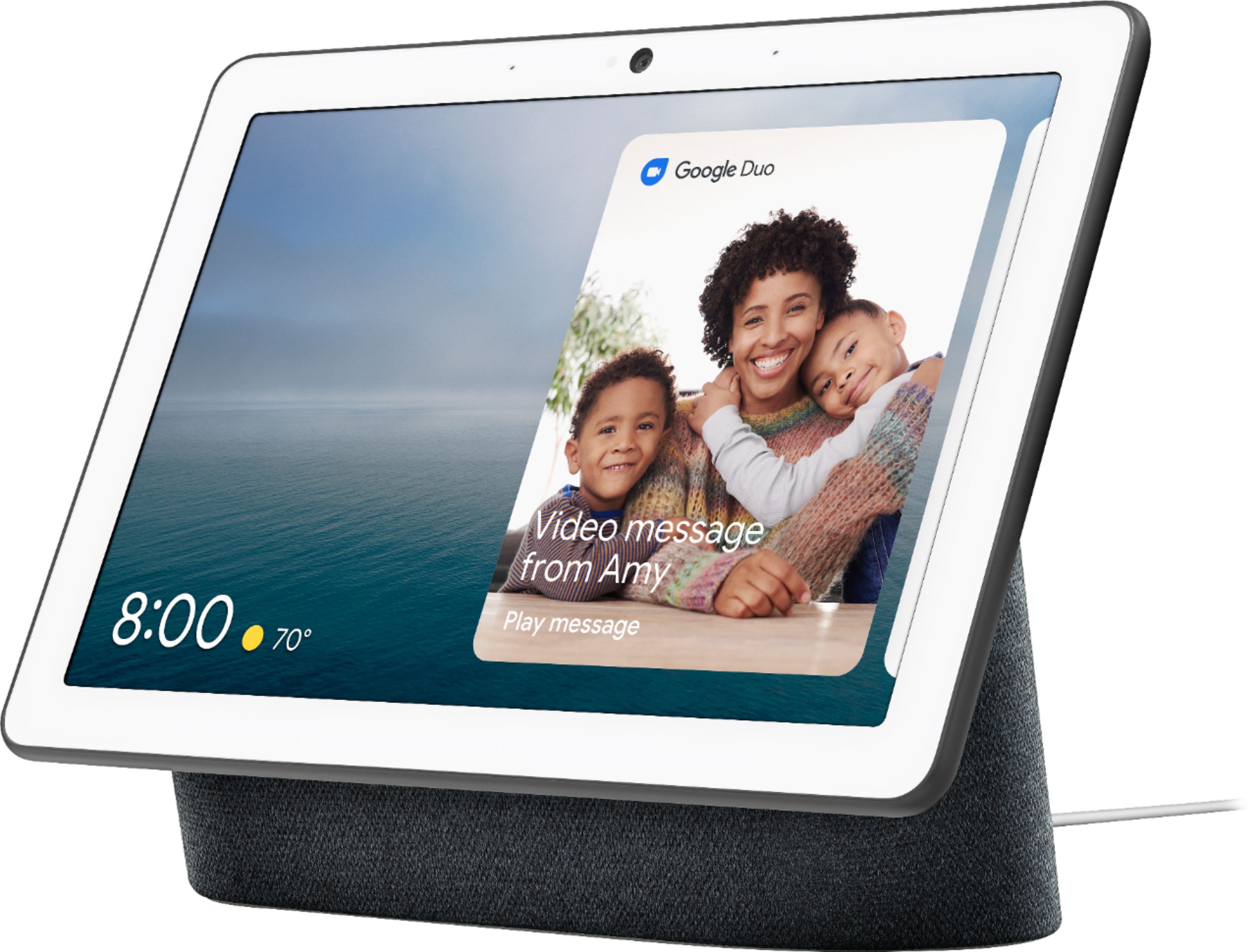
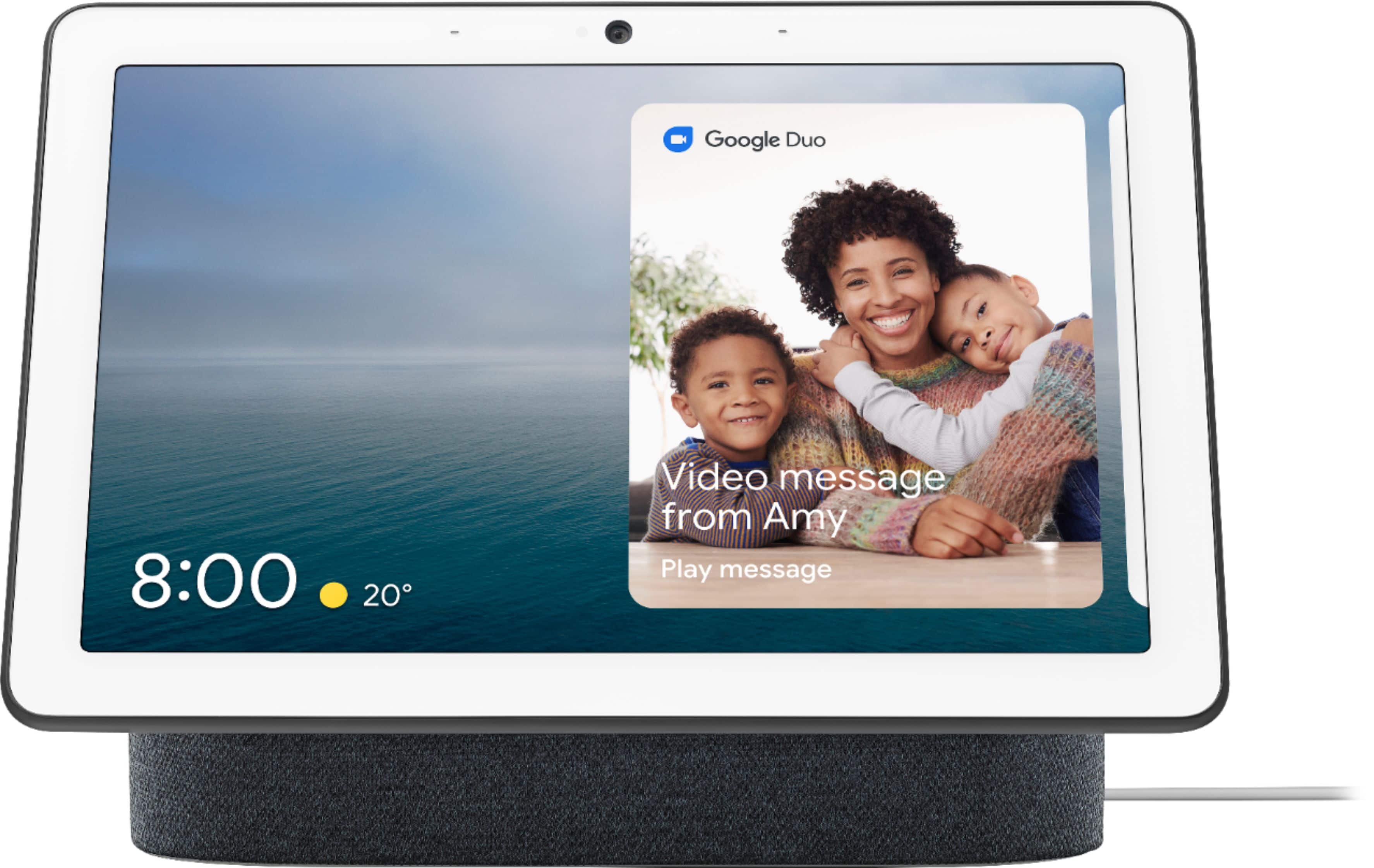
A:AnswerNest Hub Max can make and receive video calls. For more info, you can have a look at this support article : https://support.google.com/googlenest/answer/7363847
You can also make and receive Duo calls with other Duo users. You can find more info in the following support article :https://support.google.com/googlenest/answer/91656311
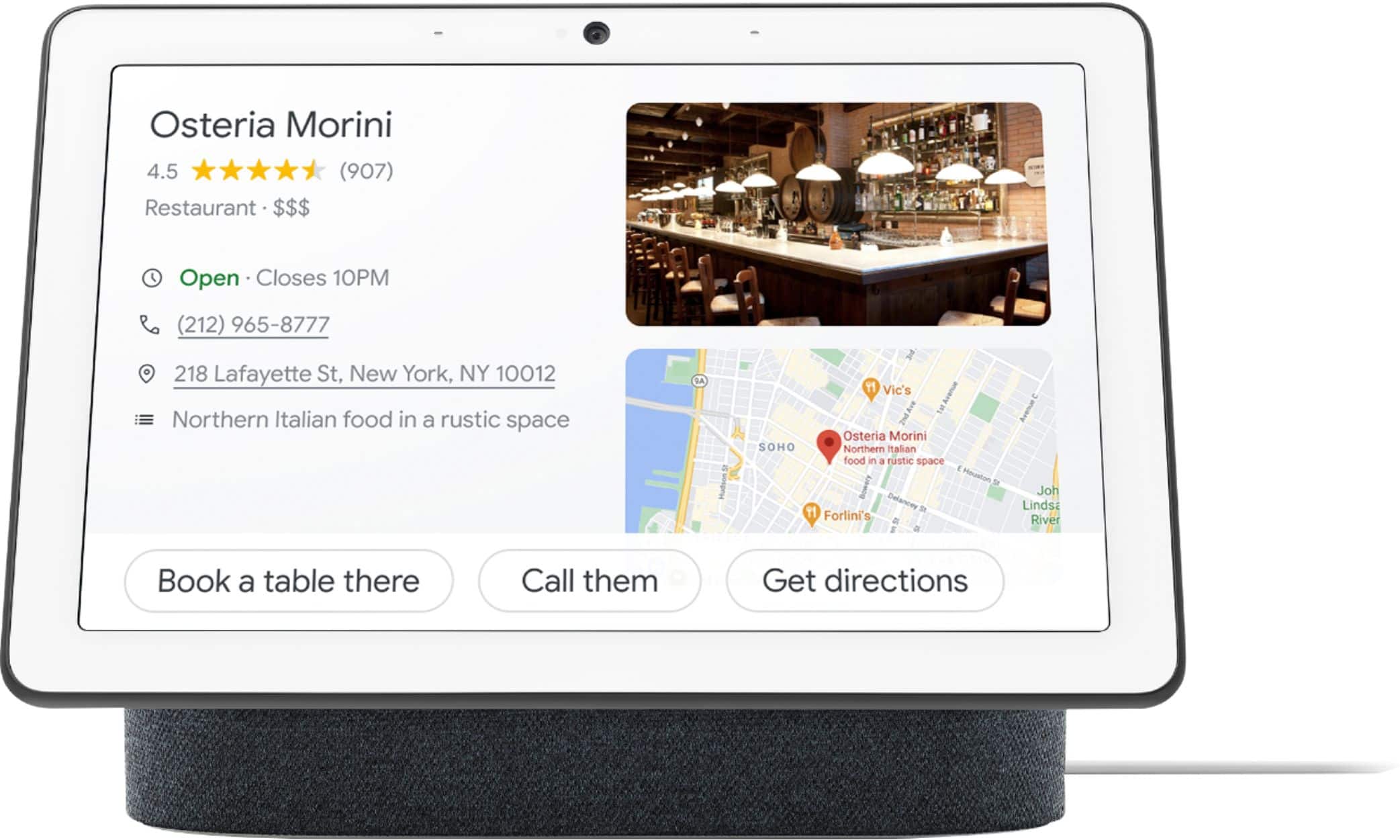
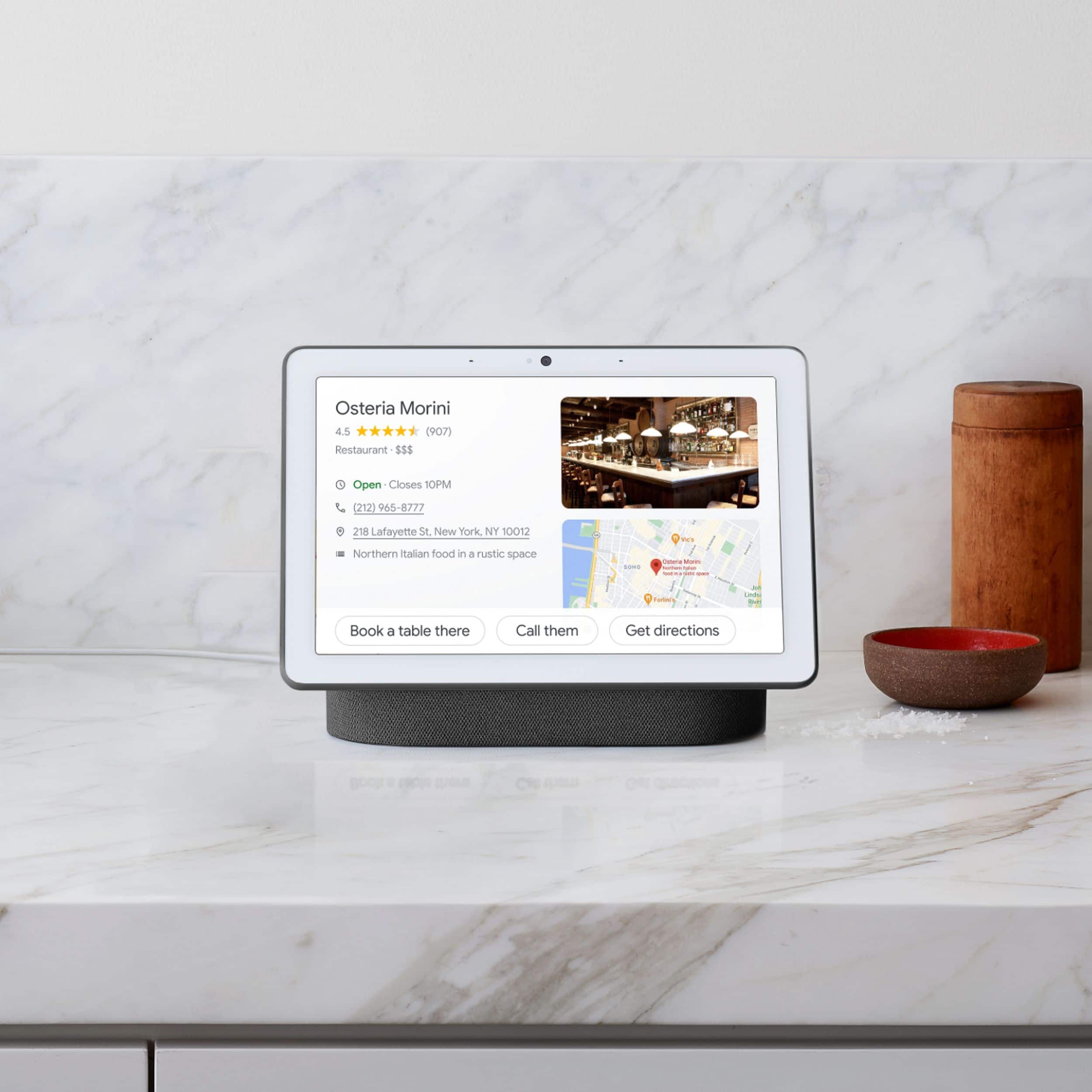
A:AnswerNest Hub Max doesn't have Chrome browser but it has Google Assistant which makes it easier for you to share reminders and to-do lists. check your own calendar, and more with just a glance. You can even enjoy Google Photos, YouTube TV, videos, and music.
To know more about the Nest Hub Max click the link below:
https://support.google.com/googlenest/answer/9334359?hl=en
To check the specifications click the link below:
https://support.google.com/googlenest/answer/7072284?hl=en
A:AnswerYes. I did this in my kitchen to get stereo sound. You create a new speaker "group" - kitchen group in my example, and call it up when wanting to play something.
A:AnswerIf you have a Nest or other smart thermostat it and have it connected to you account it will tell you what your House temperature is and what the thermostat is set at.