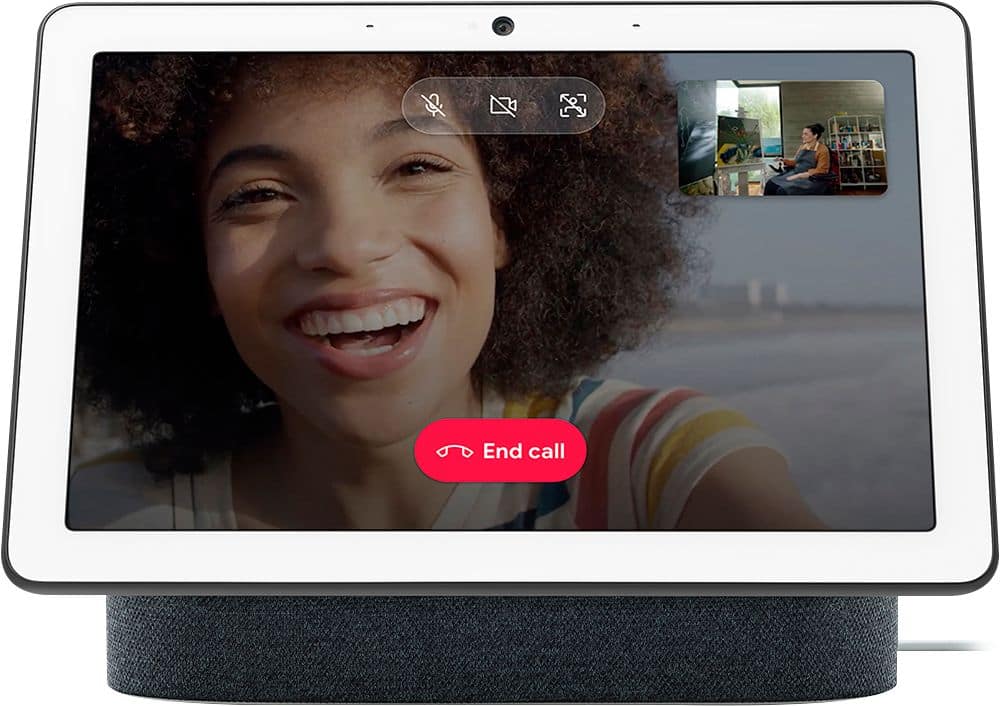
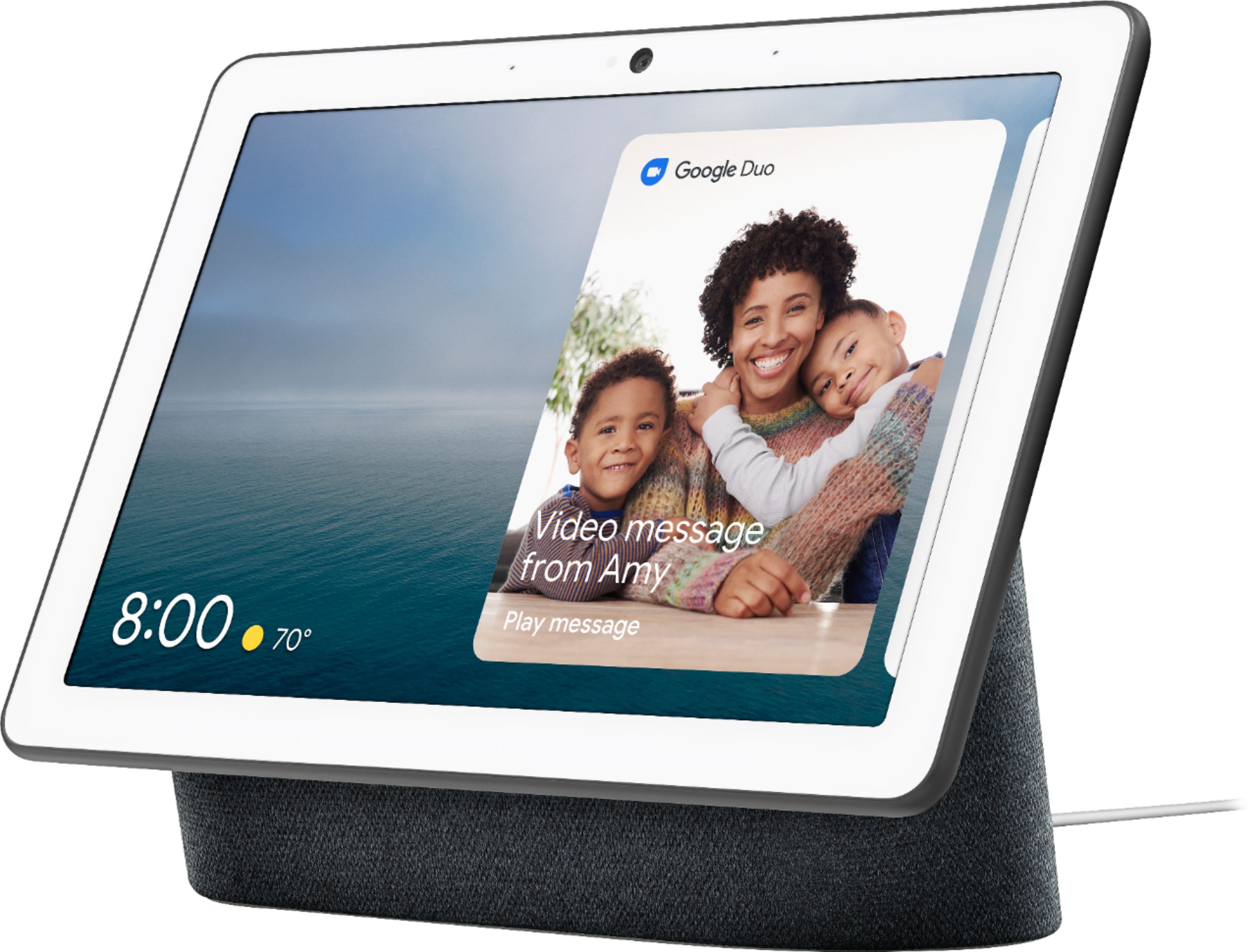
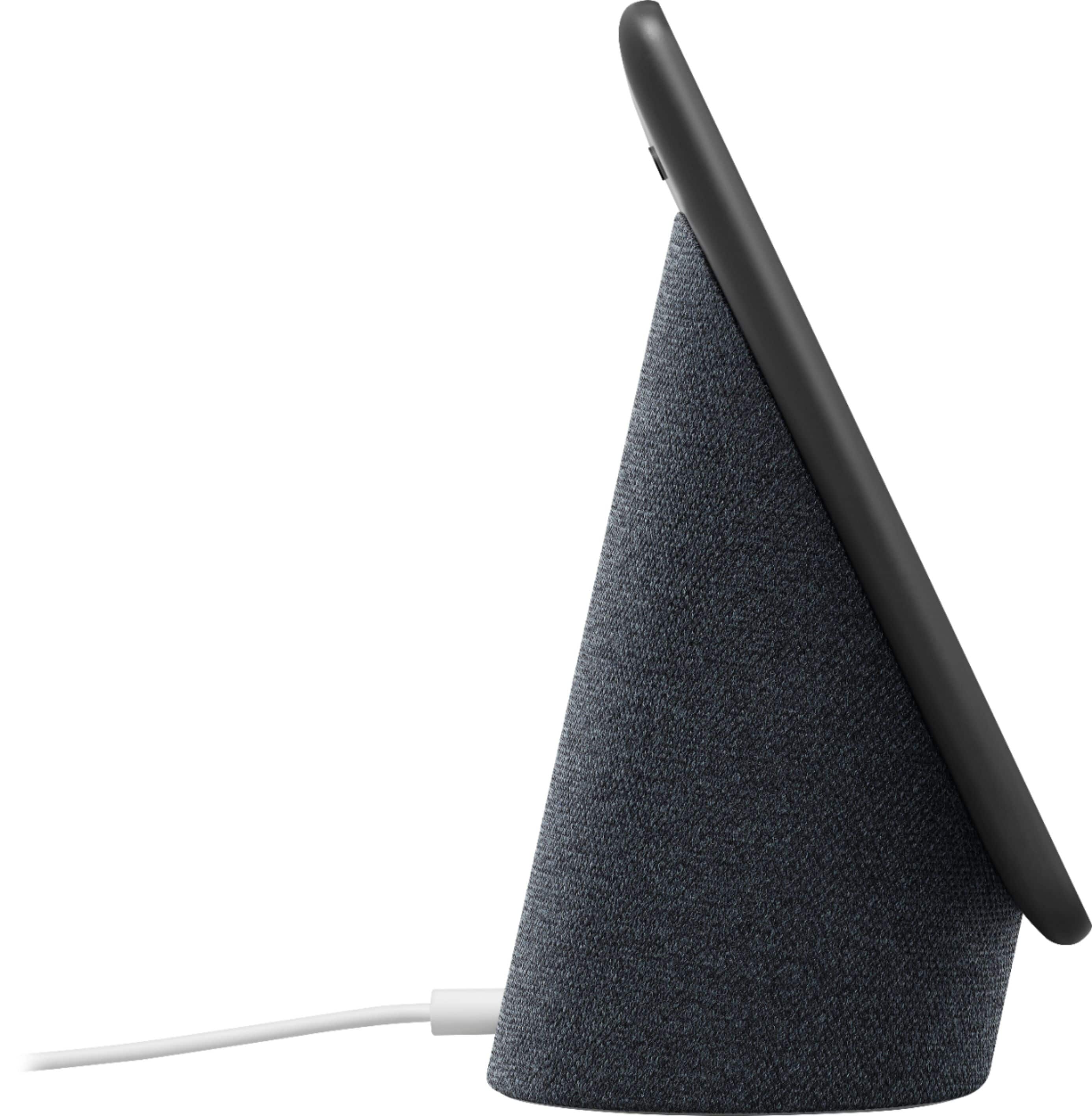
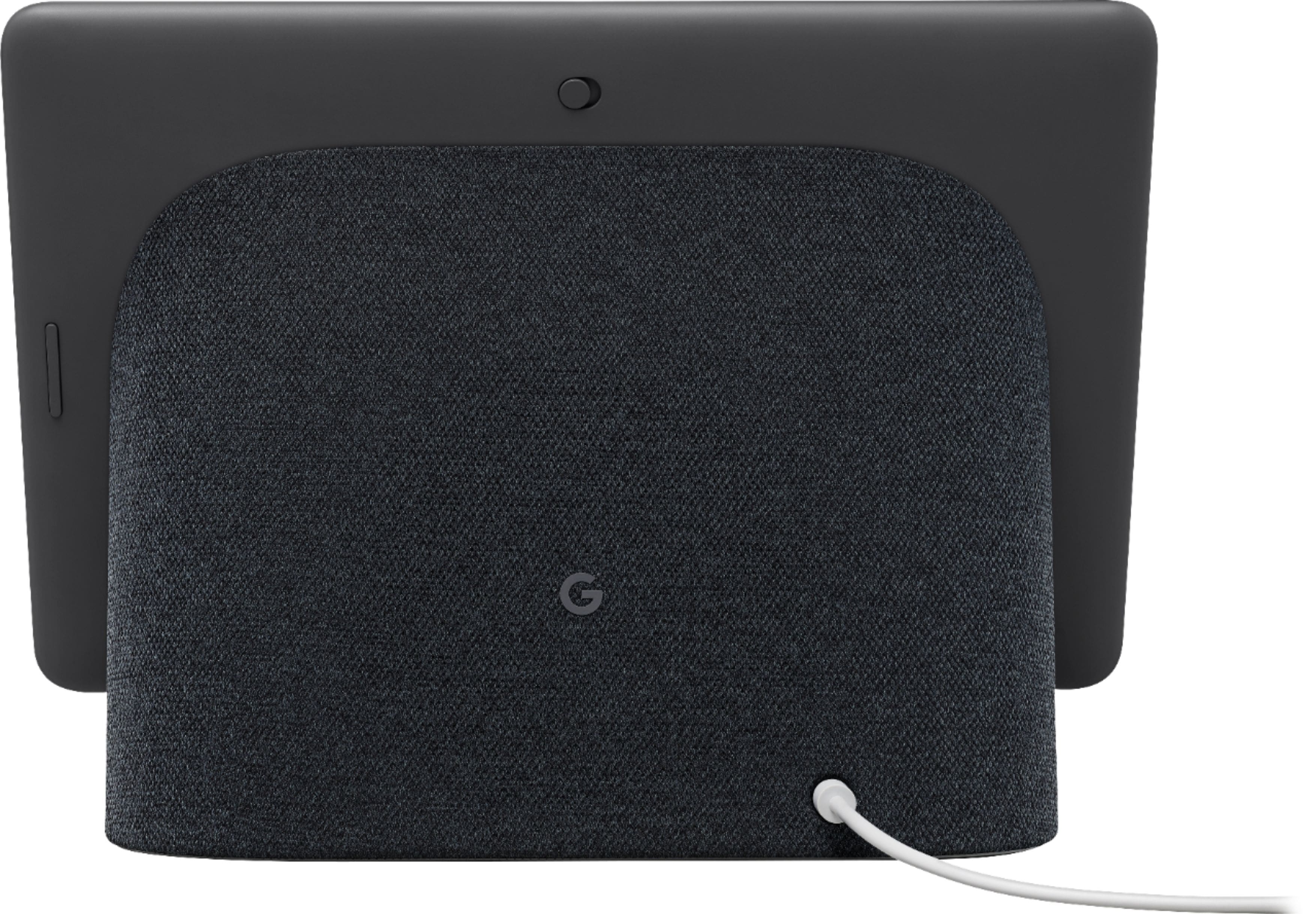
A:AnswerYou just ask Google to show you the camera. If your camera is in the back yard, and you have named the camera Back Yard in the Nest app, just say "Hey Google, show me the back yard." The video from the camera should begin streaming to the Hub Max.
A:AnswerIf the device belong to the same google account the notifications will come to the email associate wit the account. It’s super easy. Once you associated the device with your google/gmail account all notifications will be sent to that email. I hope I was able to help.
A:AnswerTo clarify: Actual phone calls made through this device can only be done within the US and Canada.
But, if video chatting with another Home Hub Max device, you can call anyone anywhere, as long as they have a Google Duos account.
A:AnswerThanks for the inquiry, PaulP29687. The Nest Hub Max supports controlling Matter-enabled devices. Here’s a guide with more information regarding setting up Matter-enabled devices: https://support.google.com/googlenest/answer/13127223?
A:AnswerIs the camera turned on on the Hub? You have to swipe up from the bottom of the screen to get the controls for the camera to show on the screen.
A:AnswerThanks for considering the Nest Hub Max as a Christmas gift. Return policy may vary per point of sale, and we encourage you to contact your retailer for details. For concerns around the performance and functionality of the Nest display, feel free to get in touch with us here: https://support.google.com/googlenest/gethelp
A:AnswerUnfortunately, Nest Hub Max doesn't support Zoom, WhatsApp and Facebook. There are 3 different ways to make a call with Nest Hub Max: Duo calling, Google supported calls, and Carrier calling. Please take note that Nest Hub will require a Wi-Fi connection to perform its functionalities. You can find more details on making calls with Nest Hub Max here: https://support.google.com/googlenest/answer/9849261
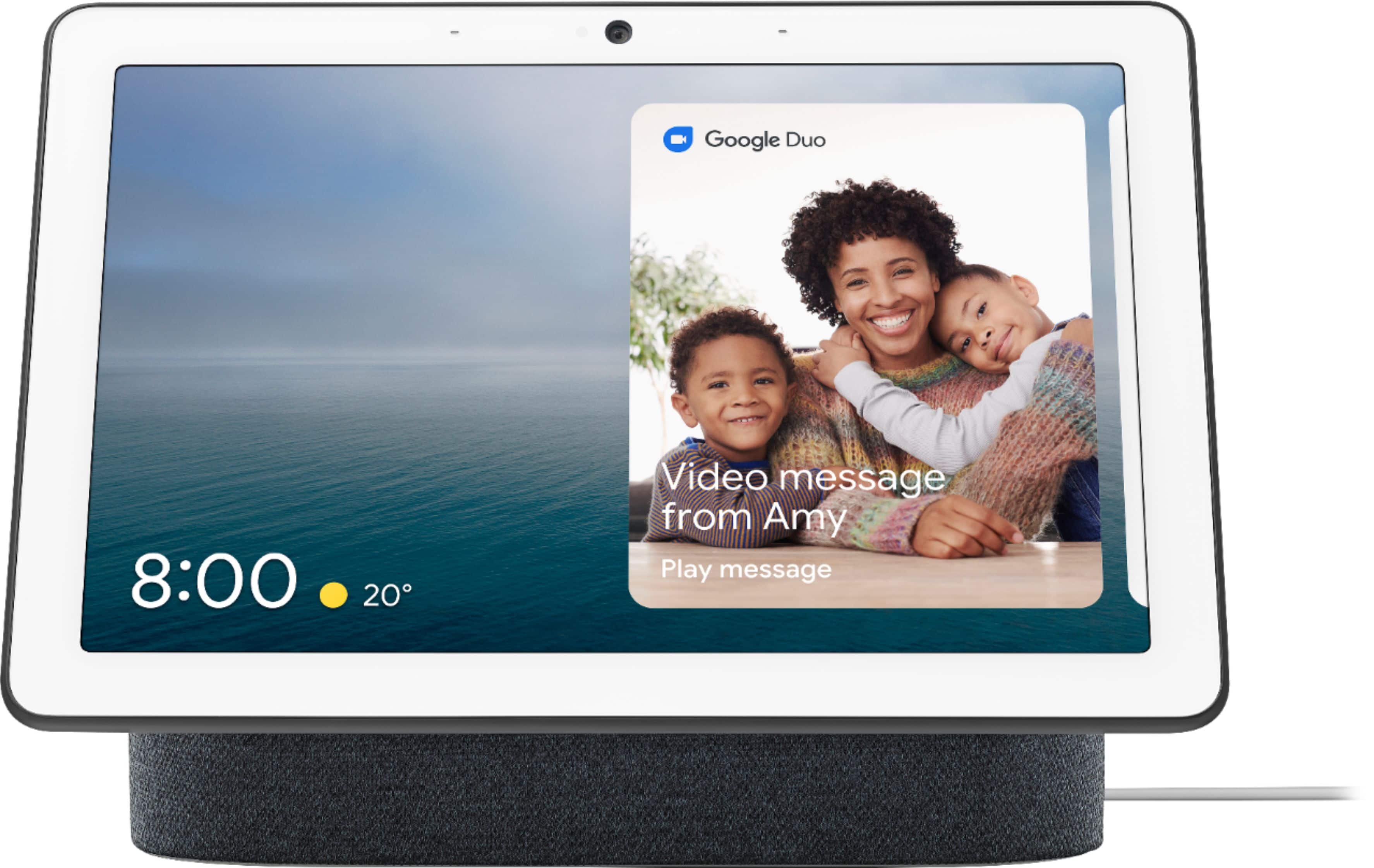
A:AnswerYou can video call your contacts with a Google Duo account on Nest Hub Max for free. Take a look at the following link for more details: https://support.google.com/googlenest/answer/9165631
A:AnswerYes. You can cast contents from Xfinity Stream app to Nest Hub Max. Most cast enabled apps are supported by Nest Hub Max.
You can also link a partnering app to Nest Hub Max such as YouTube TV, Sling TV, Hulu and many more to watch TV shows, movies and live channels. Find out more information here: https://support.google.com/googlenest/answer/7214982
A:AnswerPinterest isn't supported on your Nest Hub Max. But, you can still find and make your favorite recipes using step-by-step cooking instructions from your Google Assistant or search for a recipe from one of our supported cooking partners on your phone or tablet and send it to your Nest Hub Max. You can find more details here: https://support.google.com/googlenest/answer/7309433